Exploration & adventure探索・アドベンチャー
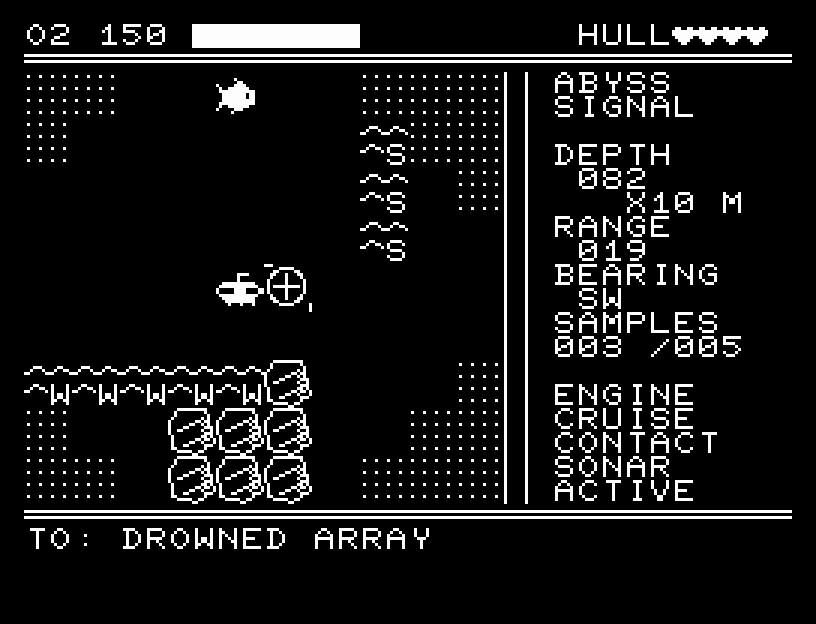
ABYSS SIGNAL
Survey underwater ruins while managing sonar and oxygen.ソナーと酸素計を頼りに海底遺構を観測
51 GAMES / 16 KB
51 games for the JR-100. Find a game, download its .prg for MiSTer FPGA, or try it in your browser.JR-100のゲーム51作品。遊びたい作品の.prgをMiSTer FPGA用に保存したり、ブラウザーで試したりできます。
Unzip, then copy the JR100 folder into games/ on your SD card. Includes launch instructions and license.ZIPを展開し、JR100フォルダーをSDカードのgames/へコピー。起動手順とライセンスも同梱しています。
Still at READY? TypeREADYで止まる場合は A=USR($0300) and press RETURN.を入力してRETURN。
First-time setup / SuperStation One初回設定・SuperStation Oneの手順
51 games
No games found. Try another title or clear the filters.該当する作品がありません。別の語句に変えるか、絞り込みを解除してください。
Survey underwater ruins while managing sonar and oxygen.ソナーと酸素計を頼りに海底遺構を観測
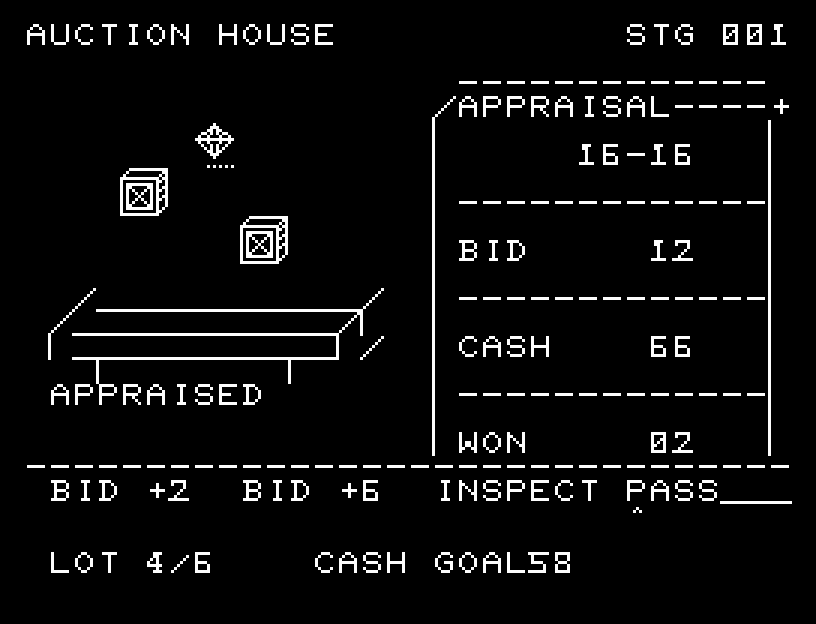
Use jump bids, paid inspections, and passes across three changing markets.大口入札・有料鑑定・見送りを使う3市場の競り
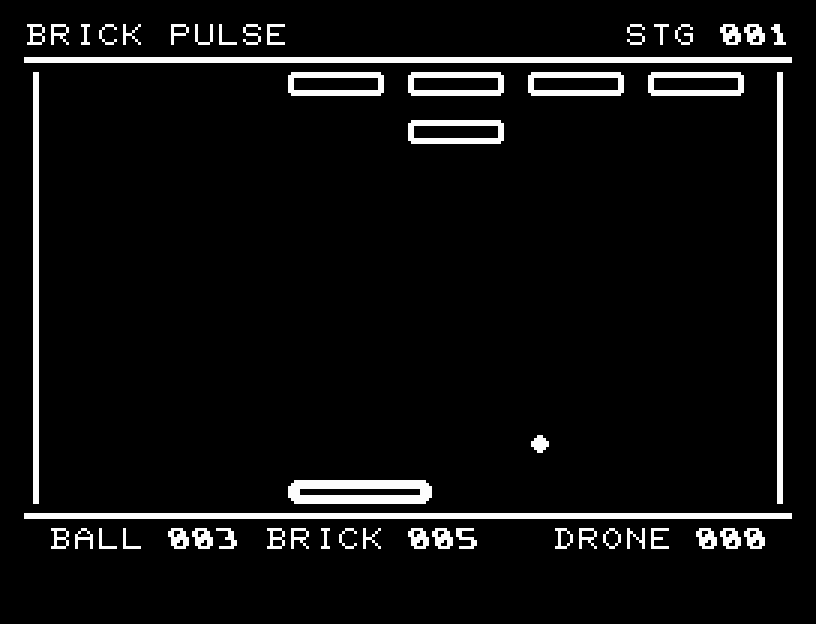
Break armor, collect items, and fight drones across 12 breakout stages.装甲ブロック・アイテム・ドローンに挑む12面のブロック崩し
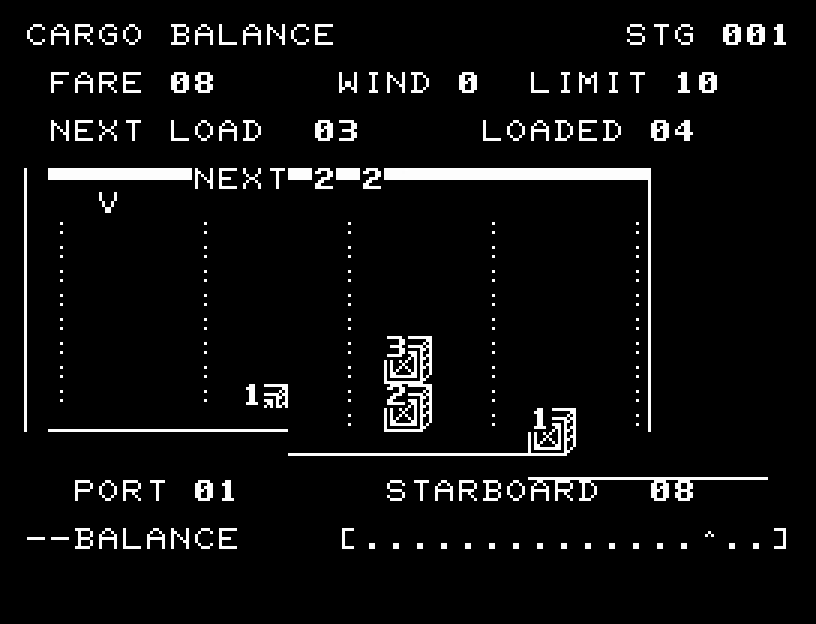
Read upcoming weights and balance high fares against the risk of capsizing.先の荷物を読み、外側の高運賃と転覆を考える6航海
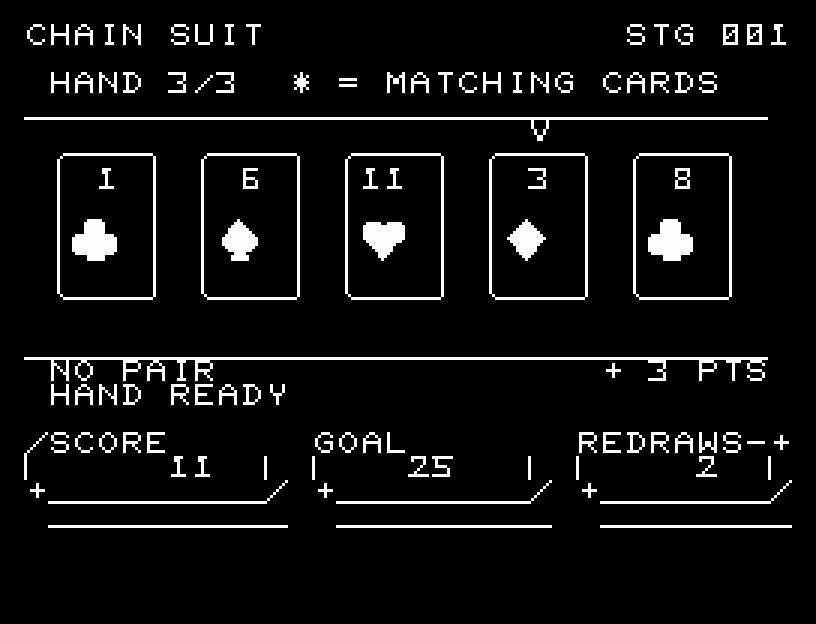
Exchange cards and choose scoring hands to reach a target.手札交換と役の選択で得点ノルマに挑む
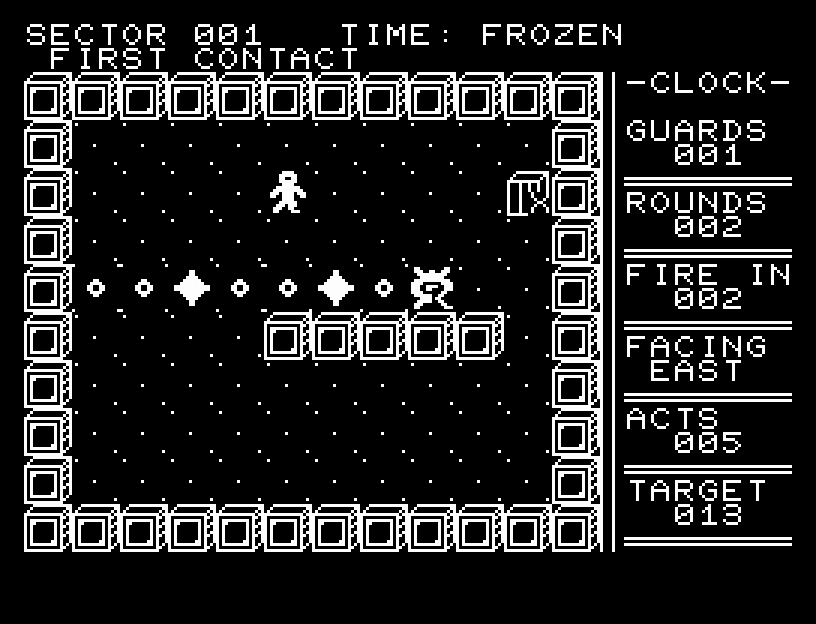
Read firing lines and control time across 20 tactical sectors.弾道を読んで突破する20面の時間停止戦術
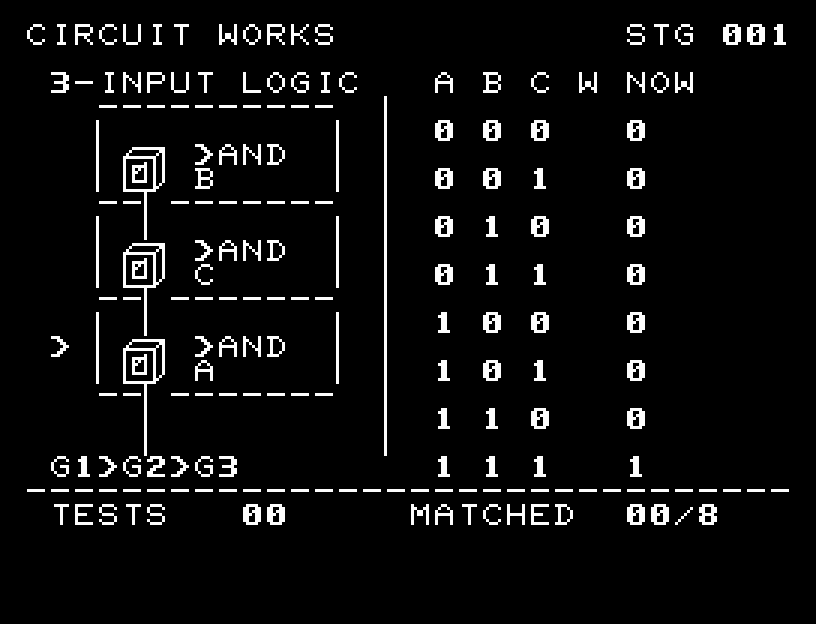
Follow 0/1 signals through 22 three-gate logic circuits.配線を流れる0/1を見ながら組む22の論理回路
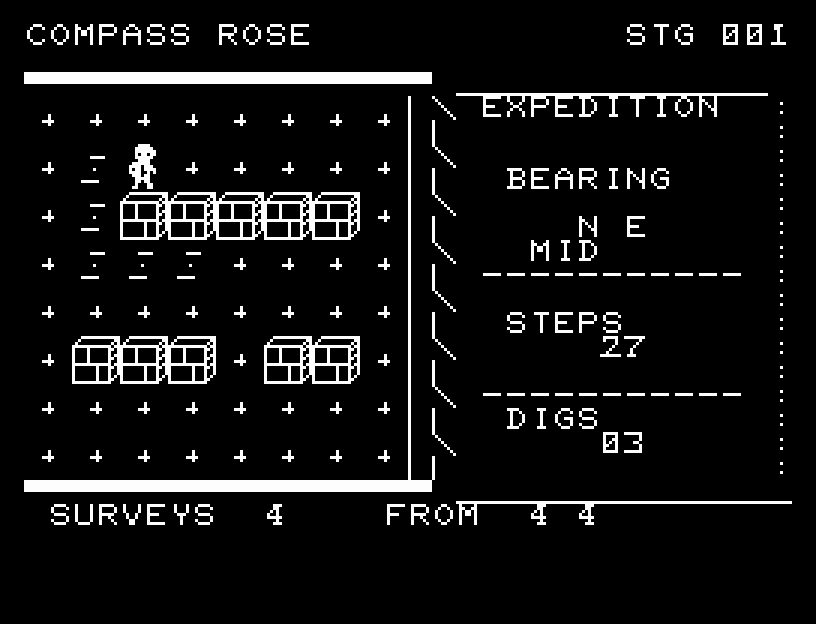
Choose where to survey and infer a relic's location from bearings and distance bands.測定する場所を選び、方角と距離帯から探し当てる
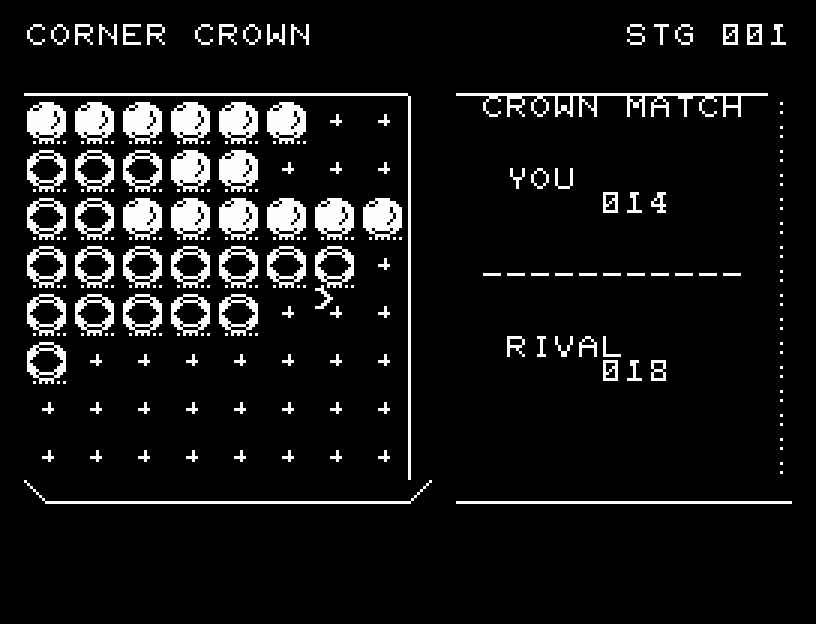
Bracket stones and compete for control of the corners.挟み取りと角の支配を競う盤面対戦
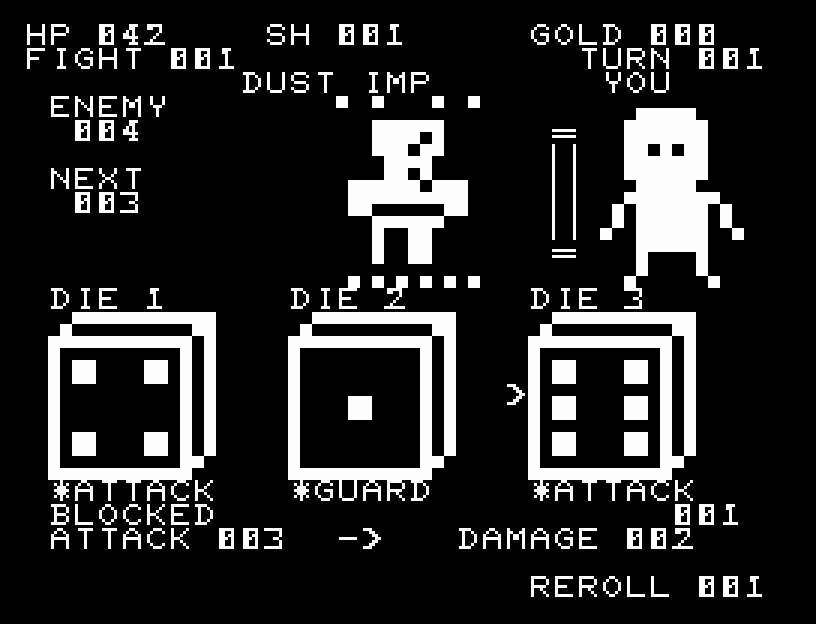
Assign rolls to battle actions and forge the dice themselves.出目を使い、ダイスの面そのものを鍛える
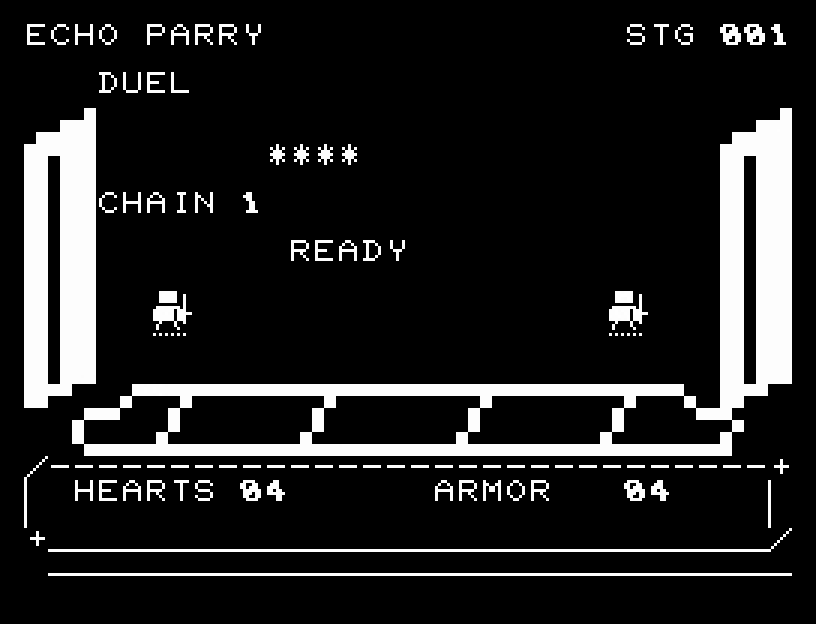
Read feints and choose between retreating and a late counter.フェイントを見抜き、後退と遅い受け流しを使い分ける
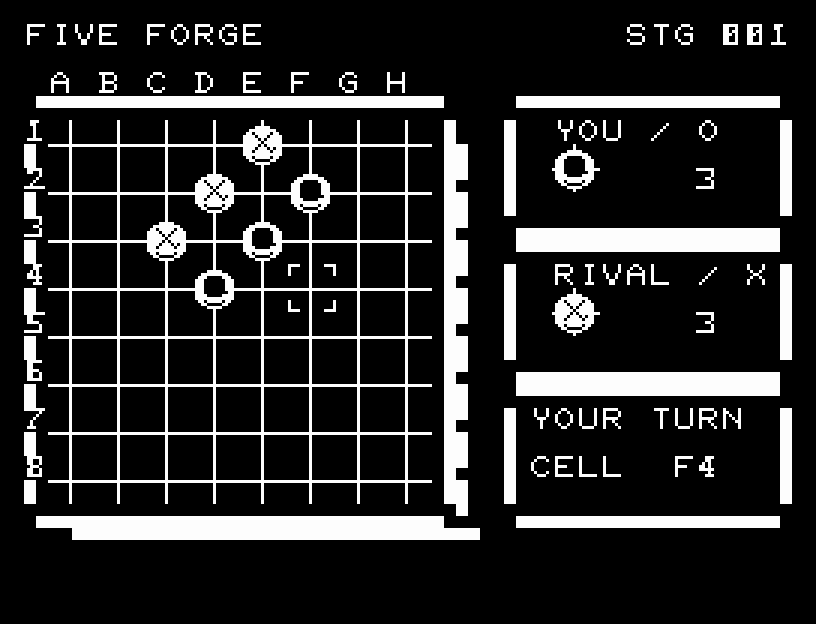
Read threats and block your opponent in a five-in-a-row duel.妨害と四連の脅威を読む五目対戦
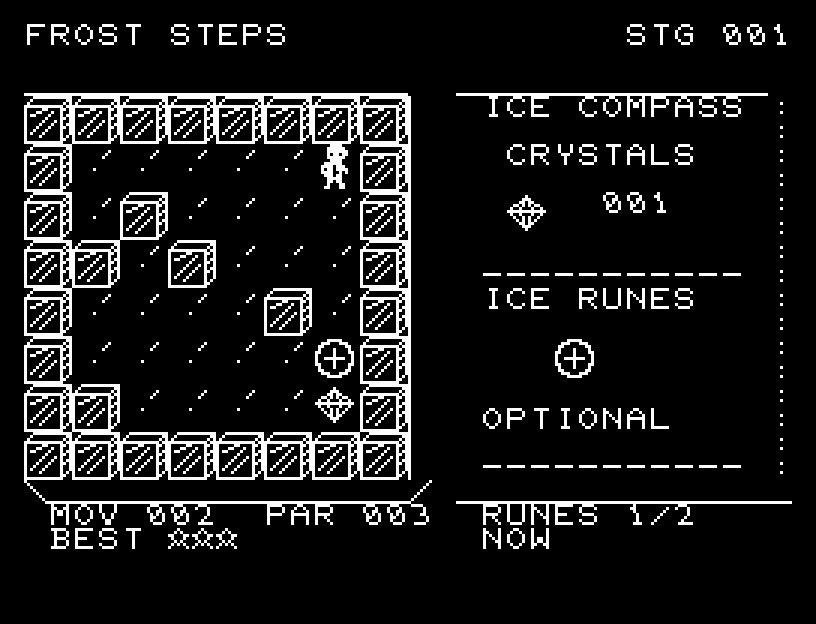
Slide until a wall stops you and collect every crystal. 40 stages with runes, stars, and passwords.氷上を止まれず滑り、全結晶を拾う。40面・規定手数と任意ルーンによる3段階評価・パスワード対応。
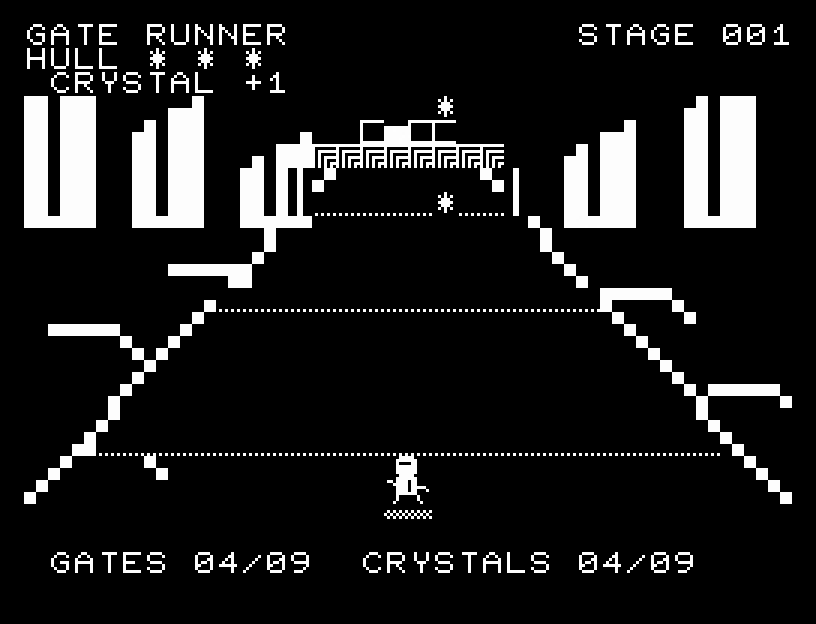
Steer freely through a perspective course of walls, full-width gaps, and low beams.横位置を細かく調整し、壁・全幅の穴・低い梁を越える疑似3Dランニング
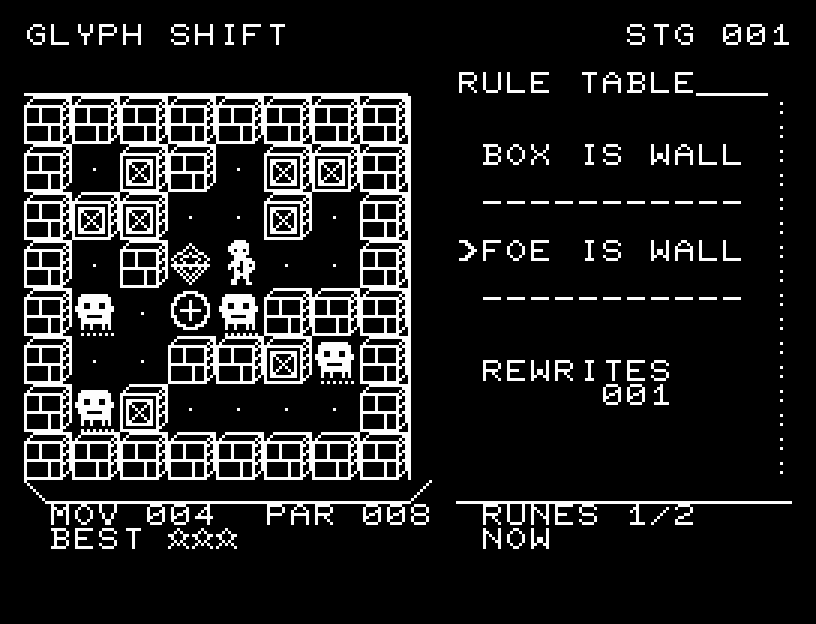
Rewrite what counts as a wall to escape 40 stages, with runes, stars, and passwords.物体の通行ルールを書き換えて脱出する。40面・規定手数と任意ルーンによる3段階評価・パスワード対応。
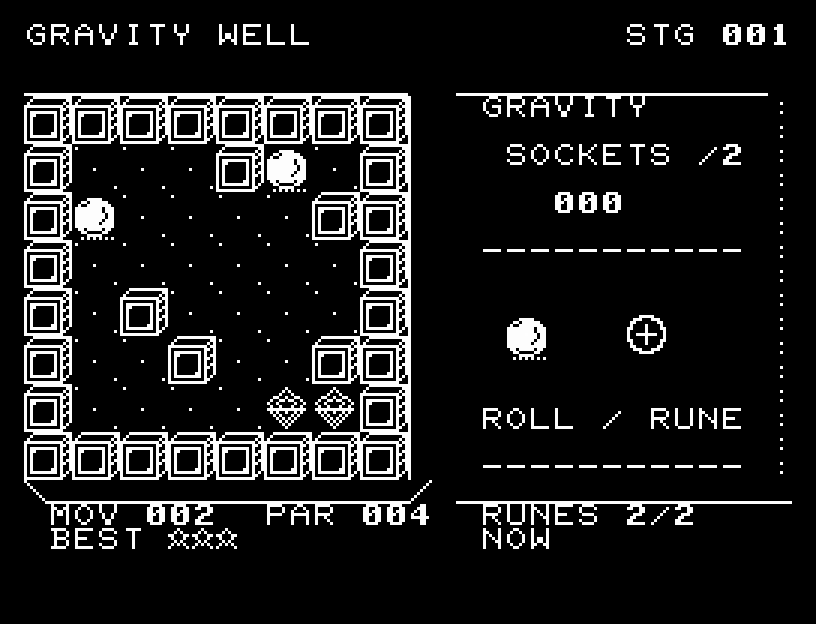
Tilt two balls into sockets across 40 stages, with runes, stars, and passwords.盤面を傾けて複数の球を同時に収める。40面・規定手数と任意ルーンによる3段階評価・パスワード対応。
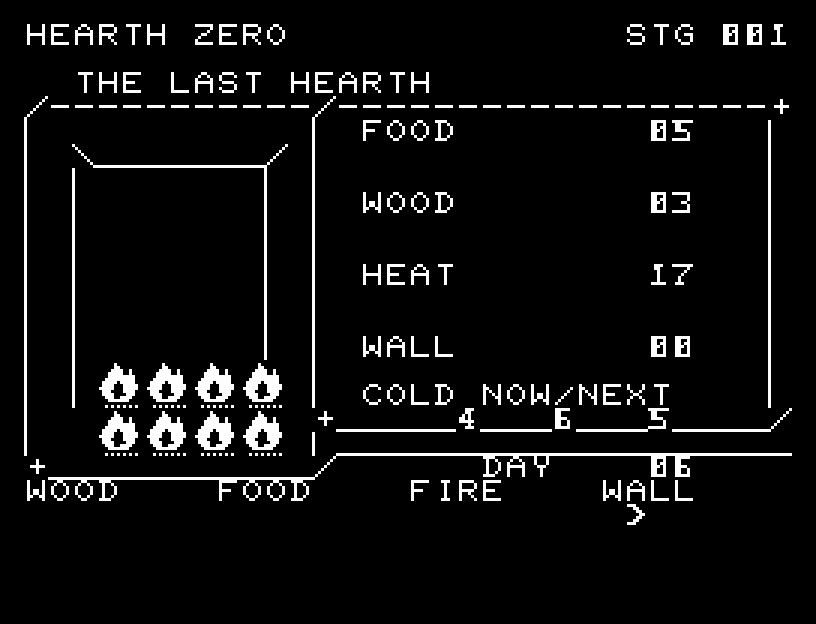
Read three nights of forecasts and prepare food, wood, and warmth.3夜の予報を読んで食料・薪・暖房を備える
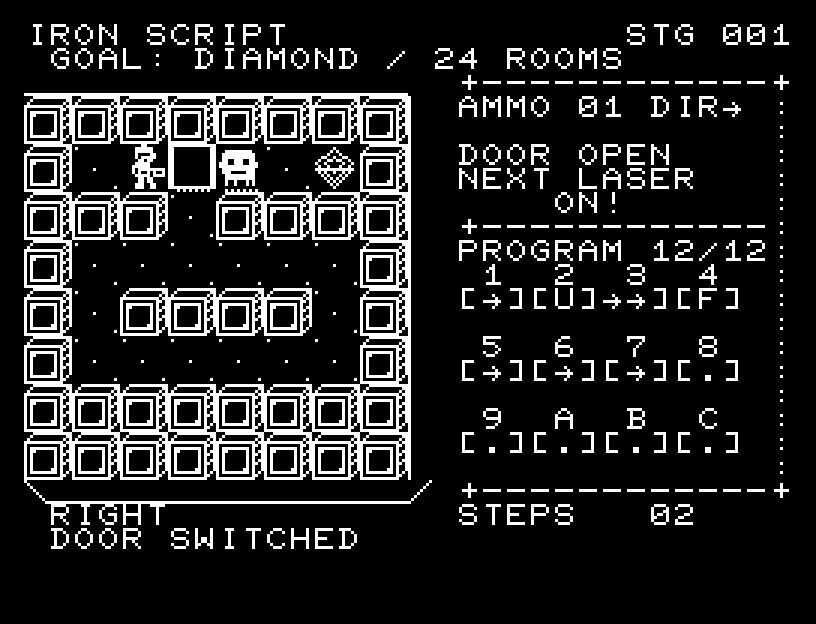
Program shots, switches, and loops to solve 24 factories.射撃・スイッチ・繰り返しの命令で24の工場を攻略
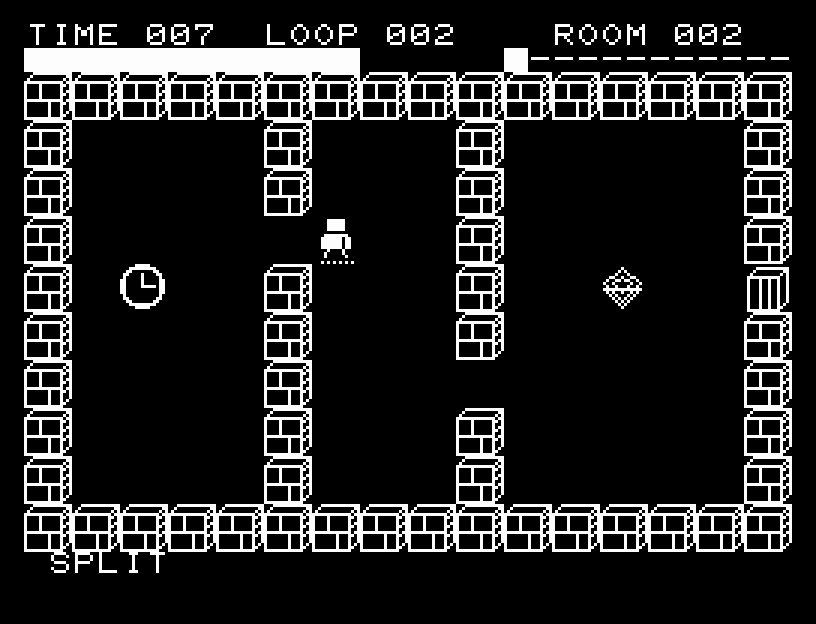
Unlock 12 seals across repeating ten-second loops.10秒の巻き戻しを越えて12の封印を解く
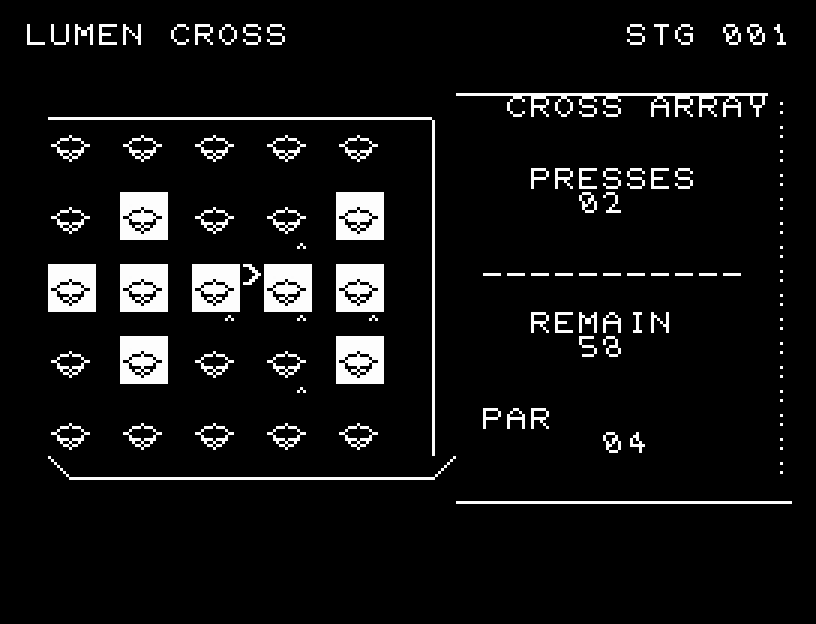
Turn out the lights in 18 puzzles and aim for minimum presses.反転範囲を読み、最短回数を狙う18面の消灯パズル
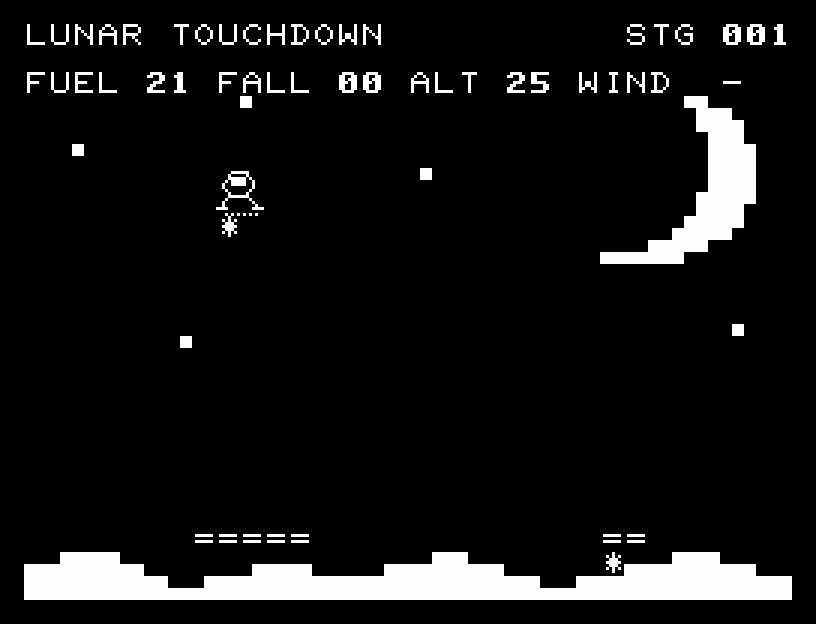
Balance wind and fuel while aiming for a narrow bonus landing pad.横風と燃料を読み、狭い着陸場の追加点を狙う
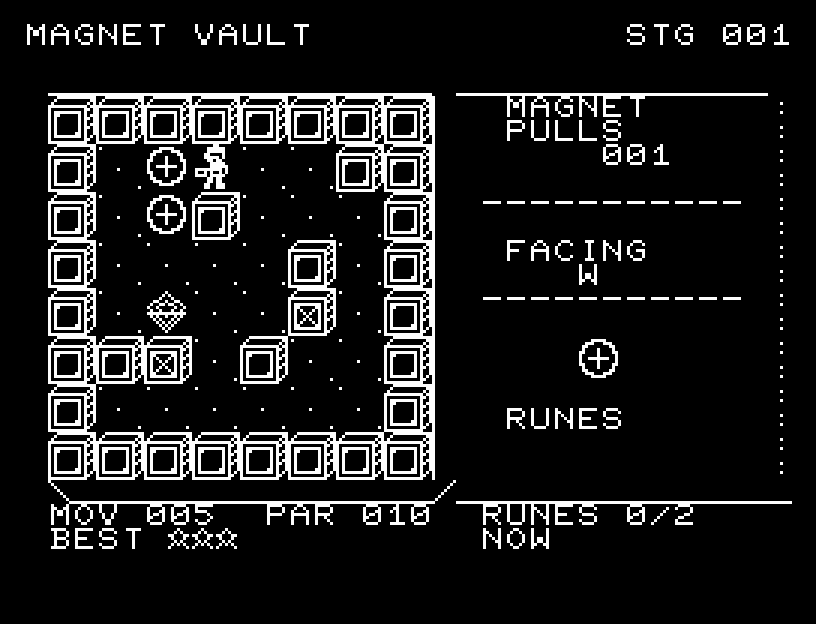
Pull crates into sockets across 40 stages, with optional runes, star ratings, and passwords.押せない金属塊を磁力で引いて収納する。40面・規定手数と任意ルーンによる3段階評価・パスワード対応。
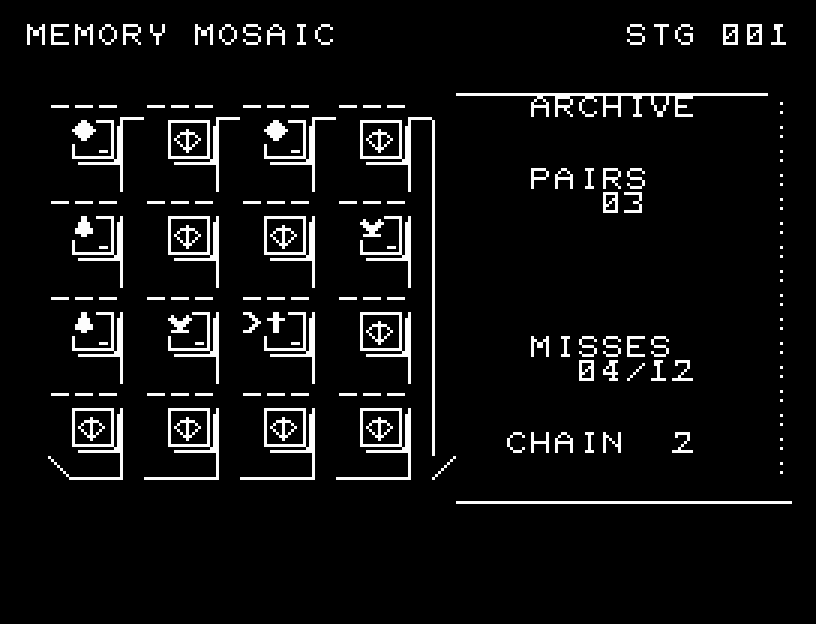
Find pairs through physical-looking flips across ten shuffled boards.札の厚みと5段階の反転で遊ぶ10面の神経衰弱
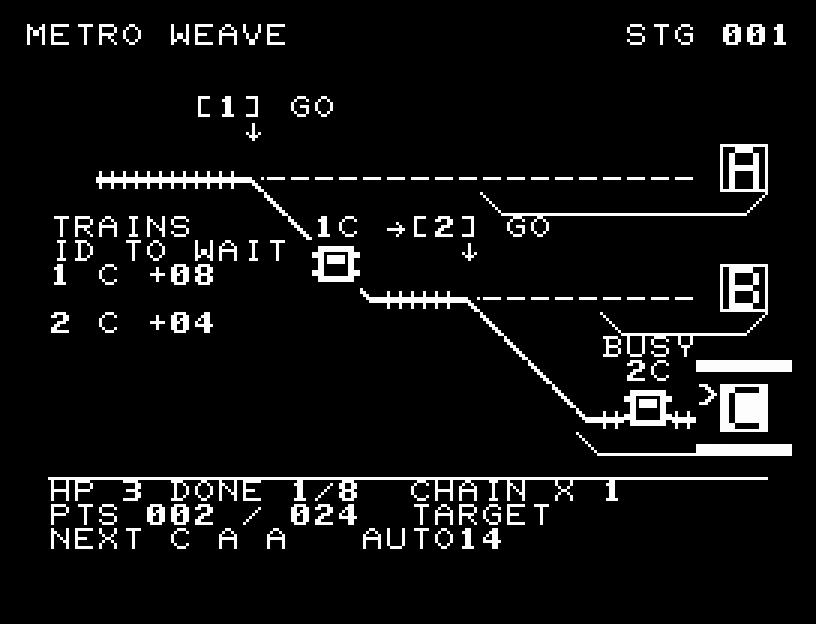
Route multiple trains and dispatch extra expresses when traffic allows.分岐と信号で複数列車をさばき、混雑を読んで急行を増発する
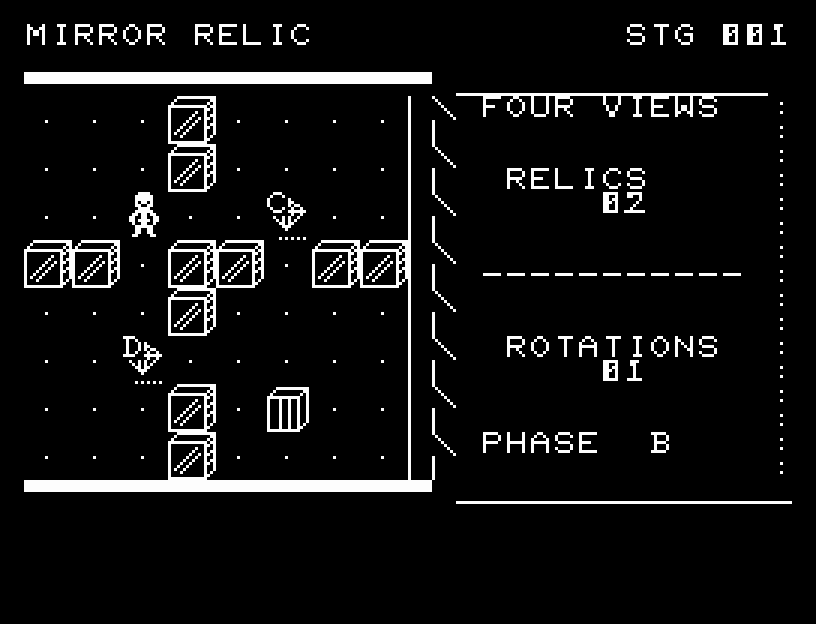
Rotate both ways and align phases across six relic chambers.左右の鏡回転と位相を合わせる6つの遺跡
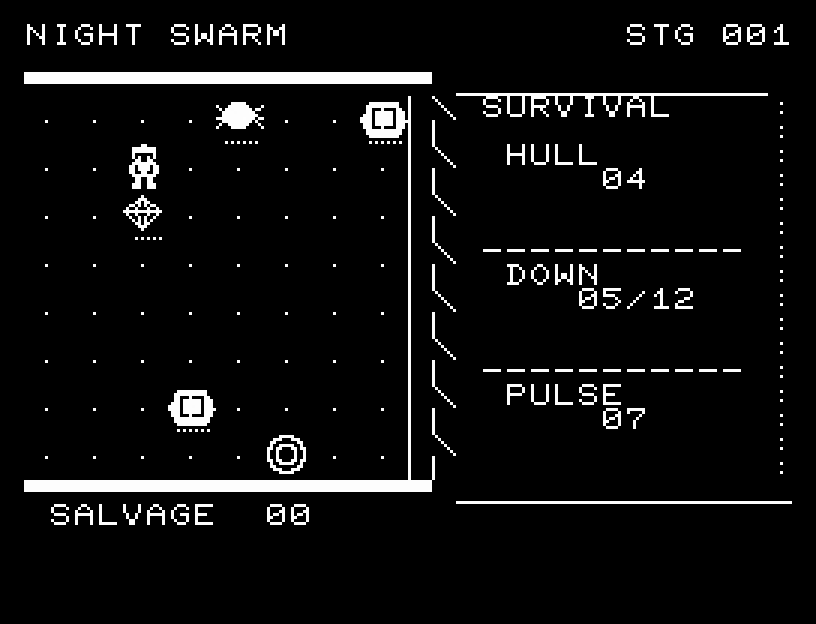
Survive six nights of armored swarms, risking supply runs to keep fighting.補給へ踏み込む判断と装甲戦を加えた6夜の生存戦
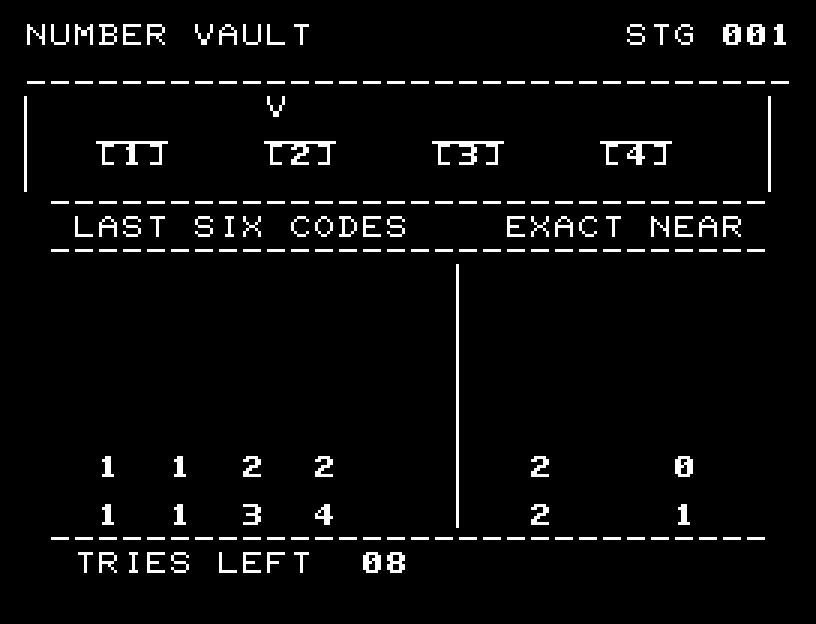
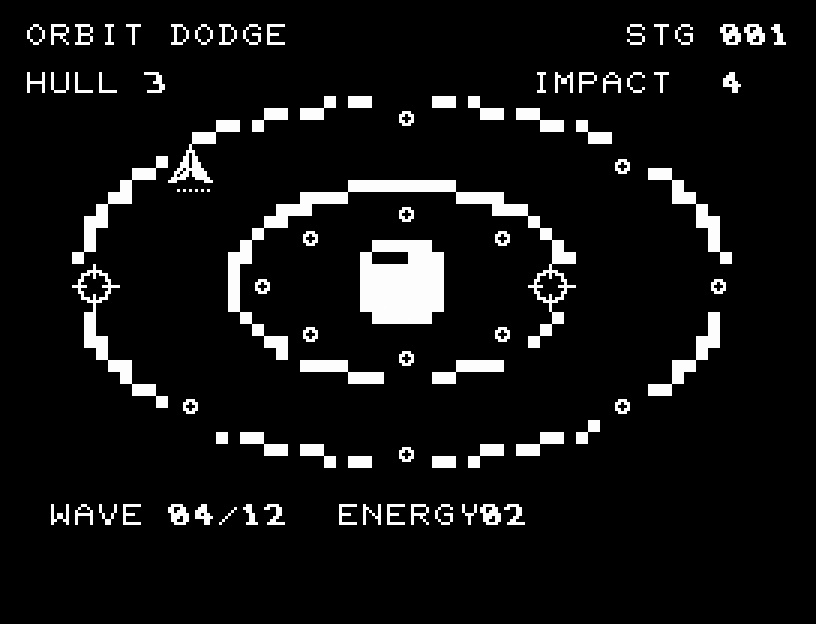
Switch between two rings, dodge simultaneous beams, and chain energy pickups.2軌道を渡り、同時光線と連続回収に挑む6面
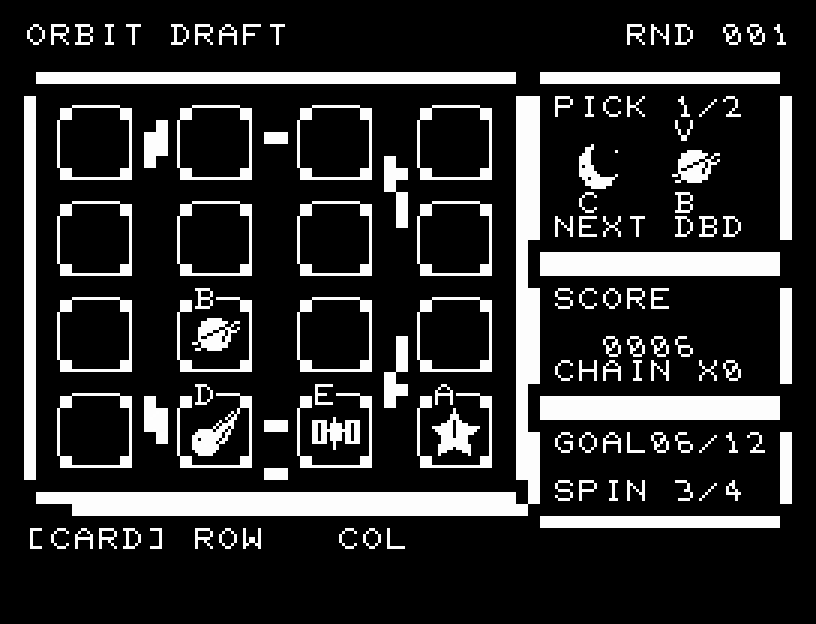
Draft five kinds of celestial cards onto a 4×4 board. Read two choices and three previews to build endless rotation and falling chains.4×4・5種類の天体を、候補2枚と次の3枚を読んで揃える。回転と落下連鎖で得点を伸ばすエンドレスパズル
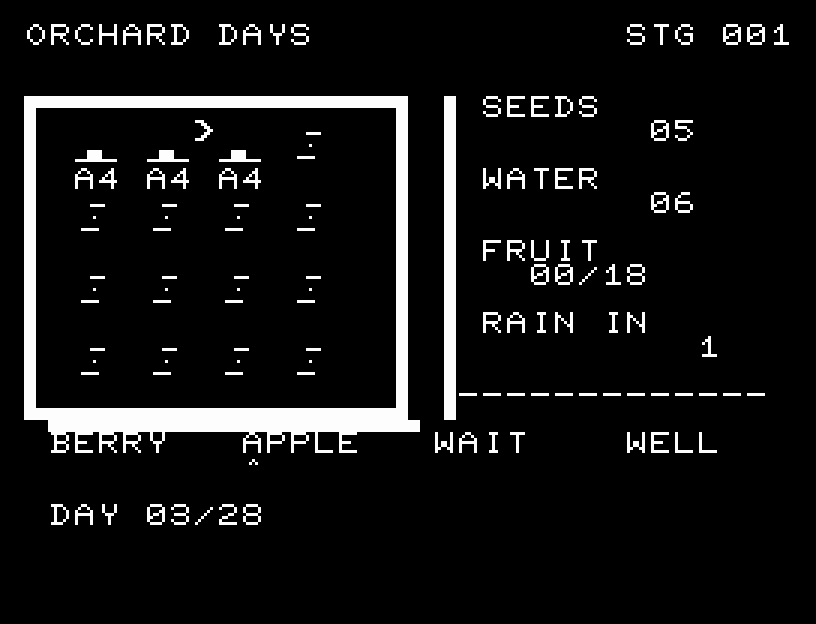
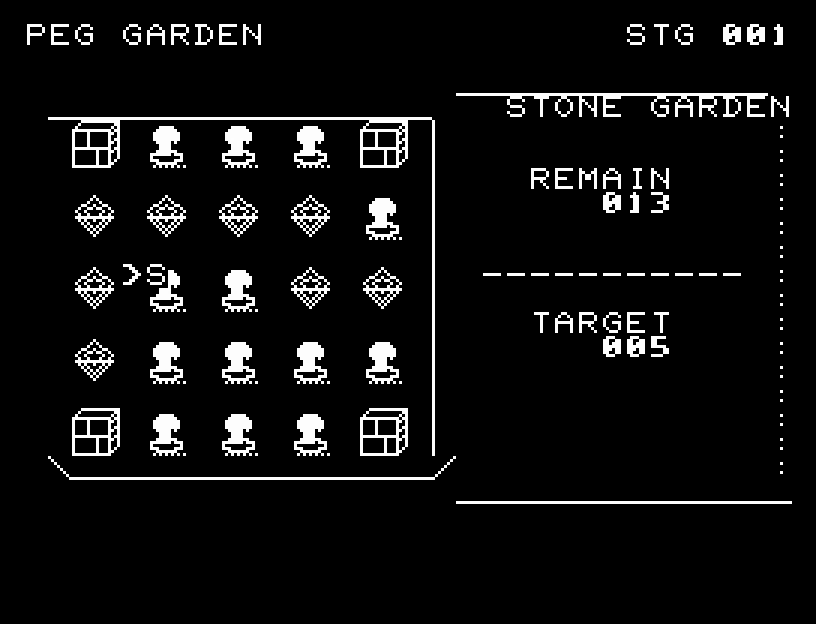
Plan for rain and well visits while growing fast berries or valuable apples.雨と井戸を読み、早いベリーと高価なリンゴを育てる
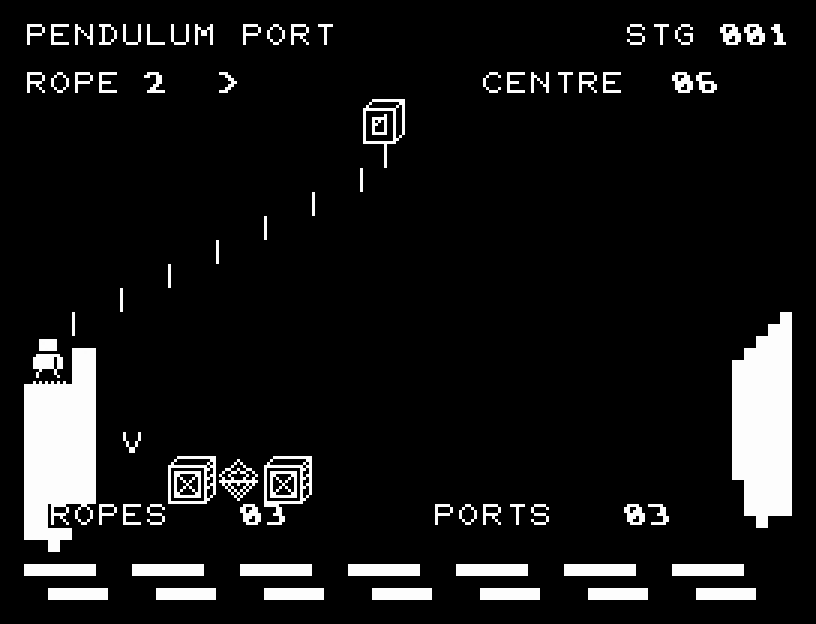
Adjust rope length and release timing for central platform landings.ロープ長と振りを合わせ、中央着地を狙う6区間
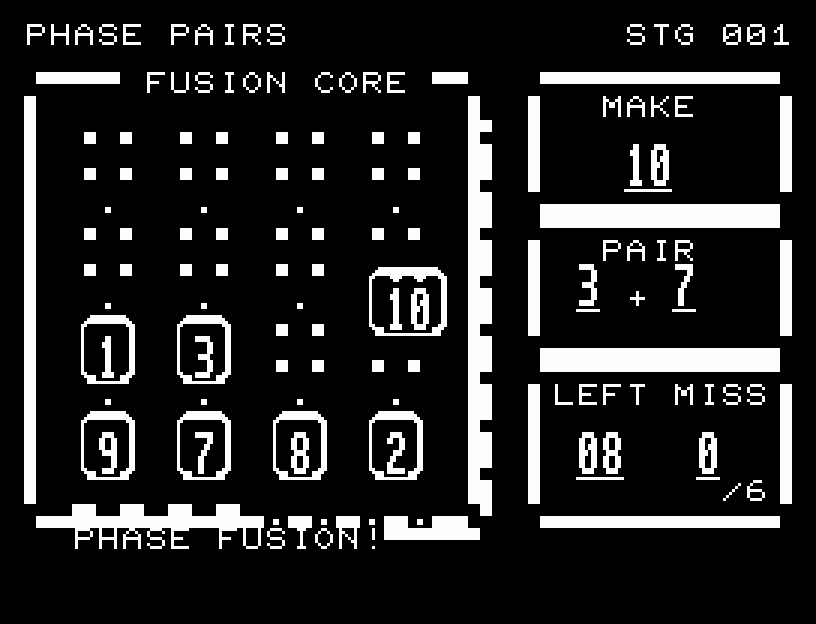
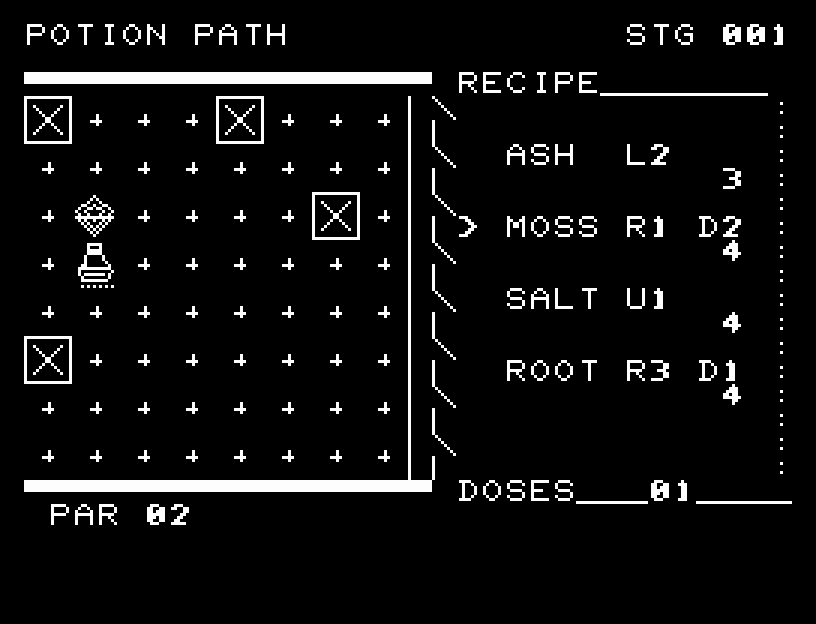
Avoid poisoned landing points with limited ingredients across 20 recipes.毒の着地点と限られた4材料を使う20の調合
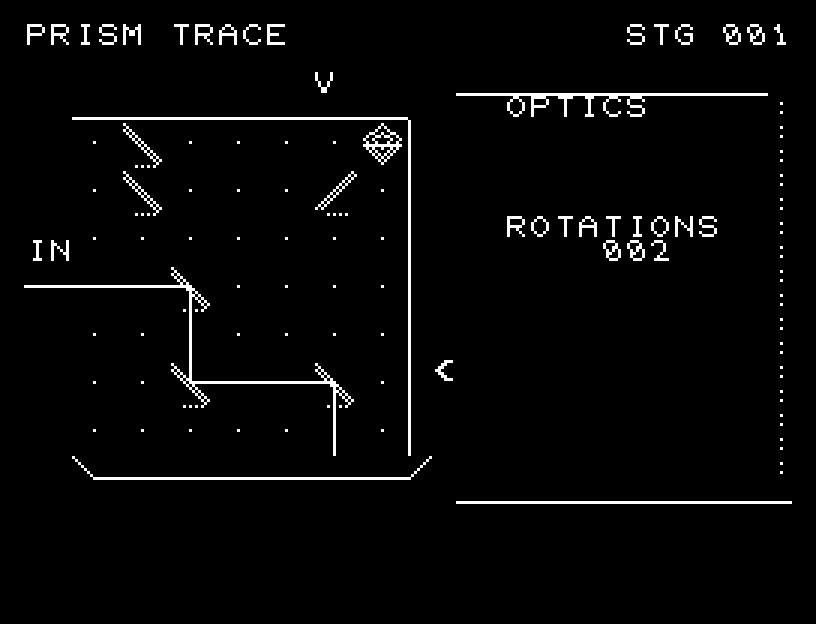
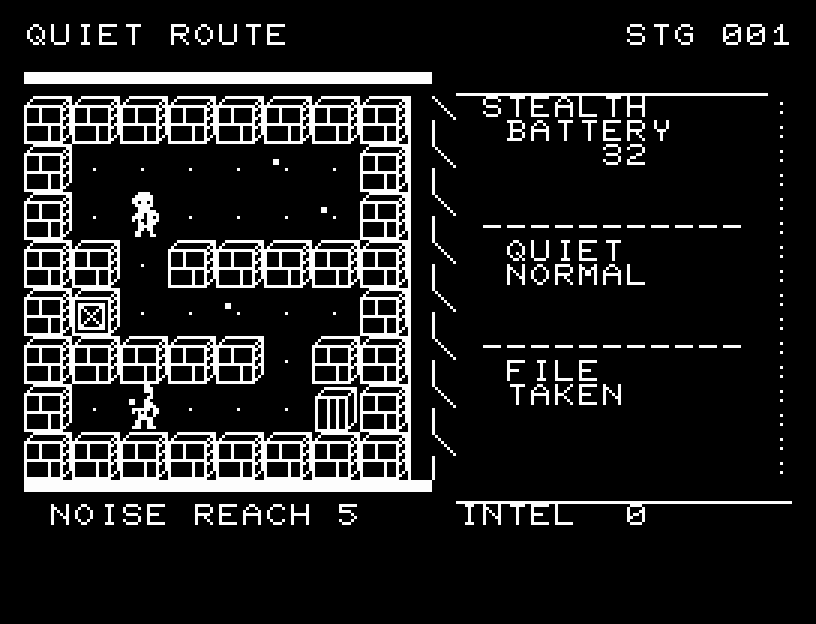
Budget quiet footsteps and risk detours for extra intelligence.静音歩行の電池を配分し、危険な寄り道で情報を取る
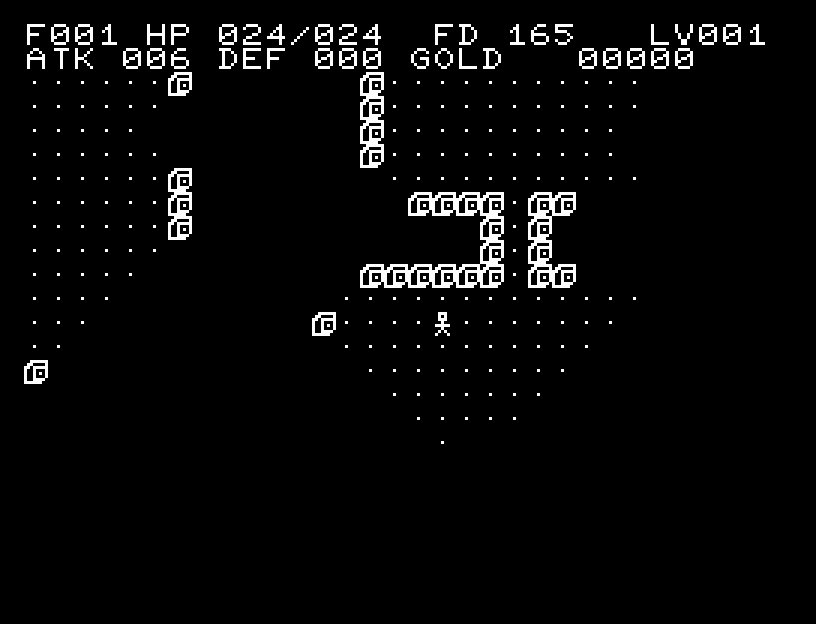
Explore a changing 64×32 dungeon with food, equipment, and magic to find its deepest relic.64×32マスの迷宮で食料・装備・魔法を使い、最深部の遺物を探す
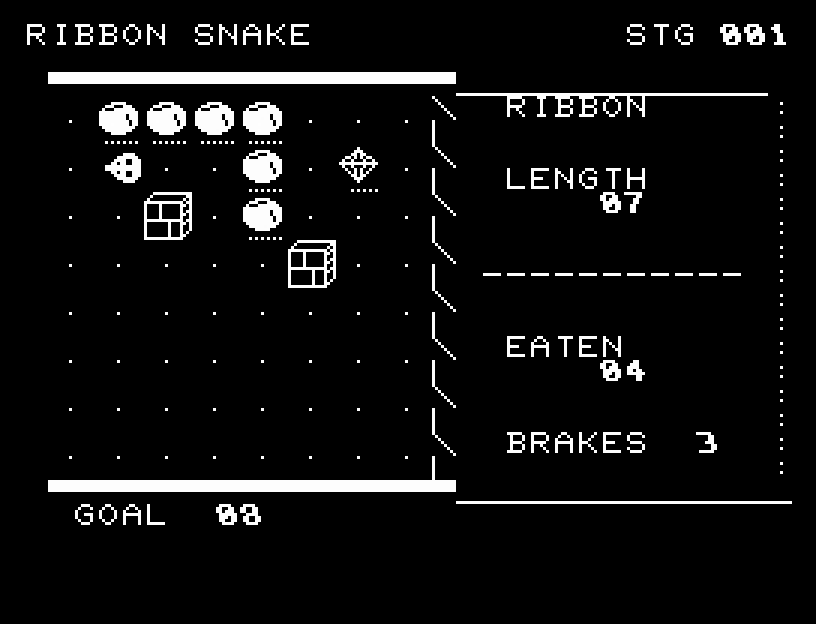
Leave room for a growing snake and use three brakes in rocky gardens.岩の庭で逃げ道を作り、3回のブレーキを使う
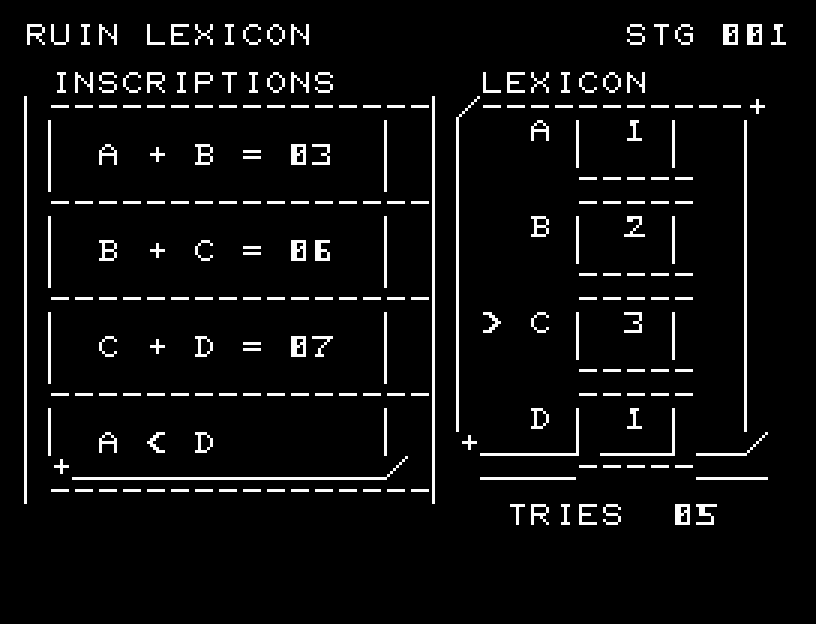
Turn numbered stone dials to satisfy 20 unique inscription puzzles.石板を回し、条件の一致を確かめる20の碑文
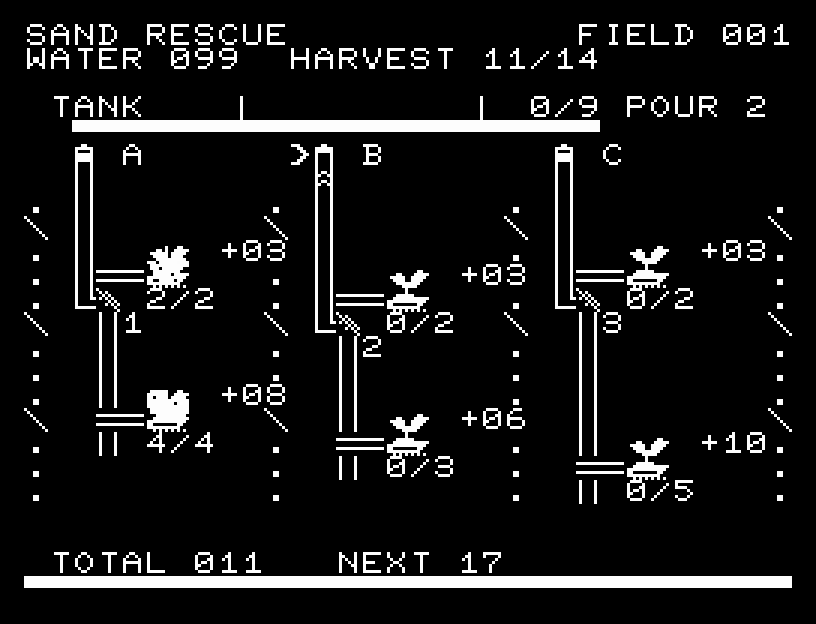
Share limited water across six fields, choosing safe harvests or extra yields.限られた水を6つの畑へ配分し、安全な収穫と追加の実りを選ぶ
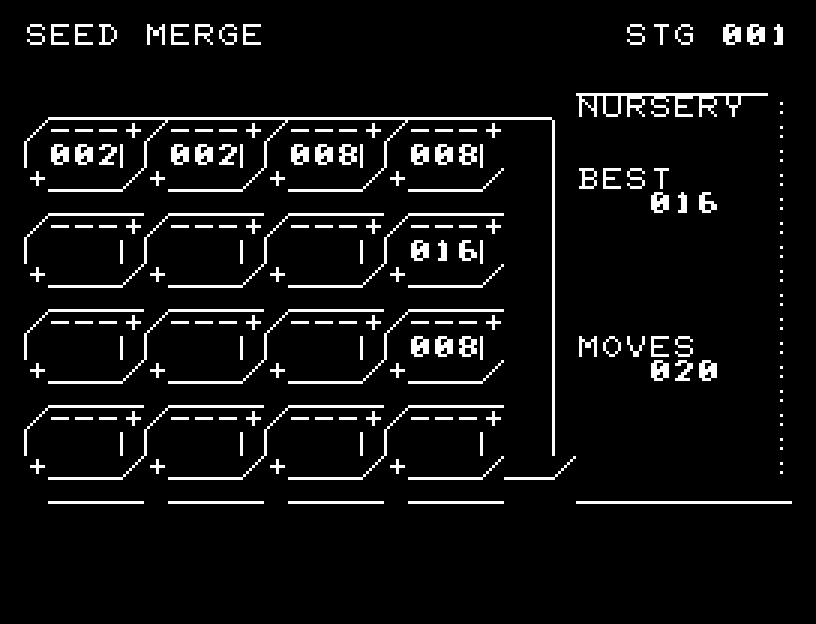
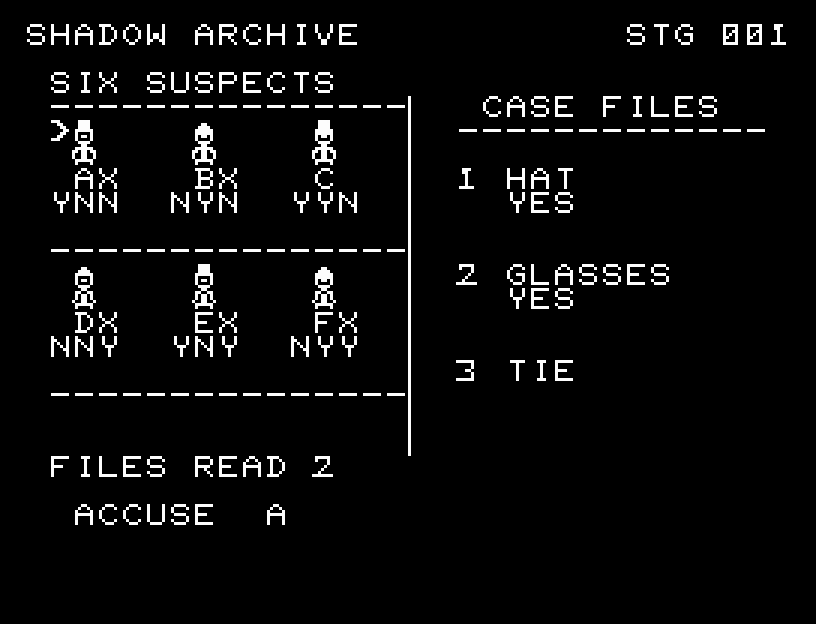
Choose essential statements and solve 12 cases with fewer documents.必要な調書を選び、少ない閲覧で解決する12事件
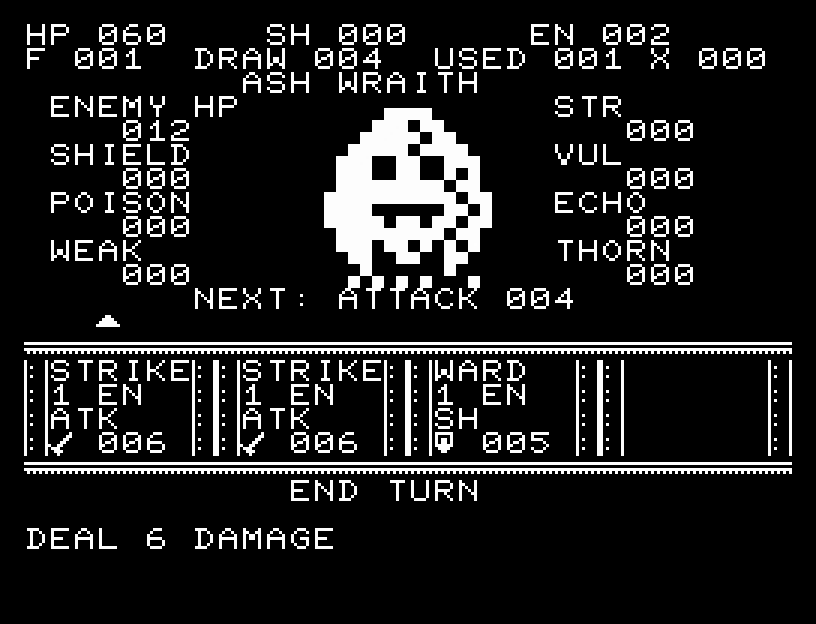
Build a deck of sigils to seal the Lord of the Void.カードを組み合わせて虚空の王を封じる
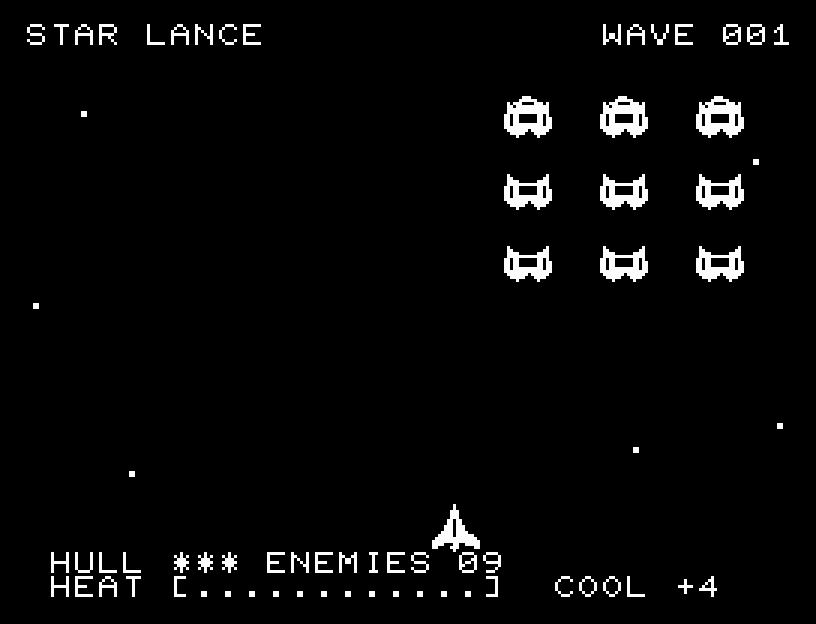
Interrupt flashing attackers to cool your weapons; dodge aimed volleys across six waves.攻撃予告を撃ち落として冷却。回避と熱管理で突破する6波の宇宙戦
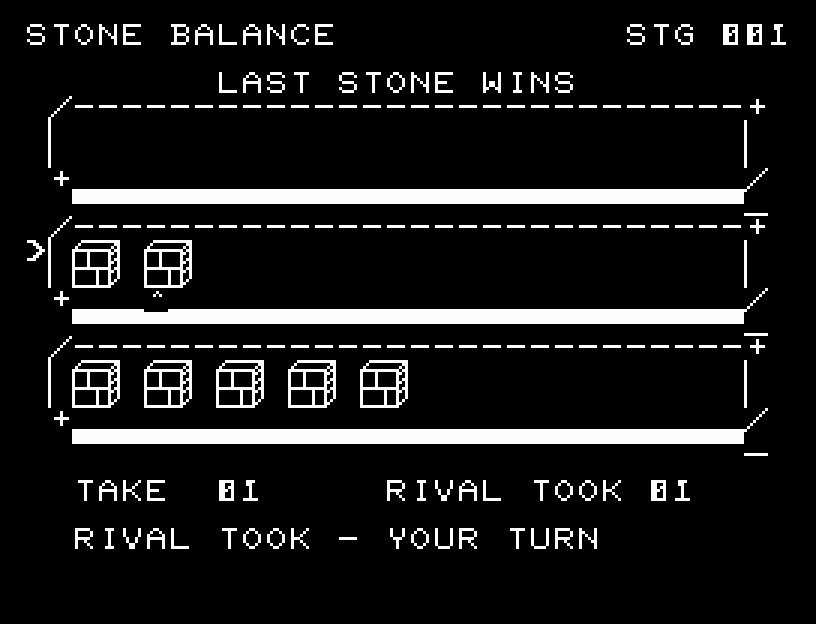
Take stones in ten matches where the last stone changes from a win to a loss.最後の石が勝ちから負けへ変わる10局の取り合い
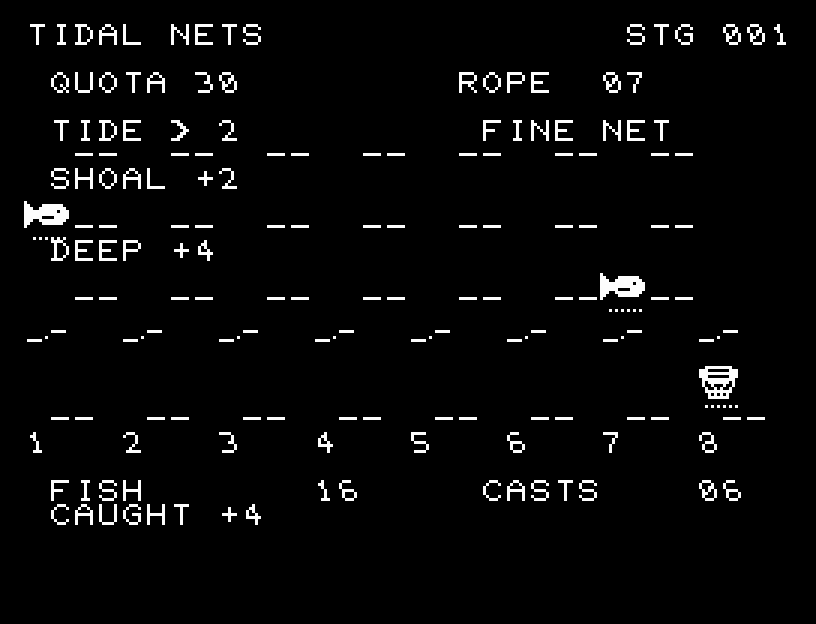
Read shallow and deep currents, choosing fine or wide nets.深浅の流れを読み、細い網と広い網を使い分ける
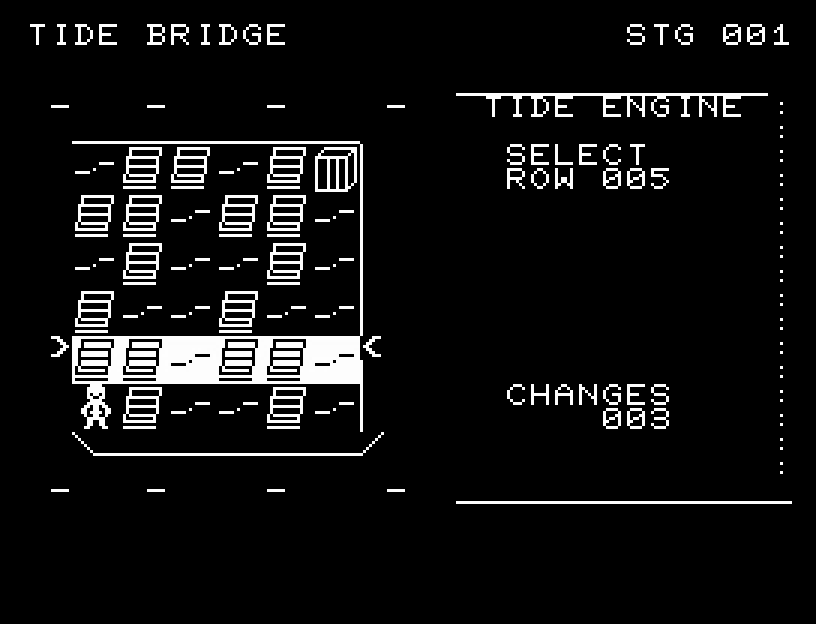
Toggle connected rows and columns of bridges to make a crossing.潮位の連動する橋を切り替えて渡る
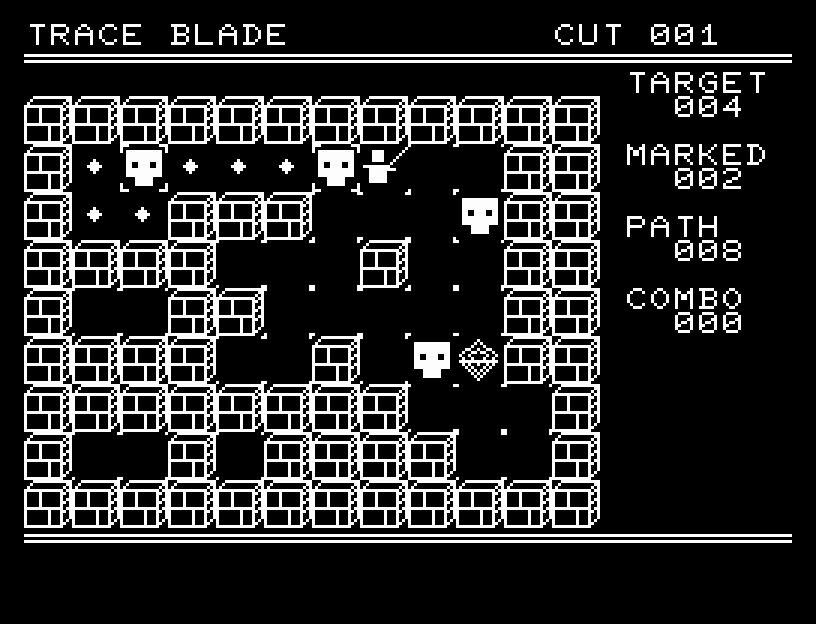
Plan one continuous path, then strike every target in sequence.一筆の経路を計画して連続撃破する
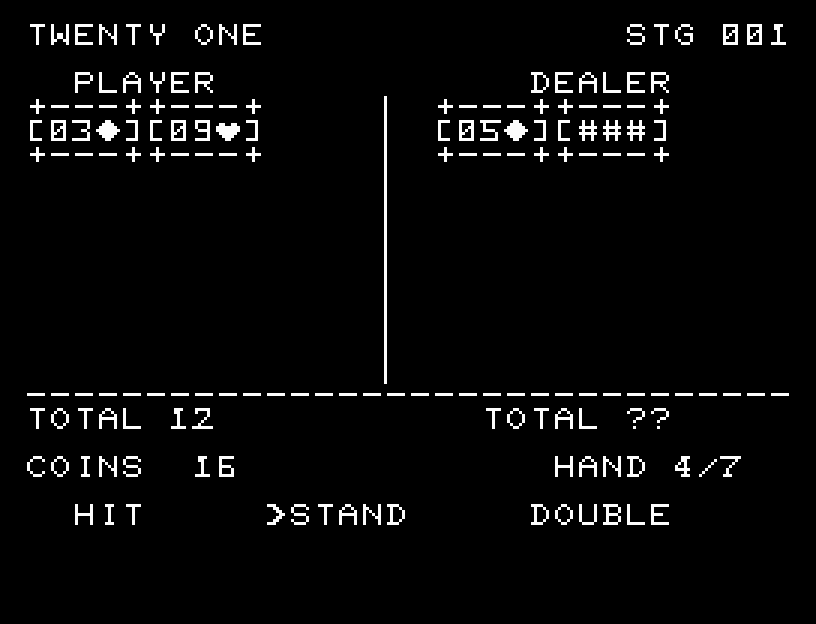
Use a 52-card deck and double down to finish seven hands ahead.52枚の山札とダブルを使い7勝負の収支を競う