JR-100 GAMES

LUNAR TOUCHDOWN

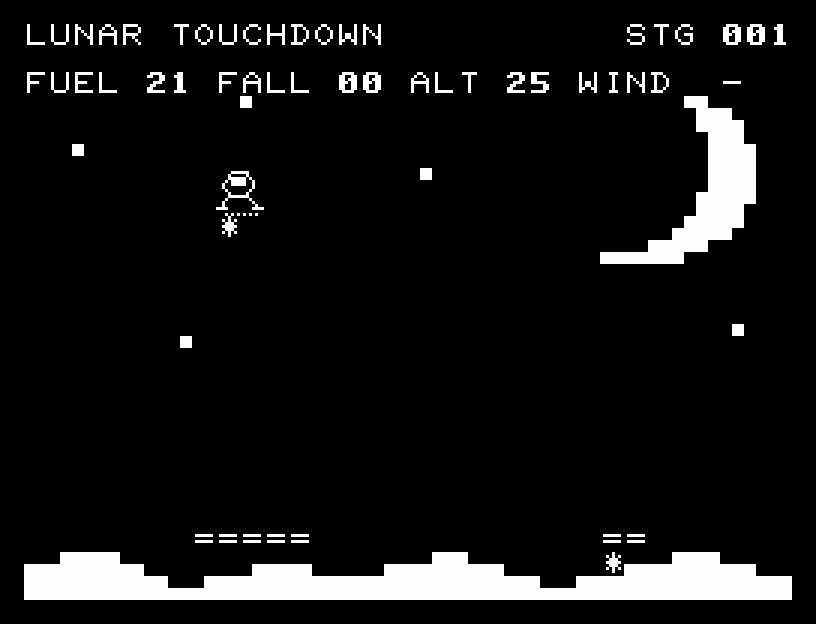
Spend fuel to control your descent and land at six lunar sites. A wide pad offers safety; the narrow pad marked with a star earns 10 bonus points. Later sites reverse the crosswind.

燃料を使って降下速度を抑え、月面へ着陸する全6地点です。幅広い着陸場のほか、星印の狭い着陸場では10点の追加点を得られます。後半は横風が反転します。

lunar-touchdown.prg · v2.0.0 · 7.3 KiB · 16 KB RAM · Autostart ready自動起動対応

Start on MiSTerMiSTerで起動

  1. Copy the .prg into games/JR100/ on your SD card..prgをSDカードのgames/JR100/へコピーします。
  2. In the JR-100 core menu, set Autostart loaded program to Yes.JR-100コアのメニューでAutostart loaded programをYesにします。
  3. Choose Load PRG, select the game, then press RETURN at its title.Load PRGでゲームを選び、タイトル画面でRETURNを押します。

Still at READY? TypeREADYで止まる場合は A=USR($0300) and press RETURN.を入力してRETURN。 First-time setup / SuperStation One初回設定・SuperStation Oneの手順

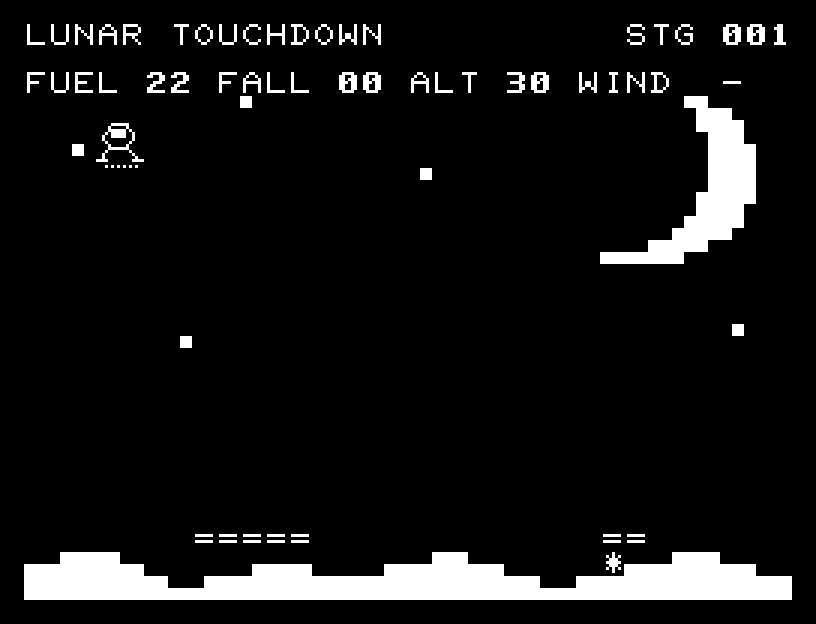
LUNAR TOUCHDOWN — At the start
At the start開始時の盤面
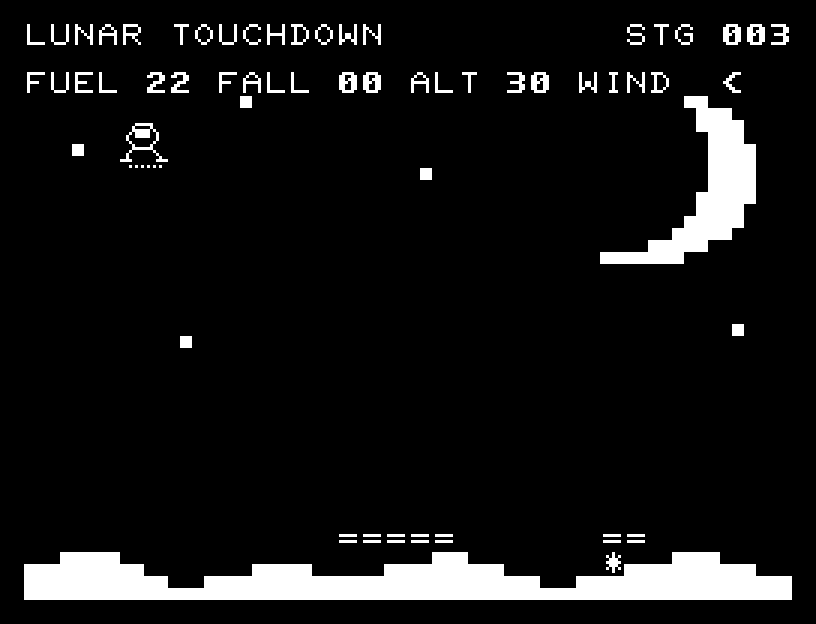
LUNAR TOUCHDOWN — In play
In playプレイ中
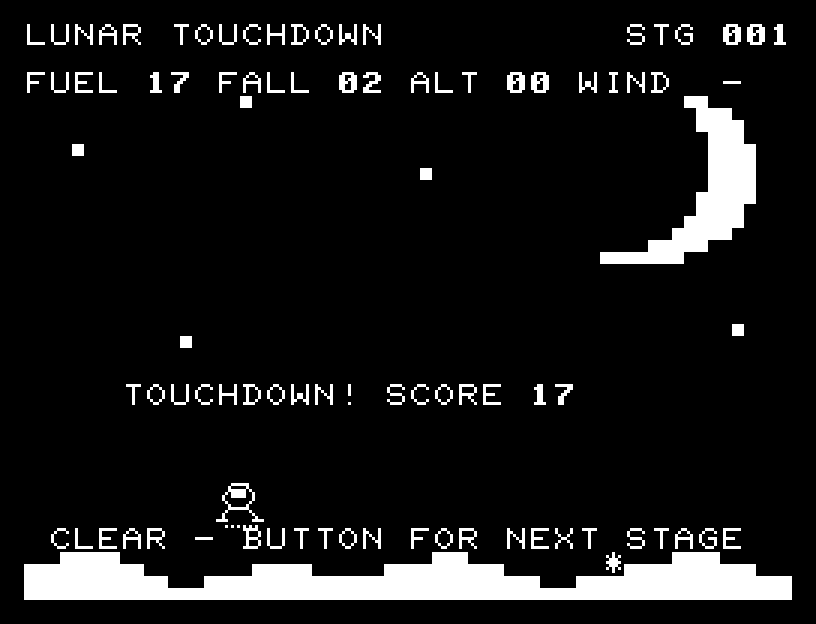
LUNAR TOUCHDOWN — First goal reached
First goal reached最初の目標を達成

First stage cleared.1ステージのクリアまでを収録。

Controls and play

A/D moves sideways one character at a time. W or RETURN fires the thruster, spending 1 fuel to reduce descent speed by 2. Landing requires a speed of 2 or less.

Directions work on the keyboard or pad; the pad button also acts as RETURN. SPACE opens confirmation to restart this stage. NO is selected initially. Choose with A/D, confirm with RETURN, or cancel with SPACE. Play pauses during confirmation. CTRL+C returns to BASIC.

Semigraphic lunar terrain and distant scenery accompany intermediate descent positions and thruster flames. Failure pauses with a distinct reason for excess speed or missing the pad. Landing has a flash and jingle. Wait for animations to finish before pressing again.

FUEL is remaining fuel, FALL is descent speed, ALT is altitude, and WIND shows the crosswind direction. Landing points equal remaining fuel, plus 10 for the narrow pad and 4 for a speed of 1 or less. Decide whether to reach for a distant pad or conserve fuel and use the wide one.
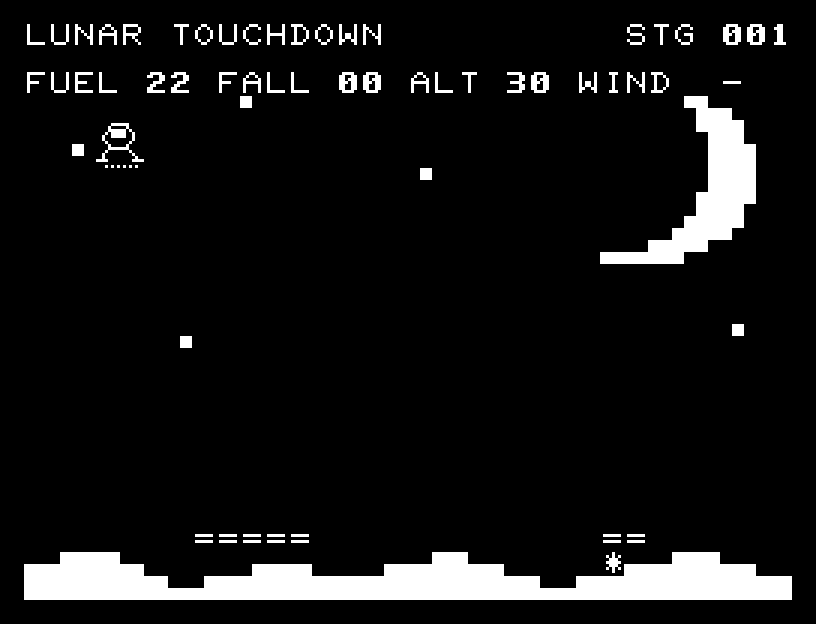
More screenshots

LUNAR TOUCHDOWN: play 01

LUNAR TOUCHDOWN: play 02

操作と遊び方

A/Dで1文字ずつ横移動。WまたはRETURNで噴射し、燃料1を使って降下速度を2減らします。着陸時の速度は2以下が必要です。

方向キーはキーボードまたはパッド、RETURNはパッドのボタンでも操作できます。SPACEでこの面のやり直し確認を開きます。やり直し確認はNOが初期選択です。A/Dで選び、RETURNで確定、SPACEで取り消します。確認中は進行を止めます。CTRL+CでBASICへ戻ります。

月の地形と遠景をセミグラフィックスで描き、降下の中間位置と噴射炎を表示します。速度超過・着陸場の外を区別して停止し、着陸には光とジングルを合わせます。演出が終わってから次のキーを押してください。

FUELは燃料、FALLは降下速度、ALTは高度、WINDは横風の向き。着陸点は残り燃料に、狭い着陸場なら10点、速度1以下なら4点を加えた値です。遠い着陸場へ挑むか、燃料を残して広い場所へ降りるかを選びます。

ゲーム開始時

プレイ中の場面