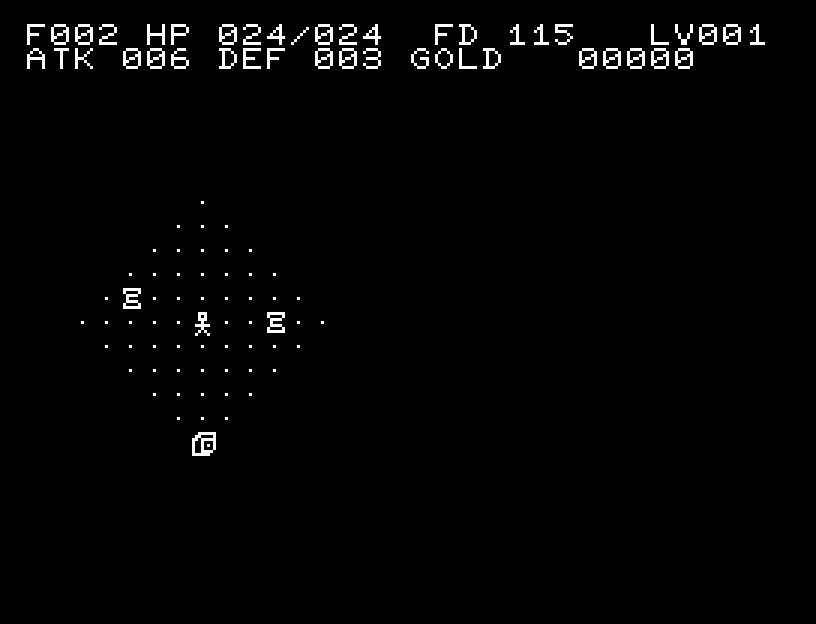
Controls and play
Q W E
A S D
Z X C
| Action | Keyboard | One-button pad |
|---|---|---|
| Move in eight directions / attack an adjacent enemy | QWE / AD / ZXC | Cardinal and diagonal directions |
| Wait one turn | S | WAIT in the menu |
| Menu / confirm / start | RETURN | Button |
| Select difficulty or menu entry | W / X | Up/down |
| Back | SPACE | Select BACK and confirm |
| Read help | HELP in the menu | Same |
| Return to BASIC | CTRL+C | Use the keyboard |
X moves down; the central S key waits. Walk toward an adjacent enemy to attack. You cannot slip diagonally through wall corners. Hold a cardinal direction to walk along a safe, explored straight corridor; movement stops before enemies, junctions, unexplored cells, items, stairs, and other points of interest.
| Difficulty | Relic floor | Starting HP | Starting food |
|---|---|---|---|
| EASY | 5 | 24 | 240 |
| NORMAL | 10 | 20 | 200 |
| HARD | 20 | 16 | 160 |
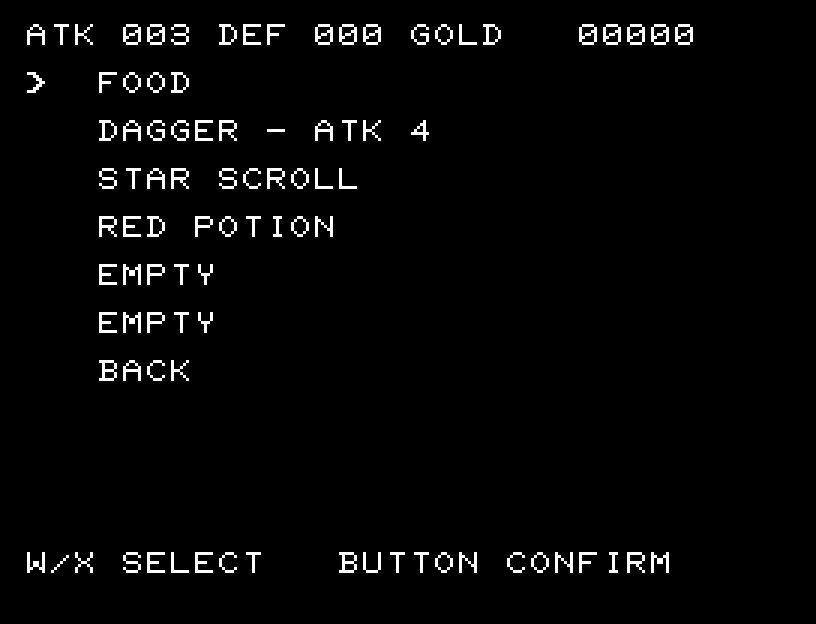
Start with EASY and walk over items to pick them up. You have six inventory slots. Use INVENTORY to eat food, drink potions, read scrolls, and equip weapons or armor. Picking up food alone does not replenish your food meter: you must use it. Some floors have no food, so watch your supplies. Potion and scroll appearances are assigned different effects each adventure; using one identifies it.
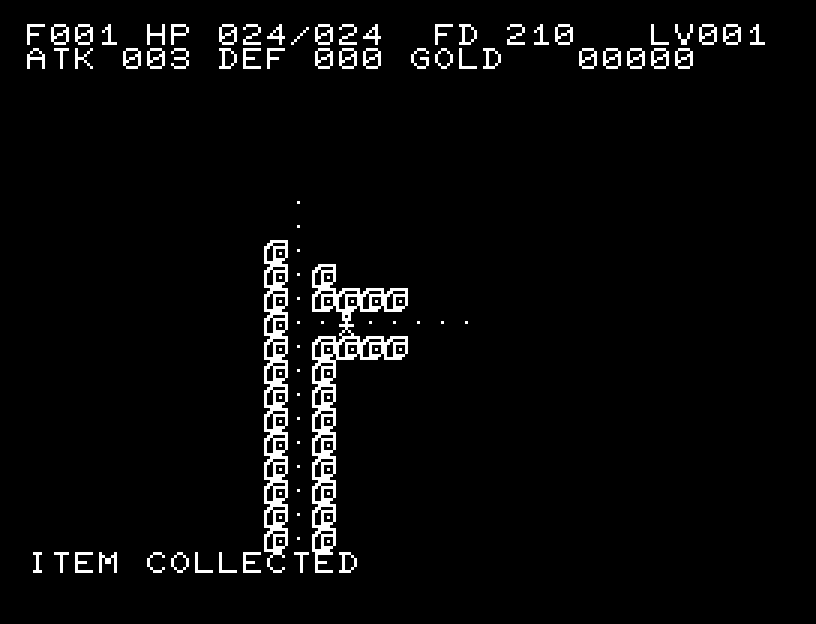
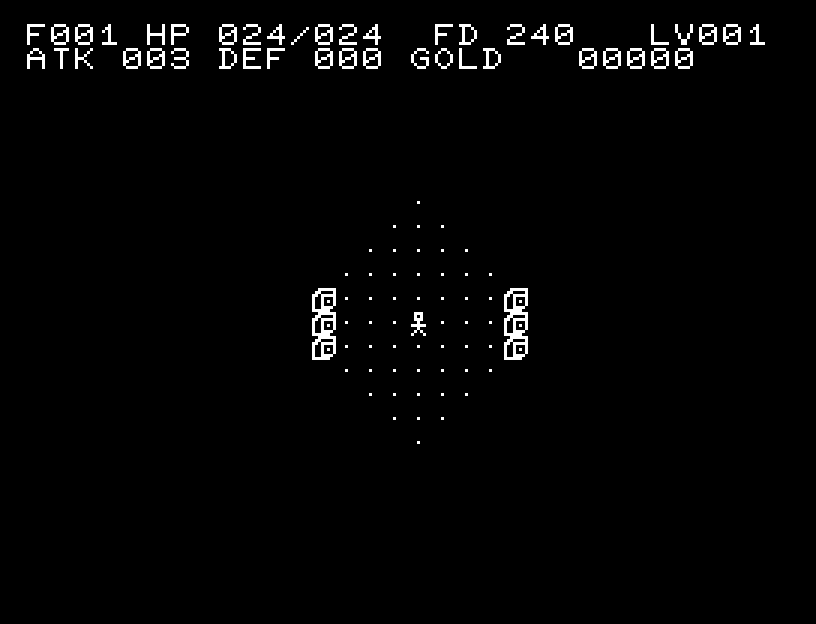
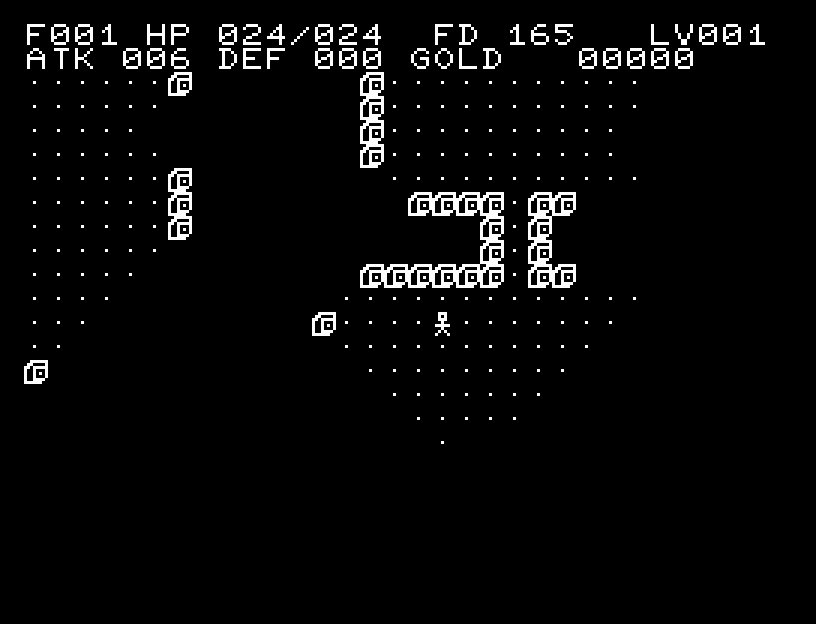
The upper display shows floor, current/maximum HP, food (FD), level (LV), attack (ATK), defense (DEF), and gold. Recent events and controls appear below. Explored terrain is remembered, but enemies appear only within your current field of view.
Sound effects mark the start of the adventure and incoming damage. A short pause after losing HP gives you time to read what happened. Success and failure have jingles. Release and press your key again after the sound and message finish.
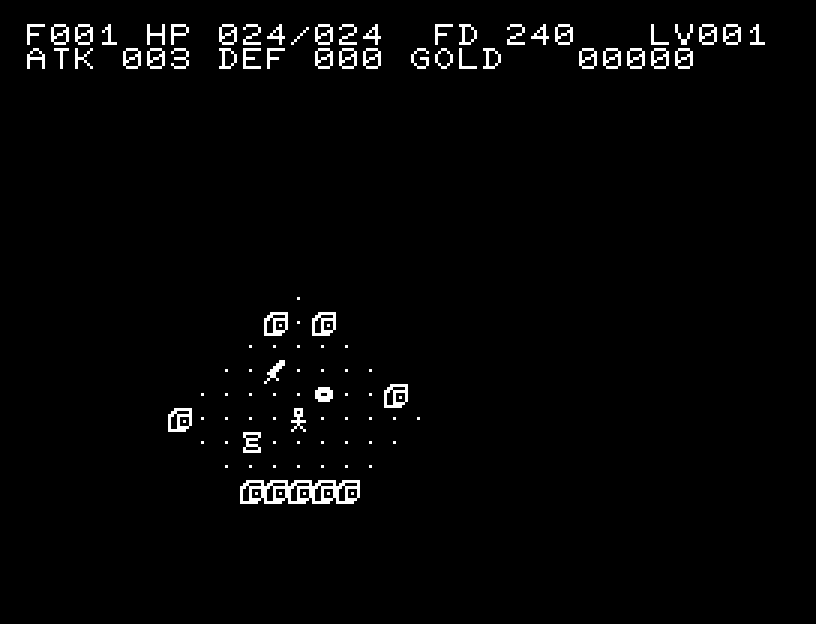
Open the menu while standing on stairs to reveal DESCEND. SEARCH checks your cell and its eight neighbors for hidden passages and traps. INSPECT lets you examine nearby cells with a cursor. SUSPEND pauses the adventure; powering off or resetting the emulator loses the suspended game.