JR-100 GAMES

PRISM TRACE

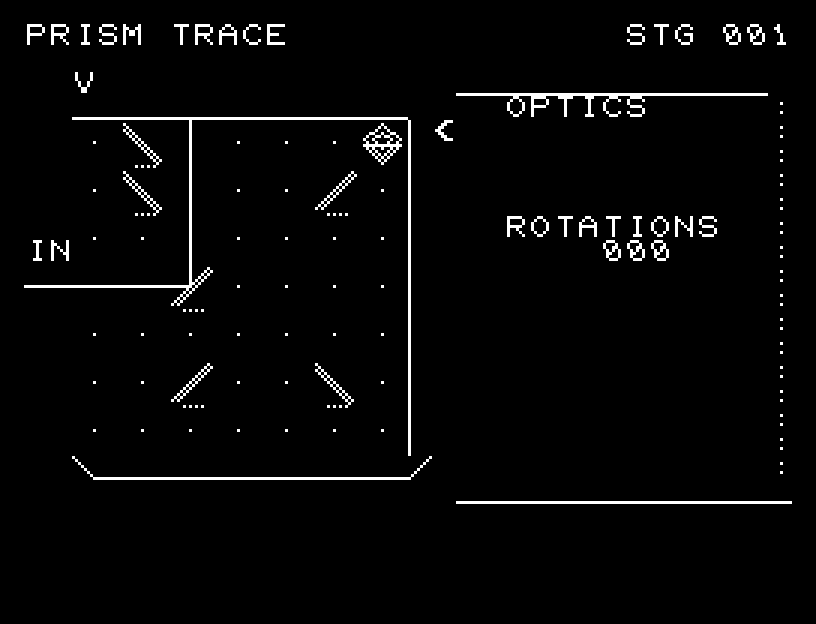
Rotate six mirrors to guide incoming light from the left to the receiver at the upper right. The light path updates whenever a mirror turns.

6枚の鏡を回転し、左から入る光を右上の受光器へ届けます。光路は鏡を回すたびに更新されます。

prism-trace.prg · v1.6.1 · 6.8 KiB · 16 KB RAM · Autostart ready自動起動対応

Start on MiSTerMiSTerで起動

  1. Copy the .prg into games/JR100/ on your SD card..prgをSDカードのgames/JR100/へコピーします。
  2. In the JR-100 core menu, set Autostart loaded program to Yes.JR-100コアのメニューでAutostart loaded programをYesにします。
  3. Choose Load PRG, select the game, then press RETURN at its title.Load PRGでゲームを選び、タイトル画面でRETURNを押します。

Still at READY? TypeREADYで止まる場合は A=USR($0300) and press RETURN.を入力してRETURN。 First-time setup / SuperStation One初回設定・SuperStation Oneの手順

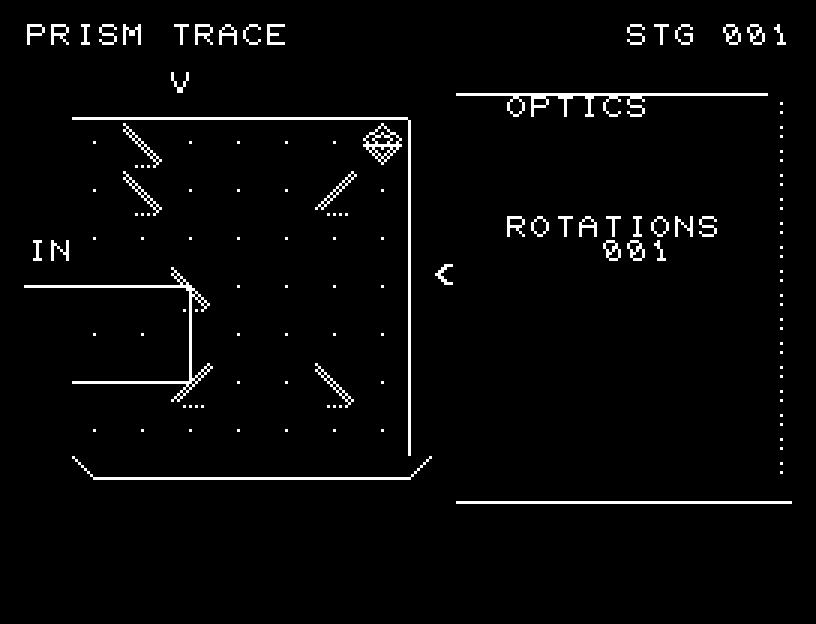
PRISM TRACE — At the start
At the start開始時の盤面
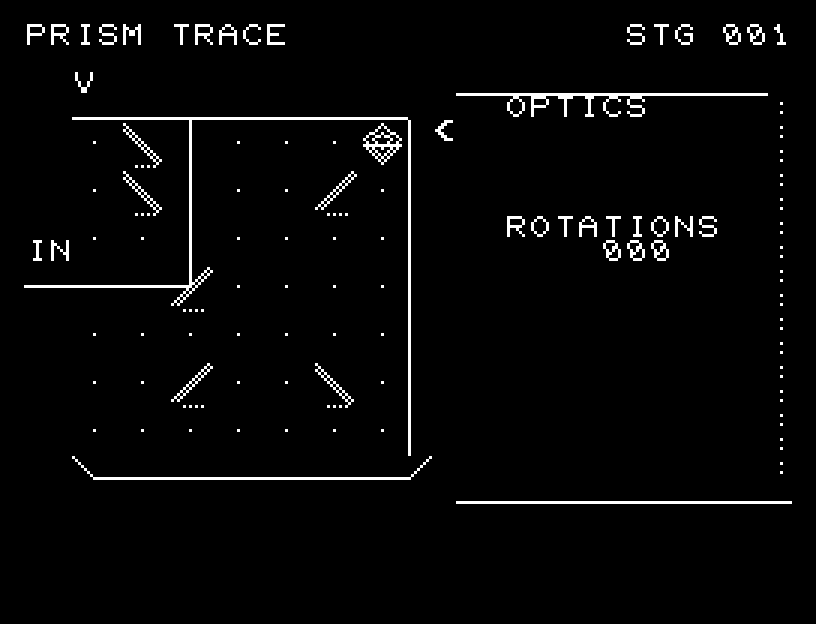
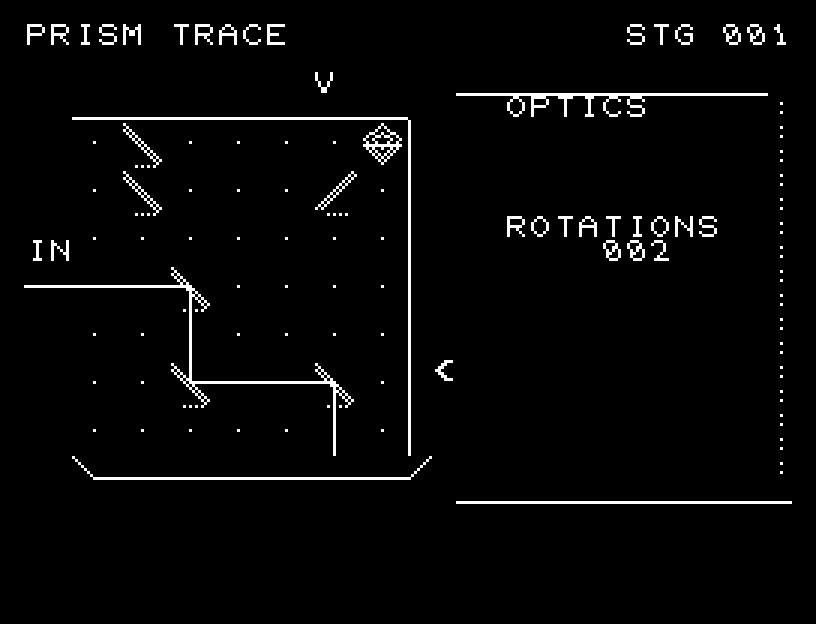
PRISM TRACE — In play
In playプレイ中
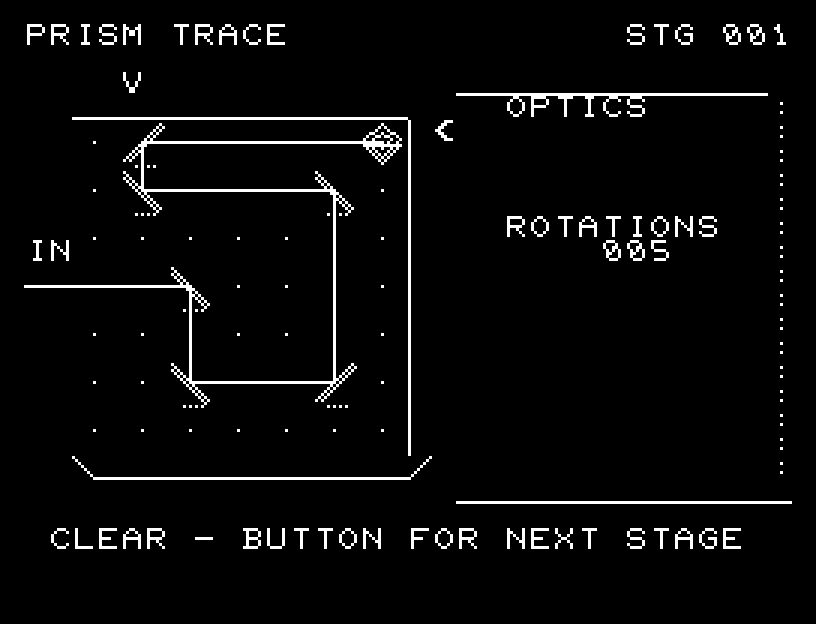
PRISM TRACE — First goal reached
First goal reached最初の目標を達成

First stage cleared.1ステージのクリアまでを収録。

Controls and play

WASD selects a mirror position; RETURN switches between / and the opposite mirror orientation. The intersection of the arrows above and to the right of the board marks your selection.

Directions work on the keyboard or pad; the pad button also acts as RETURN. SPACE opens confirmation to restart this stage. NO is selected initially. Choose with A/D, confirm with RETURN, or cancel with SPACE. Play pauses during confirmation. CTRL+C returns to BASIC.

After a rotation, the light extends as a continuous line and bends at mirror faces. Reflection sounds let you follow it toward the receiver. Wait for the animation to finish before pressing again.

The path remains an unbroken line, turning at mirrors. The rotation count appears beside the board.

More screenshots
PRISM TRACE: play 01

PRISM TRACE: play 02

操作と遊び方

WASDで鏡の位置を選び、RETURNで / と反対向きの鏡を切り替えます。盤面の上と右にある矢印の交点が選択位置です。

方向キーはキーボードまたはパッド、RETURNはパッドのボタンでも操作できます。SPACEでこの面のやり直し確認を開きます。やり直し確認はNOが初期選択です。A/Dで選び、RETURNで確定、SPACEで取り消します。確認中は進行を止めます。CTRL+CでBASICへ戻ります。

鏡を回すと、光がつながった線として伸びていきます。鏡の面で線が折れ曲がり、反射音とともに受光器までの経路を追えます。演出が終わってから次のキーを押してください。

光路は途切れない線で示し、鏡の位置で折れ曲がります。側面に回転回数を表示します。

ゲーム開始時

プレイ中の場面