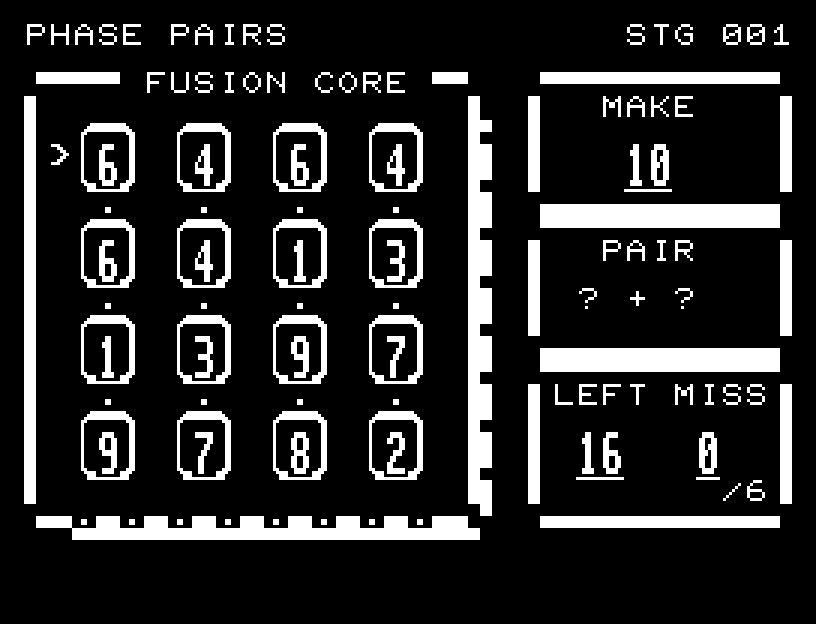
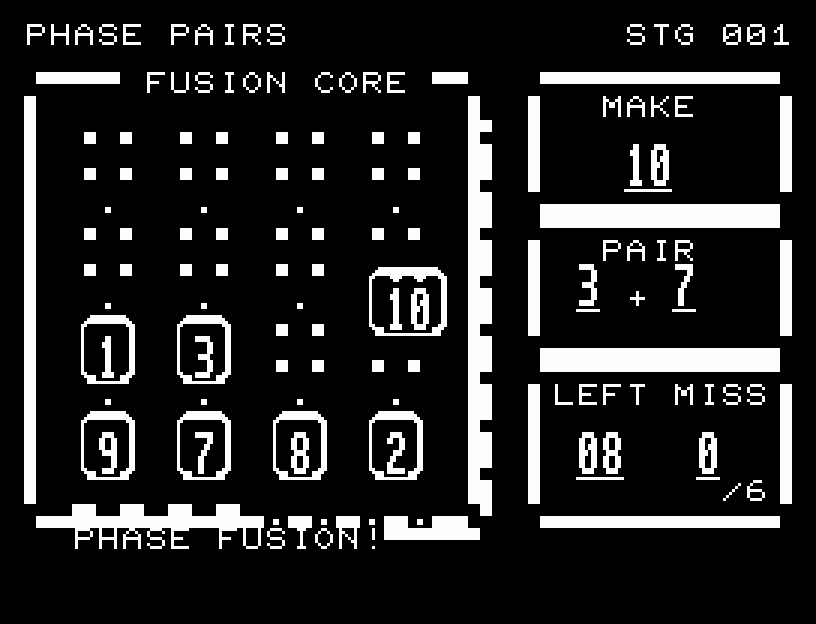
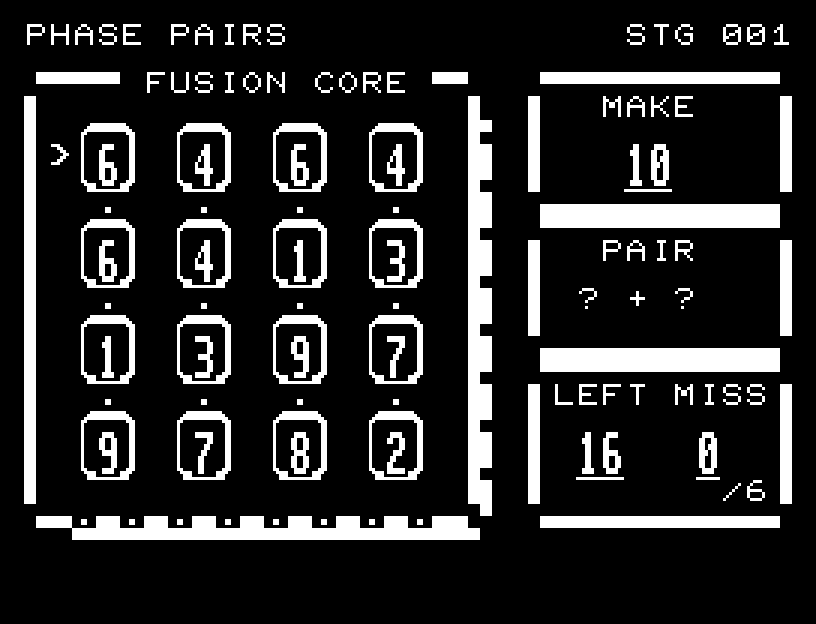
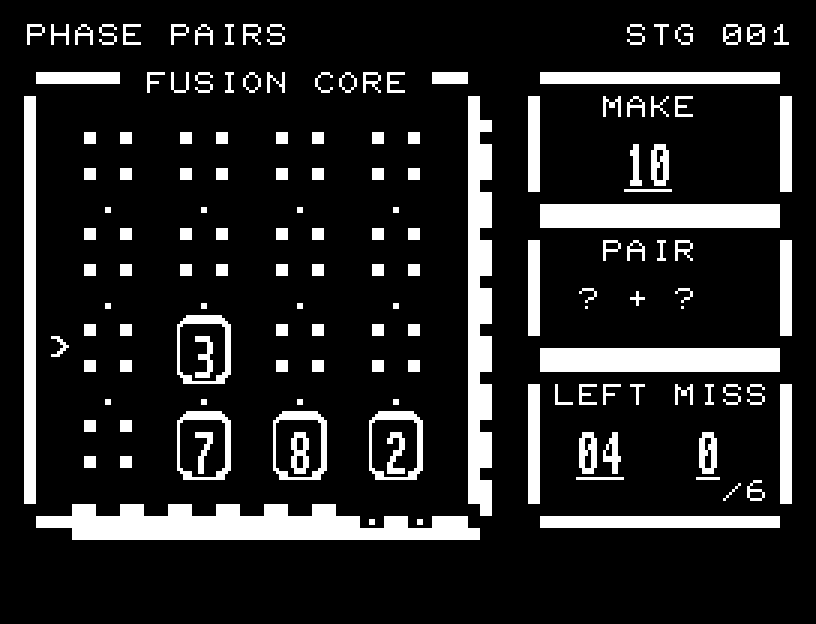
WASD selects a number. RETURN chooses the first and second tiles. The first gets a mark along its top edge and its value appears under PAIR. Every adjacent tile that makes 10 has a flashing frame. Move to one of these and press RETURN for the second choice. Diagonal pairs and pairing a tile with itself are invalid. Six mistakes cause failure.
Directions work on the keyboard or pad; the pad button also acts as RETURN. SPACE opens confirmation to restart this stage. NO is selected initially. Choose with A/D, confirm with RETURN, or cancel with SPACE. Play pauses during confirmation. CTRL+C returns to BASIC.
Flashing candidate frames keep their numbers readable. A valid pair moves together into the center, forms a large 10, scatters light, and disappears. Selection and merge sounds confirm each pair. Invalid pairs leave the board visible and explain whether the tiles were not adjacent or did not sum to 10. Wait for the animation to finish before pressing again.
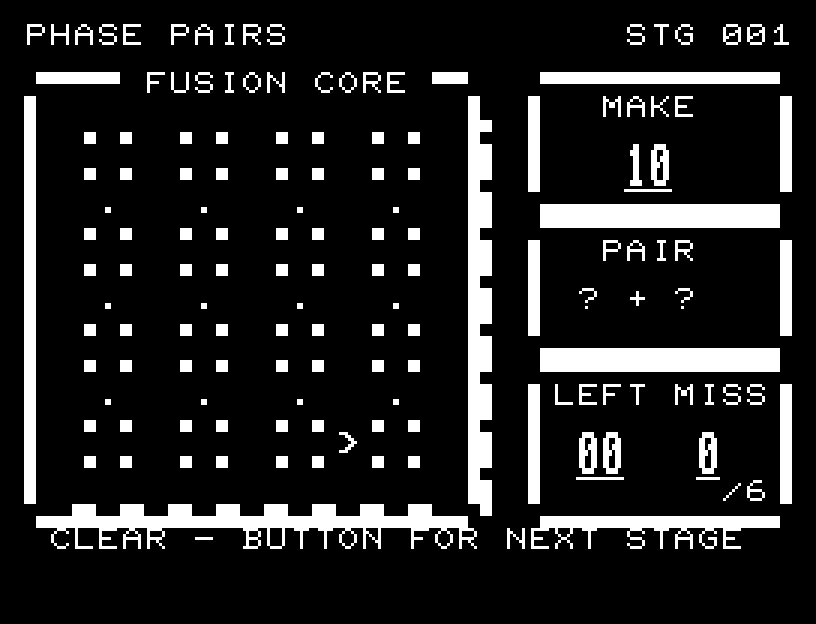
MAKE 10 is the target sum, PAIR shows selected values, LEFT counts remaining tiles, and MISS counts mistakes up to six. The eight indicators below the board light up for completed pairs. NEIGHBORS ONLY means a nonadjacent pair; SUM MUST BE 10 means a wrong total.