Controls
| Action | Keyboard | One-button pad |
|---|---|---|
| Select die | A/D | Left/right |
| Select assignment | W/S | Up/down |
| Use / confirm | RETURN | Button |
| Select a face in the workshop | W/S | Up/down |
| Select a workshop service | A/D | Left/right |
| Return to BASIC | CTRL+C | Use the keyboard |
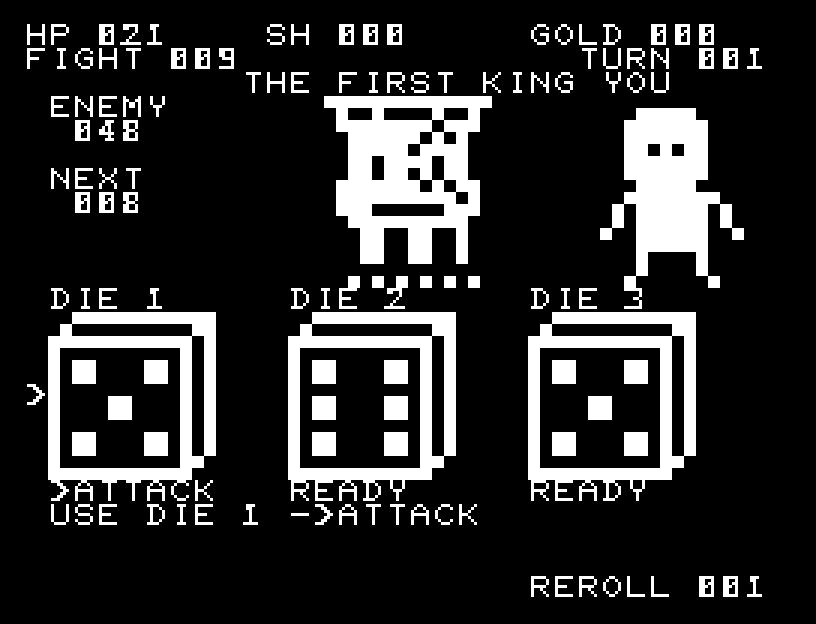
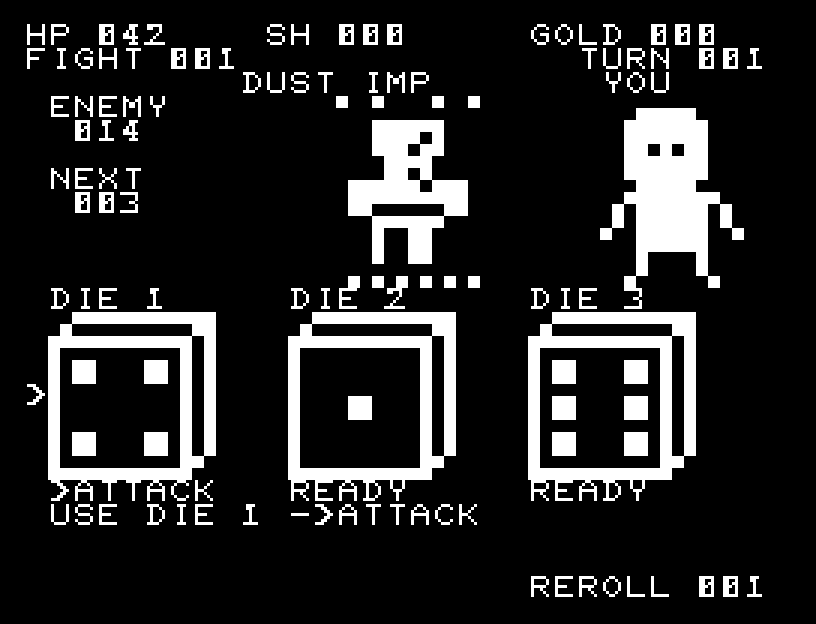
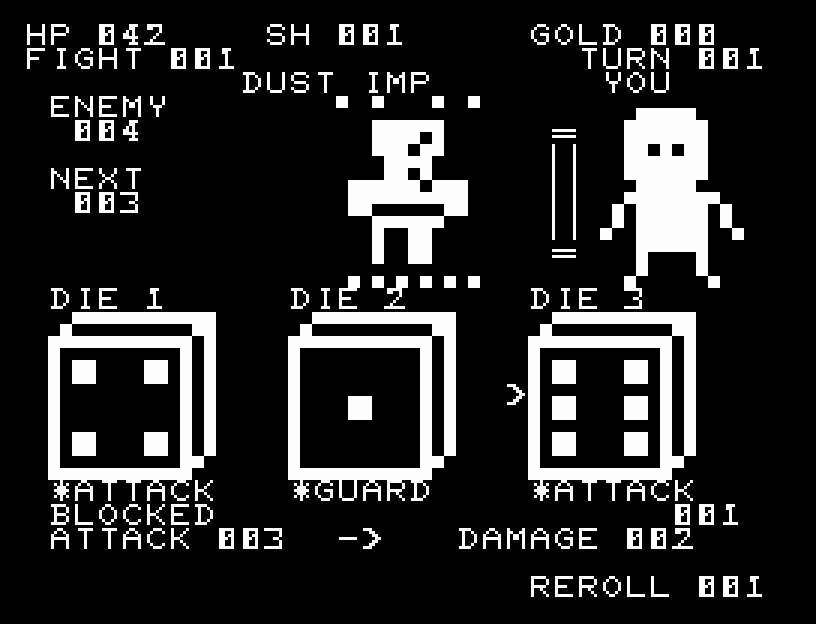
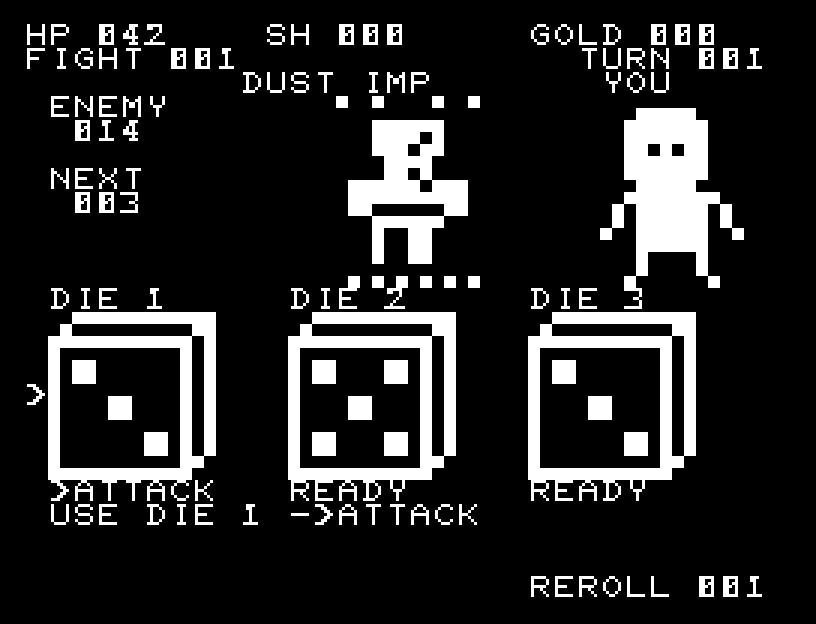
ATTACK deals the die's value in damage; GUARD provides that much defense; HEAL restores that much HP. Under the selected die, >ATTACK or a similar label previews its assignment. After RETURN uses it, the label becomes *ATTACK, *GUARD, or *HEAL. Used dice keep their values and labels so you can see what each one did. Each die may be used once per turn. REROLL rerolls all unused dice once per turn.
YOU, on the right, is your character. An attack steps forward and launches a light bolt; a hit makes the enemy flash. Defense unfolds a shield, incoming damage makes YOU flash and recoil, and healing sends light upward. BEFORE → AFTER shows changes in HP or defense. BLOCKED shows how much was stopped, with ATTACK → DAMAGE comparing the enemy's strength to the damage you actually take. After the third die, defense, damage, and the next roll resolve in order. Wait for each animation to finish before pressing again.
After all three dice are used, the enemy attacks. Defense absorbs damage first, then disappears. The enemy's attack increases by 2 every four turns; NEXT shows its current attack value. Maximum HP is 42. Defeating an enemy prevents its retaliation that turn.
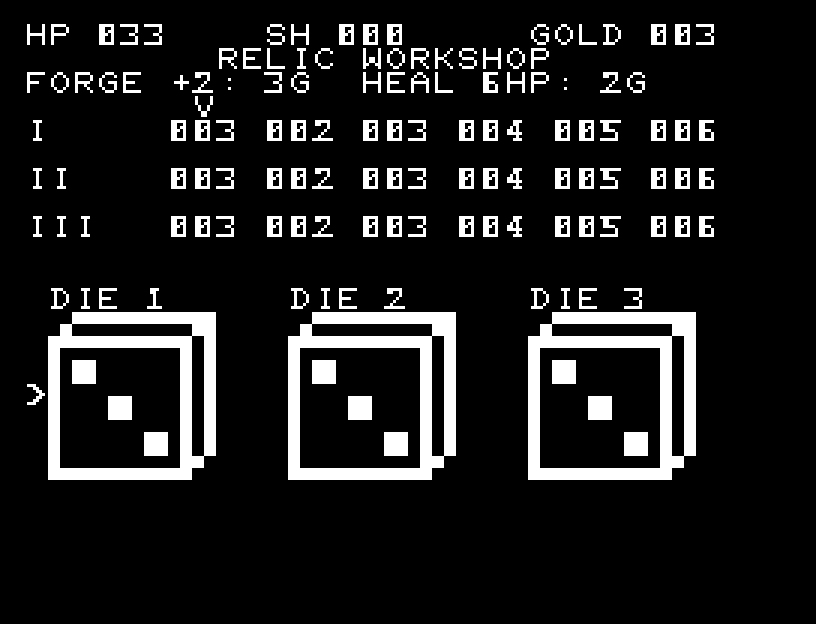
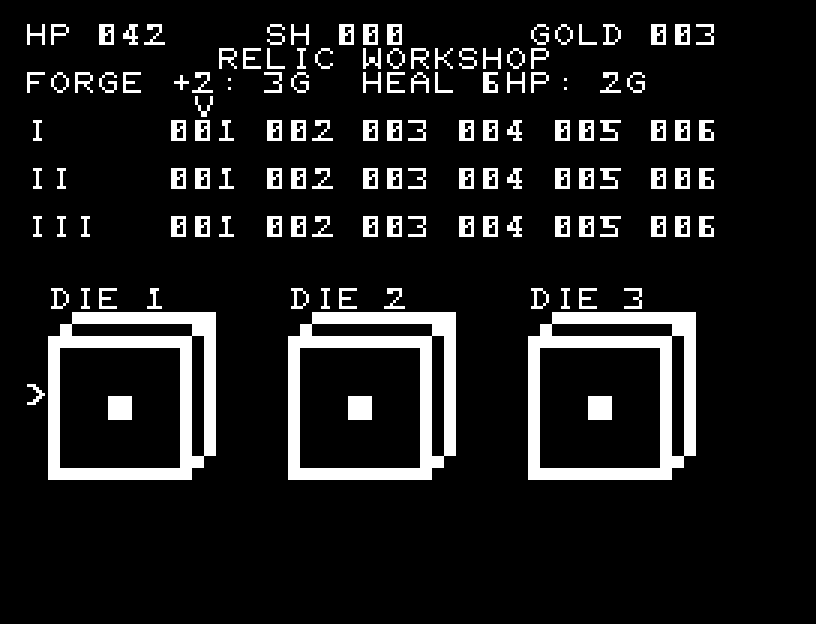
Victory restores 2 HP and awards three coins. In the workshop, select a die with left/right and one of its six faces with up/down, then press the button to open the service menu.
- FORGE: pay 3 coins to raise that face by 2, up to 9.
- HEAL: pay 2 coins to restore 6 HP; no purchase is made at full HP.
- NEXT: enter the next battle.
- BACK: return to face selection.
Forged faces remain improved in later battles. The workshop table shows all 18 faces; the large die below shows the selected value.