JR-100 GAMES

TRACE BLADE

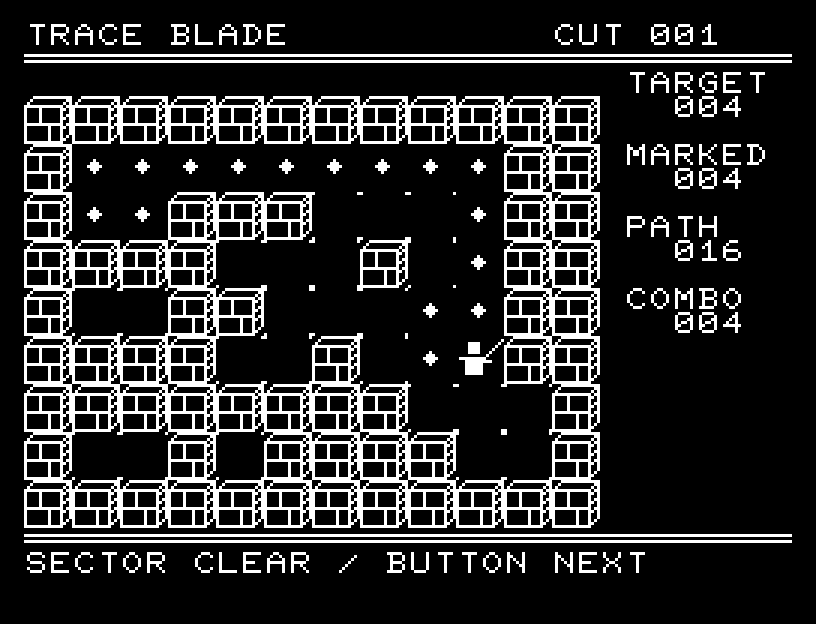
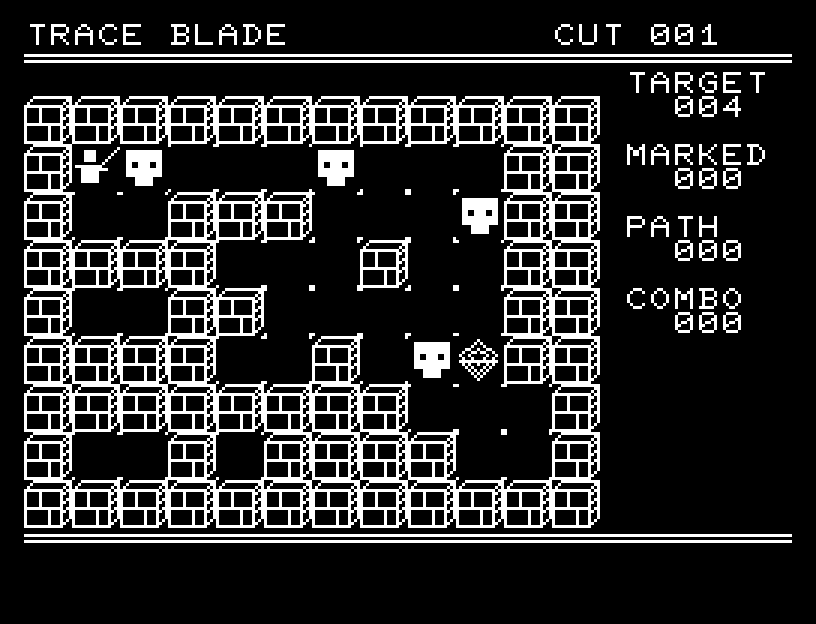
Plan one continuous sword path through 30 rooms. On each 12×9 board, pass through every target and finish at the diamond-shaped exit, then execute your route. The blade follows your plan and strikes each target in sequence.

30の部屋を一筆の刀筋で突破する、JR-100・標準RAM 16KB向けパズルです。12×9マスの盤面で経路を計画し、全標的を通って菱形の出口へ到達したら実行します。刀が予定経路を走り、標的を連続で撃破します。

trace-blade.prg · v1.6.1 · 9.2 KiB · 16 KB RAM · Autostart ready自動起動対応

Start on MiSTerMiSTerで起動

  1. Copy the .prg into games/JR100/ on your SD card..prgをSDカードのgames/JR100/へコピーします。
  2. In the JR-100 core menu, set Autostart loaded program to Yes.JR-100コアのメニューでAutostart loaded programをYesにします。
  3. Choose Load PRG, select the game, then press RETURN at its title.Load PRGでゲームを選び、タイトル画面でRETURNを押します。

Still at READY? TypeREADYで止まる場合は A=USR($0300) and press RETURN.を入力してRETURN。 First-time setup / SuperStation One初回設定・SuperStation Oneの手順

TRACE BLADE — At the start
At the start開始時の盤面
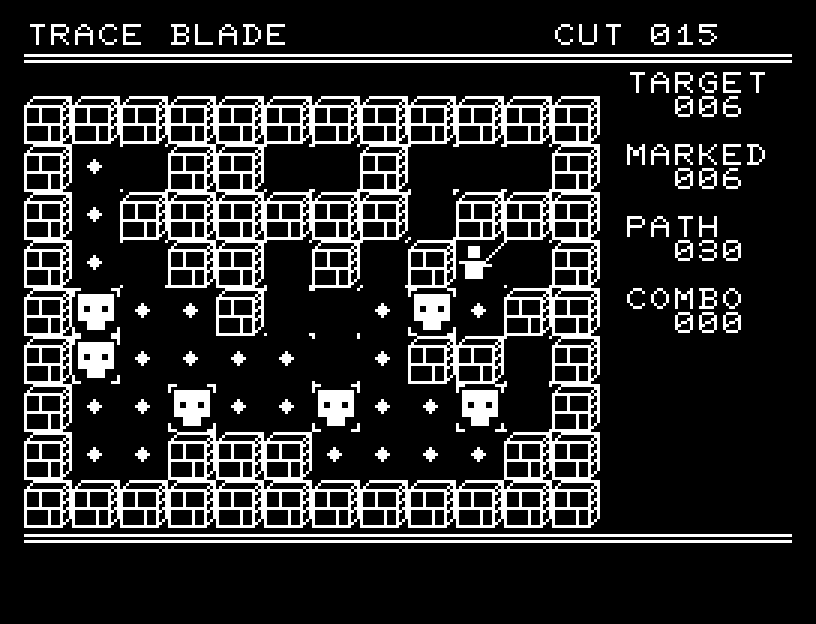
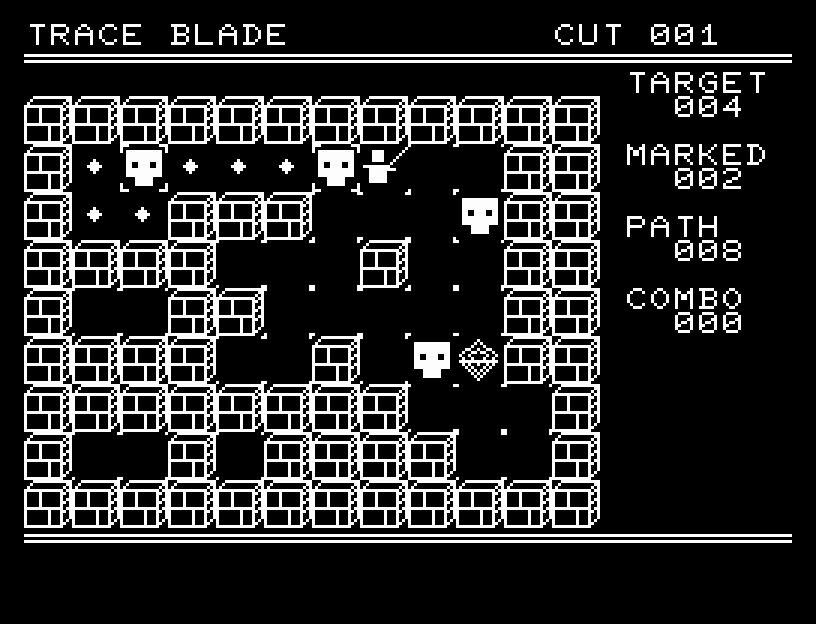
TRACE BLADE — In play
In playプレイ中
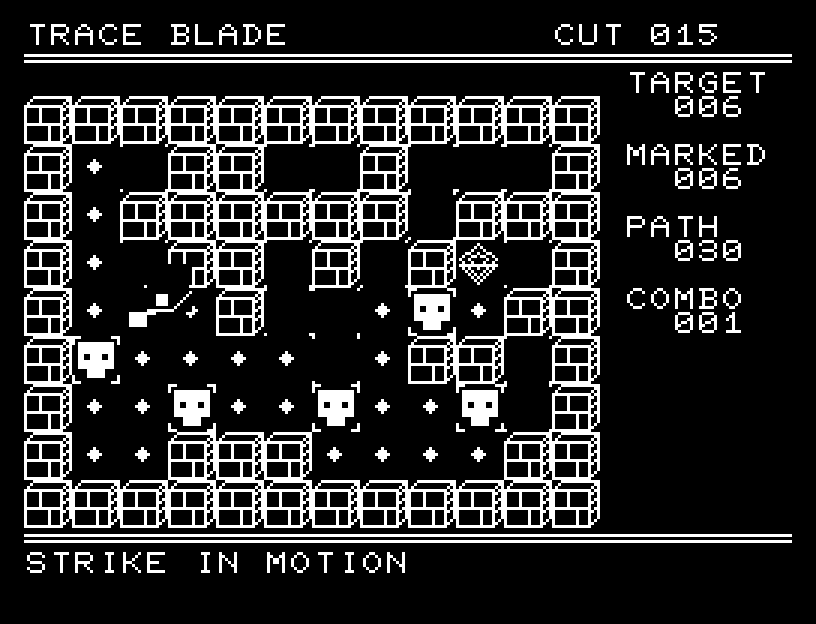
TRACE BLADE — First goal reached
First goal reached最初の目標を達成

First stage cleared.1ステージのクリアまでを収録。

Controls

Action Keyboard One-button pad
Extend the path one cell W/A/S/D Up/down/left/right
Menu / confirm RETURN Button
Select menu entry W/S Up/down
Undo one step SPACE UNDO in the menu
Execute F CUT in the menu
Return to BASIC CTRL+C Use the keyboard

You cannot cross a wall or revisit a cell. Take as long as you like to plan; undo one step at a time, all the way to the start. A route can execute only if it includes all targets and ends at the exit. RESET clears the current room's route; TITLE returns to the title; BACK resumes planning.

TARGET is the total target count, MARKED is the number included in your route, PATH is its length, and COMBO counts strikes during execution. Targets included in the route gain corner marks. Execution runs automatically; press the button after clearing the room to continue.

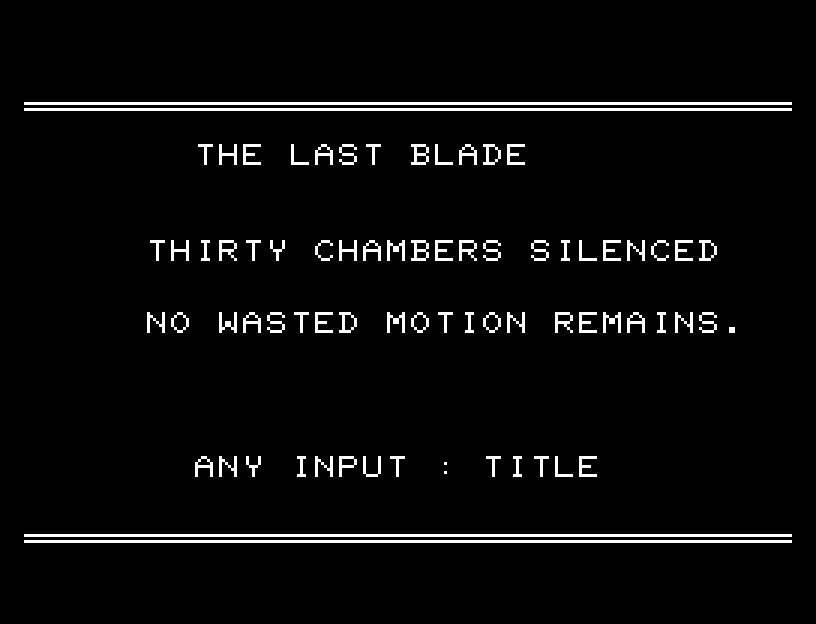
A planned route The strike in motion Ending

Restarting or returning to the title during play asks for confirmation. NO is selected initially. Choose with A/D, confirm with RETURN, or cancel with SPACE.
操作

操作 キーボード 1ボタンパッド
経路を1マス伸ばす W/A/S/D 上下左右
操作メニュー/決定 RETURN ボタン
メニュー選択 W/S 上下
1手戻す SPACE メニューのUNDO
実行 F メニューのCUT
BASICへ戻る CTRL+C キーボードを使用

一度通ったセルと壁は通れません。経路は好きなだけ考え、始点まで1手ずつ戻せます。全標的を通り、出口で終わっている経路だけを実行できます。メニューのRESETはその面の経路を消し、TITLEはタイトルへ戻ります。BACKで計画を続けられます。

HUDのTARGETは標的数、MARKEDは経路に入った数、PATHは歩数、COMBOは実行中の撃破数。経路に入った標的には四隅の印が付きます。実行は入力を待たずに進み、面クリア後にボタンを押すと次の面です。

Planned route Strike in motion Ending

やり直し/プレイ中のタイトル移動は実行前に確認します。NOが初期選択です。A/Dで選びRETURNで確定、SPACEで取り消します。