JR-100 GAMES

MIRROR RELIC

Walk and rotate your position by 90 degrees to collect three relics and reach the gate across six stages. Each relic's A–D label is its required phase: step on it in that phase to collect it.

移動と90度の鏡回転で3つの遺物を集め、門へ着く全6面です。遺物のA〜Dは必要な位相で、同じ位相のときに踏むと回収できます。

mirror-relic.prg · v3.0.0 · 8.3 KiB · 16 KB RAM · Autostart ready自動起動対応

Start on MiSTerMiSTerで起動

  1. Copy the .prg into games/JR100/ on your SD card..prgをSDカードのgames/JR100/へコピーします。
  2. In the JR-100 core menu, set Autostart loaded program to Yes.JR-100コアのメニューでAutostart loaded programをYesにします。
  3. Choose Load PRG, select the game, then press RETURN at its title.Load PRGでゲームを選び、タイトル画面でRETURNを押します。

Still at READY? TypeREADYで止まる場合は A=USR($0300) and press RETURN.を入力してRETURN。 First-time setup / SuperStation One初回設定・SuperStation Oneの手順

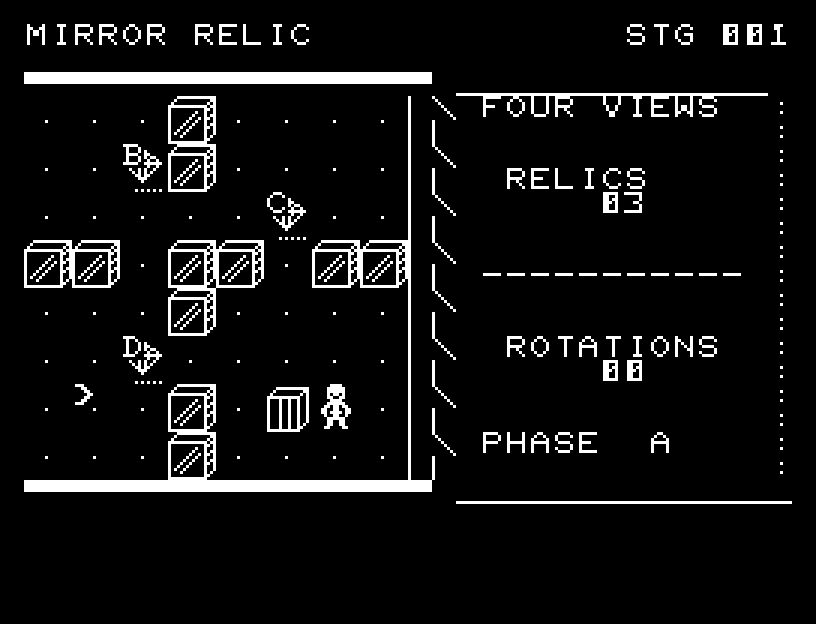
MIRROR RELIC — At the start
At the start開始時の盤面
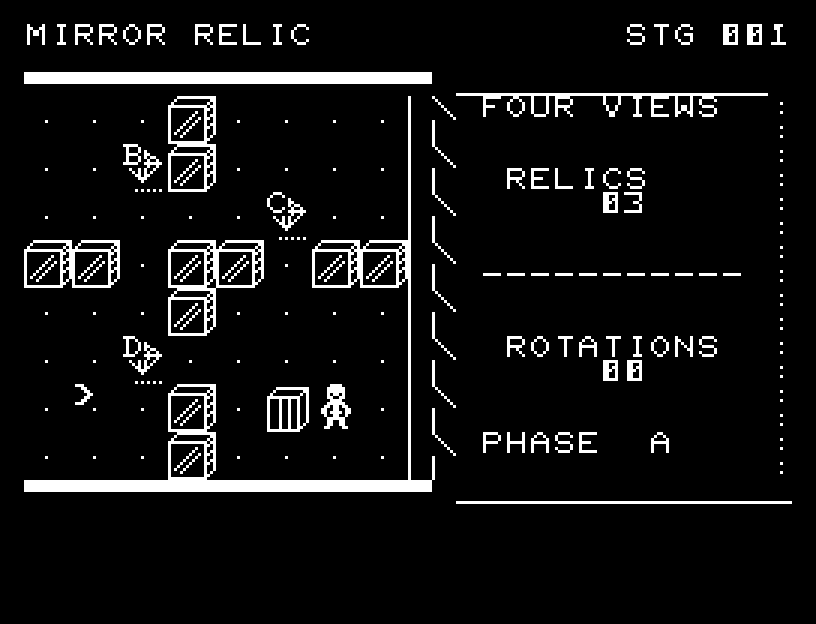
MIRROR RELIC — In play
In playプレイ中
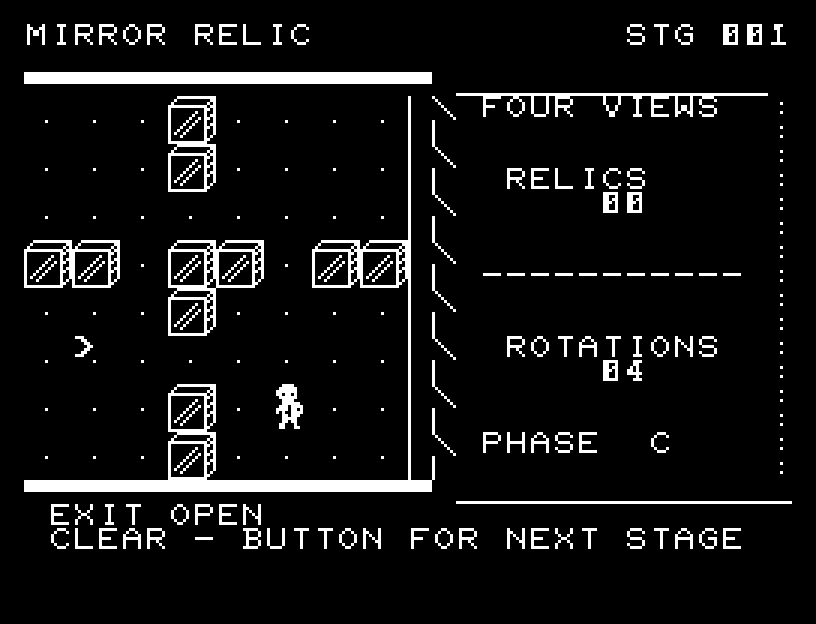
MIRROR RELIC — First goal reached
First goal reached最初の目標を達成

First stage cleared.1ステージのクリアまでを収録。

Controls and play

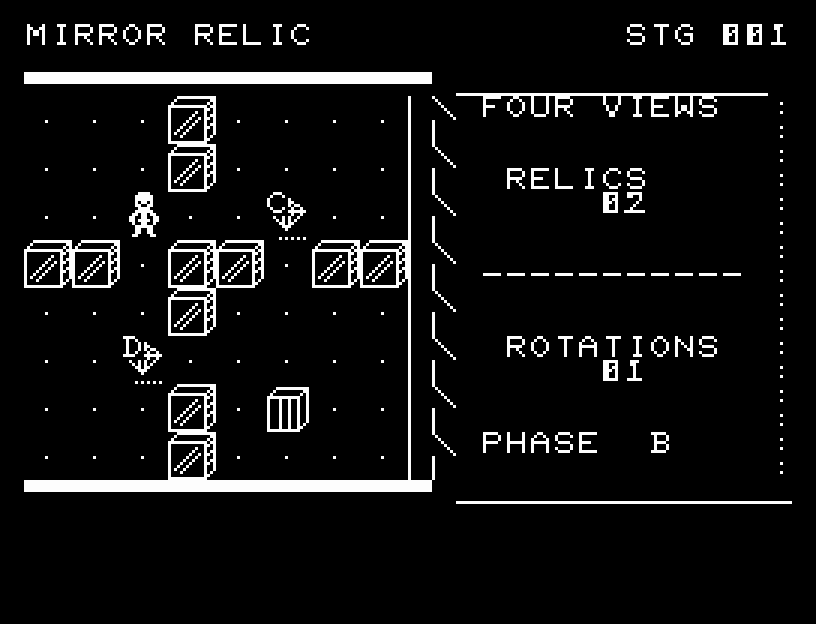
WASD walks, RETURN rotates clockwise, and X rotates counterclockwise. Rotation advances or reverses PHASE by one step. An arrow previews the clockwise destination. You cannot rotate into a wall.

Directions work on the keyboard or pad; the pad button also acts as RETURN. SPACE opens confirmation to restart this stage. NO is selected initially. Choose with A/D, confirm with RETURN, or cancel with SPACE. Play pauses during confirmation. CTRL+C returns to BASIC.

Shaded walls and relic phase letters are distinct. Walking and mirror travel show intermediate positions, with sound and pickup light. Check the destination preview before rotating. Wait for animations to finish before pressing again.

RELICS counts those remaining, ROTATIONS counts rotations used, and PHASE is your current phase. You may rotate up to 20 times. Use corridors to change where a rotation will land you, then collect each relic in the right phase.
More screenshots

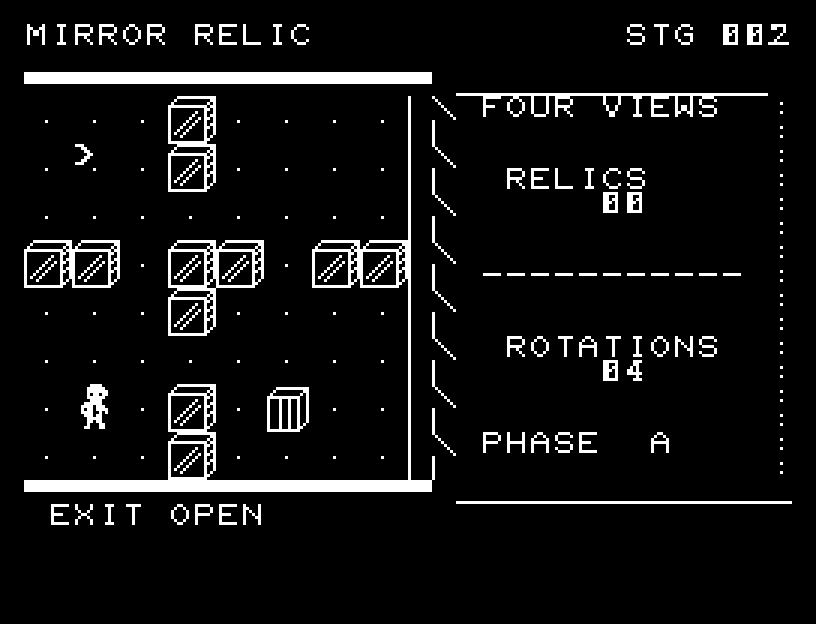
MIRROR RELIC: play 01

MIRROR RELIC: play 02

操作と遊び方

WASDで歩き、RETURNで時計回り、Xで反時計回りに位置を回転させます。回転するとPHASEも1段進むか戻ります。時計回りの移動先は矢印で予告され、壁の位置へは回転できません。

方向キーはキーボードまたはパッド、RETURNはパッドのボタンでも操作できます。SPACEでこの面のやり直し確認を開きます。やり直し確認はNOが初期選択です。A/Dで選び、RETURNで確定、SPACEで取り消します。確認中は進行を止めます。CTRL+CでBASICへ戻ります。

陰影のある壁と遺物の位相文字を描き分け、歩行と鏡移動に途中の位置、SE、回収の光を使います。回転前の予告で到着位置を確認できます。演出が終わってから次のキーを押してください。

RELICSは残る遺物、ROTATIONSは回転回数、PHASEは現在の位相。回転は20回まで。通路で回転後の位置関係を変え、遺物の位相に合わせて回収します。

ゲーム開始時

プレイ中の場面