Controls
| Action | Keyboard | Directional pad + one button |
|---|---|---|
| Move up / down / left / right | W / S / A / D | Corresponding direction |
| Tactical menu / confirm | RETURN | Button |
| Fire | F | FIRE in the menu |
| Wait | X | WAIT in the menu |
| Back | SPACE | BACK in the menu |
| Change aim | A / D in the menu | Left / right in the menu |
| Return to BASIC | CTRL+C | Use the keyboard |
Each direction press moves one cell. Select menu entries with up/down and confirm with the button. Changing aim and navigating menus do not advance time. After death, confirm to retry.
Restarting or returning to the title during play asks for confirmation. NO is selected initially. Choose with A/D, confirm with RETURN, or cancel with SPACE.
Rules and display
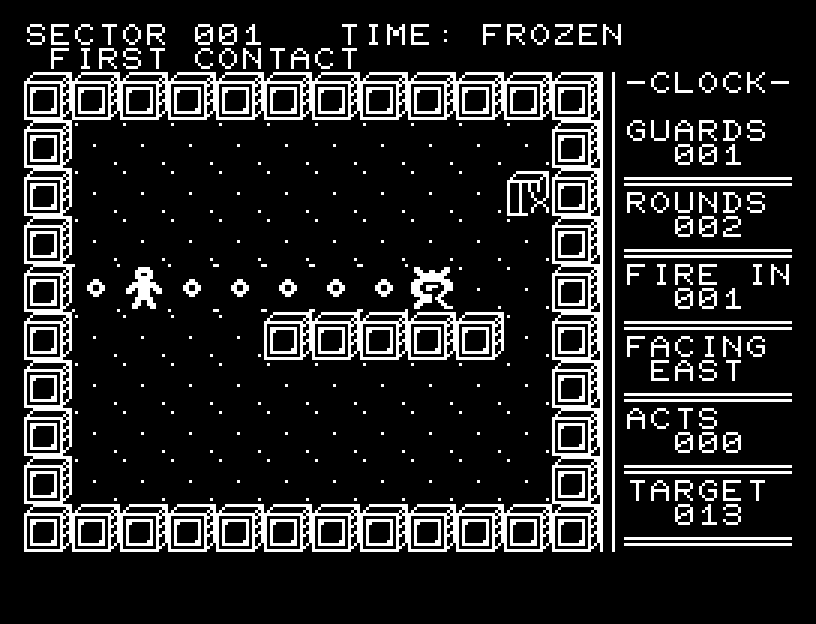
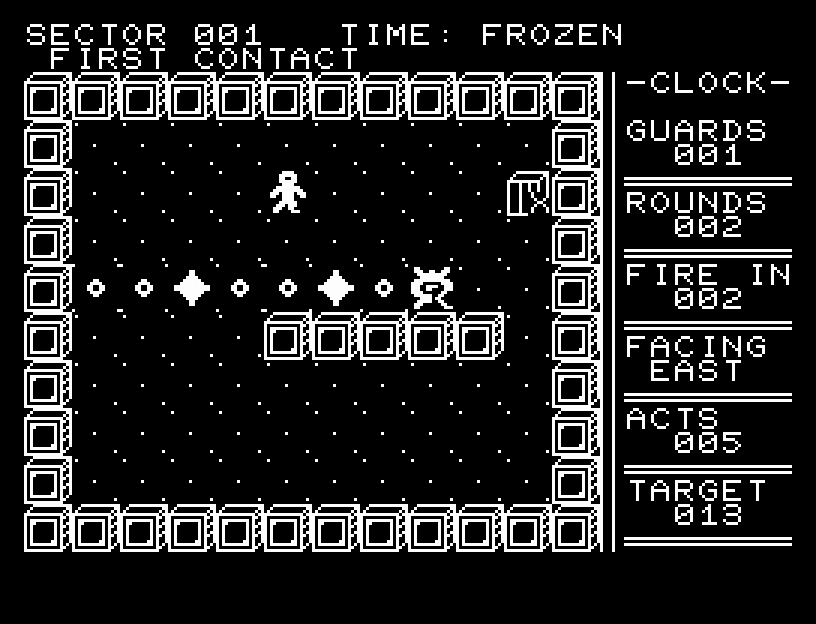
Every action advances enemy bullets by one cell. Guards fire in fixed directions every three actions. Small outlines show firing lines; large white shapes are actual bullets. Moving onto a guard performs a melee attack. Your shots travel up to four cells and stop at a wall or the first enemy.
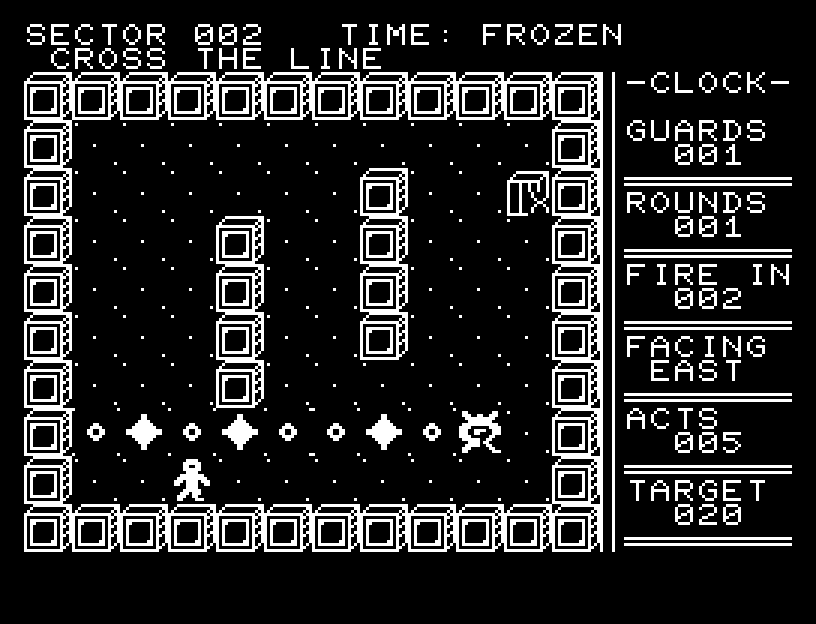
Step off a firing line to let a bullet pass. Bullets already fired remain even after their guard is defeated.
| Display | Meaning |
|---|---|
| GUARDS | Enemies remaining |
| ROUNDS | Ammunition remaining |
| FIRE IN | Actions until the next enemy volley |
| FACING | Your aiming direction |
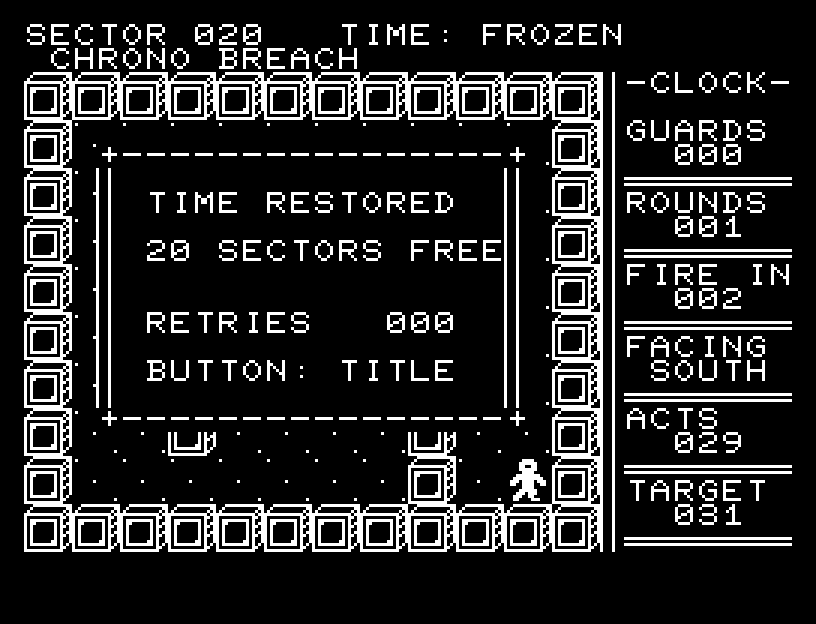
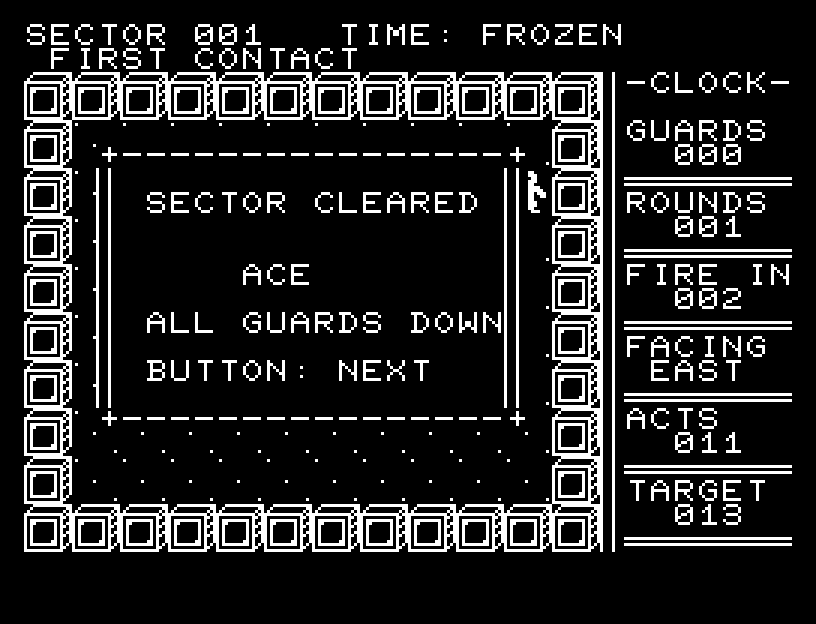
| ACTS / TARGET | Actions used / target for an ACE rating |
Walking into a wall or firing without ammunition does not advance time. Stepping onto a bullet hits you before that bullet moves. Enemy friendly fire can work in your favor.
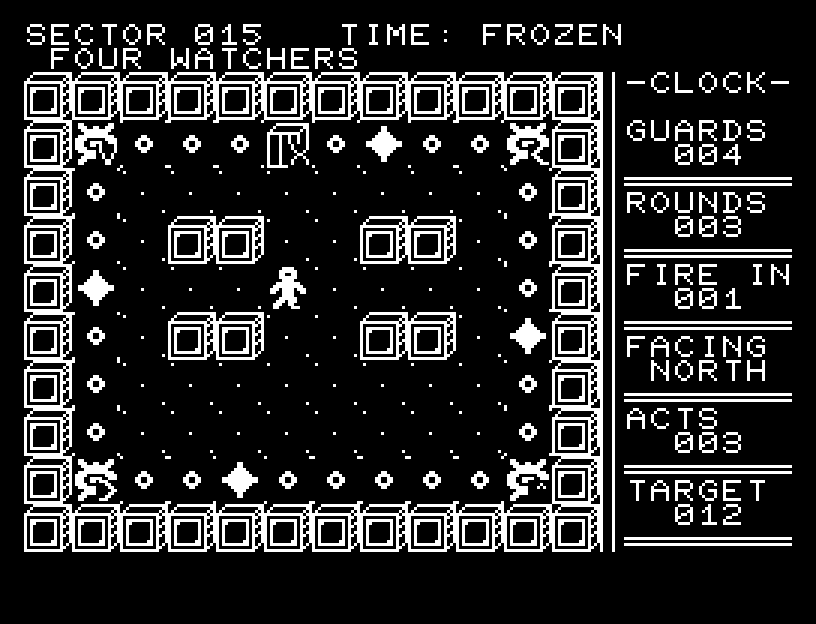
After defeating every guard, enter exit E. Finish within TARGET for ACE; taking longer still earns CLEAR. Select unlocked sectors with left/right at the title. Progress lasts for the current session and is lost on power-off or reload.