JR-100 GAMES

MEMORY MOSAIC

Find eight pairs among 16 cards on ten freshly shuffled boards. The mismatch allowance drops from 12 early on to 9 later. Consecutive matches build CHAIN.

16枚の札から8組を見つける、毎回配札が変わる全10面の神経衰弱です。許される不一致は序盤12回、終盤9回。続けて組を当てるとCHAINが伸びます。

memory-mosaic.prg · v3.0.0 · 8.0 KiB · 16 KB RAM · Autostart ready自動起動対応

Start on MiSTerMiSTerで起動

  1. Copy the .prg into games/JR100/ on your SD card..prgをSDカードのgames/JR100/へコピーします。
  2. In the JR-100 core menu, set Autostart loaded program to Yes.JR-100コアのメニューでAutostart loaded programをYesにします。
  3. Choose Load PRG, select the game, then press RETURN at its title.Load PRGでゲームを選び、タイトル画面でRETURNを押します。

Still at READY? TypeREADYで止まる場合は A=USR($0300) and press RETURN.を入力してRETURN。 First-time setup / SuperStation One初回設定・SuperStation Oneの手順

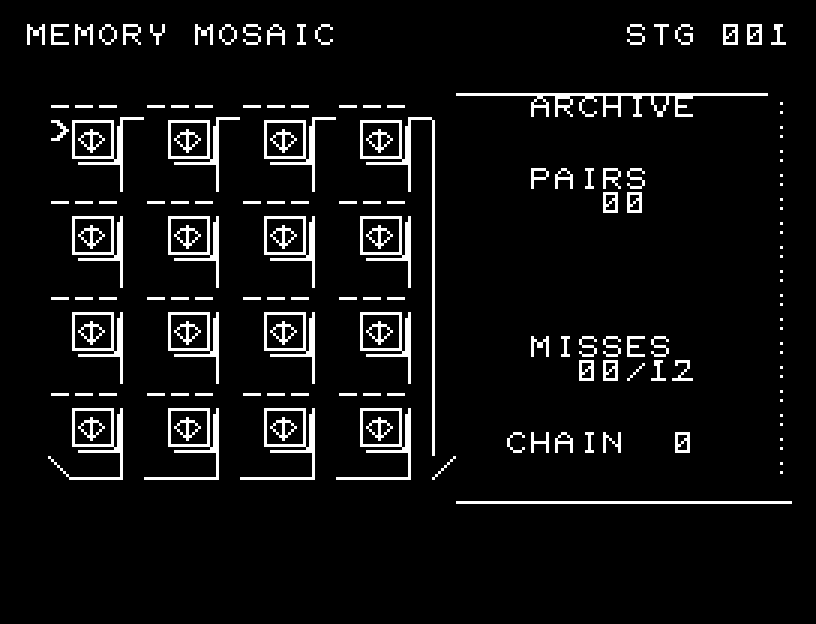
MEMORY MOSAIC — At the start
At the start開始時の盤面
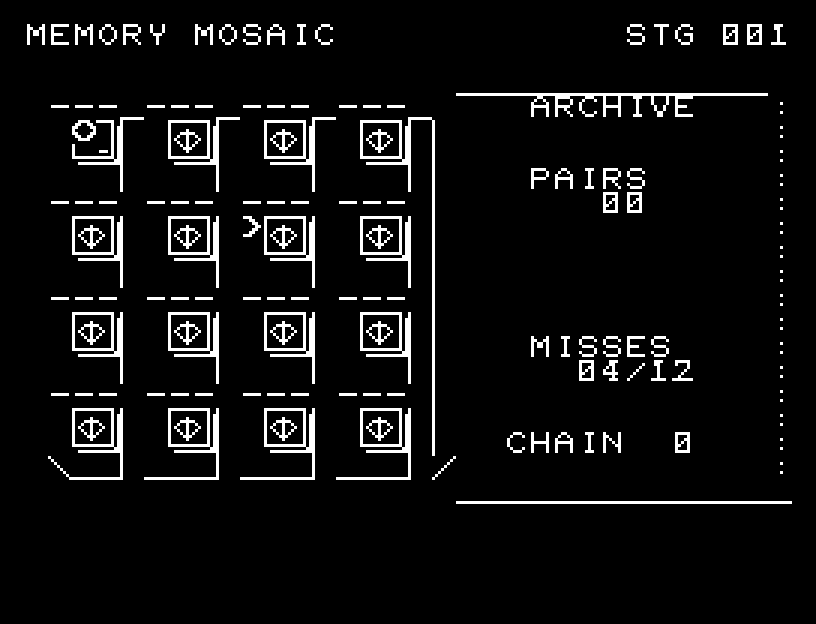
MEMORY MOSAIC — In play
In playプレイ中
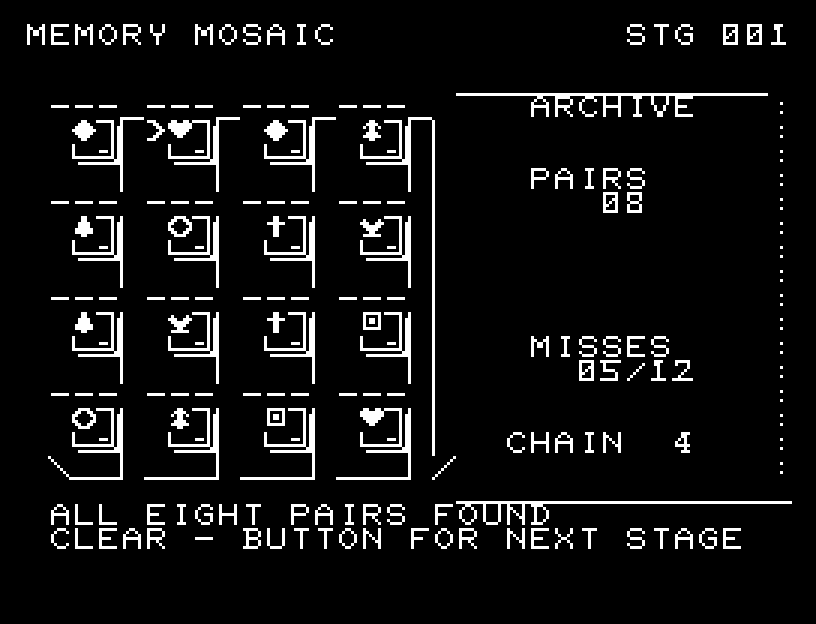
MEMORY MOSAIC — First goal reached
First goal reached最初の目標を達成

First stage cleared.1ステージのクリアまでを収録。

Controls and play

Select a card with WASD and turn it with RETURN. After examining two cards, press RETURN again to continue. Mismatches turn face down; matches stay face up.

Directions work on the keyboard or pad; the pad button also acts as RETURN. SPACE opens confirmation to restart this stage. NO is selected initially. Choose with A/D, confirm with RETURN, or cancel with SPACE. Play pauses during confirmation. CTRL+C returns to BASIC.

Framed, thick cards flip through five shapes: their face narrows to an edge, then the other side opens. Matches and mismatches have distinct sounds and a viewing pause. Wait until each animation ends before pressing again.

PAIRS counts completed pairs, MISSES shows mismatches/limit, and CHAIN counts successive matches. Remember both the picture and its position, then secure pairs you have already seen.
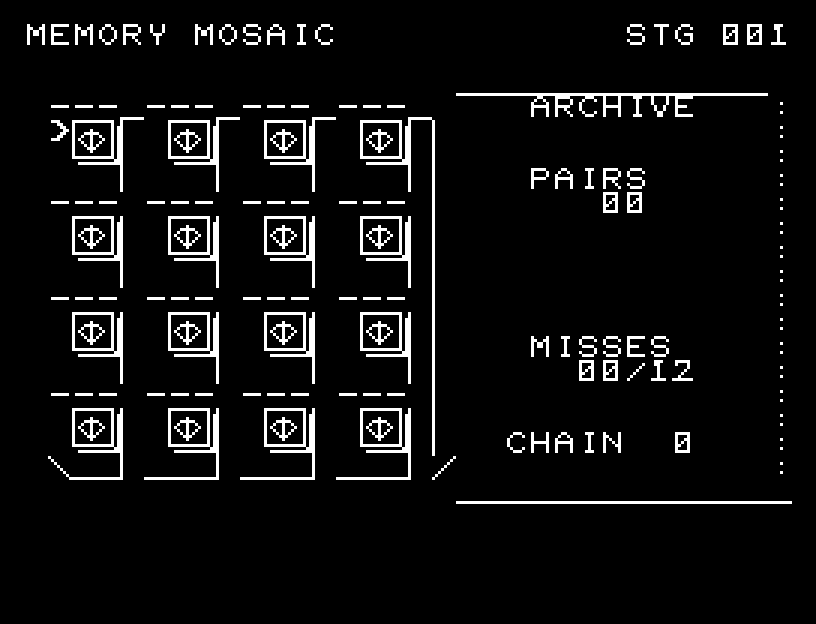
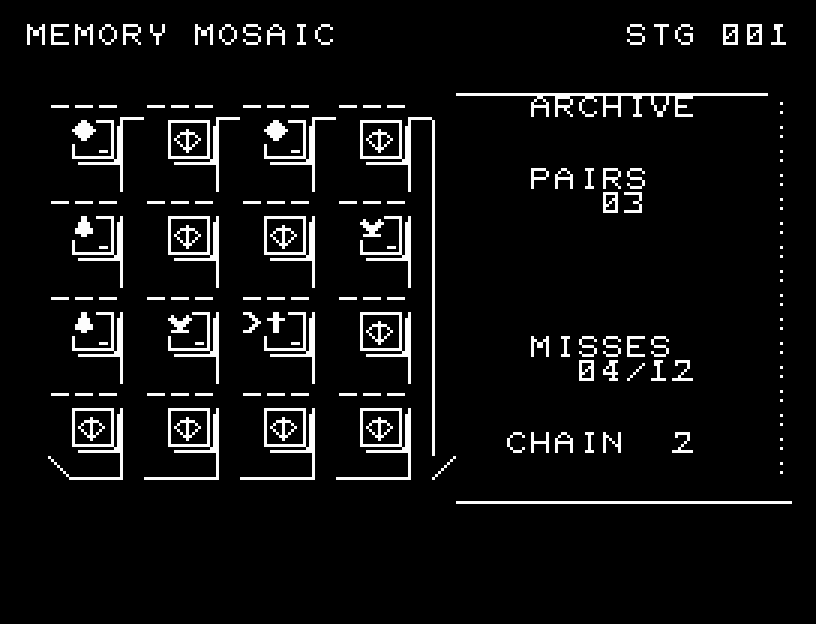
More screenshots

MEMORY MOSAIC: play 01

MEMORY MOSAIC: play 02

操作と遊び方

WASDで札を選び、RETURNでめくります。2枚を確認した後はRETURNでもう一度進めます。不一致の札は裏へ戻り、一致した札は表のまま残ります。

方向キーはキーボードまたはパッド、RETURNはパッドのボタンでも操作できます。SPACEでこの面のやり直し確認を開きます。やり直し確認はNOが初期選択です。A/Dで選び、RETURNで確定、SPACEで取り消します。確認中は進行を止めます。CTRL+CでBASICへ戻ります。

札ごとの枠と厚みを加え、表面が細くなり、側面を経て反対側が開く5段階の反転を使います。一致・不一致の音と確認の間があり、連続一致を数えます。演出が終わってから次のキーを押してください。

PAIRSは揃った組、MISSESは不一致の回数と上限、CHAINは連続で当てた組の数です。開いた絵柄と位置を覚え、見覚えのある組から確定していきます。

ゲーム開始時

プレイ中の場面