JR-100 GAMES

SHADOW ARCHIVE

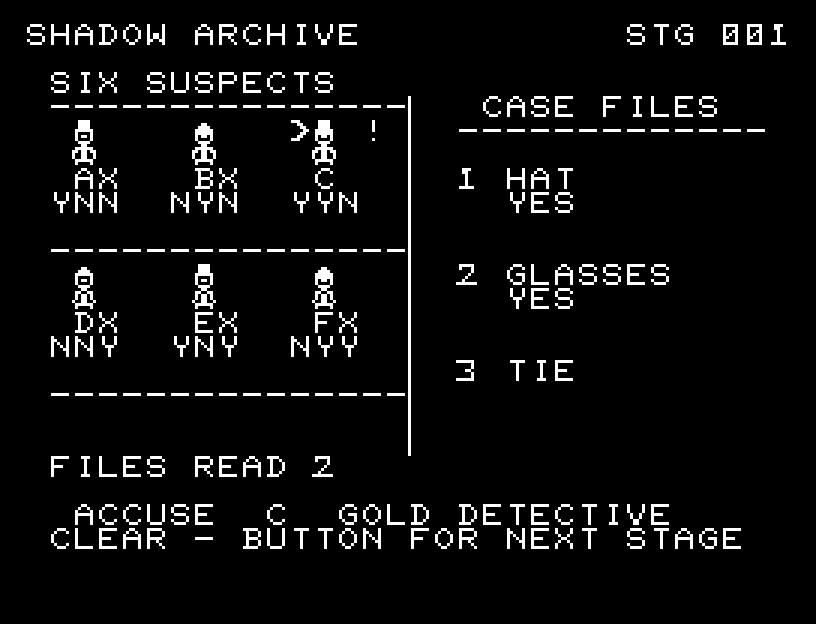
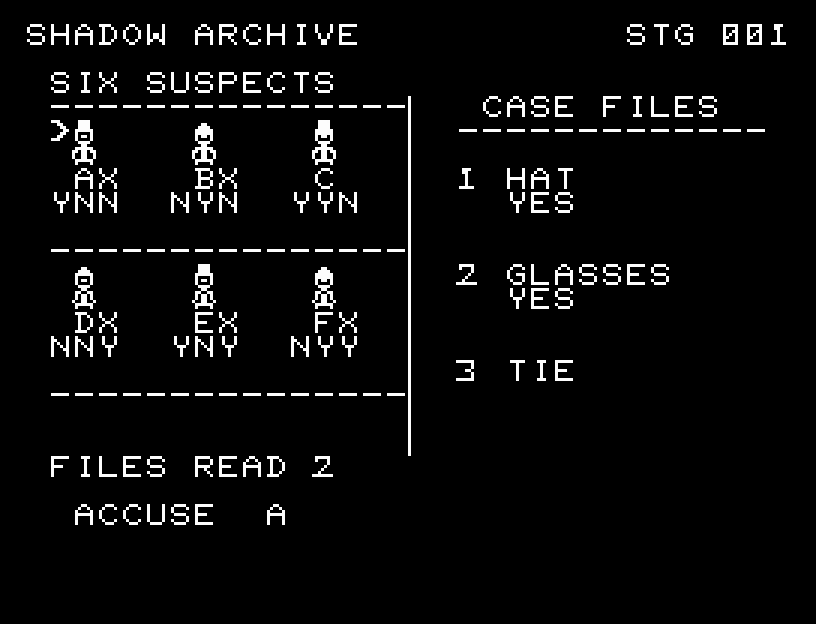
Narrow down six suspects by hats, glasses, and ties across 12 cases. Choose which statements to read; solve a case after reading no more than two for GOLD DETECTIVE.

帽子・眼鏡・ネクタイの特徴から6人の容疑者を絞る全12事件。必要な調書を選び、2件以下の閲覧で解決するとGOLD DETECTIVEになります。

shadow-archive.prg · v2.1.0 · 7.5 KiB · 16 KB RAM · Autostart ready自動起動対応

Start on MiSTerMiSTerで起動

  1. Copy the .prg into games/JR100/ on your SD card..prgをSDカードのgames/JR100/へコピーします。
  2. In the JR-100 core menu, set Autostart loaded program to Yes.JR-100コアのメニューでAutostart loaded programをYesにします。
  3. Choose Load PRG, select the game, then press RETURN at its title.Load PRGでゲームを選び、タイトル画面でRETURNを押します。

Still at READY? TypeREADYで止まる場合は A=USR($0300) and press RETURN.を入力してRETURN。 First-time setup / SuperStation One初回設定・SuperStation Oneの手順

SHADOW ARCHIVE — At the start
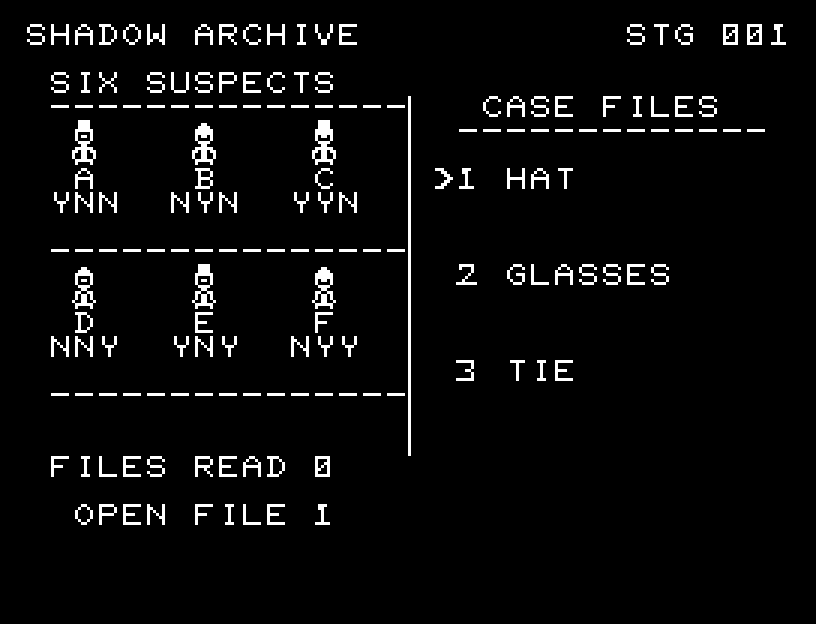
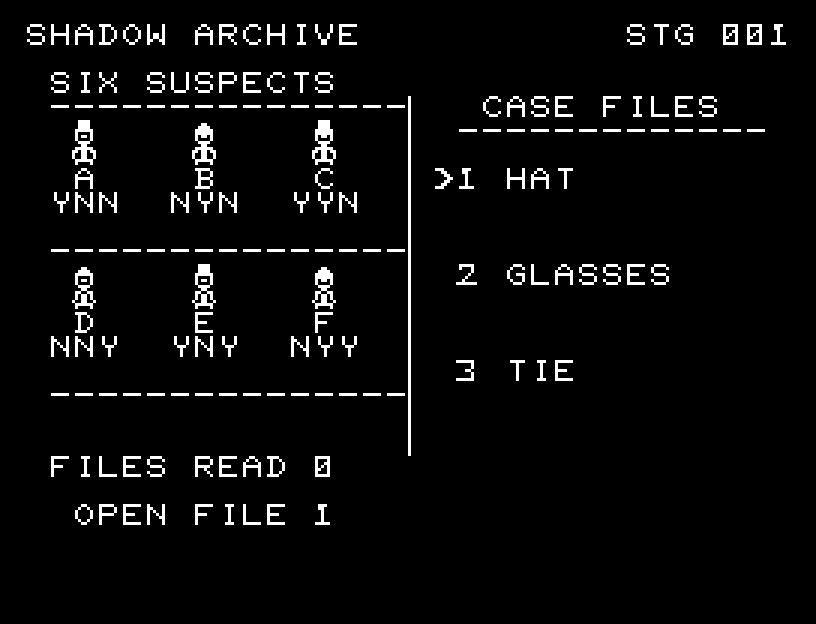
At the start開始時の盤面
SHADOW ARCHIVE — In play
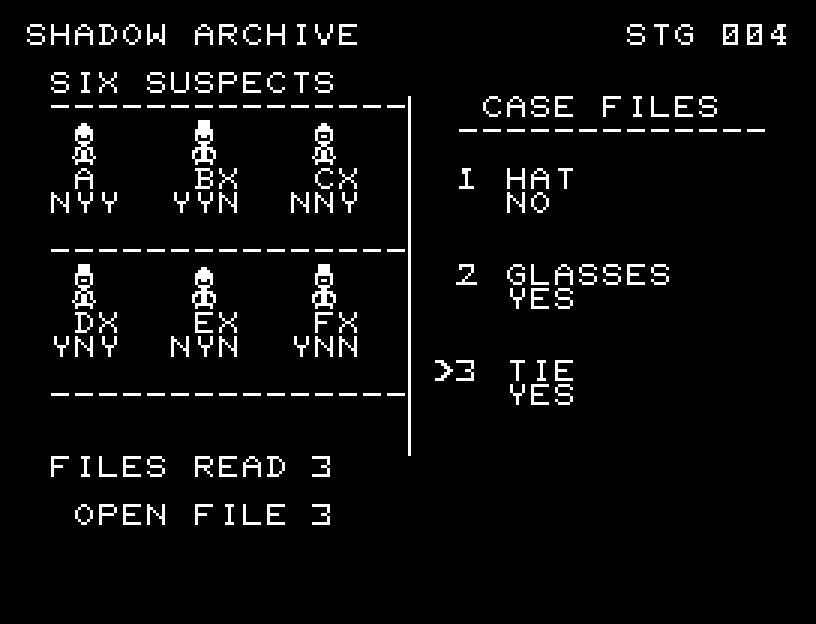
In playプレイ中
SHADOW ARCHIVE — First goal reached
First goal reached最初の目標を達成

First stage cleared.1ステージのクリアまでを収録。

Controls and play

W/S switches between statements and accusation. A/D selects a subject; RETURN opens a statement or accuses a suspect. Statement and suspect selections are remembered separately.

Directions work on the keyboard or pad; the pad button also acts as RETURN. SPACE opens confirmation to restart this stage. NO is selected initially. Choose with A/D, confirm with RETURN, or cancel with SPACE. Play pauses during confirmation. CTRL+C returns to BASIC.

Frames separate suspects and documents. Papers open through intermediate shapes with sound. Selection is clearly marked, and an accusation pauses with its target and result visible. Wait for the animation to finish before pressing again.

The three letters below a suspect describe hat, glasses, then tie: Y means present and N absent. Suspects contradicting an opened statement receive an X. Rereading a statement does not increase the number read.
More screenshots

SHADOW ARCHIVE: play 01

SHADOW ARCHIVE: play 02

操作と遊び方

W/Sで調書と告発を切り替え、A/Dで対象を選び、RETURNで開く・告発します。調書と容疑者は別々の選択位置を保持します。

方向キーはキーボードまたはパッド、RETURNはパッドのボタンでも操作できます。SPACEでこの面のやり直し確認を開きます。やり直し確認はNOが初期選択です。A/Dで選び、RETURNで確定、SPACEで取り消します。確認中は進行を止めます。CTRL+CでBASICへ戻ります。

容疑者の枠と調書の区切りを整え、紙が開く途中の形と音を加えました。選択先を明示し、告発した相手と結果を残して停止します。演出が終わってから次のキーを押してください。

容疑者の下の3文字は帽子・眼鏡・ネクタイの順にY=あり、N=なし。開いた調書と矛盾する容疑者にはXが付きます。読んだ調書を再び選んでも閲覧数は増えません。

ゲーム開始時

プレイ中の場面