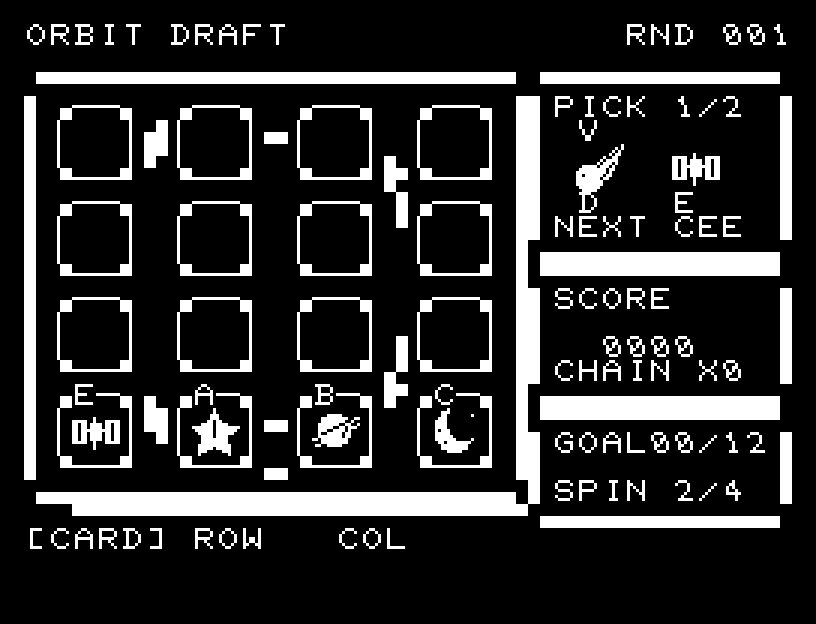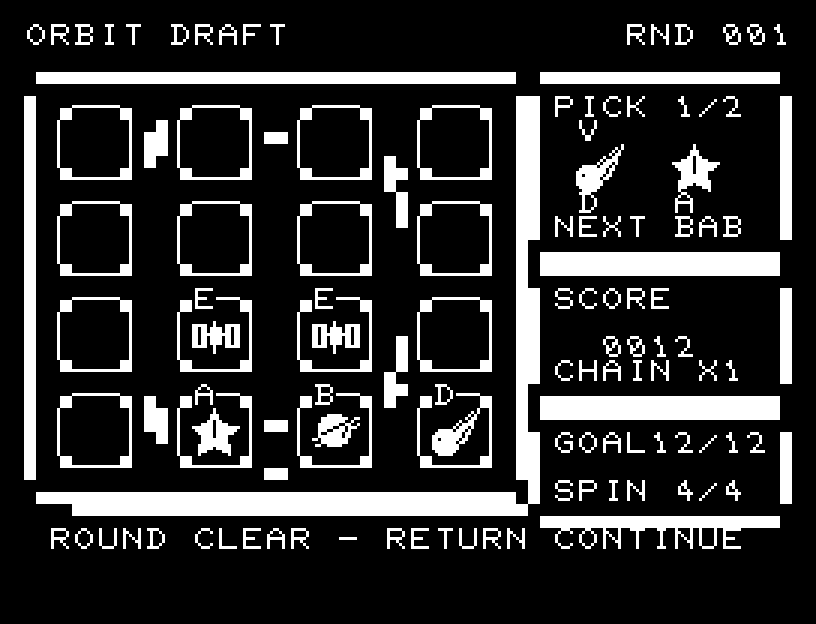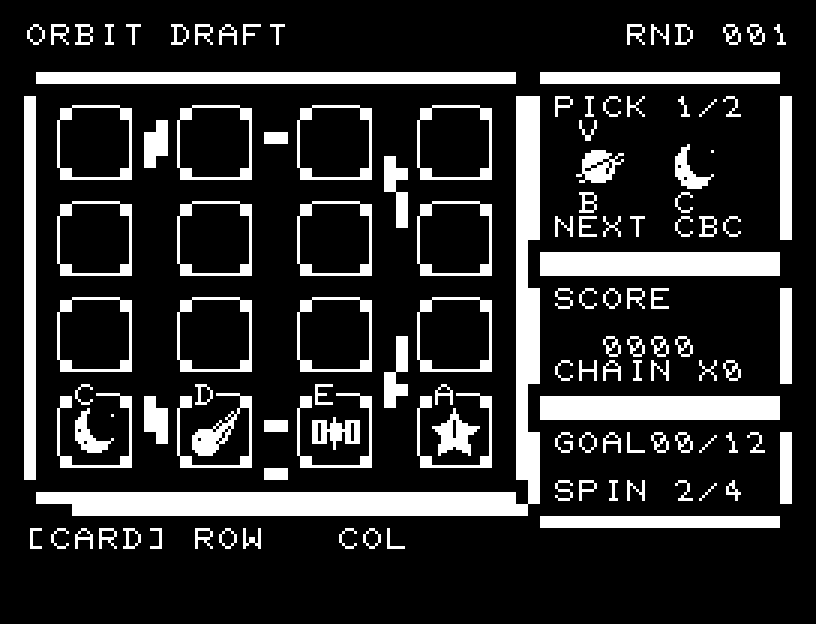
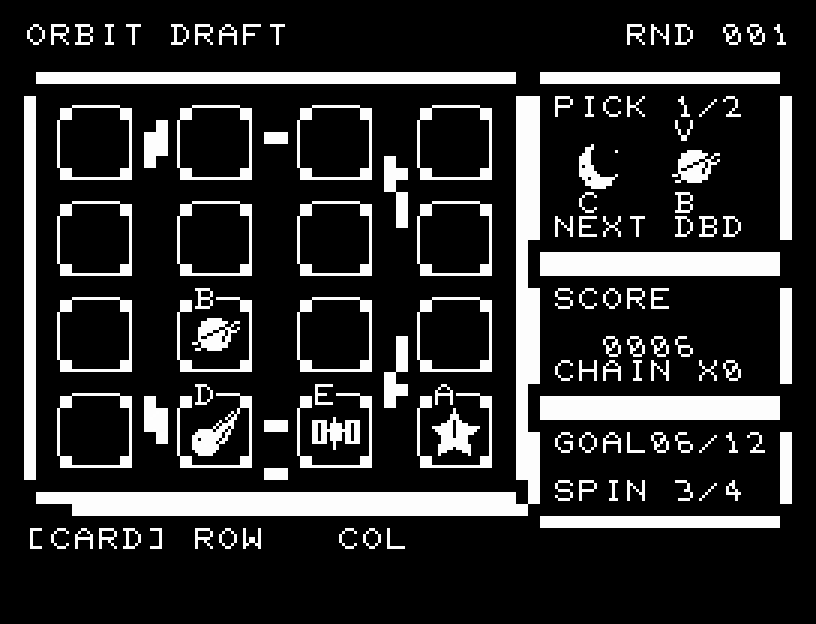
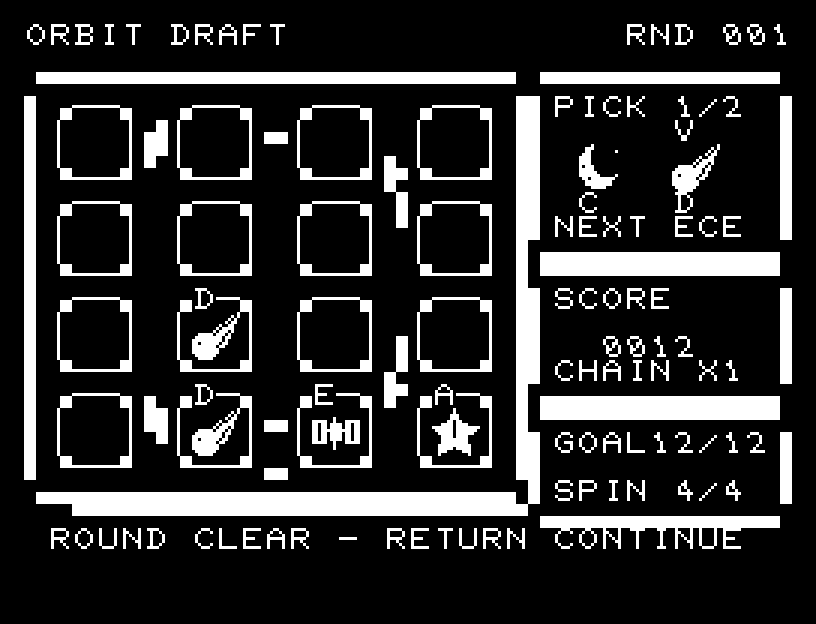
Controls and play
- Choose one of the two candidates at the upper right with A/D, then confirm with RETURN.
- Choose a column with A/D and press RETURN to drop into the empty slot between the arrows. The unused candidate stays; only the used slot is refilled from the left end of NEXT. NEXT previews three cards, from left to right.
- Move below the board with S to select CARD, ROW, or COL. S during candidate selection goes directly to this menu.
- In ROW mode, W/S selects a row and RETURN rotates it one cell right. In COL mode, A/D selects a column and RETURN rotates it one cell down. Cards at the edge wrap to the opposite side.
- ROW and COL remain selected after rotation. To resume placing cards, explicitly choose CARD in the menu and press RETURN.
Directions work on the keyboard or pad; the pad button also acts as RETURN. SPACE opens a new-game confirmation; confirming resets the board and score. NO is selected initially. Choose with A/D, confirm with RETURN, or cancel with SPACE. Play pauses during confirmation. CTRL+C returns to BASIC.
Cards visibly fall into empty slots. Rotations show their intermediate positions and wraparound. A match glows through three expanding stages before disappearing with sound. Falling cards that match again form a chain, with a new sound, extra points, and restored rotations. Wait for each animation before pressing again.
A is a star, B a ringed planet, C a moon, D a comet, and E a satellite. The game begins with four different cards along the bottom row.
Three or more identical bodies in a horizontal, vertical, or diagonal line disappear. A line of four counts as two overlapping triples; intersecting triples count separately, but a card is never scored twice in the same clear. Matches are checked immediately after a rotation, then gaps are filled downward; further matches create chains.
| Display | Meaning |
|---|---|
| SCORE | Total score, capped at 9999 |
| CHAIN X | Chain count from the last action |
| GOAL | Points this round / target; points displayed up to 99 |
| SPIN | Remaining rotations, up to 4 |
| RND | Round number; play continues with the display held at 255 thereafter |
Each clear scores: cards removed × 2 × chain count, plus 2 for each simultaneous triple after the first. One triple earns 6 points, a line of four earns 10, and a triple on the second chain earns 12.
You start with two rotations. Each clear restores one, up to four. Rotating a row/column containing only identical cards or only empty slots costs nothing. A rotation that merely makes cards fall still costs one.
The first target is 12 points. On reaching it, a jingle and result appear; RETURN continues. Targets rise by 6 to 60 and play continues beyond that. The board, candidates, previews, total score, and remaining rotations carry over; only round points reset. Excess points count toward the total but not the next round's target.
A full 16-cell board remains playable while rotations remain. A full board without rotations ends the game with FULL BOARD - NO SPINS. RETURN or SPACE opens the new-game confirmation.
Leave room for upcoming cards. Simply assigning one column per type will not fit five types into four columns. Placing a different body above a group you plan to clear can create horizontal or diagonal chains after it falls. Rotations also move empty slots, so plan their use before filling the board.
More screenshots