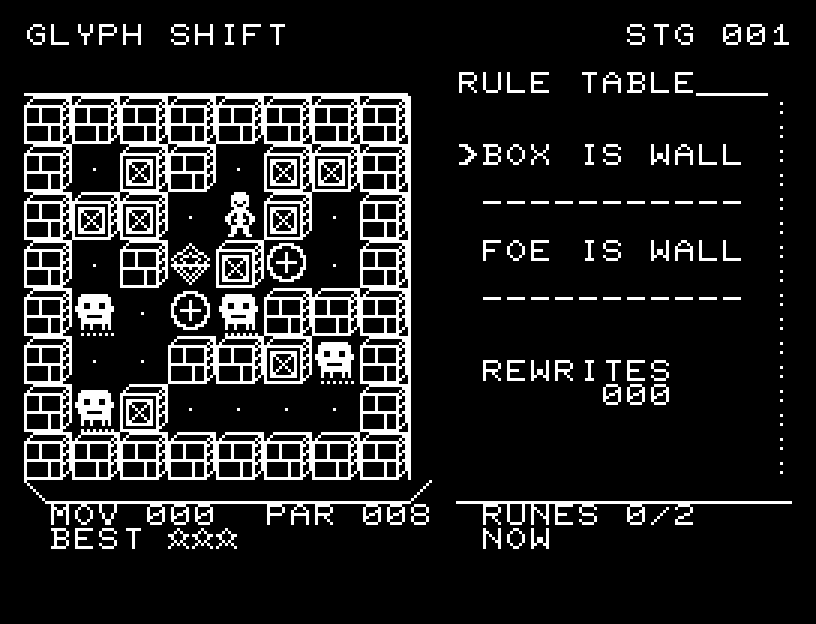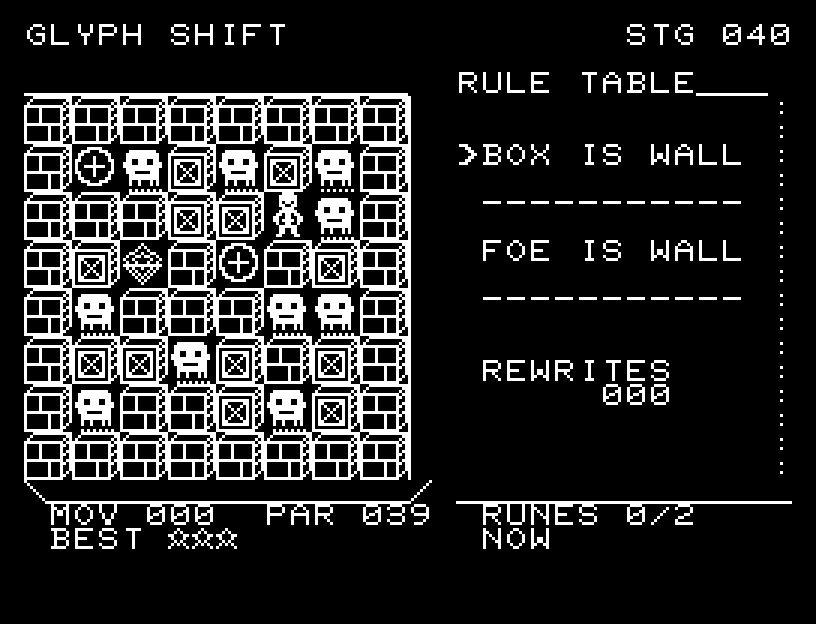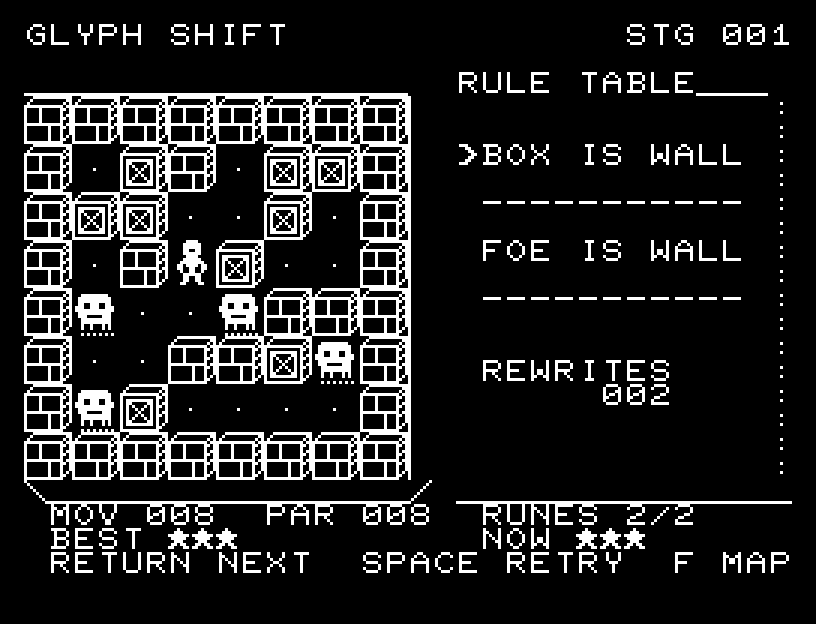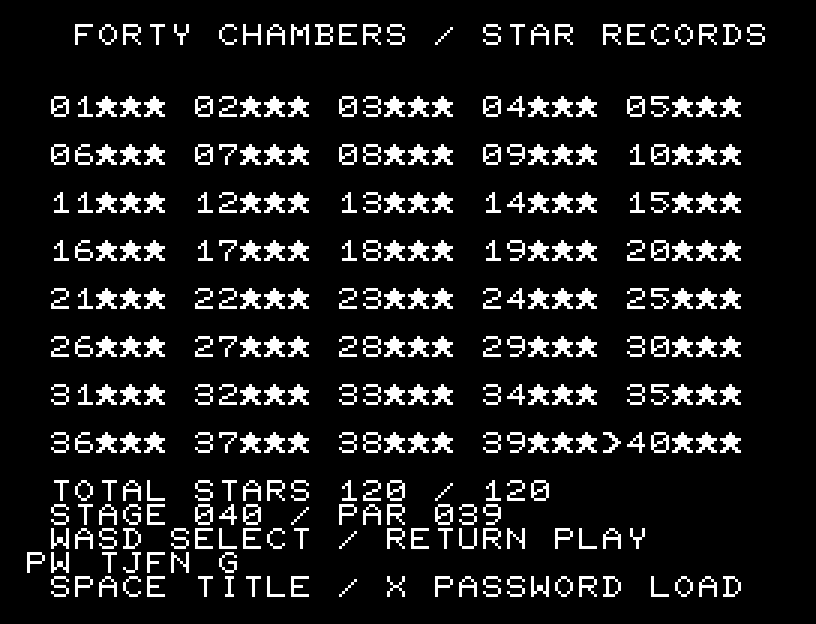
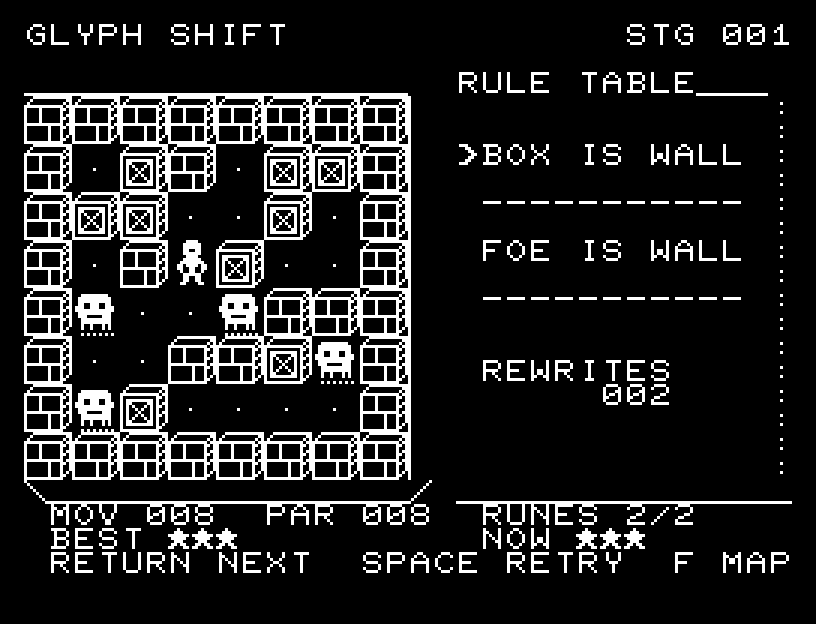
Controls and play
WASD moves and RETURN switches the passage rule. Each successful one-cell move and each rule switch counts as one action. Attempting an impassable cell does not count. Entering the exit clears immediately, so collect both runes first if you want three stars.
Directions work on the keyboard or pad; the pad button also acts as RETURN. SPACE opens confirmation to restart this stage. NO is selected initially. Choose with A/D, confirm with RETURN, or cancel with SPACE. Play pauses during confirmation. CTRL+C returns to BASIC.
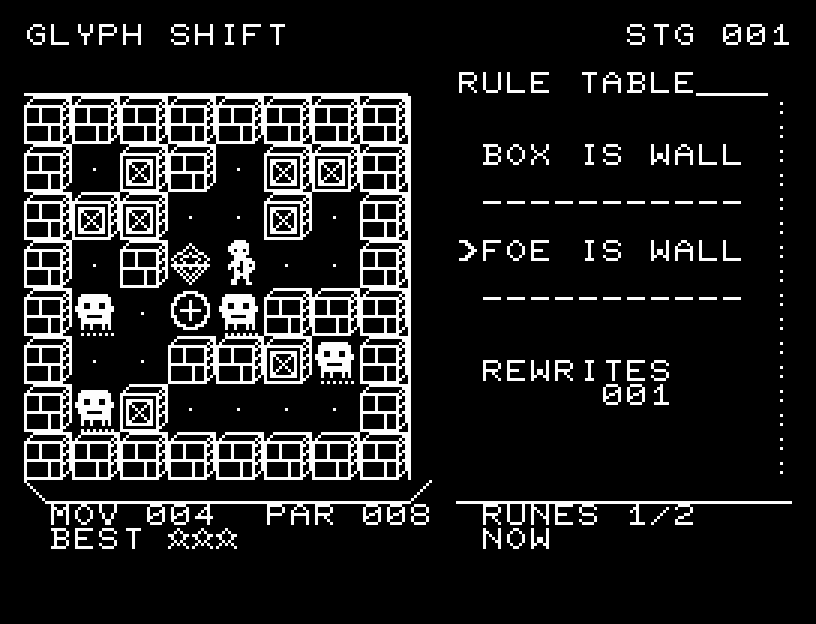
The explorer faces the direction of travel and moves through intermediate positions with sound. Wait for the animation to finish before pressing again.
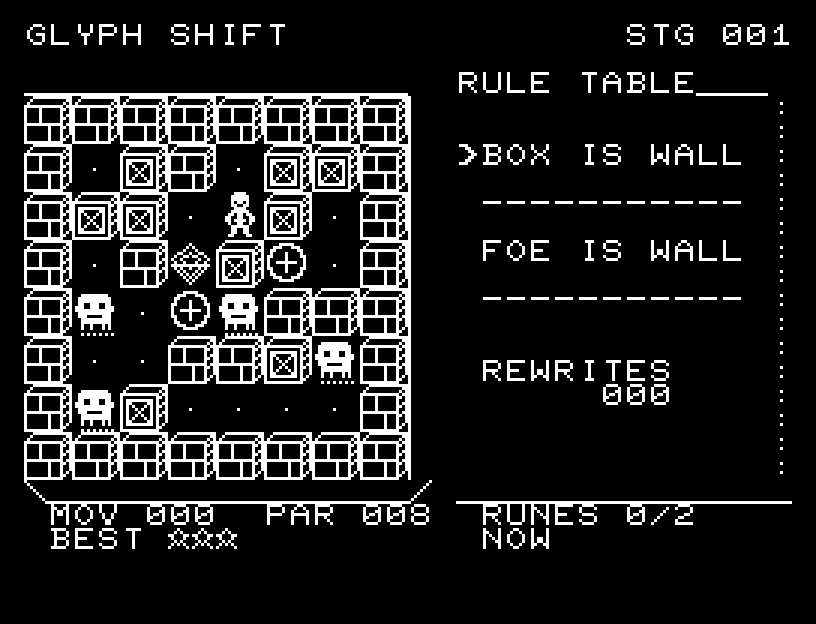
The RULE TABLE arrow marks the active wall rule. REWRITES counts rule changes. MOV is moves plus switches, PAR is the target, and RUNES counts optional runes collected.
Actions and star ratings
Exceeding PAR does not fail the stage; you may still finish. Each board has two optional runes, drawn as circular frames with a cross inside.
| Rating | Requirement |
|---|---|
| 1 star | Clear above PAR, regardless of runes. |
| 2 stars | Clear within PAR without collecting both runes. |
| 3 stars | Clear within PAR and collect both runes. |
PAR is the shortest clear that collects both runes. Every stage also has a shorter route that leaves at least one rune behind. Beyond 255 actions, MOV displays 255+ and the rating is one star.
The 40-stage campaign and retrying
| Stages | Difficulty | PAR range |
|---|---|---|
| 1–8 | Introduction | 8–10 |
| 9–16 | Basics | 11–16 |
| 17–24 | Applied | 17–22 |
| 25–32 | Advanced | 23–27 |
| 33–40 | Final challenges | 31–39 |
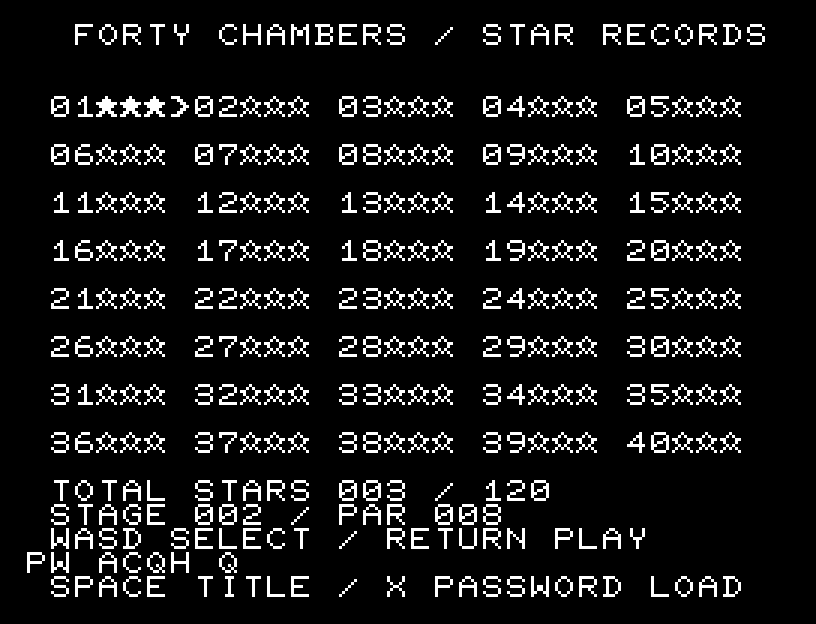
F opens stage selection. Choose with WASD or the pad, then press RETURN or the button. All 40 stages are available from the start; you can inspect the selected stage's PAR and every stage's best rating. SPACE from stage selection returns to the title.
After a clear, SPACE retries the same stage and RETURN advances. BEST is your highest rating; NOW is this attempt's rating. A lower-rated clear never reduces BEST. To continue after ending the game, record your password.
Continue with a password
Write down PW at the bottom of the title or stage-selection screen. It restores the selected stage and the highest ratings for all 40 stages. It does not save a partially played board; press RETURN after restoring to start that stage afresh.
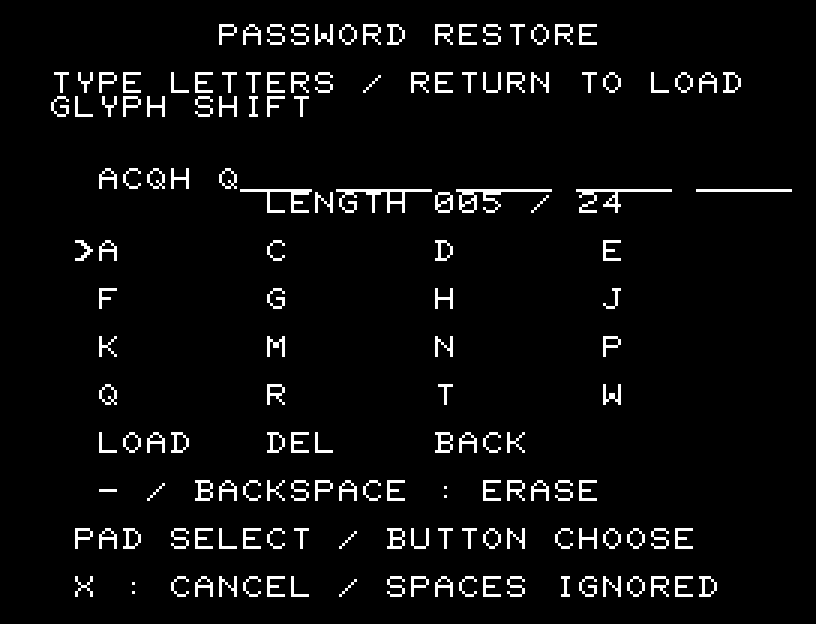
Codes contain 4–24 letters, excluding spaces; progressing through consecutive three-star clears usually needs 5–6. They use no digits, only these 16 uppercase letters:
ACDEFGHJKMNPQRTW
- Press X at the title or stage-selection screen.
- Enter the code and press RETURN to restore. Separator spaces may be entered or omitted.
- Correct with Backspace (the minus key on real hardware); cancel with X.
You may also select letters with pad directions and add them with the button. Select LOAD and press the button to restore. DEL removes one letter; BACK cancels. Invalid codes and codes from another game are rejected without changing your current progress.
More screenshots