JR-100 GAMES

TIDE BRIDGE

Raise and lower an entire row or column of bridges to connect the lower-left bank to the upper-right gate. Solve three different bridge layouts.

行または列の橋をまとめて上下させ、左下の岸と右上の門をつなぎます。3種類の橋の配置に挑戦します。

tide-bridge.prg · v1.6.1 · 7.6 KiB · 16 KB RAM · Autostart ready自動起動対応

Start on MiSTerMiSTerで起動

  1. Copy the .prg into games/JR100/ on your SD card..prgをSDカードのgames/JR100/へコピーします。
  2. In the JR-100 core menu, set Autostart loaded program to Yes.JR-100コアのメニューでAutostart loaded programをYesにします。
  3. Choose Load PRG, select the game, then press RETURN at its title.Load PRGでゲームを選び、タイトル画面でRETURNを押します。

Still at READY? TypeREADYで止まる場合は A=USR($0300) and press RETURN.を入力してRETURN。 First-time setup / SuperStation One初回設定・SuperStation Oneの手順

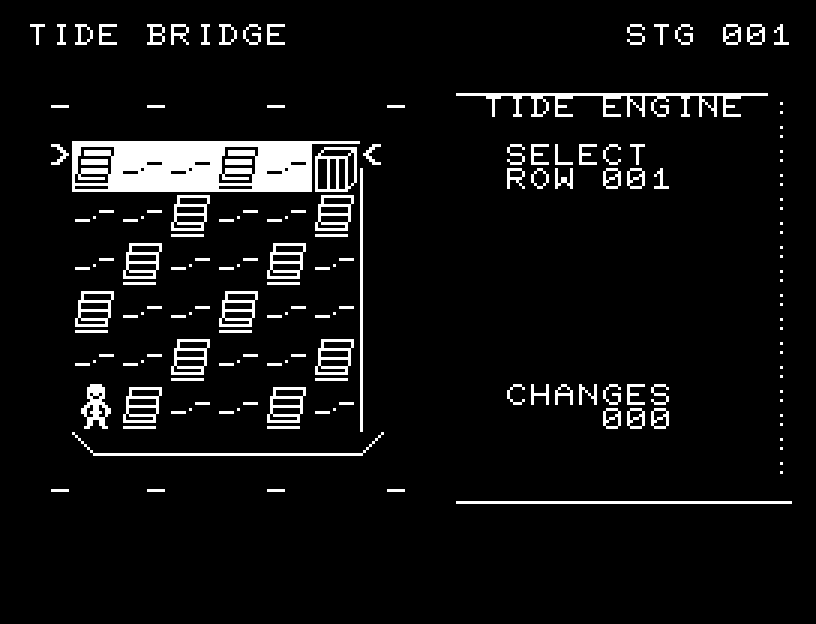
TIDE BRIDGE — At the start
At the start開始時の盤面
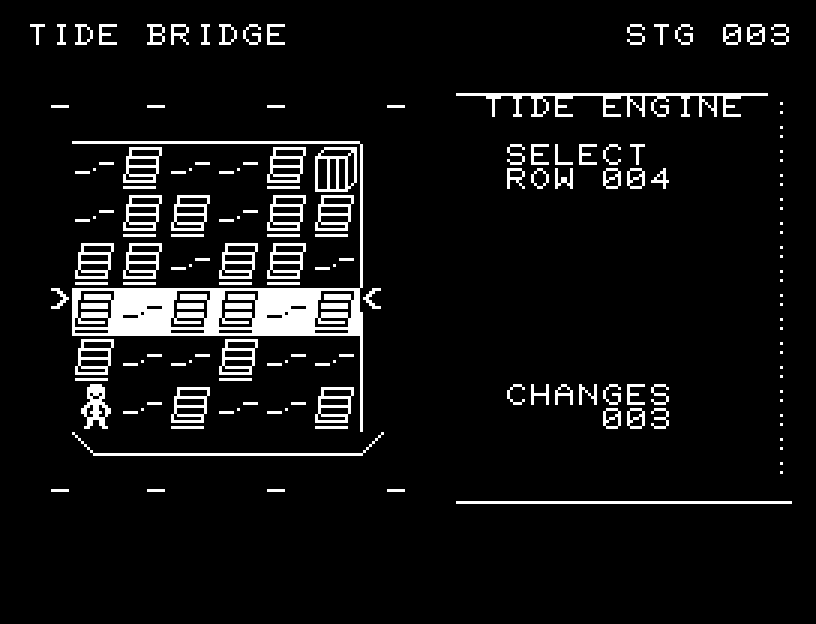
TIDE BRIDGE — In play
In playプレイ中
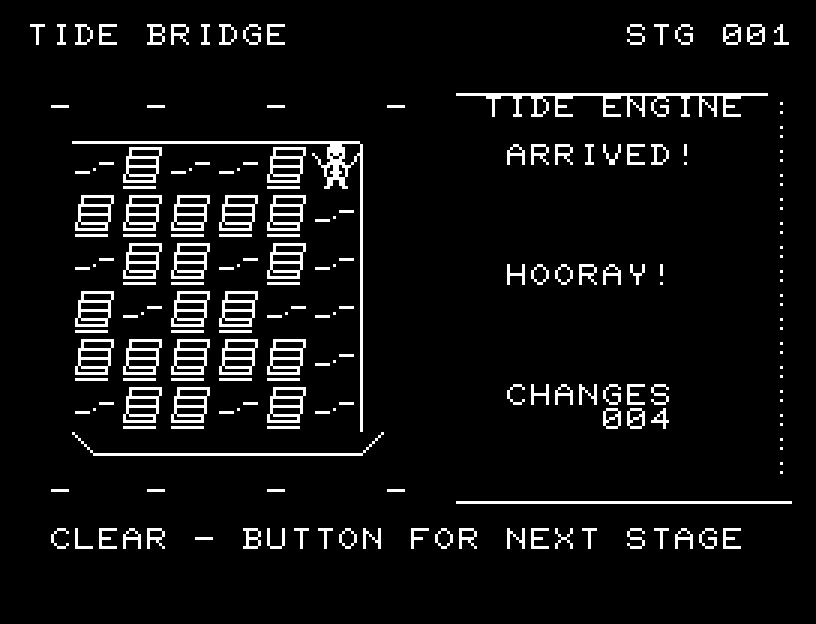
TIDE BRIDGE — First goal reached
First goal reached最初の目標を達成

First stage cleared.1ステージのクリアまでを収録。

Controls and play

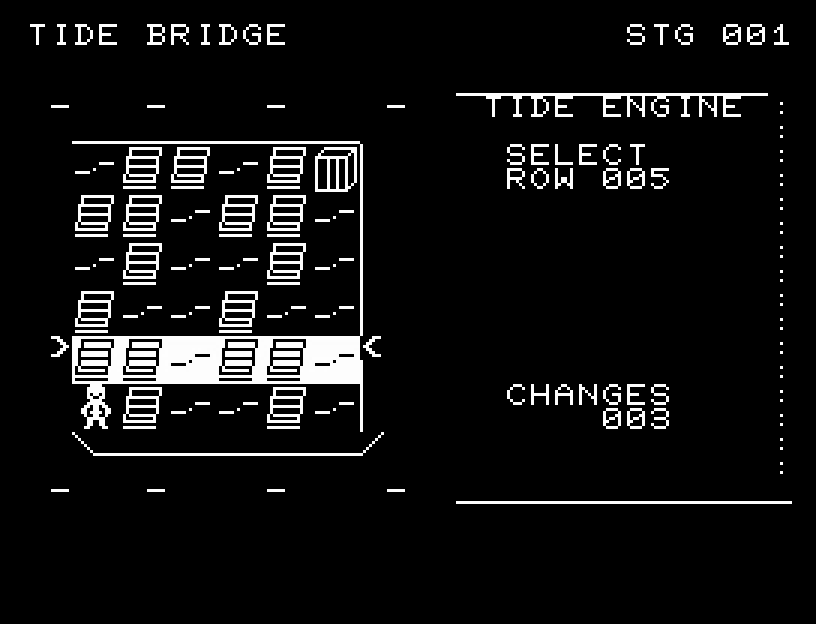
W/S selects a row or column, A/D switches between rows and columns, and RETURN toggles it. The whole selected line is inverted, with arrows at both ends marking its extent. The character and gate remain visible above it. You may make 30 changes per stage.

Directions work on the keyboard or pad; the pad button also acts as RETURN. SPACE opens confirmation to restart this stage. NO is selected initially. Choose with A/D, confirm with RETURN, or cancel with SPACE. Play pauses during confirmation. CTRL+C returns to BASIC.

Once a route connects, the character faces the direction of travel and walks through intermediate positions to the gate. On arrival, they raise their arms and jump twice, with a celebration sound followed by the clear jingle. Wait for the animation to finish before pressing again.

SELECT shows ROW or COL and a number from 1–6. CHANGES counts toggles. The stage clears after the character reaches the gate and celebrates.
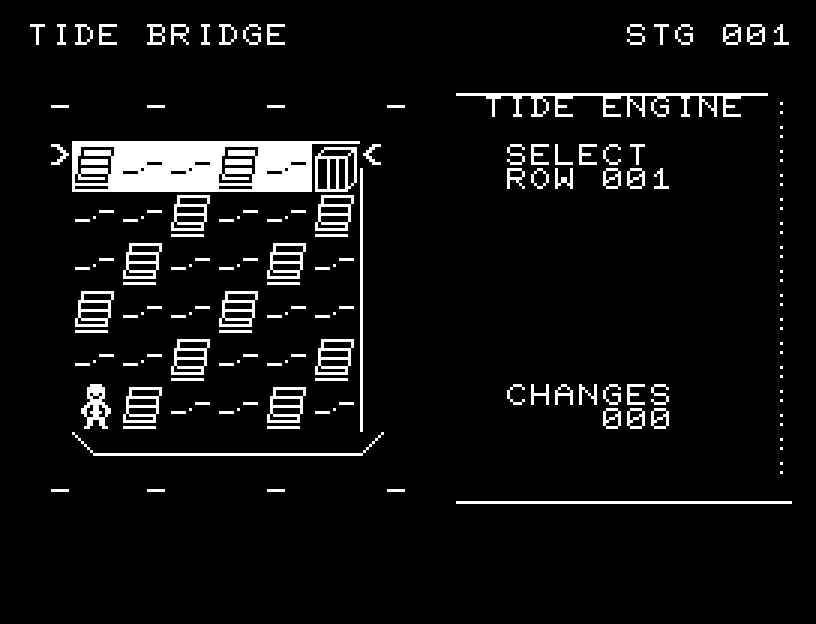
More screenshots

TIDE BRIDGE: play 01

TIDE BRIDGE: play 02

操作と遊び方

W/Sで対象の行・列を選び、A/Dで行と列を切り替え、RETURNで反転します。選択した行・列全体が白黒反転し、両端の矢印で範囲を示します。主人公と門はその上に表示されます。1面30回まで変更できます。

方向キーはキーボードまたはパッド、RETURNはパッドのボタンでも操作できます。SPACEでこの面のやり直し確認を開きます。やり直し確認はNOが初期選択です。A/Dで選び、RETURNで確定、SPACEで取り消します。確認中は進行を止めます。CTRL+CでBASICへ戻ります。

道がつながると、主人公が進行方向を向き、マスの中間を通って門まで歩きます。到着後は両手を上げて2回跳ね、喜びの効果音に続いてクリアのジングルが鳴ります。演出が終わってから次のキーを押してください。

SELECTの下にROW(行)またはCOL(列)と1〜6の番号を表示します。CHANGESは変更回数です。道がつながると主人公が門へ向かい、到着を喜んでからステージクリアになります。

ゲーム開始時

プレイ中の場面