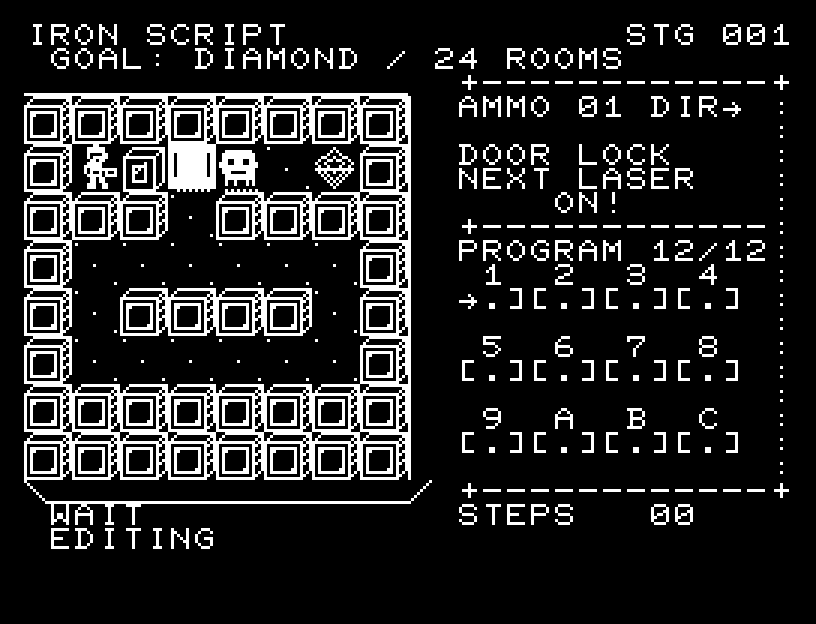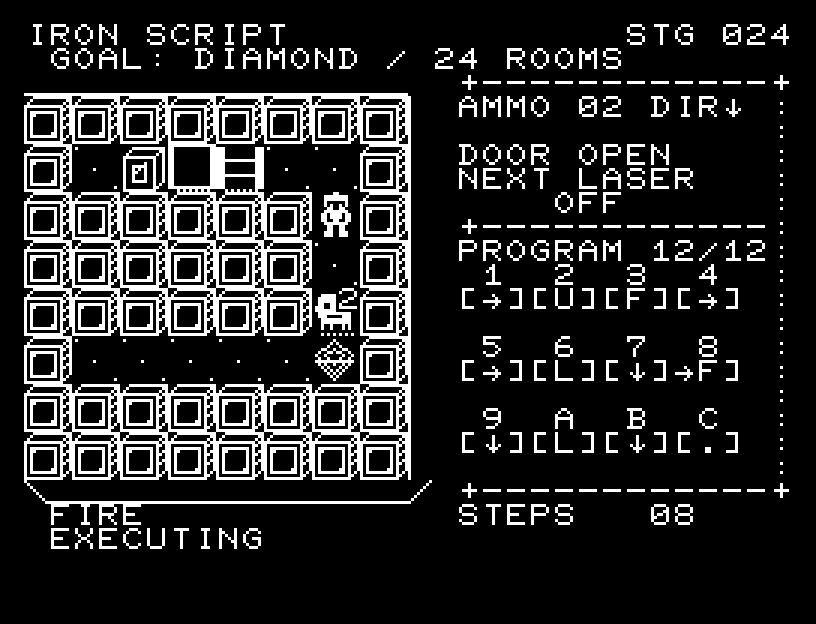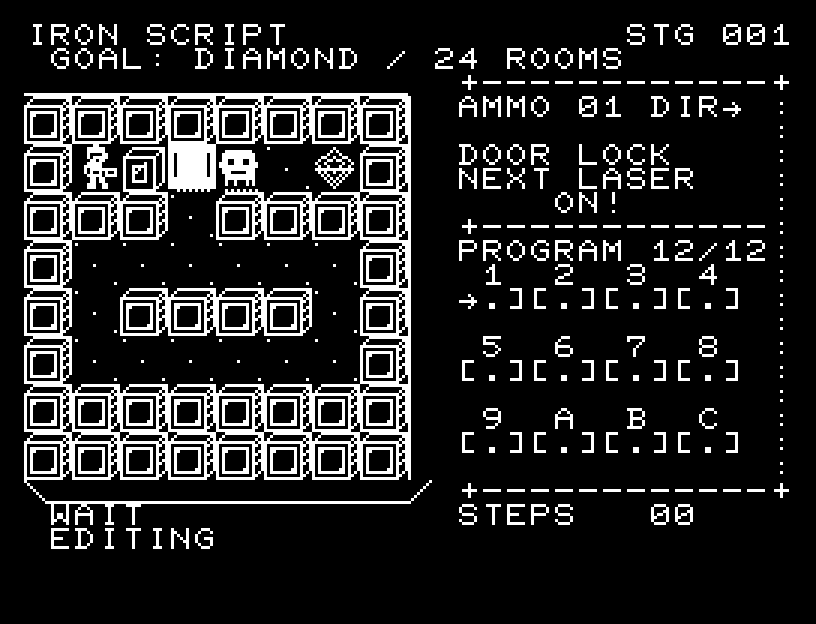
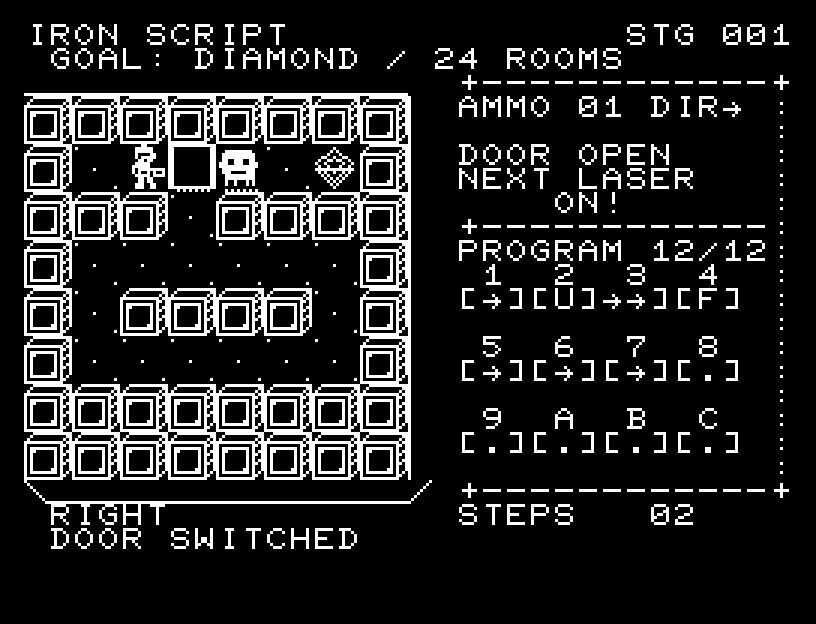
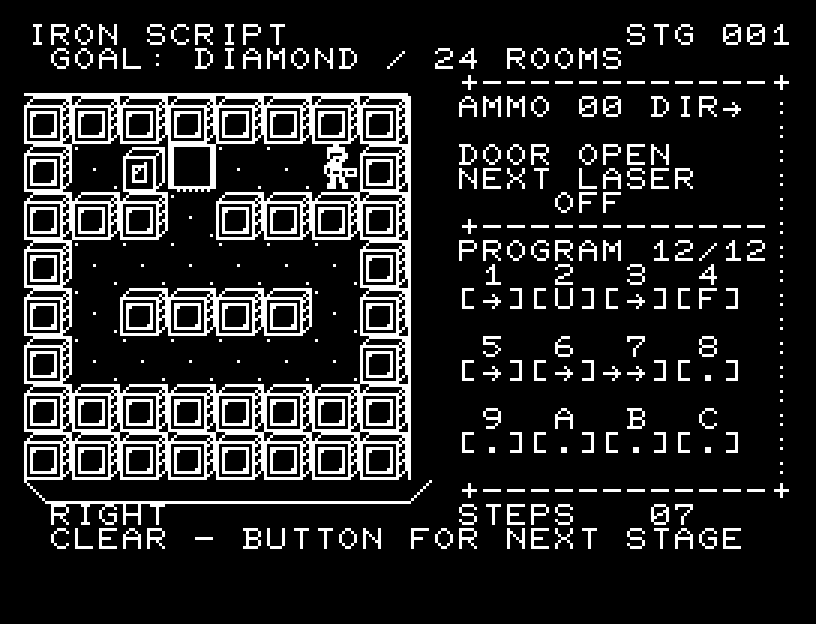
Controls and play
Select an instruction slot with A/D and change its command with W/S. RETURN starts execution from the first slot; RETURN during execution stops it. Failure or stopping keeps your program. Edit it and press RETURN to rerun from the stage's original positions, guards, doors, and ammunition. A confirmed SPACE restart also erases the program.
| Command | Action |
|---|---|
| ↑ ↓ ← → | Face that direction and move one cell. The arrows use JR-100 graphic characters. |
| . (WAIT) | Wait one action to align with the laser cycle. |
| F (FIRE) | Fire one shot in DIR, dealing 1 damage to the first enemy hit. Walls and closed doors stop it. |
| U (USE) | While on a switch, toggle every door. |
| L (LOOP) | Repeat the preceding two slots once, in the same order. → → L moves four cells. L cannot occupy the first two slots or follow a pair containing L. |
Instructions run left to right, then top to bottom. A, B, and C label slots 10–12. PROGRAM shows the usable slot count; X slots are unavailable. Stages allow 6–12 slots, so loops may be needed to fit the route. Reaching the terminal clears the stage immediately, without executing the remaining program.
Directions work on the keyboard or pad; the pad button also acts as RETURN. SPACE opens confirmation to restart this stage. NO is selected initially. Choose with A/D, confirm with RETURN, or cancel with SPACE. Play pauses during confirmation. CTRL+C returns to BASIC.
The robot turns and passes through intermediate positions. Doors open through intermediate shapes; shots travel forward. An armored guard flashes and loses its armor after the first hit, then disappears through four destruction frames when defeated. Each action has a sound effect. Failure freezes the cause and the responsible instruction on screen. Wait until the animation ends before pressing again.
AMMO is shots remaining, DIR is the firing direction, DOOR shows door state, and STEPS counts executed actions. L occupies one slot but performs two actions. Editing pauses time.
Lasers alternate on/off after every action. NEXT LASER shows their state after the next action: you cannot remain on a laser cell when it becomes ON! Waiting and shooting each count as an action. Two beams indicate an active laser; a dotted floor indicates an inactive one.
Guards block your path; contact stops the run. Normal guards take one shot, armored guards marked 2 take two. Changing facing requires moving in that direction, so plan your firing position and ammunition. You need not defeat all guards; detours are an option.
Stages 1–4 introduce doors and shooting, 5–8 laser timing, 9–12 loops, 13–16 firing positions and detours, 17–20 combined mechanisms, and 21–24 combined slot and ammunition limits.
More screenshots