Start on MiSTerMiSTerで起動
- Copy the .prg into games/JR100/ on your SD card..prgをSDカードのgames/JR100/へコピーします。
- In the JR-100 core menu, set Autostart loaded program to Yes.JR-100コアのメニューでAutostart loaded programをYesにします。
- Choose Load PRG, select the game, then press RETURN at its title.Load PRGでゲームを選び、タイトル画面でRETURNを押します。
Still at READY? TypeREADYで止まる場合は A=USR($0300) and press RETURN.を入力してRETURN。
First-time setup / SuperStation One初回設定・SuperStation Oneの手順
Controls and play
WASD selects a cell and RETURN places a stone. If you have no legal move, RETURN passes.
Directions work on the keyboard or pad; the pad button also acts as RETURN. SPACE opens confirmation to restart this stage. NO is selected initially. Choose with A/D, confirm with RETURN, or cancel with SPACE. Play pauses during confirmation. CTRL+C returns to BASIC.
Captured stones rotate one at a time: the face narrows to an edge, then the opposite face opens. Both white-to-black and black-to-white flips show intermediate shapes with sound. Wait for the animation to finish before pressing again.
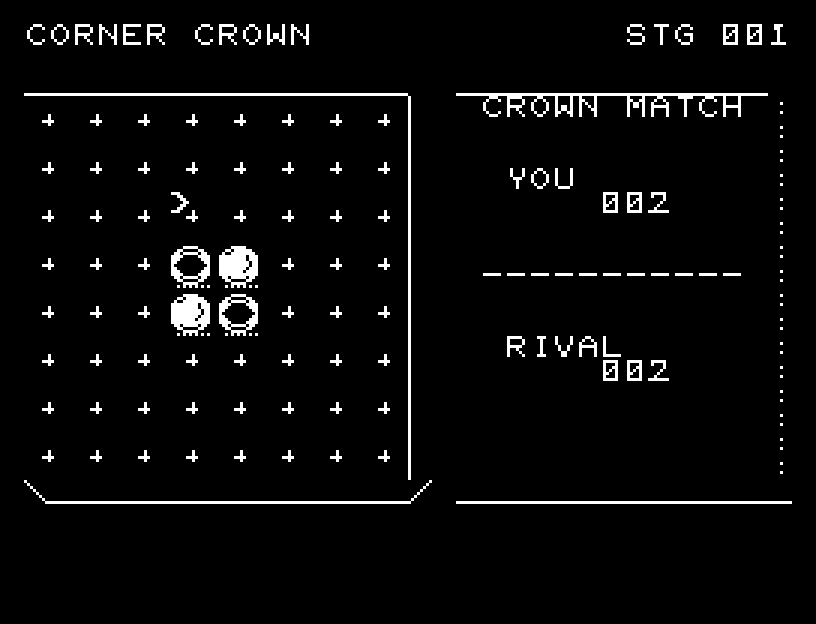
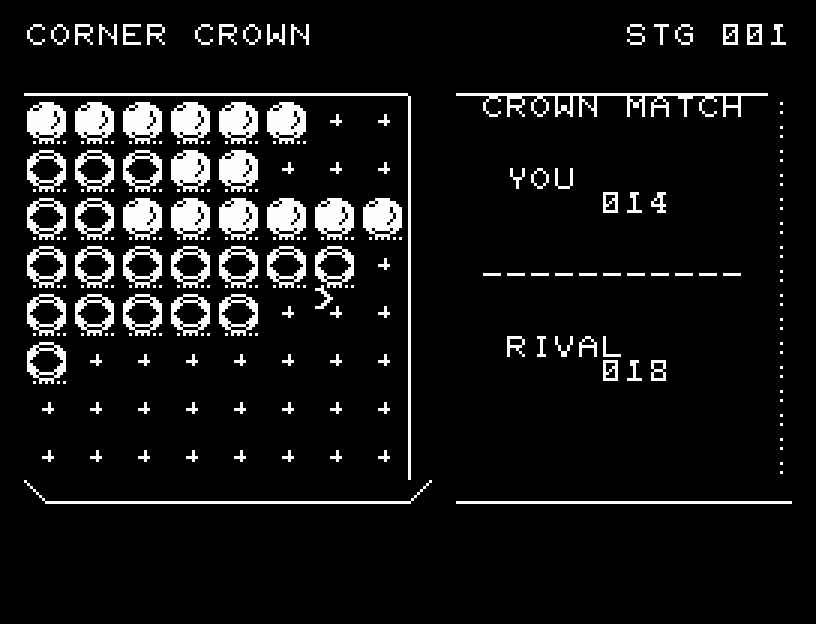
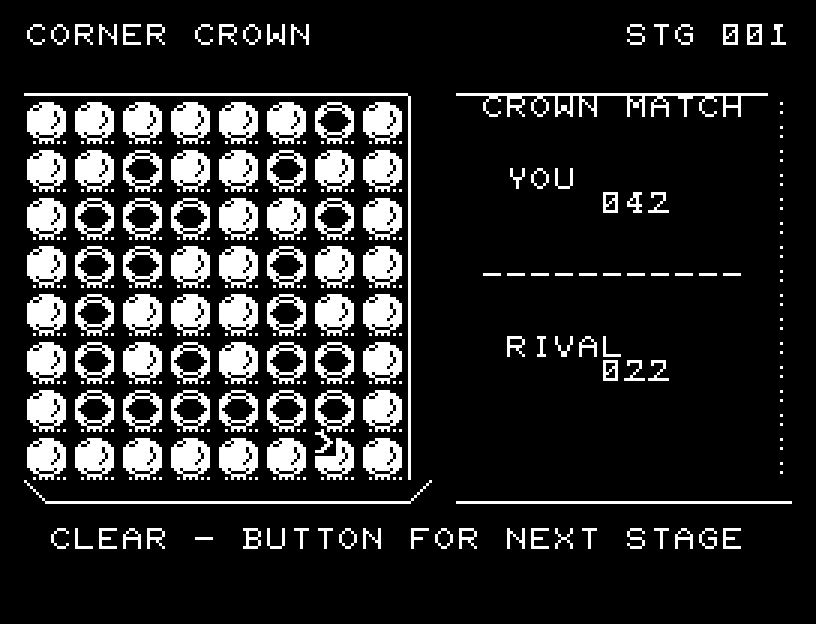
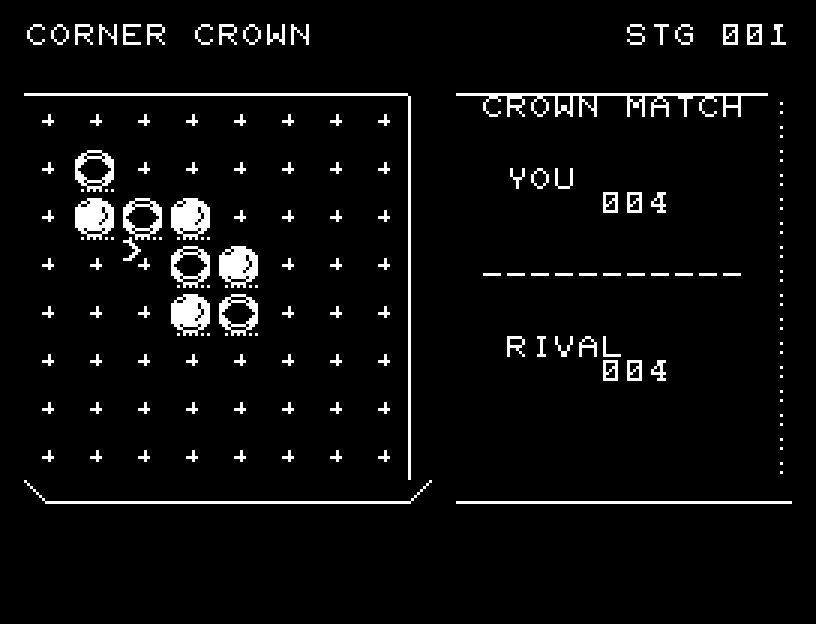
The board and both stone counts are visible. Corners matter because a corner stone cannot be flipped.
More screenshots
操作と遊び方
WASDで位置を選び、RETURNで置きます。合法手がない場合はRETURNでパスします。
方向キーはキーボードまたはパッド、RETURNはパッドのボタンでも操作できます。SPACEでこの面のやり直し確認を開きます。やり直し確認はNOが初期選択です。A/Dで選び、RETURNで確定、SPACEで取り消します。確認中は進行を止めます。CTRL+CでBASICへ戻ります。
挟んだ石は一枚ずつ、面が細くなって側面を見せ、反対の面が開く順に回転します。白から黒、黒から白の両方に途中の形と石返しの音があります。演出が終わってから次のキーを押してください。
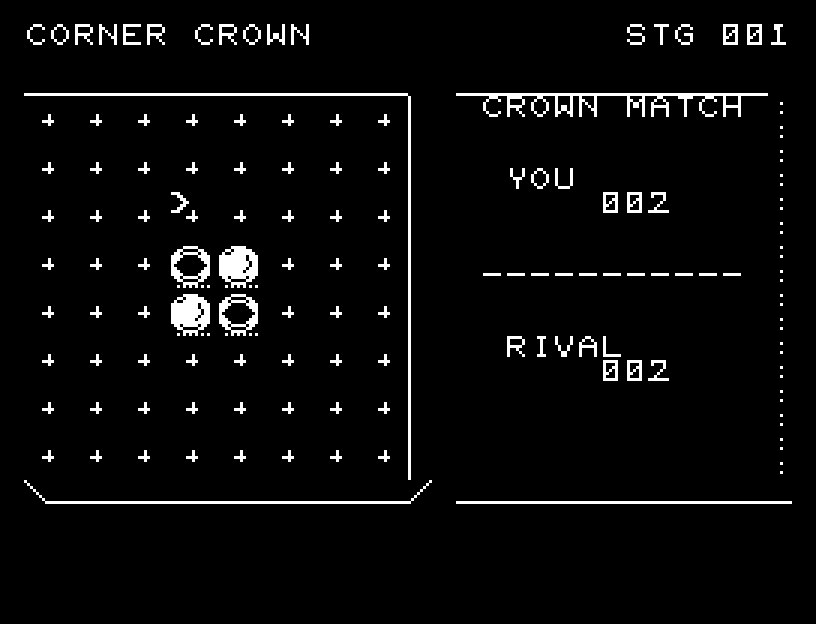
盤面と双方の石数を表示します。角は裏返されないため重要です。