JR-100 GAMES

POTION PATH

Move a potion with four ingredients to reach the diamond-shaped mixing point across 20 puzzles. Each ingredient is available four times, with a total limit of 12 doses. Poison cells marked X cannot be landing points, so plan both order and stock.

4種の材料で薬を移動させ、菱形の調合点へ届ける全20問です。材料は各4回まで、合計12回まで。毒のX印へ着地できないため、材料の残数と順序を考えます。

potion-path.prg · v3.0.0 · 7.8 KiB · 16 KB RAM · Autostart ready自動起動対応

Start on MiSTerMiSTerで起動

  1. Copy the .prg into games/JR100/ on your SD card..prgをSDカードのgames/JR100/へコピーします。
  2. In the JR-100 core menu, set Autostart loaded program to Yes.JR-100コアのメニューでAutostart loaded programをYesにします。
  3. Choose Load PRG, select the game, then press RETURN at its title.Load PRGでゲームを選び、タイトル画面でRETURNを押します。

Still at READY? TypeREADYで止まる場合は A=USR($0300) and press RETURN.を入力してRETURN。 First-time setup / SuperStation One初回設定・SuperStation Oneの手順

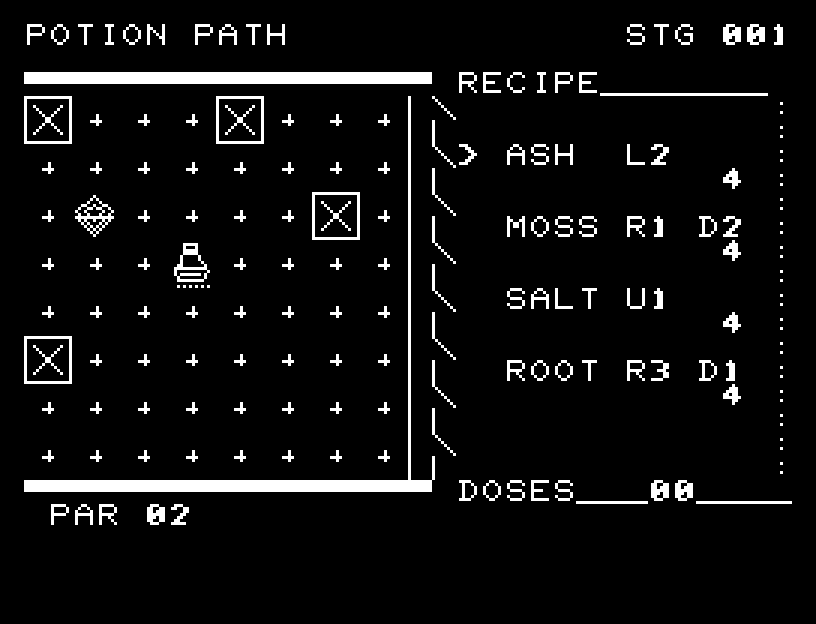
POTION PATH — At the start
At the start開始時の盤面
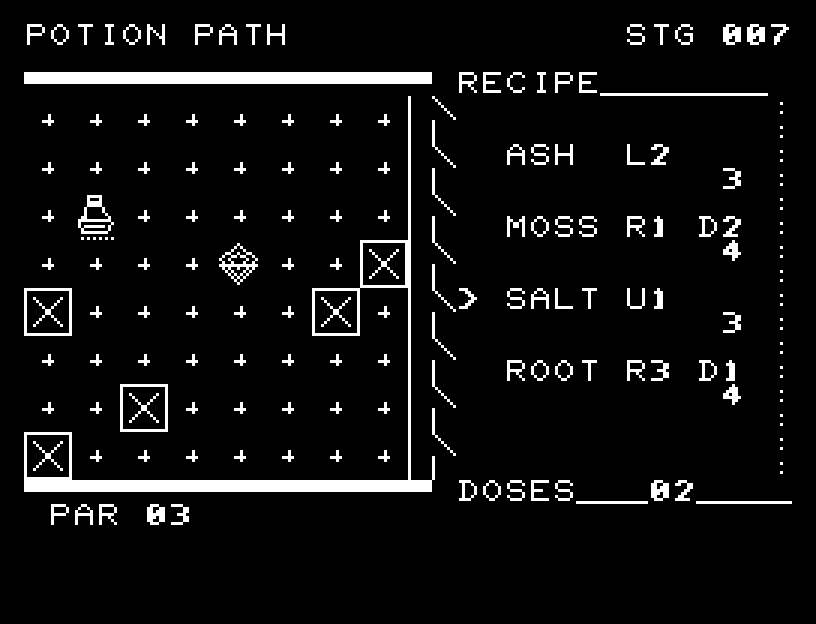
POTION PATH — In play
In playプレイ中
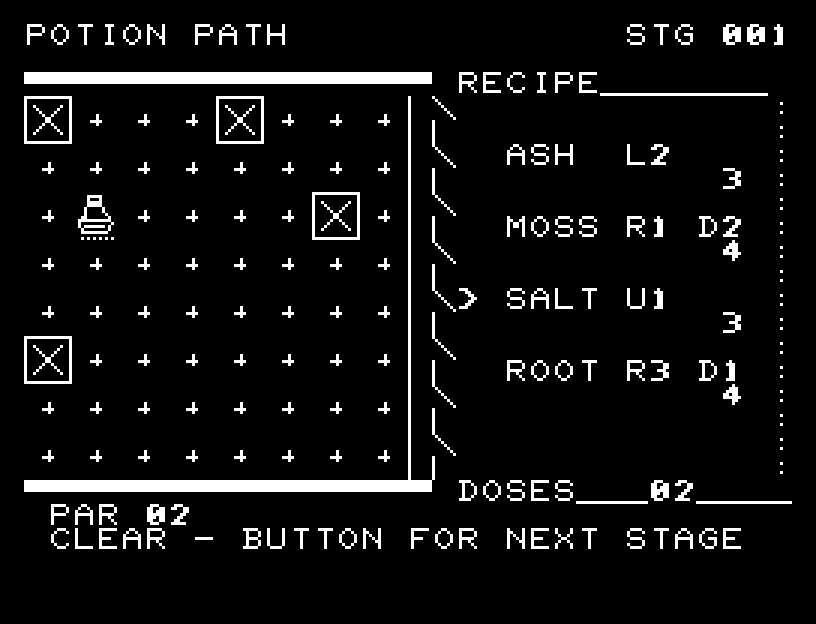
POTION PATH — First goal reached
First goal reached最初の目標を達成

First stage cleared.1ステージのクリアまでを収録。

Controls and play

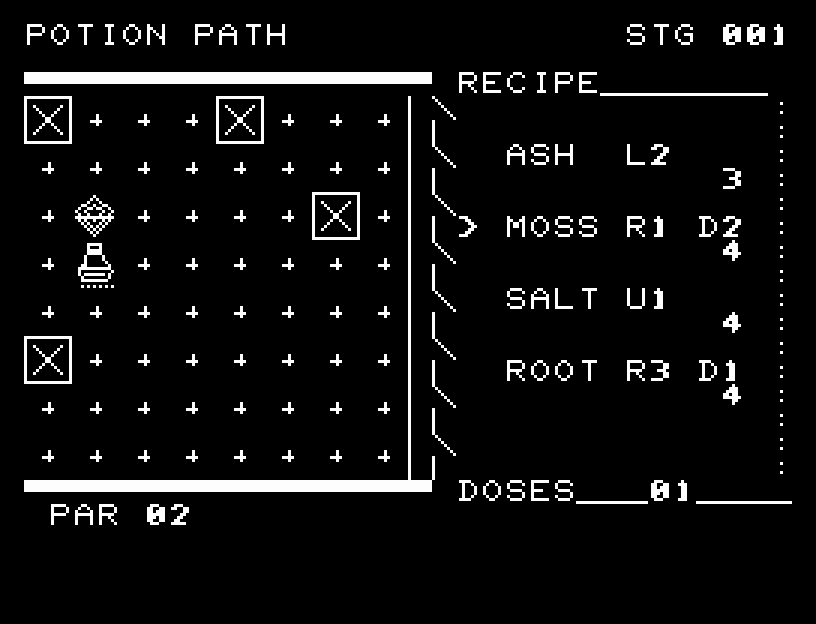
Choose an ingredient with WASD and pour with RETURN. ASH moves left 2; MOSS right 1 and down 2; SALT up 1; ROOT right 3 and down 1. Moves off the board, onto poison, or using empty stock consume no ingredient.

Directions work on the keyboard or pad; the pad button also acts as RETURN. SPACE opens confirmation to restart this stage. NO is selected initially. Choose with A/D, confirm with RETURN, or cancel with SPACE. Play pauses during confirmation. CTRL+C returns to BASIC.

Framed X marks identify poison. Ingredients fly from their containers and the potion visibly moves to its new position. Empty stock and poisoned landing points have different brief explanations. Wait for animations to finish before pressing again.

Each ingredient's remaining stock appears on the right. DOSES is the number used and PAR the minimum. You may jump over poison but cannot land on it.
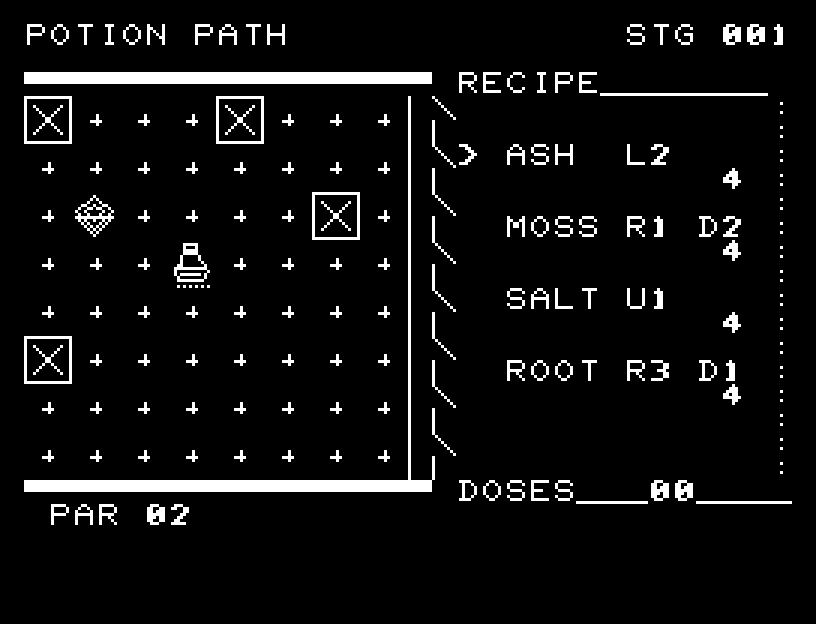
More screenshots

POTION PATH: play 01

POTION PATH: play 02

操作と遊び方

WASDで材料を選び、RETURNで注ぎます。ASHは左へ2、MOSSは右へ1・下へ2、SALTは上へ1、ROOTは右へ3・下へ1です。盤外・毒・在庫切れの操作では材料を消費しません。

方向キーはキーボードまたはパッド、RETURNはパッドのボタンでも操作できます。SPACEでこの面のやり直し確認を開きます。やり直し確認はNOが初期選択です。A/Dで選び、RETURNで確定、SPACEで取り消します。確認中は進行を止めます。CTRL+CでBASICへ戻ります。

毒の着地点を枠付きのXで示し、材料が容器から飛び、薬が次の位置へ移る過程を表示します。在庫切れと毒への着地を異なる短い原因表示で知らせます。演出が終わってから次のキーを押してください。

右側の各材料に残数、DOSESに使用回数、PARに最短回数を表示します。毒を飛び越えることはできますが、着地点にはできません。

ゲーム開始時

プレイ中の場面