JR-100 GAMES

NUMBER VAULT

Crack a four-digit safe code using digits 1–4 within ten attempts on each of ten puzzles. Digits may repeat, and the code changes each time you start.

1〜4の数字を4桁並べ、金庫の暗証番号を10回以内に推理する全10問。数字は重複することがあり、開始ごとに暗証番号が変わります。

number-vault.prg · v2.1.0 · 7.7 KiB · 16 KB RAM · Autostart ready自動起動対応

Start on MiSTerMiSTerで起動

  1. Copy the .prg into games/JR100/ on your SD card..prgをSDカードのgames/JR100/へコピーします。
  2. In the JR-100 core menu, set Autostart loaded program to Yes.JR-100コアのメニューでAutostart loaded programをYesにします。
  3. Choose Load PRG, select the game, then press RETURN at its title.Load PRGでゲームを選び、タイトル画面でRETURNを押します。

Still at READY? TypeREADYで止まる場合は A=USR($0300) and press RETURN.を入力してRETURN。 First-time setup / SuperStation One初回設定・SuperStation Oneの手順

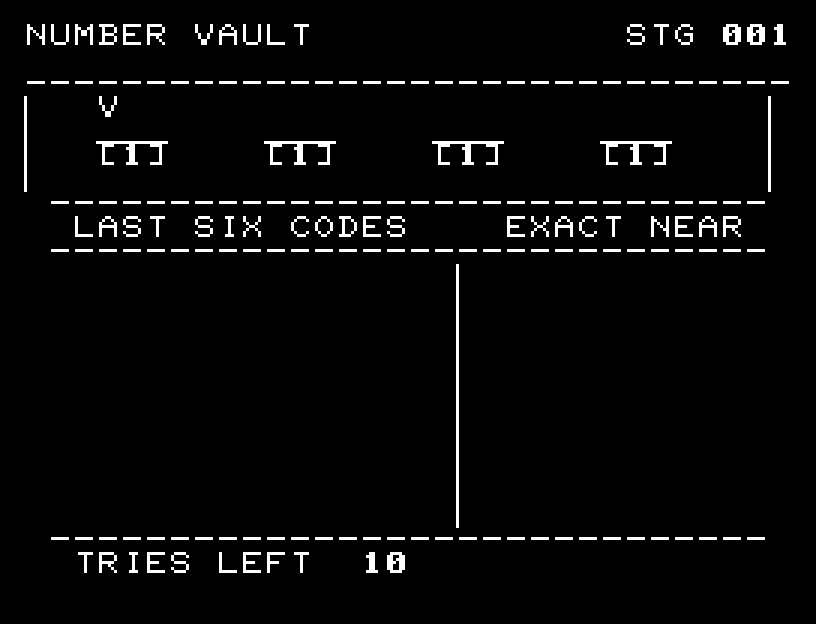
NUMBER VAULT — At the start
At the start開始時の盤面
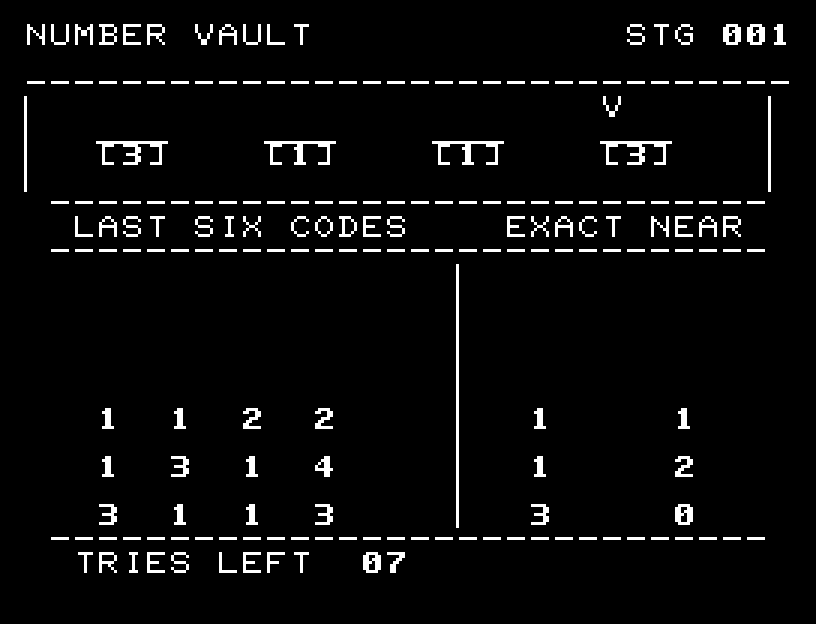
NUMBER VAULT — In play
In playプレイ中
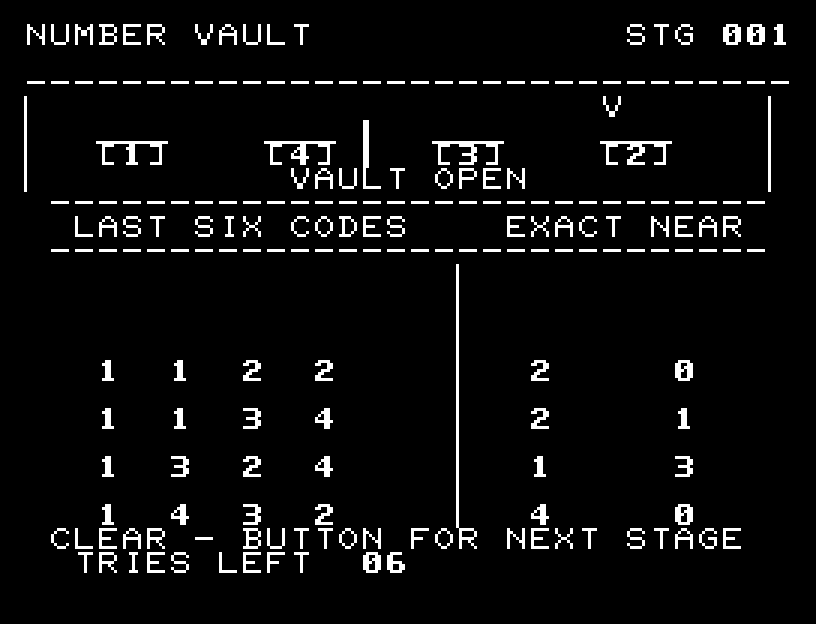
NUMBER VAULT — First goal reached
First goal reached最初の目標を達成

First stage cleared.1ステージのクリアまでを収録。

Controls and play

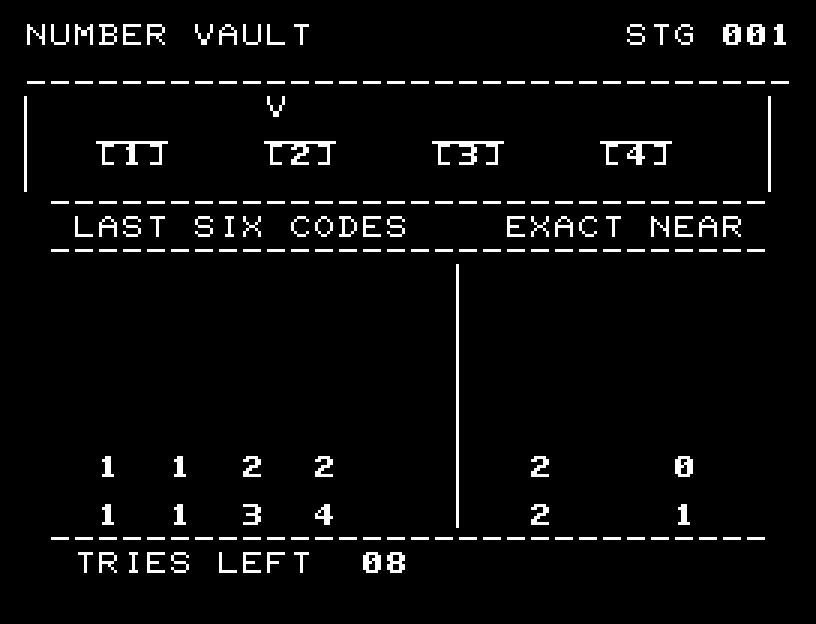
A/D selects a digit, W/S turns it, and RETURN tests the code. EXACT counts correct digits in correct positions. NEAR counts correct digits in other positions.

Directions work on the keyboard or pad; the pad button also acts as RETURN. SPACE opens confirmation to restart this stage. NO is selected initially. Choose with A/D, confirm with RETURN, or cancel with SPACE. Play pauses during confirmation. CTRL+C returns to BASIC.

Four dials turn and the verdict proceeds one digit at a time. When all digits match, the safe door opens through three widths, followed by unlocking sound, light, and a jingle. Wait for animations to finish before pressing again.

The six most recent guesses and responses remain visible. A secret digit is never counted twice. Choose guesses that reduce the remaining possibilities while conserving attempts.
More screenshots

NUMBER VAULT: play 01

NUMBER VAULT: play 02

操作と遊び方

A/Dで桁を選び、W/Sで数字を回し、RETURNで試します。EXACTは数字と位置の一致、NEARは数字が合っていて位置が違う個数です。

方向キーはキーボードまたはパッド、RETURNはパッドのボタンでも操作できます。SPACEでこの面のやり直し確認を開きます。やり直し確認はNOが初期選択です。A/Dで選び、RETURNで確定、SPACEで取り消します。確認中は進行を止めます。CTRL+CでBASICへ戻ります。

4つのダイヤルが回り、判定が1桁ずつ進みます。全桁一致では扉が幅を変える3段階の開閉を行い、開錠音と光からジングルへ続きます。演出が終わってから次のキーを押してください。

直近6回の入力と回答を画面に残します。同じ暗証番号の1桁を二重には数えません。候補が減る入力を選び、残り回数を節約します。

ゲーム開始時

プレイ中の場面