JR-100 GAMES

TIDAL NETS

Read the current and cast nets at three fishing grounds. Shallow fish earn 2 points and deep fish 4. With 12 rope and at most nine casts, reach targets of 30, 33, and 36 points.

潮流を読んで網を投げる全3漁場。浅い魚は2点、深い魚は4点。ロープ12本・最大9回の投網で、30・33・36点を目指します。

tidal-nets.prg · v3.0.0 · 7.7 KiB · 16 KB RAM · Autostart ready自動起動対応

Start on MiSTerMiSTerで起動

  1. Copy the .prg into games/JR100/ on your SD card..prgをSDカードのgames/JR100/へコピーします。
  2. In the JR-100 core menu, set Autostart loaded program to Yes.JR-100コアのメニューでAutostart loaded programをYesにします。
  3. Choose Load PRG, select the game, then press RETURN at its title.Load PRGでゲームを選び、タイトル画面でRETURNを押します。

Still at READY? TypeREADYで止まる場合は A=USR($0300) and press RETURN.を入力してRETURN。 First-time setup / SuperStation One初回設定・SuperStation Oneの手順

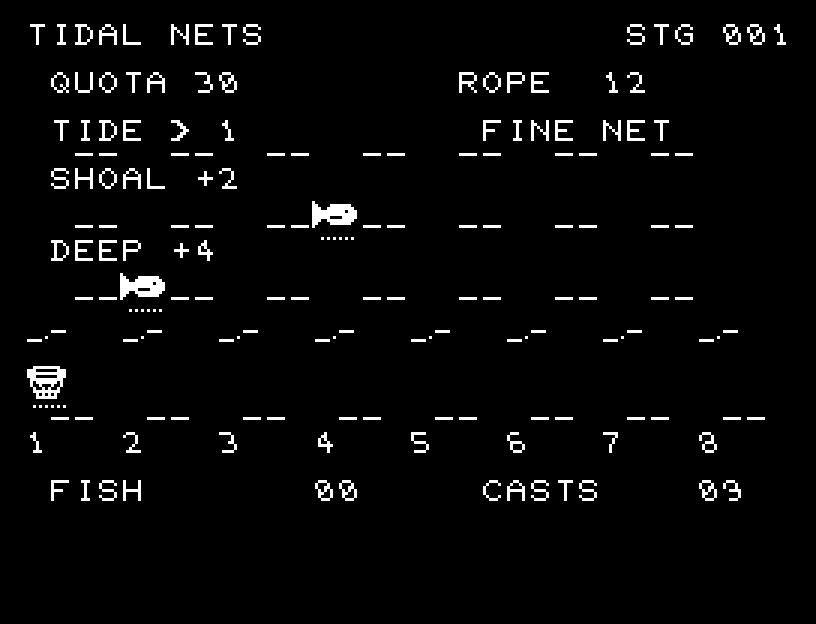
TIDAL NETS — At the start
At the start開始時の盤面
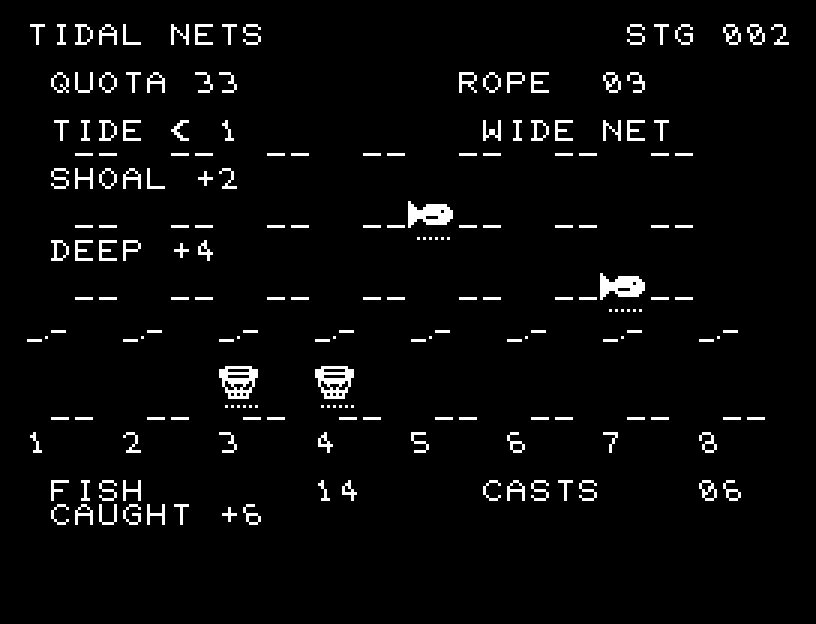
TIDAL NETS — In play
In playプレイ中
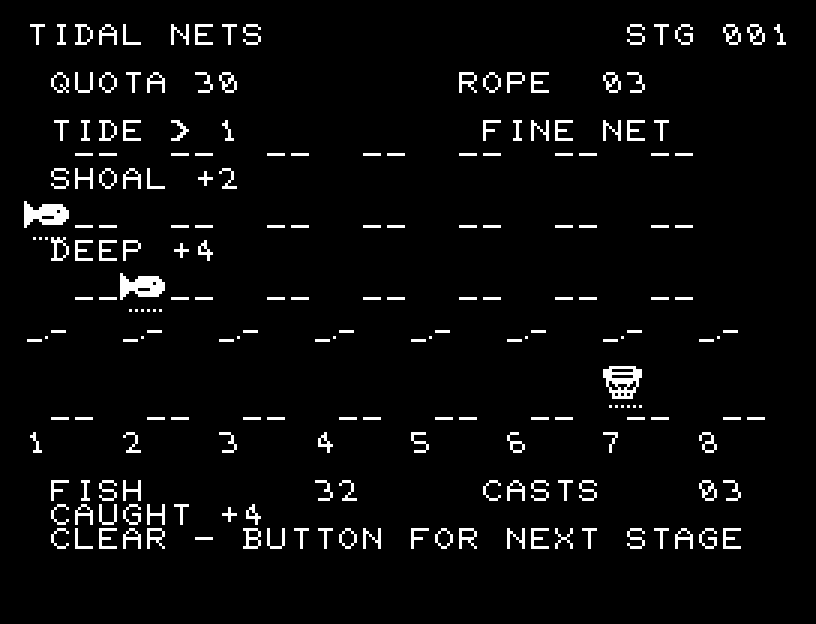
TIDAL NETS — First goal reached
First goal reached最初の目標を達成

First stage cleared.1ステージのクリアまでを収録。

Controls and play

A/D selects a location, W/S switches between FINE NET and WIDE NET, and RETURN casts. A fine net covers one column for 1 rope; a wide net covers two adjacent columns for 2 rope. Your selected net type remains selected for the next cast.

Directions work on the keyboard or pad; the pad button also acts as RETURN. SPACE opens confirmation to restart this stage. NO is selected initially. Choose with A/D, confirm with RETURN, or cancel with SPACE. Play pauses during confirmation. CTRL+C returns to BASIC.

Waves, sinking nets, the two drifting schools, and hauling in a catch are shown separately. Casting, catching, and missing have distinct sounds. Wait for the animation to finish before pressing again.

TIDE shows direction and strength. Before the catch is checked, shallow fish drift by that amount and deep fish by twice as much. FISH is your score; CASTS is casts remaining. Save rope for opportunities to catch both schools with a wide net.
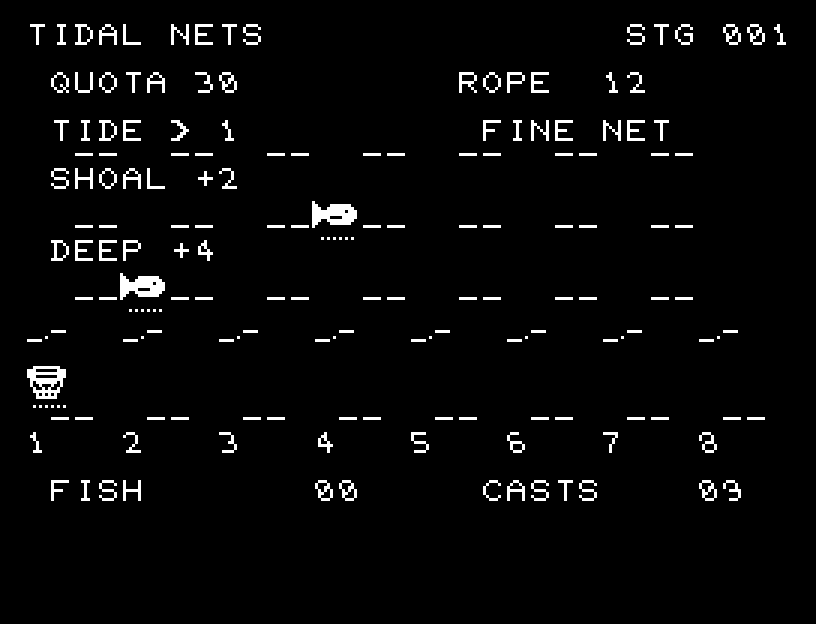
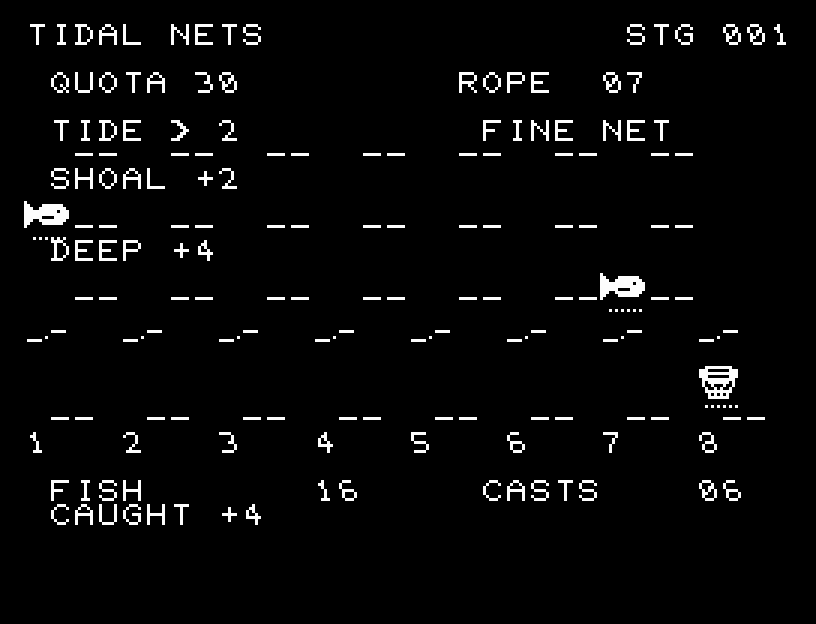
More screenshots

TIDAL NETS: play 01

TIDAL NETS: play 02

操作と遊び方

A/Dで位置を選び、W/SでFINE NETとWIDE NETを切り替え、RETURNで投げます。細い網は1列・ロープ1、広い網は隣接2列・ロープ2です。選んだ網は次の投網でも続きます。

方向キーはキーボードまたはパッド、RETURNはパッドのボタンでも操作できます。SPACEでこの面のやり直し確認を開きます。やり直し確認はNOが初期選択です。A/Dで選び、RETURNで確定、SPACEで取り消します。確認中は進行を止めます。CTRL+CでBASICへ戻ります。

水面の波、沈む網、潮に流れる2群、釣果を引き上げる動きを別々に表示し、投網・獲得・空振りの音を分けます。演出が終わってから次のキーを押してください。

TIDEは向きと強さ。投げると浅い魚はその分、深い魚は2倍流されてから網に掛かります。FISHは得点、CASTSは残り投網回数。2群を広い網で取れる機会にロープを回します。

ゲーム開始時

プレイ中の場面