JR-100 GAMES

SEED MERGE

Combine equal-numbered seeds on a 4×4 board to make 64. A new 2 appears whenever the board moves. Running out of legal moves ends the attempt.

同じ数字の種を重ねて64を作る4×4のパズルです。盤面が動いたときに新しい2が現れ、動かせなくなると失敗です。

seed-merge.prg · v1.5.1 · 7.0 KiB · 16 KB RAM · Autostart ready自動起動対応

Start on MiSTerMiSTerで起動

  1. Copy the .prg into games/JR100/ on your SD card..prgをSDカードのgames/JR100/へコピーします。
  2. In the JR-100 core menu, set Autostart loaded program to Yes.JR-100コアのメニューでAutostart loaded programをYesにします。
  3. Choose Load PRG, select the game, then press RETURN at its title.Load PRGでゲームを選び、タイトル画面でRETURNを押します。

Still at READY? TypeREADYで止まる場合は A=USR($0300) and press RETURN.を入力してRETURN。 First-time setup / SuperStation One初回設定・SuperStation Oneの手順

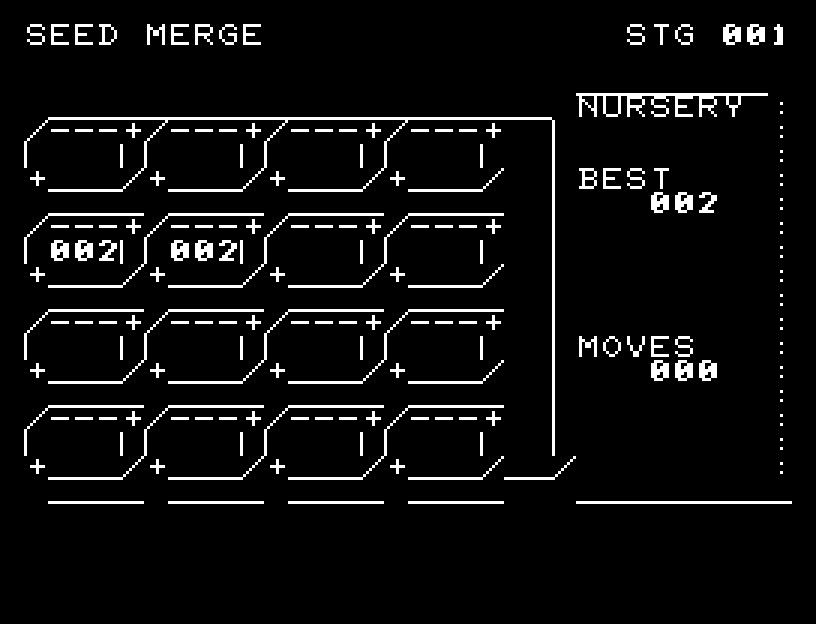
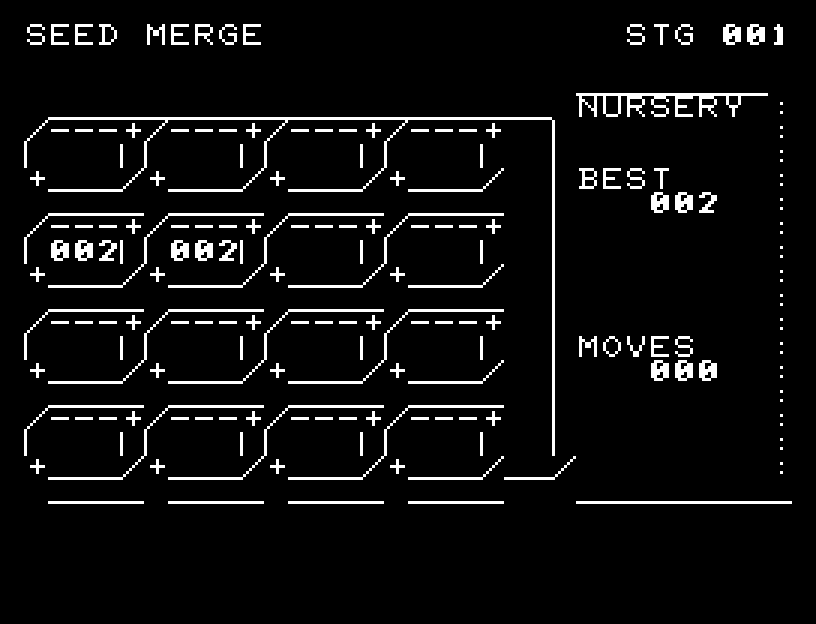
SEED MERGE — At the start
At the start開始時の盤面
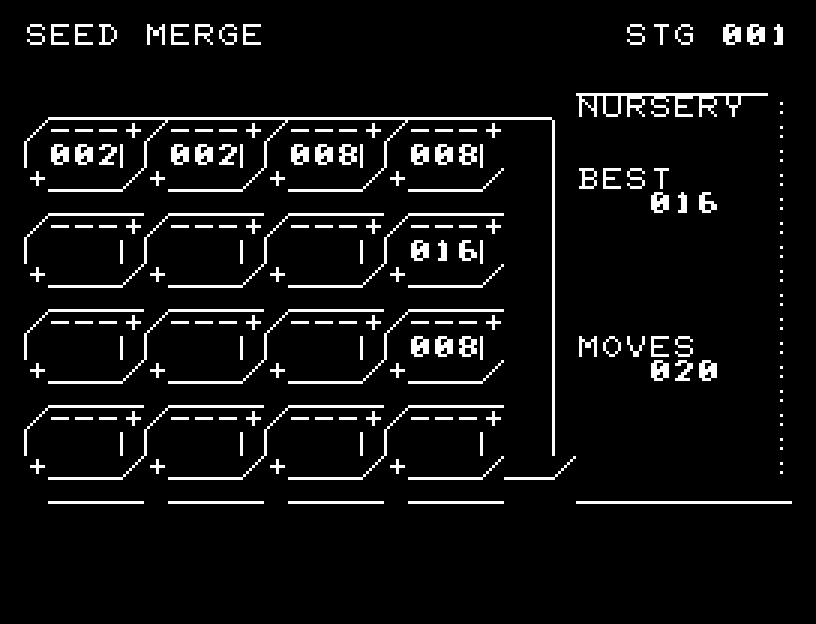
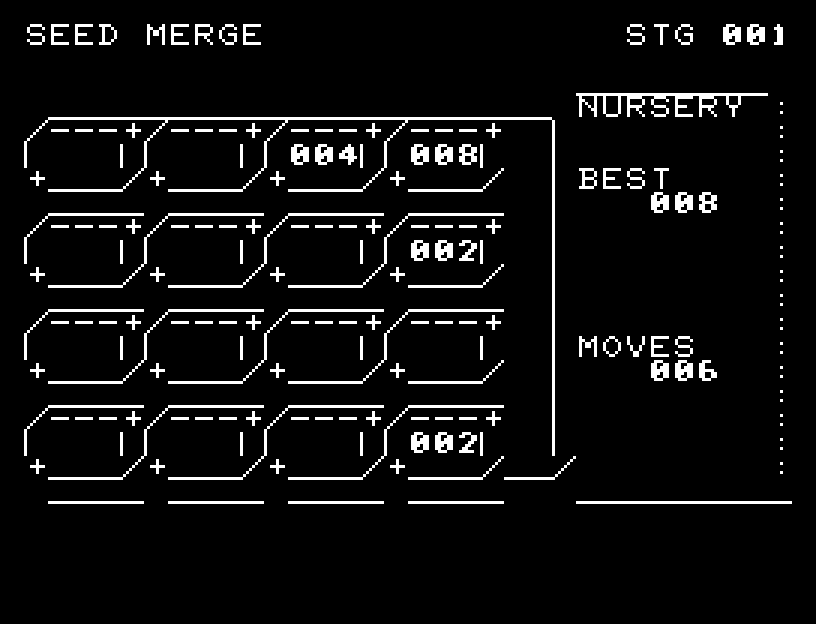
SEED MERGE — In play
In playプレイ中
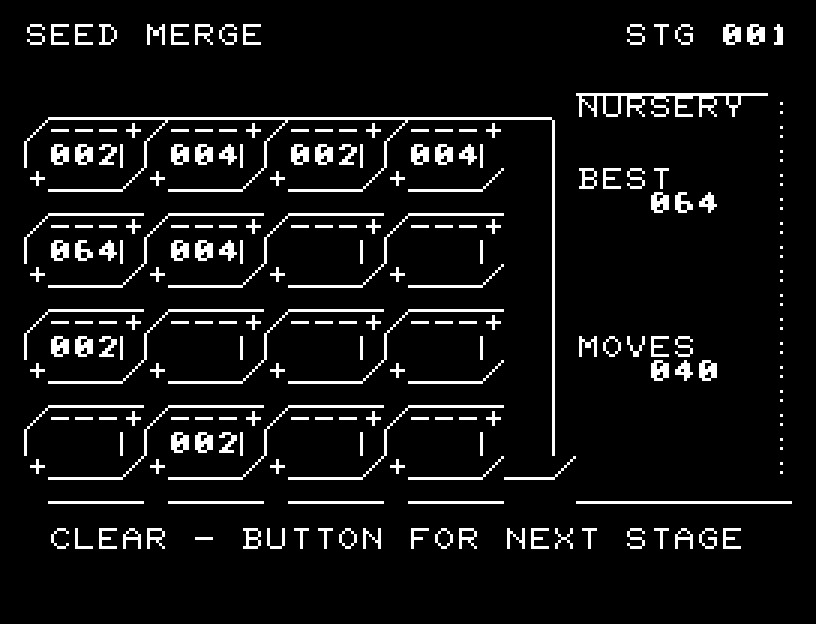
SEED MERGE — First goal reached
First goal reached最初の目標を達成

First stage cleared.1ステージのクリアまでを収録。

Controls and play

WASD slides the whole board. Each pair of equal seeds can merge only once during a single action.

Directions work on the keyboard or pad; the pad button also acts as RETURN. SPACE opens confirmation to restart this stage. NO is selected initially. Choose with A/D, confirm with RETURN, or cancel with SPACE. Play pauses during confirmation. CTRL+C returns to BASIC.

Seed movement, merging, closing gaps, and the new seed's appearance are shown in sequence. Wait for the animation to finish before pressing again.

The display shows each cell's number, the highest value, and the number of moves.
More screenshots

SEED MERGE: play 01

SEED MERGE: play 02

操作と遊び方

WASDで盤面全体をスライドします。同じ数字同士は1回の操作につき一度だけ合体します。

方向キーはキーボードまたはパッド、RETURNはパッドのボタンでも操作できます。SPACEでこの面のやり直し確認を開きます。やり直し確認はNOが初期選択です。A/Dで選び、RETURNで確定、SPACEで取り消します。確認中は進行を止めます。CTRL+CでBASICへ戻ります。

種の移動、同じ種の合成、隙間を詰める移動、新しい種の出現を順に表示します。演出が終わってから次のキーを押してください。

各マスの数字と最大値、移動回数を表示します。

ゲーム開始時

プレイ中の場面