JR-100 GAMES

RIBBON SNAKE

Guide a growing snake through six gardens. Food targets rise from 8 to 13 while more rocks narrow the paths. Hitting an edge, rock, or your own body ends the attempt.

餌を食べて伸びる蛇を操作する全6庭。目標は8個から13個へ増え、岩も増えて通路が狭まります。頭を端・岩・胴体へ当てると失敗です。

ribbon-snake.prg · v2.0.0 · 8.1 KiB · 16 KB RAM · Autostart ready自動起動対応

Start on MiSTerMiSTerで起動

  1. Copy the .prg into games/JR100/ on your SD card..prgをSDカードのgames/JR100/へコピーします。
  2. In the JR-100 core menu, set Autostart loaded program to Yes.JR-100コアのメニューでAutostart loaded programをYesにします。
  3. Choose Load PRG, select the game, then press RETURN at its title.Load PRGでゲームを選び、タイトル画面でRETURNを押します。

Still at READY? TypeREADYで止まる場合は A=USR($0300) and press RETURN.を入力してRETURN。 First-time setup / SuperStation One初回設定・SuperStation Oneの手順

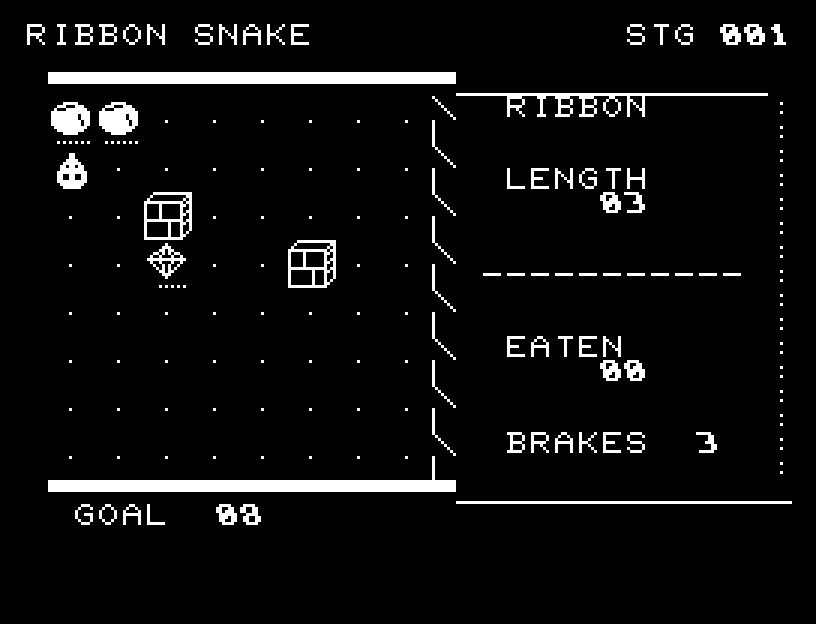
RIBBON SNAKE — At the start
At the start開始時の盤面
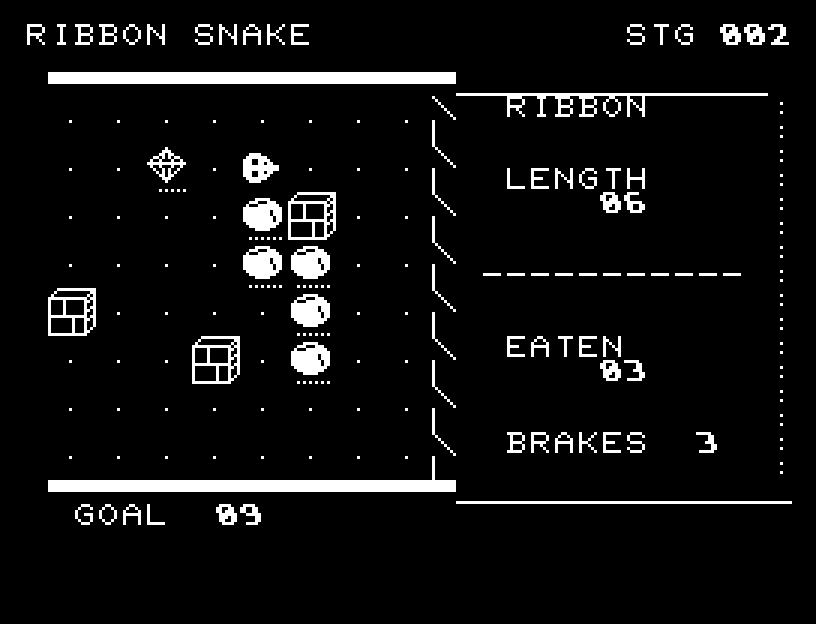
RIBBON SNAKE — In play
In playプレイ中
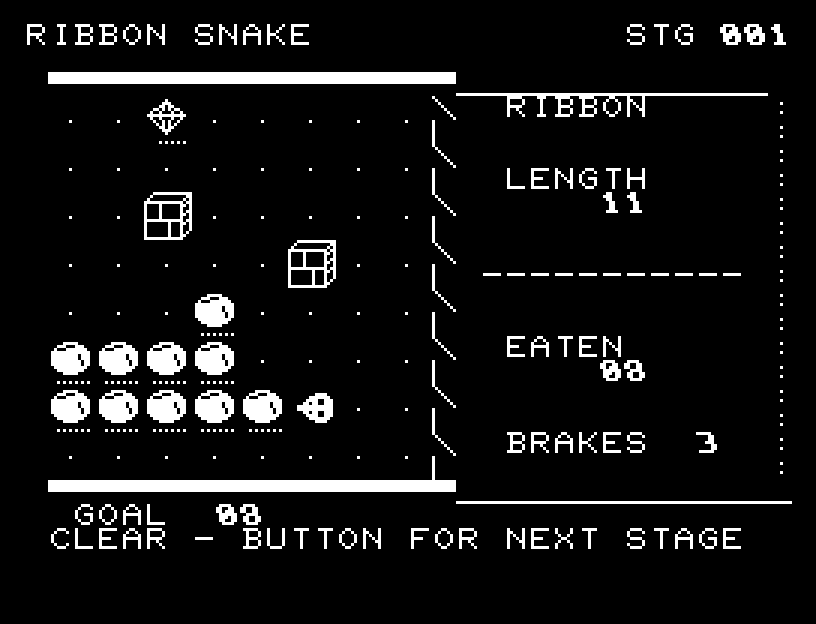
RIBBON SNAKE — First goal reached
First goal reached最初の目標を達成

First stage cleared.1ステージのクリアまでを収録。

Controls and play

WASD changes direction. RETURN uses a brake, available three times per garden, slowing the next four moves to half speed. A direction exactly opposite to your current heading is ignored.

Directions work on the keyboard or pad; the pad button also acts as RETURN. SPACE opens confirmation to restart this stage. NO is selected initially. Choose with A/D, confirm with RETURN, or cancel with SPACE. Play pauses during confirmation. CTRL+C returns to BASIC.

The head's facing is distinct from the body, and the snake slides through intermediate positions. Braking is shown on screen; food has pickup light and sound; a collision pauses at the impact location. Wait for animations to finish before pressing again.

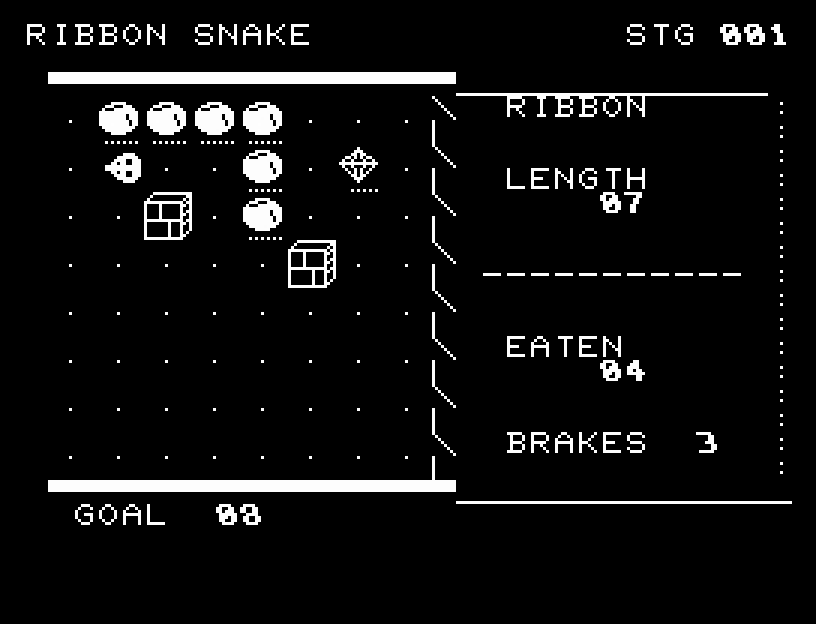
LENGTH is your size, EATEN counts food, BRAKES shows remaining brakes, and GOAL is the target. Leave an escape route for your growing body instead of always taking the shortest path to food.
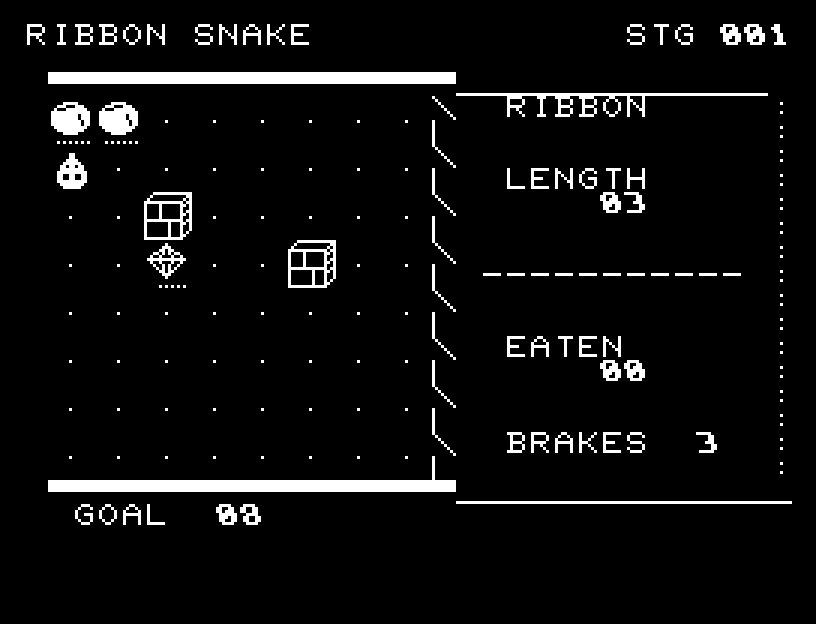
More screenshots

RIBBON SNAKE: play 01

RIBBON SNAKE: play 02

操作と遊び方

WASDで向きを変え、RETURNでブレーキを使います。1面3回までで、4回の移動が半分の速さになります。今の進行方向と正反対の入力は受け付けません。

方向キーはキーボードまたはパッド、RETURNはパッドのボタンでも操作できます。SPACEでこの面のやり直し確認を開きます。やり直し確認はNOが初期選択です。A/Dで選び、RETURNで確定、SPACEで取り消します。確認中は進行を止めます。CTRL+CでBASICへ戻ります。

頭の向きと胴体を描き分け、マスの中間を通って全身が滑ります。ブレーキ中の表示、餌の回収音と光、衝突箇所での停止を加えました。演出が終わってから次のキーを押してください。

LENGTHは長さ、EATENは食べた数、BRAKESは残りブレーキ、GOALは目標です。餌へ直行するだけでなく、長くなる胴体の逃げ道を残します。

ゲーム開始時

プレイ中の場面