JR-100 GAMES

QUIET ROUTE

Evade guards, collect the secret file, and escape through the gate on six routes. Optional supply boxes provide extra intelligence and 6 battery, but reaching them takes you closer to patrols.

警備員をかわして機密を取り、門から脱出する全6経路。寄り道の補給箱は追加情報と電池6を得られますが、巡回路に近づく必要があります。

quiet-route.prg · v2.0.0 · 8.7 KiB · 16 KB RAM · Autostart ready自動起動対応

Start on MiSTerMiSTerで起動

  1. Copy the .prg into games/JR100/ on your SD card..prgをSDカードのgames/JR100/へコピーします。
  2. In the JR-100 core menu, set Autostart loaded program to Yes.JR-100コアのメニューでAutostart loaded programをYesにします。
  3. Choose Load PRG, select the game, then press RETURN at its title.Load PRGでゲームを選び、タイトル画面でRETURNを押します。

Still at READY? TypeREADYで止まる場合は A=USR($0300) and press RETURN.を入力してRETURN。 First-time setup / SuperStation One初回設定・SuperStation Oneの手順

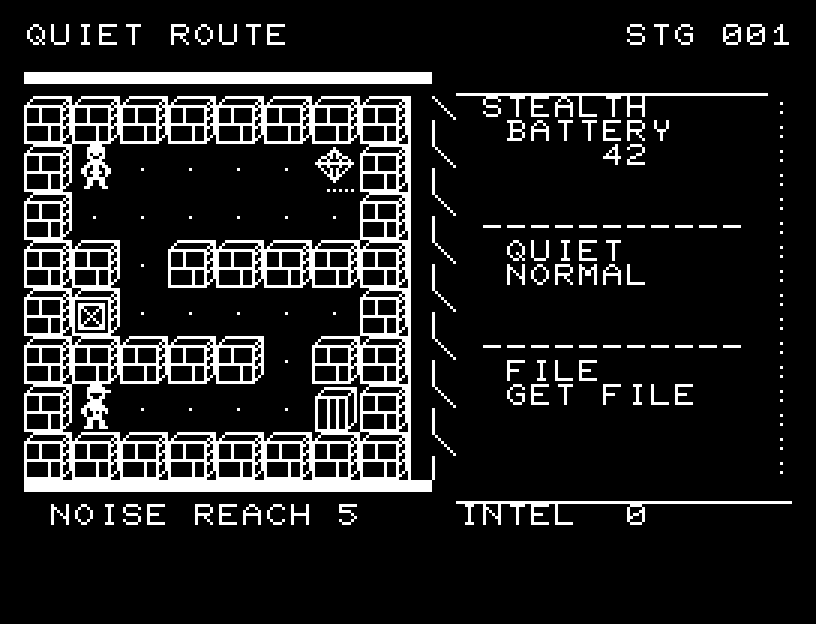
QUIET ROUTE — At the start
At the start開始時の盤面
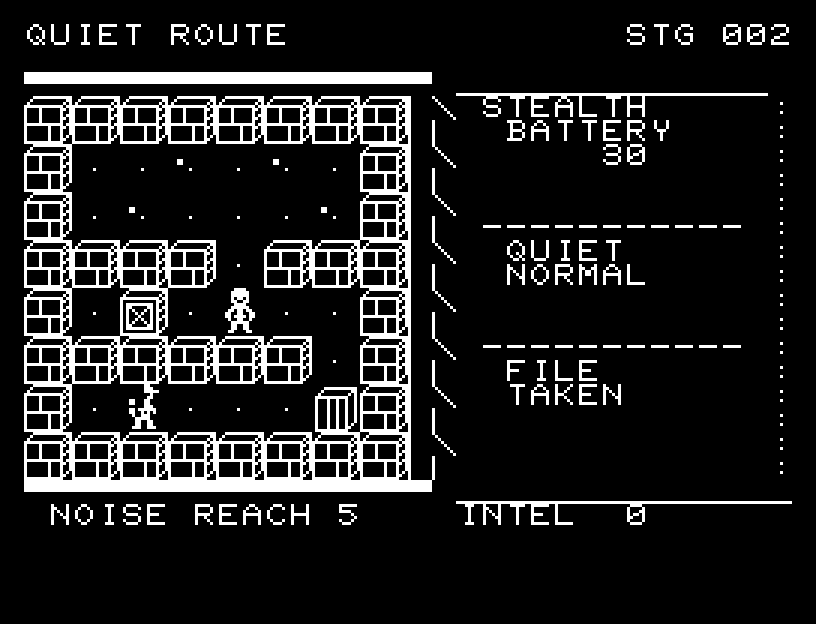
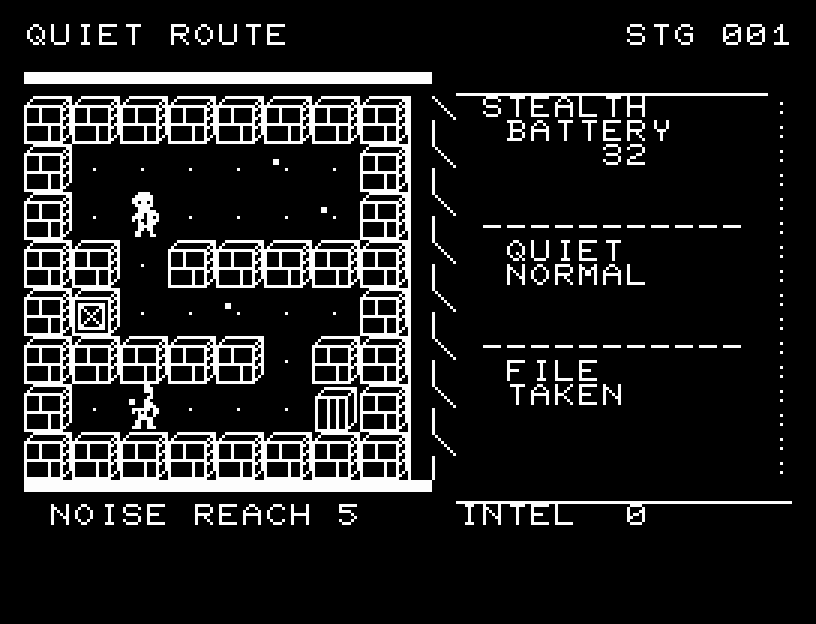
QUIET ROUTE — In play
In playプレイ中
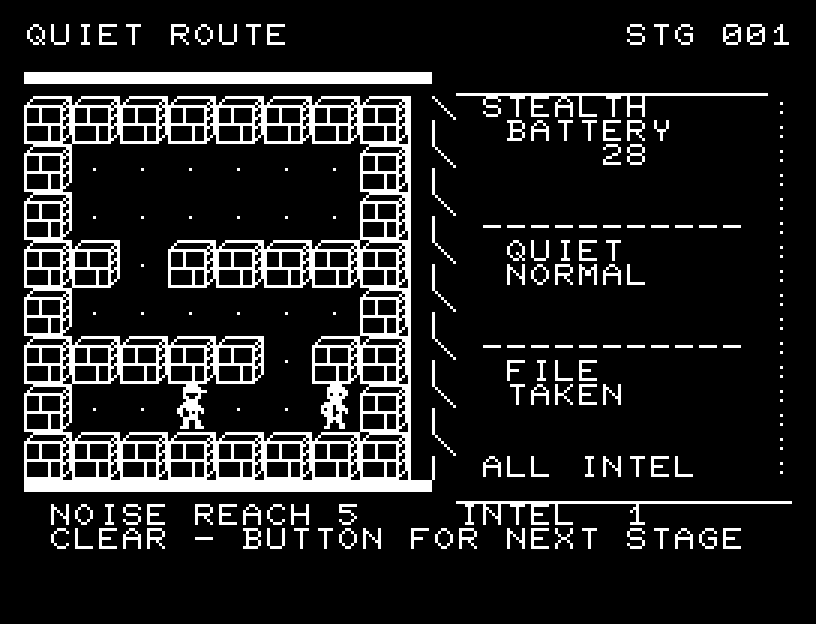
QUIET ROUTE — First goal reached
First goal reached最初の目標を達成

First stage cleared.1ステージのクリアまでを収録。

Controls and play

Move with WASD. RETURN switches between normal and quiet walking. Normal steps cost 1 battery; quiet steps cost 2. Normal footsteps can be heard by guards at a distance below 5, while quiet steps are heard only below 2.

Directions work on the keyboard or pad; the pad button also acts as RETURN. SPACE opens confirmation to restart this stage. NO is selected initially. Choose with A/D, confirm with RETURN, or cancel with SPACE. Play pauses during confirmation. CTRL+C returns to BASIC.

Your character and guards turn and move through intermediate positions. Dots mark the extent of your footsteps. Supplies, the file, and the gate have different shapes. Detection freezes the scene and its cause. Wait for animations to finish before pressing again.

BATTERY shows power remaining, QUIET the walking mode, FILE the required secret, and INTEL optional information. Carry the file into the gate to clear the route. Guards respond after you move, so weigh approaching patrols against the battery cost of staying quiet.
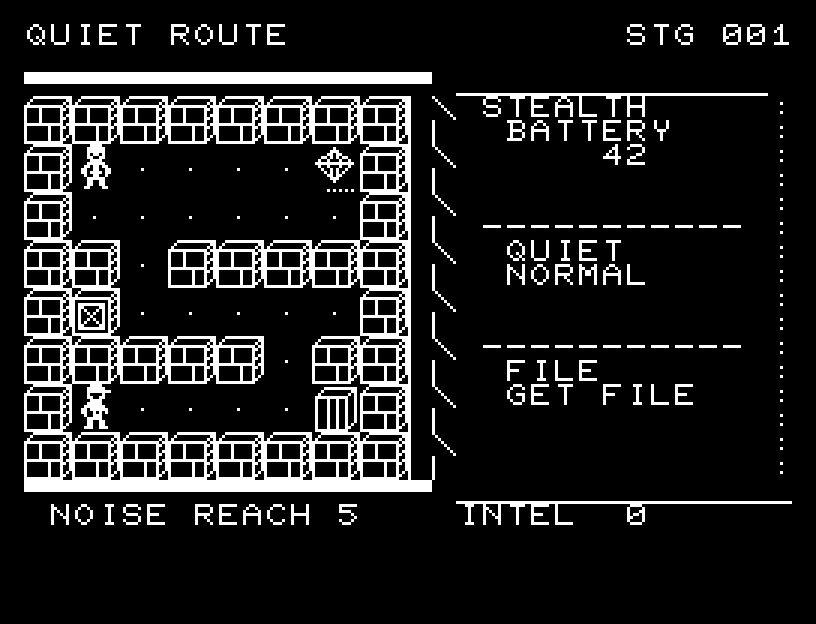
More screenshots

QUIET ROUTE: play 01

QUIET ROUTE: play 02

操作と遊び方

WASDで移動、RETURNで通常歩行と静音歩行を切り替えます。通常は電池1、静音は2を使います。通常の足音は距離5未満、静音は距離2未満の警備員に聞こえます。

方向キーはキーボードまたはパッド、RETURNはパッドのボタンでも操作できます。SPACEでこの面のやり直し確認を開きます。やり直し確認はNOが初期選択です。A/Dで選び、RETURNで確定、SPACEで取り消します。確認中は進行を止めます。CTRL+CでBASICへ戻ります。

主人公と警備員が向きを変えて中間位置を通り、足音の届く外周を点で示します。補給・機密・門を描き分け、発見された場面と原因を残して停止します。演出が終わってから次のキーを押してください。

BATTERYは電池、QUIETは歩行状態、FILEは必須機密、INTELは追加情報です。機密を持って門へ入るとクリア。移動後に警備員が応答するため、接近する巡回と電池の残量を合わせて判断します。

ゲーム開始時

プレイ中の場面