JR-100 GAMES

PHASE PAIRS

Select two neighboring numbers that sum to 10 and clear all 16 cells. Plan horizontal and vertical pairs so no number is left isolated.

隣り合う2つの数を選び、合計10にして16マスをすべて消します。縦横の組み合わせを読み、孤立した数を残さないようにします。

phase-pairs.prg · v1.6.1 · 10.2 KiB · 16 KB RAM · Autostart ready自動起動対応

Start on MiSTerMiSTerで起動

  1. Copy the .prg into games/JR100/ on your SD card..prgをSDカードのgames/JR100/へコピーします。
  2. In the JR-100 core menu, set Autostart loaded program to Yes.JR-100コアのメニューでAutostart loaded programをYesにします。
  3. Choose Load PRG, select the game, then press RETURN at its title.Load PRGでゲームを選び、タイトル画面でRETURNを押します。

Still at READY? TypeREADYで止まる場合は A=USR($0300) and press RETURN.を入力してRETURN。 First-time setup / SuperStation One初回設定・SuperStation Oneの手順

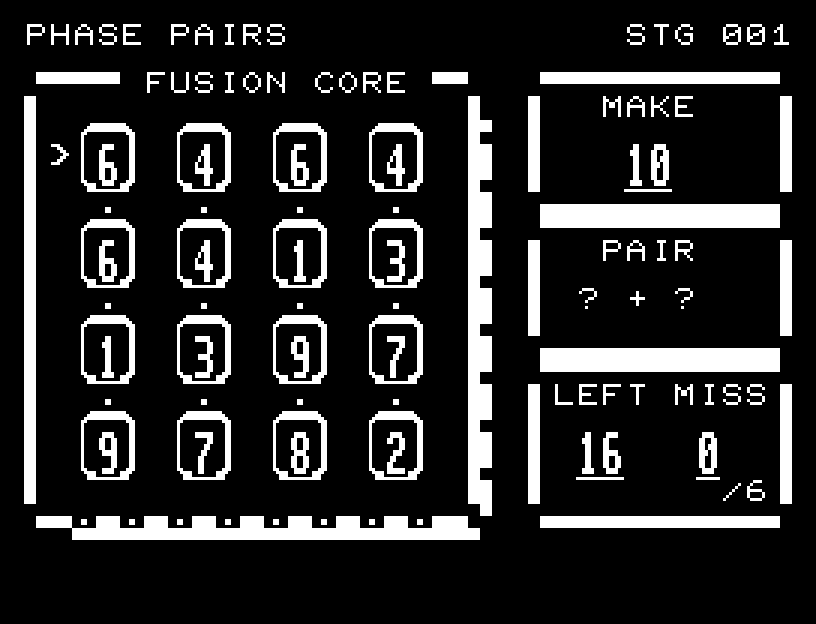
PHASE PAIRS — At the start
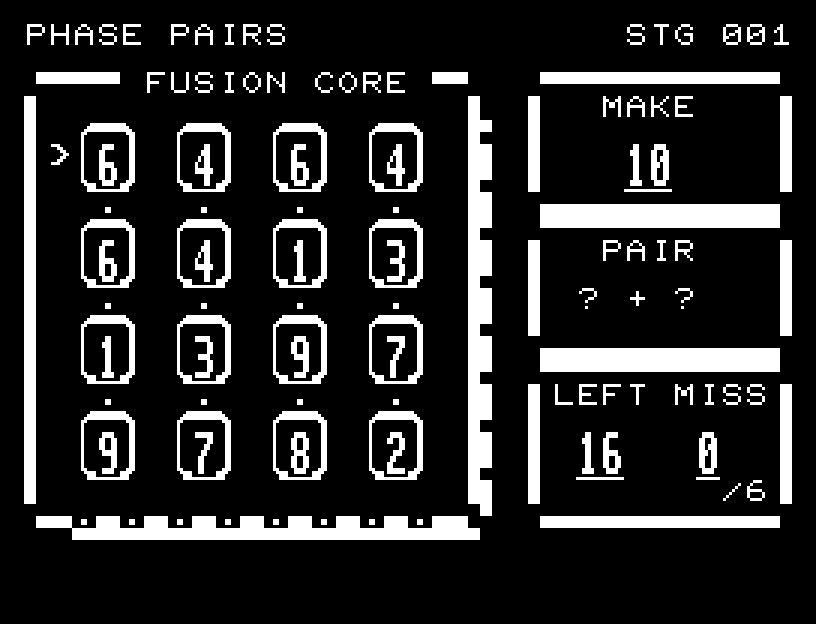
At the start開始時の盤面
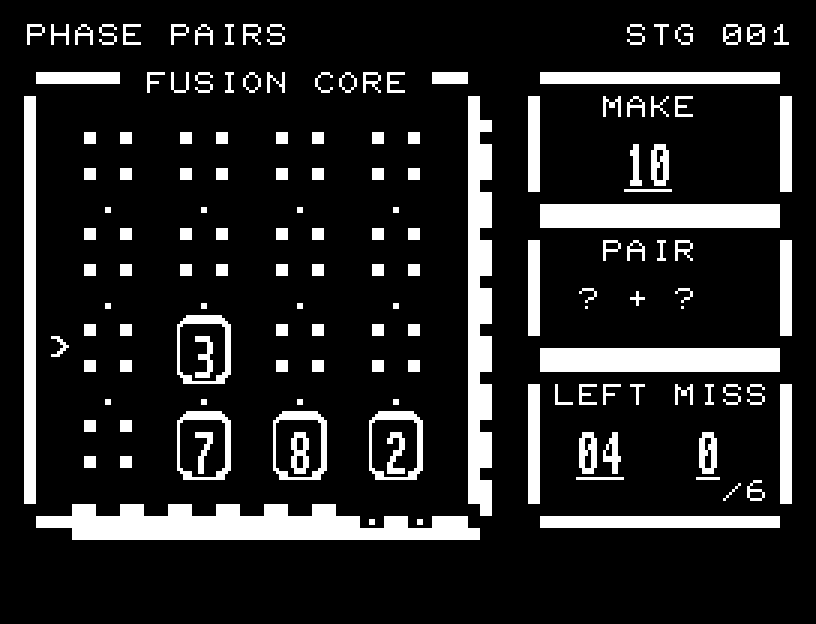
PHASE PAIRS — In play
In playプレイ中
PHASE PAIRS — First goal reached
First goal reached最初の目標を達成

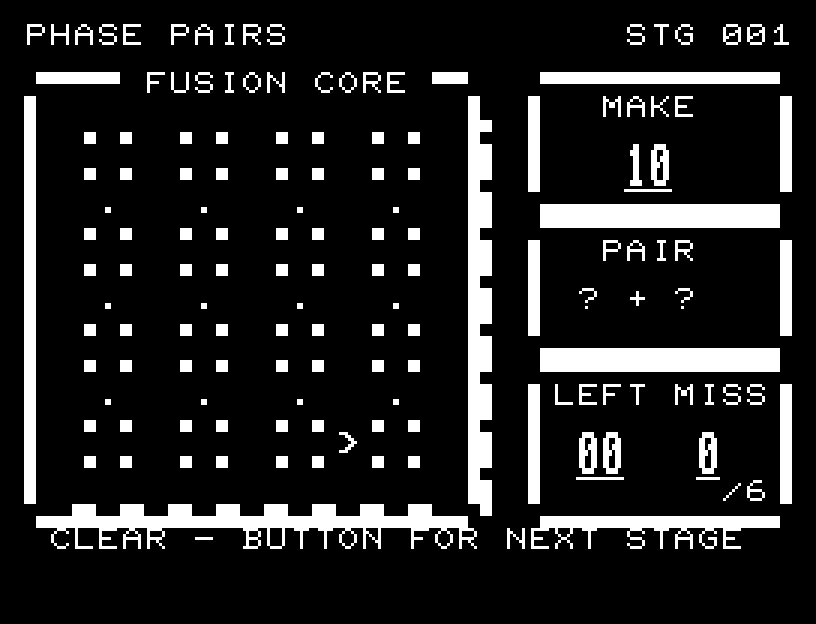
First stage cleared.1ステージのクリアまでを収録。

Controls and play

WASD selects a number. RETURN chooses the first and second tiles. The first gets a mark along its top edge and its value appears under PAIR. Every adjacent tile that makes 10 has a flashing frame. Move to one of these and press RETURN for the second choice. Diagonal pairs and pairing a tile with itself are invalid. Six mistakes cause failure.

Directions work on the keyboard or pad; the pad button also acts as RETURN. SPACE opens confirmation to restart this stage. NO is selected initially. Choose with A/D, confirm with RETURN, or cancel with SPACE. Play pauses during confirmation. CTRL+C returns to BASIC.

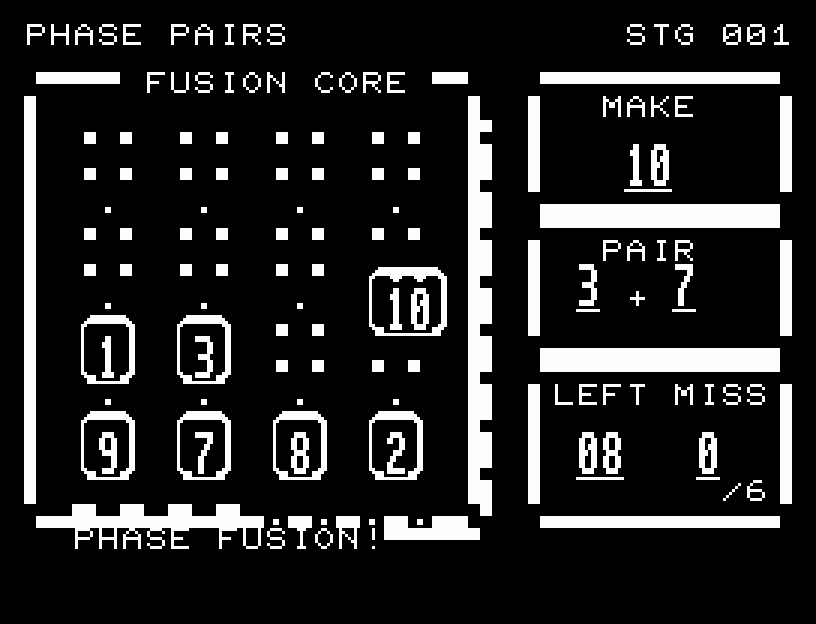
Flashing candidate frames keep their numbers readable. A valid pair moves together into the center, forms a large 10, scatters light, and disappears. Selection and merge sounds confirm each pair. Invalid pairs leave the board visible and explain whether the tiles were not adjacent or did not sum to 10. Wait for the animation to finish before pressing again.

MAKE 10 is the target sum, PAIR shows selected values, LEFT counts remaining tiles, and MISS counts mistakes up to six. The eight indicators below the board light up for completed pairs. NEIGHBORS ONLY means a nonadjacent pair; SUM MUST BE 10 means a wrong total.
More screenshots

PHASE PAIRS: play 01

PHASE PAIRS: play 02

操作と遊び方

WASDで数を選び、RETURNで1個目と2個目を指定します。1個目の駒には上辺に印が付き、右側のPAIRに選んだ数を表示します。隣接して合計10になる候補は、すべて枠が点滅します。点滅する駒へ移動し、RETURNで2個目を決めます。斜めと同じ駒は組にできません。6回誤ると失敗です。

方向キーはキーボードまたはパッド、RETURNはパッドのボタンでも操作できます。SPACEでこの面のやり直し確認を開きます。やり直し確認はNOが初期選択です。A/Dで選び、RETURNで確定、SPACEで取り消します。確認中は進行を止めます。CTRL+CでBASICへ戻ります。

1枚目を選ぶと、隣接して合計10になる候補の枠がすべて点滅します。数字を読める状態で次の選択先を示します。合計10になる2枚は中央へ寄り合い、大きな「10」に合体してから光を散らして消えます。選択音と合体音で一組ずつの成立を確認できます。誤った組は盤面を残し、隣接していないのか、合計が10ではないのかを表示します。演出が終わってから次のキーを押してください。

MAKE 10は目標の合計、PAIRは選択中の2数、LEFTは残る駒、MISSは6回までのミス数です。盤面下の8個のゲージは、消した組の数だけ点灯します。NEIGHBORS ONLYは隣接していない組、SUM MUST BE 10は合計が10ではない組を選んだ印です。

ゲーム開始時

プレイ中の場面