JR-100 GAMES

ORCHARD DAYS

Grow crops in a 4×4 orchard over three seasons. Reach harvest scores of 18, 24, and 30 within 28 days. Fast berries need two growth steps and earn 3 points; slow apples need four and earn 7.

4×4の畑で作物を育てる全3季。28日以内に18・24・30点の収穫を目指します。早いベリーは2回育てて3点、遅いリンゴは4回育てて7点です。

orchard-days.prg · v2.0.0 · 8.4 KiB · 16 KB RAM · Autostart ready自動起動対応

Start on MiSTerMiSTerで起動

  1. Copy the .prg into games/JR100/ on your SD card..prgをSDカードのgames/JR100/へコピーします。
  2. In the JR-100 core menu, set Autostart loaded program to Yes.JR-100コアのメニューでAutostart loaded programをYesにします。
  3. Choose Load PRG, select the game, then press RETURN at its title.Load PRGでゲームを選び、タイトル画面でRETURNを押します。

Still at READY? TypeREADYで止まる場合は A=USR($0300) and press RETURN.を入力してRETURN。 First-time setup / SuperStation One初回設定・SuperStation Oneの手順

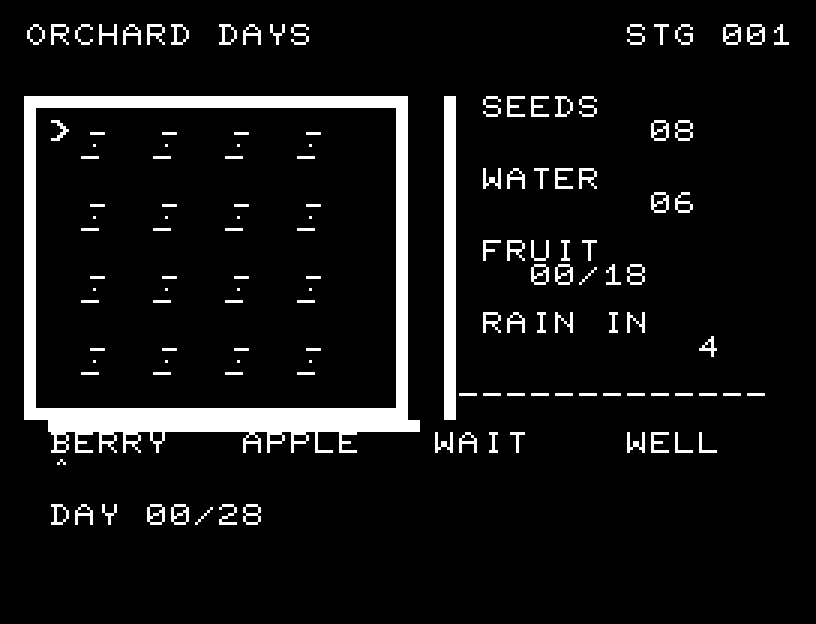
ORCHARD DAYS — At the start
At the start開始時の盤面
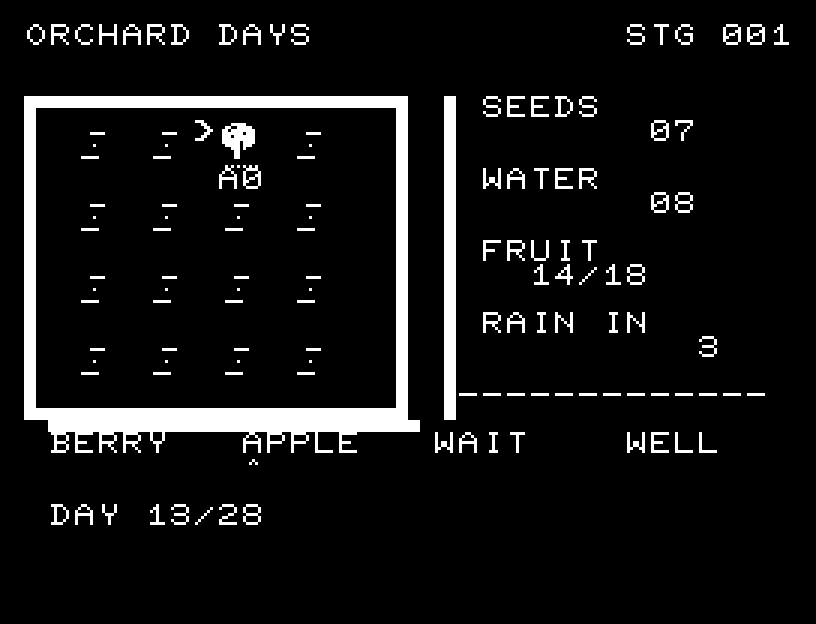
ORCHARD DAYS — In play
In playプレイ中
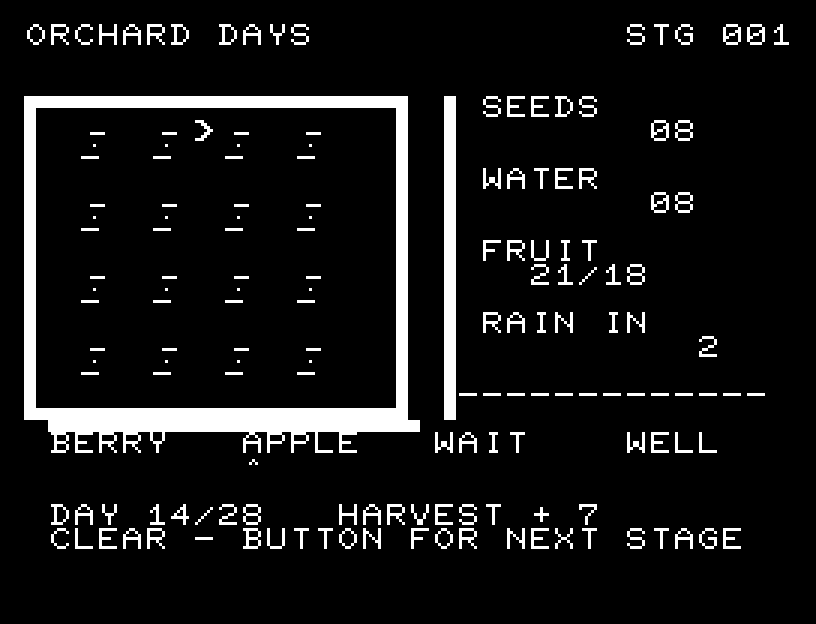
ORCHARD DAYS — First goal reached
First goal reached最初の目標を達成

First stage cleared.1ステージのクリアまでを収録。

Controls and play

WASD selects a plot or a tool below the field; RETURN works. BERRY / APPLE selects what to plant. Acting on an empty plot plants, a growing plot waters, and a ripe plot harvests. WAIT spends one day waiting; WELL spends one day restoring 3 water. Selecting a crop type takes no time.

Directions work on the keyboard or pad; the pad button also acts as RETURN. SPACE opens confirmation to restart this stage. NO is selected initially. Choose with A/D, confirm with RETURN, or cancel with SPACE. Play pauses during confirmation. CTRL+C returns to BASIC.

The field and instruments have clear borders. Seeds and drops fly to their targets, and rain or watering visibly grows affected plants one step at a time. Harvests move toward the score with sound. Wait for the animation to finish before pressing again.

Start with 8 seeds and 6 water. Planting uses 1 seed; watering uses 1 water; harvesting returns 1 seed. Rain occurs every 4, 5, or 6 days depending on the season, growing every crop one step and adding 4 water. Water caps at 9. Use RAIN IN to decide which crops to plant and when to visit the well.
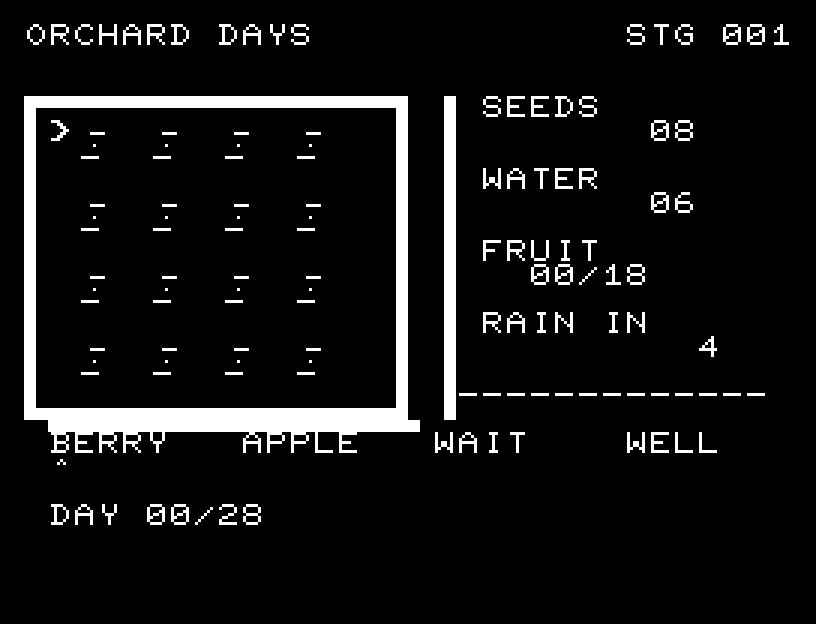
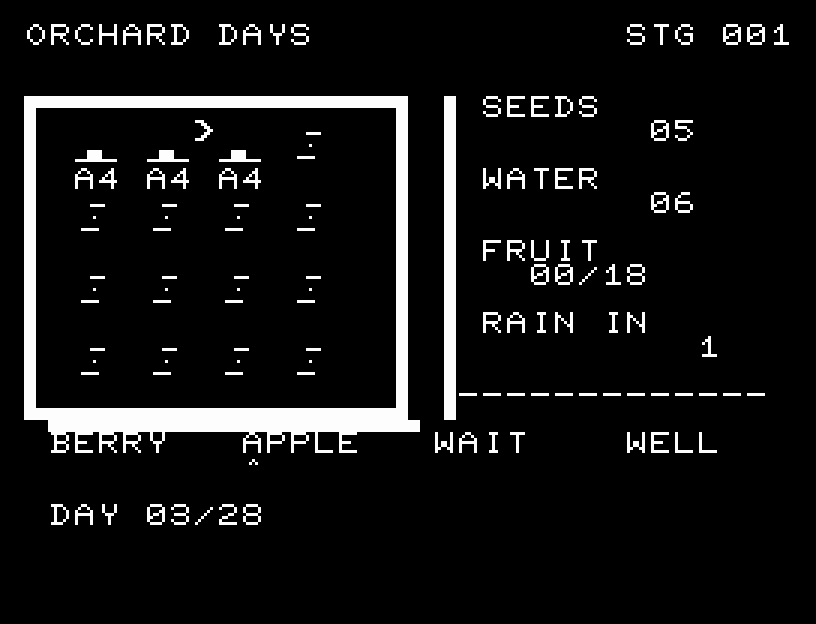
More screenshots

ORCHARD DAYS: play 01

ORCHARD DAYS: play 02

操作と遊び方

WASDで畑や下段の道具を選び、RETURNで作業します。BERRY/APPLEで植える種類を選択。空き畑には種まき、育成中なら水やり、実った作物なら収穫です。WAITは1日待機、WELLは1日を使って水を3補給します。種類の選択では日数を使いません。

方向キーはキーボードまたはパッド、RETURNはパッドのボタンでも操作できます。SPACEでこの面のやり直し確認を開きます。やり直し確認はNOが初期選択です。A/Dで選び、RETURNで確定、SPACEで取り消します。確認中は進行を止めます。CTRL+CでBASICへ戻ります。

畑の囲いと計器を整え、種・水滴が飛び、雨や水やりで対象の作物が1段ずつ育つ様子を表示します。収穫物が得点へ移る動きとSEも加えました。演出が終わってから次のキーを押してください。

種は8、水は6で開始。種まきで種1、水やりで水1を使い、収穫すると種1が戻ります。雨は4・5・6日ごとで、全作物が1段育ち、水が4増えます。水は最大9。RAIN INで次の雨を読み、井戸へ行く日と作物を選びます。

ゲーム開始時

プレイ中の場面