JR-100 GAMES

ORBIT DODGE

Travel between an outer and inner orbit to avoid targeted beams across six stages. Waves increase from 12 to 22; later stages fire at both rings simultaneously with shorter warnings.

外周と内周の2軌道を渡り、照準からの光線を避ける全6面です。12波から22波へ増え、後半は両軌道への同時照射と短い予告時間に挑みます。

orbit-dodge.prg · v3.0.0 · 8.8 KiB · 16 KB RAM · Autostart ready自動起動対応

Start on MiSTerMiSTerで起動

  1. Copy the .prg into games/JR100/ on your SD card..prgをSDカードのgames/JR100/へコピーします。
  2. In the JR-100 core menu, set Autostart loaded program to Yes.JR-100コアのメニューでAutostart loaded programをYesにします。
  3. Choose Load PRG, select the game, then press RETURN at its title.Load PRGでゲームを選び、タイトル画面でRETURNを押します。

Still at READY? TypeREADYで止まる場合は A=USR($0300) and press RETURN.を入力してRETURN。 First-time setup / SuperStation One初回設定・SuperStation Oneの手順

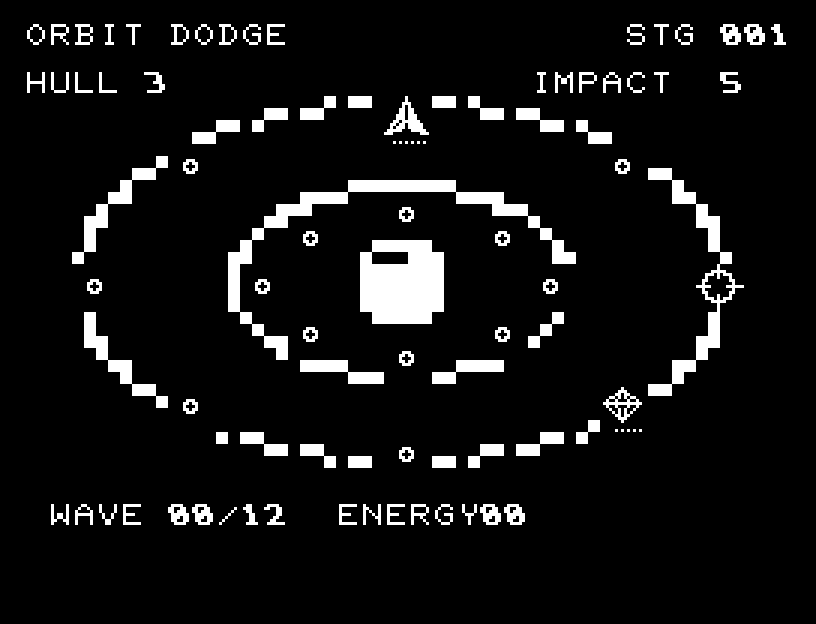
ORBIT DODGE — At the start
At the start開始時の盤面
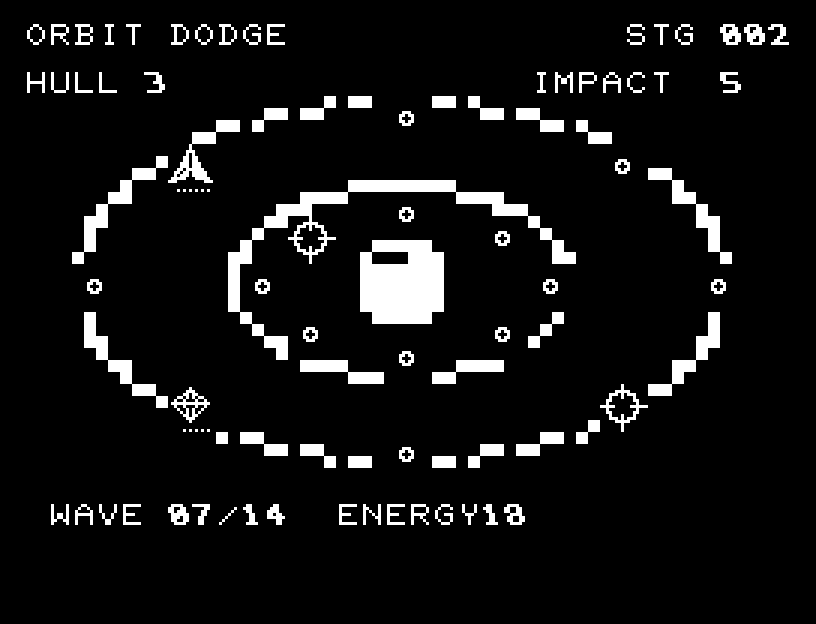
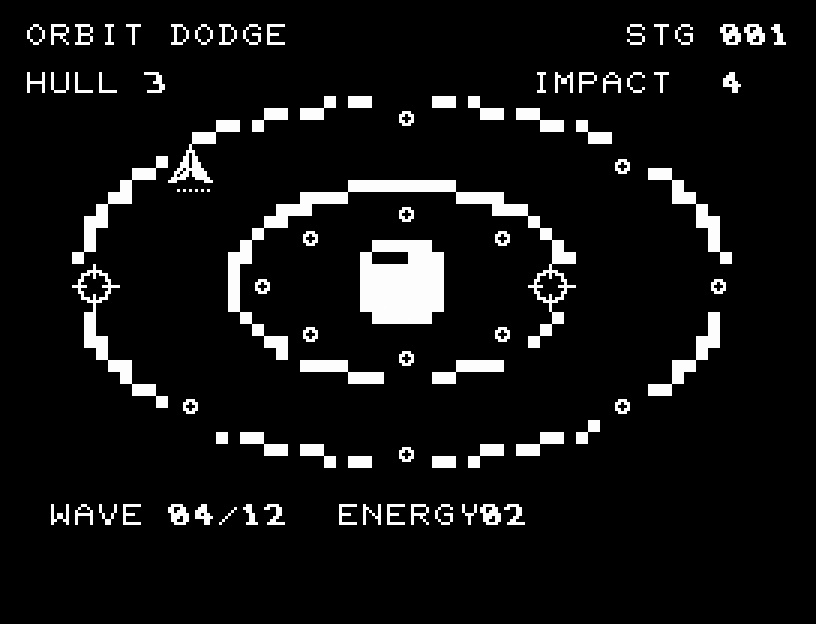
ORBIT DODGE — In play
In playプレイ中
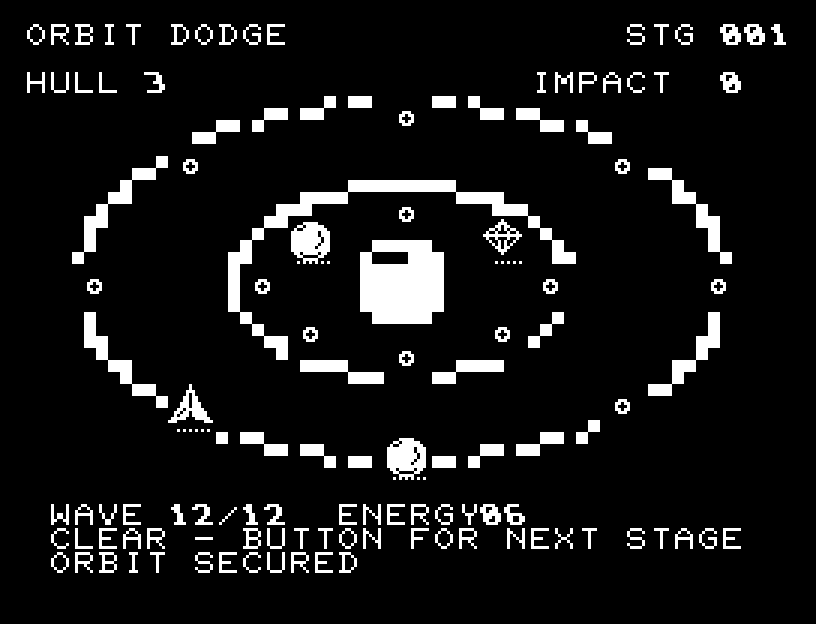
ORBIT DODGE — First goal reached
First goal reached最初の目標を達成

First stage cleared.1ステージのクリアまでを収録。

Controls and play

Move around the orbit with A/D or W/S. RETURN switches between inner and outer rings. Occupy a diamond-shaped energy pickup at the instant of firing to score. Consecutive pickups earn 1, 2, then 3 points. Remaining at a targeted location causes damage.

Directions work on the keyboard or pad; the pad button also acts as RETURN. SPACE opens confirmation to restart this stage. NO is selected initially. Choose with A/D, confirm with RETURN, or cancel with SPACE. Play pauses during confirmation. CTRL+C returns to BASIC.

Semigraphics draw both rings. Movement trails, extending beams, and pickup flashes show the action with matching sound. Small orbit points, targets, and energy have different shapes. Wait for animations to finish before pressing again.

HULL is health, IMPACT counts down to firing, WAVE shows completed/required waves, and ENERGY is your score. Energy at least equal to the required number of waves earns GOLD ORBIT. Choose when to chase a pickup and when to retreat to a safe orbit.
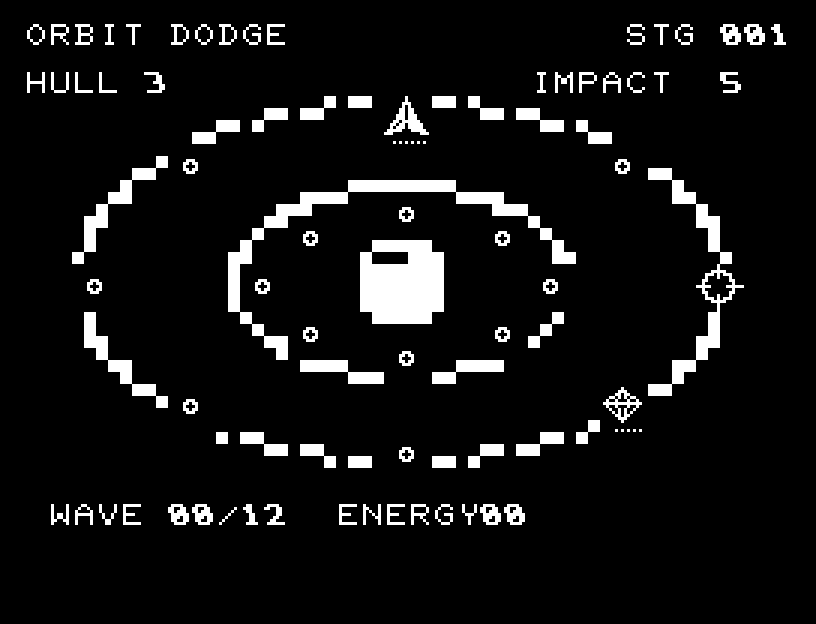
More screenshots

ORBIT DODGE: play 01

ORBIT DODGE: play 02

操作と遊び方

A/DまたはW/Sで軌道上を左右に移動し、RETURNで内外の軌道を切り替えます。照射の瞬間に菱形のエネルギーへ乗ると加点。連続取得は1点、2点、3点と増えます。照準位置に残ると被弾します。

方向キーはキーボードまたはパッド、RETURNはパッドのボタンでも操作できます。SPACEでこの面のやり直し確認を開きます。やり直し確認はNOが初期選択です。A/Dで選び、RETURNで確定、SPACEで取り消します。確認中は進行を止めます。CTRL+CでBASICへ戻ります。

セミグラフィックスで2本の軌道を描き、移動の軌跡、照準から伸びる光線、回収の光とSEを加えました。小さな軌道点・照準・エネルギーは別の形です。演出が終わってから次のキーを押してください。

HULLは体力、IMPACTは発射までのカウント、WAVEは消化した波と目標、ENERGYは得点。目標の波数以上のエネルギーでGOLD ORBITになります。取得を狙う移動と、安全な軌道への退避を選びます。

ゲーム開始時

プレイ中の場面