JR-100 GAMES

LUMEN CROSS

Toggle the selected light and its four cardinal neighbors to turn every light off across 18 boards. Aim beyond a clear for PERFECT CIRCUIT by matching the minimum press count, PAR.

選んだ場所と上下左右の明かりを反転し、すべて消灯する全18面。クリアだけでなく、最短回数PARでのPERFECT CIRCUITを目指せます。

lumen-cross.prg · v2.0.0 · 7.1 KiB · 16 KB RAM · Autostart ready自動起動対応

Start on MiSTerMiSTerで起動

  1. Copy the .prg into games/JR100/ on your SD card..prgをSDカードのgames/JR100/へコピーします。
  2. In the JR-100 core menu, set Autostart loaded program to Yes.JR-100コアのメニューでAutostart loaded programをYesにします。
  3. Choose Load PRG, select the game, then press RETURN at its title.Load PRGでゲームを選び、タイトル画面でRETURNを押します。

Still at READY? TypeREADYで止まる場合は A=USR($0300) and press RETURN.を入力してRETURN。 First-time setup / SuperStation One初回設定・SuperStation Oneの手順

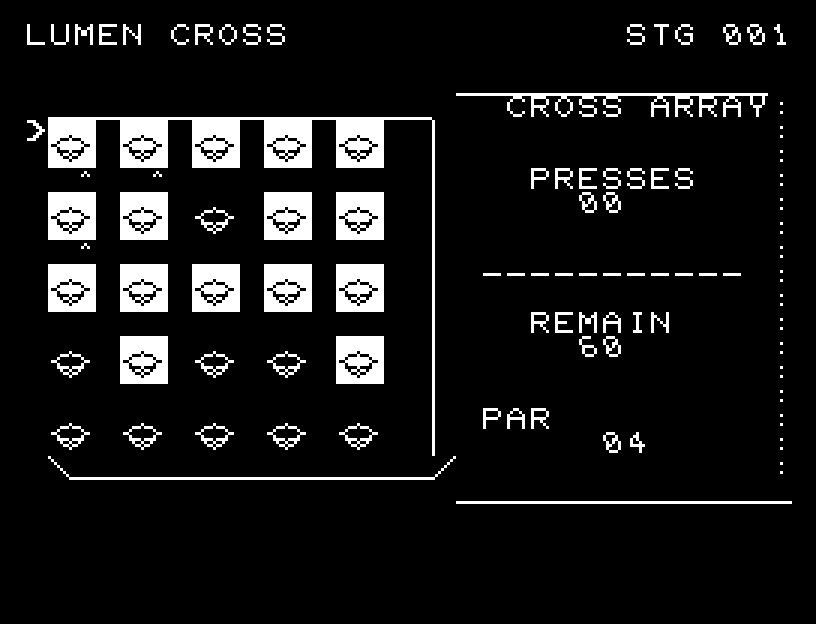
LUMEN CROSS — At the start
At the start開始時の盤面
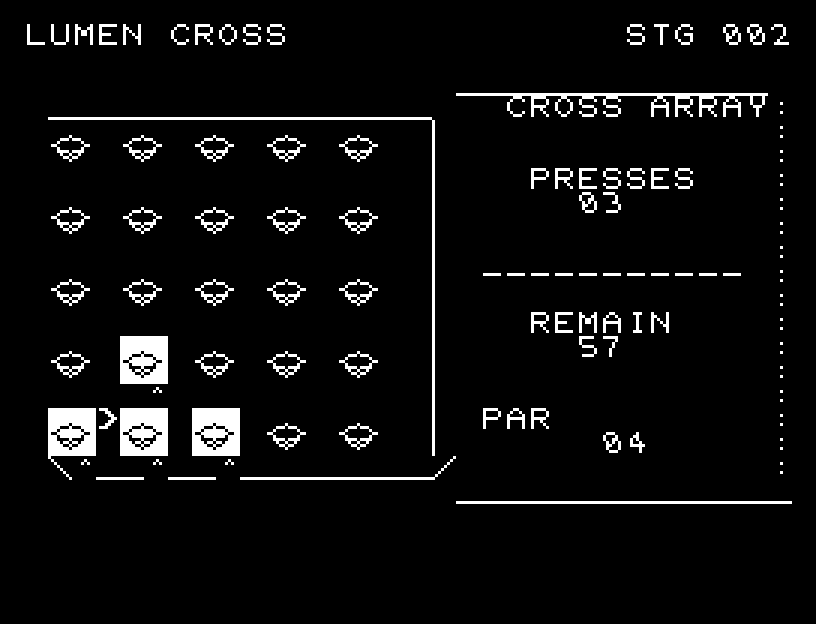
LUMEN CROSS — In play
In playプレイ中
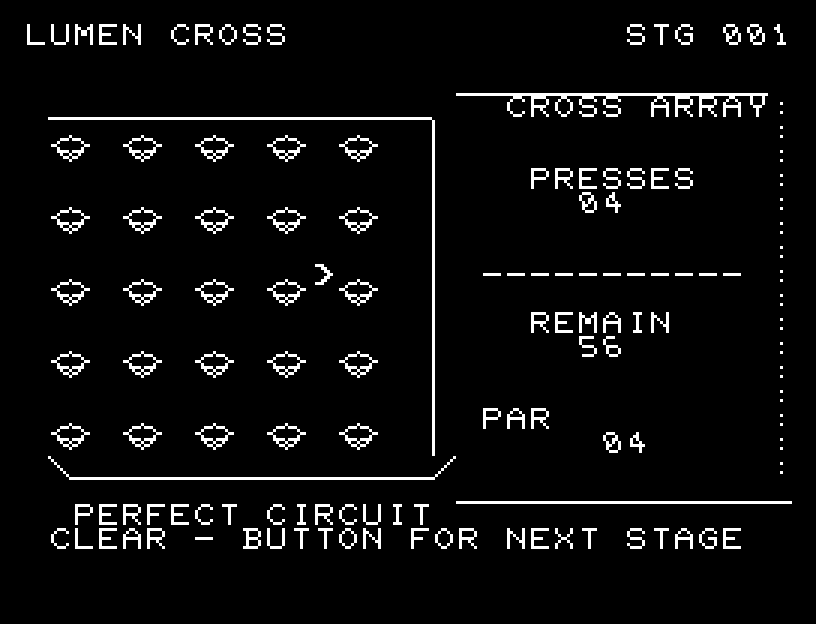
LUMEN CROSS — First goal reached
First goal reached最初の目標を達成

First stage cleared.1ステージのクリアまでを収録。

Controls and play

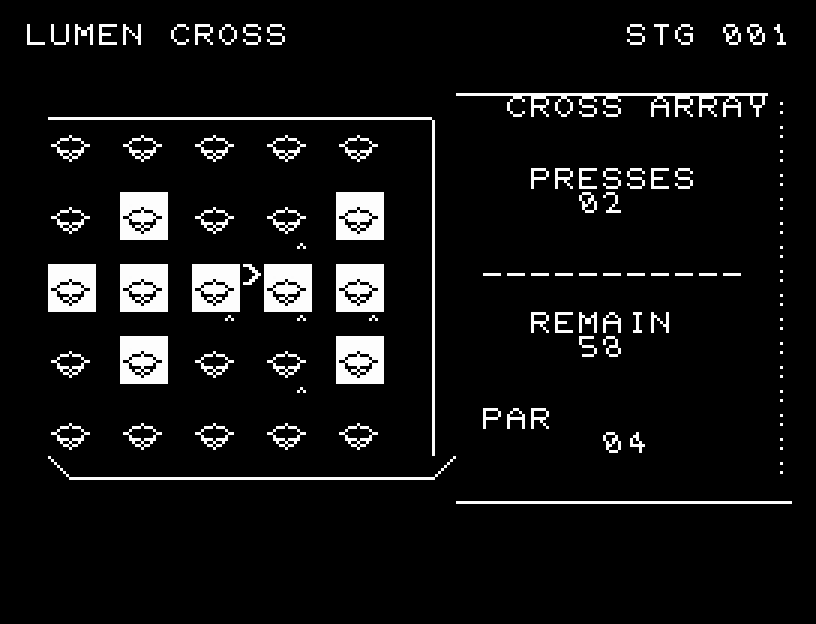
Choose a cell with WASD and press RETURN to flip its cross. Marks preview every affected light. At an edge, cells outside the board are ignored.

Directions work on the keyboard or pad; the pad button also acts as RETURN. SPACE opens confirmation to restart this stage. NO is selected initially. Choose with A/D, confirm with RETURN, or cancel with SPACE. Play pauses during confirmation. CTRL+C returns to BASIC.

Each light narrows, shows its edge, and opens on the opposite face in a five-stage flip. Sound and motion spread outward from the center, and the whole affected cross is previewed. Wait until the animation finishes before pressing again.

PRESSES is the number used, REMAIN is what remains of a 60-press allowance, and PAR is the board's minimum solution. Pressing the same cell twice restores its previous effect; use that property to reason about combinations.
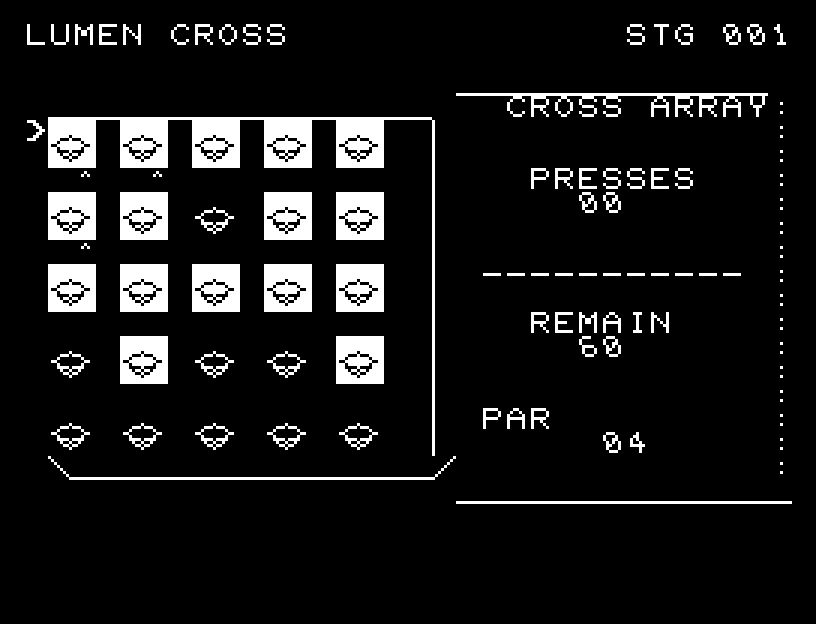
More screenshots

LUMEN CROSS: play 01

LUMEN CROSS: play 02

操作と遊び方

WASDで場所を選び、RETURNで十字に反転します。選択位置から影響する明かりすべてに印が付きます。端では盤外を反転しません。

方向キーはキーボードまたはパッド、RETURNはパッドのボタンでも操作できます。SPACEでこの面のやり直し確認を開きます。やり直し確認はNOが初期選択です。A/Dで選び、RETURNで確定、SPACEで取り消します。確認中は進行を止めます。CTRL+CでBASICへ戻ります。

各明かりが細くなり、側面を経て逆の面へ開く5段階の反転を行います。中心から周囲へ音と動きが波及し、影響する十字全体を予告します。演出が終わってから次のキーを押してください。

PRESSESは使用回数、REMAINは60回からの残り操作回数、PARはその面の最短回数です。同じ場所を2回押すと元に戻る性質を使い、反転する組合せを考えます。

ゲーム開始時

プレイ中の場面