Controls and play
WASD selects a switch; RETURN toggles it on or off.
Directions work on the keyboard or pad; the pad button also acts as RETURN. SPACE opens confirmation to restart this stage. NO is selected initially. Choose with A/D, confirm with RETURN, or cancel with SPACE. Play pauses during confirmation. CTRL+C returns to BASIC.
A tile's face narrows to its edge before the opposite face opens. Both turning on and turning off have intermediate frames and sound. Wait for the animation to finish before pressing again.
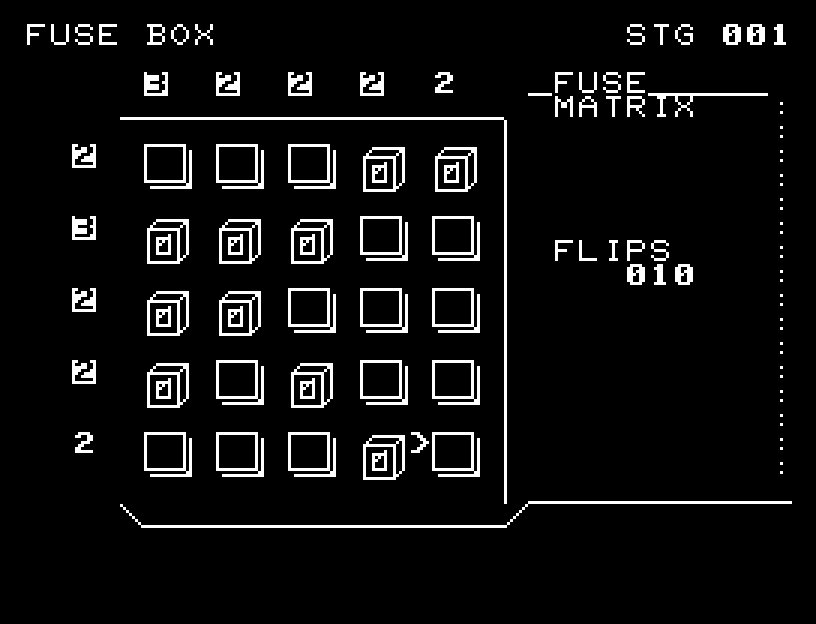
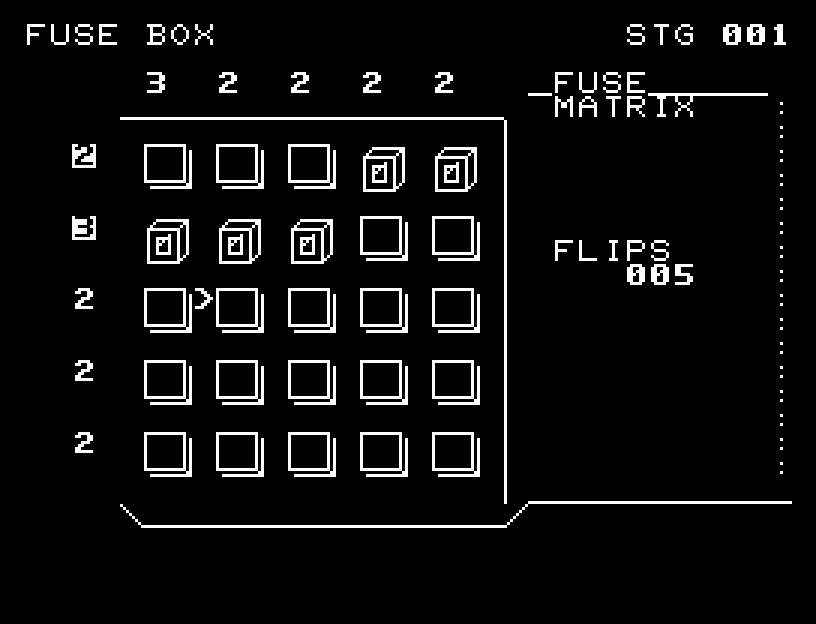
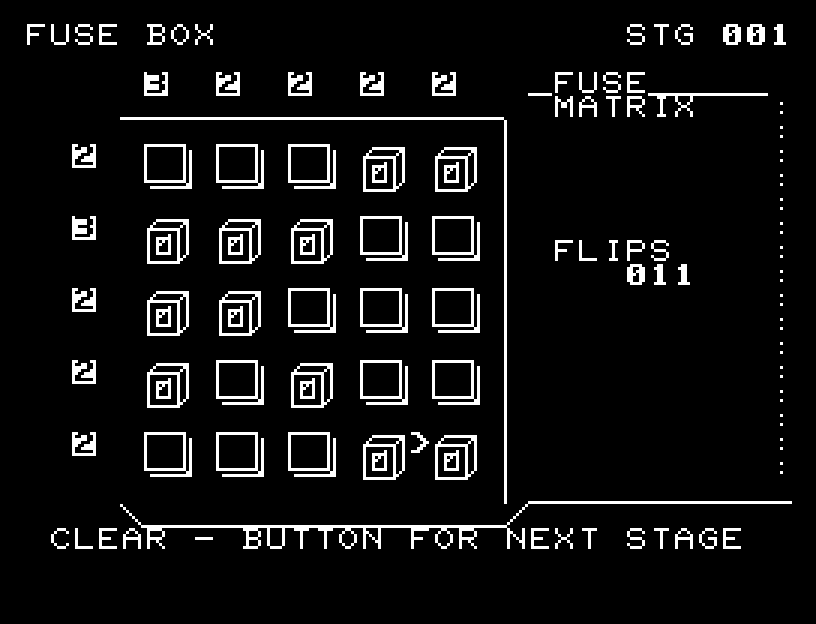
Numbers above the board are column totals; those on the left are row totals. A number is inverted when the number of enabled switches matches it, and returns to normal if the total changes away from the target. These are totals for the whole row or column, not lengths of consecutive groups.
Start with rows needing more switches. Subtract the switches already on from each column's target to find how many it still needs. Prefer columns with larger remaining counts, choosing nearby cells when counts tie. When a row's number inverts, move on and recalculate column needs. Do not add more switches to a row or column whose target is already satisfied.
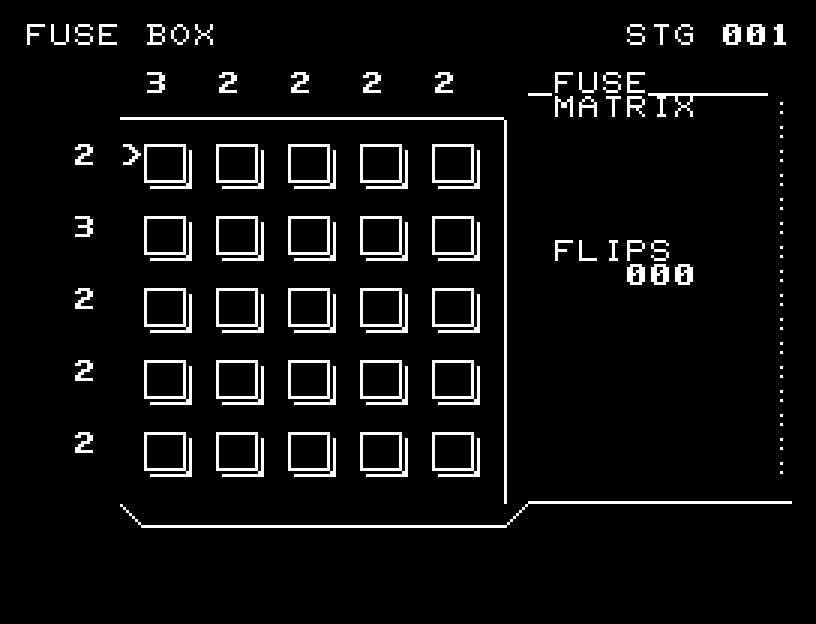
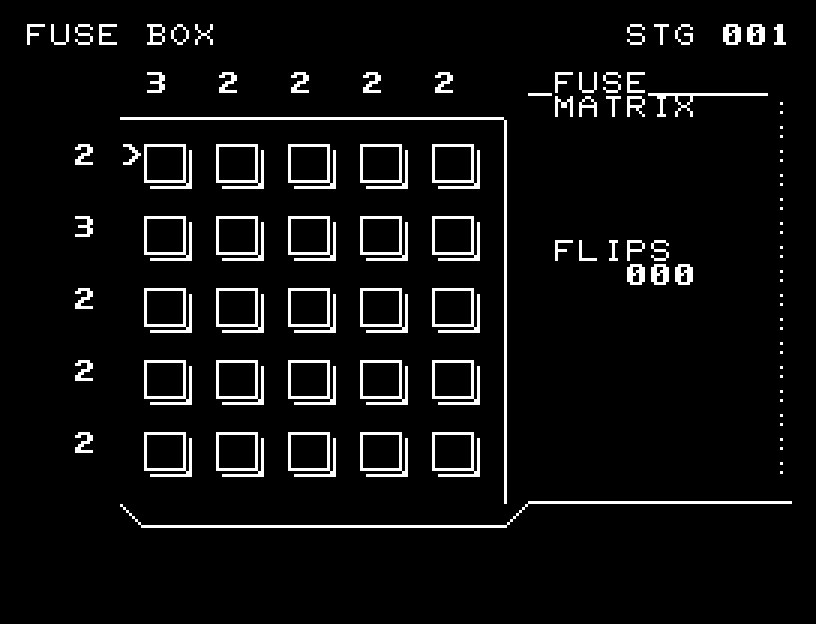
The first-stage video begins where the second row's 3 intersects the leftmost column's 3. Two more switches complete that row; other rows are then filled according to remaining counts. There is no need to start in the center. Different layouts clear if every row and column total matches.
More screenshots