JR-100 GAMES

FIVE FORGE

Be first to make a horizontal, vertical, or diagonal line of five stones on an 8×8 board. Your opponent extends its own lines and blocks immediate winning threats.

8×8の盤で相手より先に縦・横・斜めのいずれかに5個の石を並べます。相手は自分の連続を伸ばし、目前の勝ち筋を阻止します。

five-forge.prg · v1.6.1 · 8.4 KiB · 16 KB RAM · Autostart ready自動起動対応

Start on MiSTerMiSTerで起動

  1. Copy the .prg into games/JR100/ on your SD card..prgをSDカードのgames/JR100/へコピーします。
  2. In the JR-100 core menu, set Autostart loaded program to Yes.JR-100コアのメニューでAutostart loaded programをYesにします。
  3. Choose Load PRG, select the game, then press RETURN at its title.Load PRGでゲームを選び、タイトル画面でRETURNを押します。

Still at READY? TypeREADYで止まる場合は A=USR($0300) and press RETURN.を入力してRETURN。 First-time setup / SuperStation One初回設定・SuperStation Oneの手順

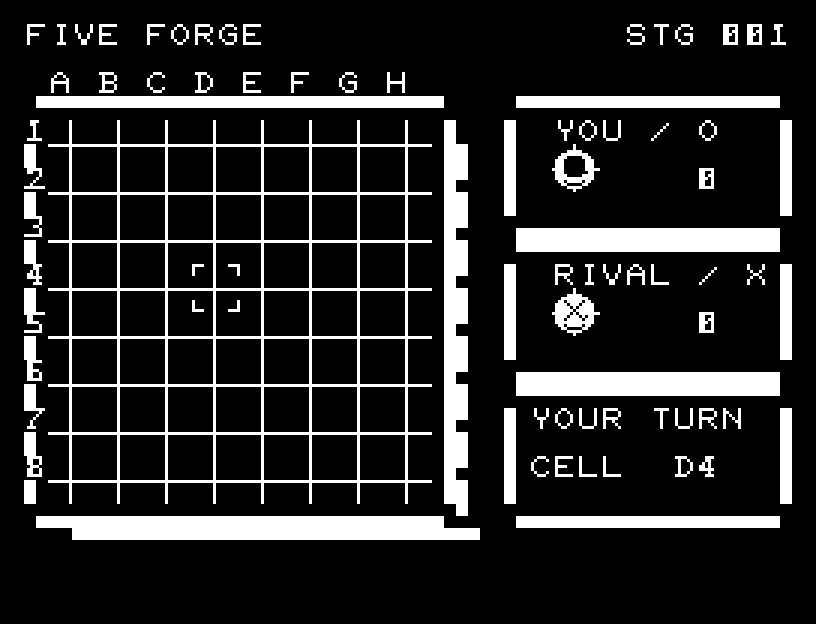
FIVE FORGE — At the start
At the start開始時の盤面
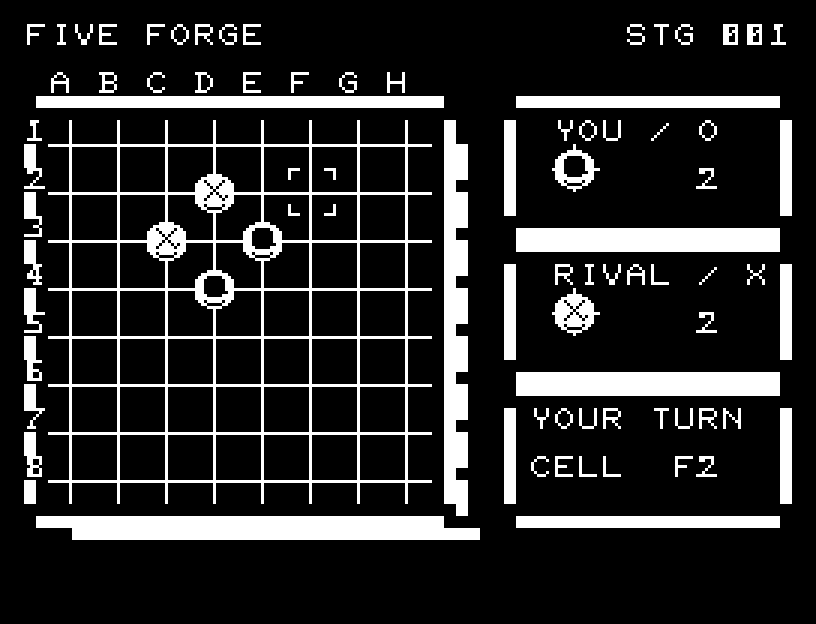
FIVE FORGE — In play
In playプレイ中
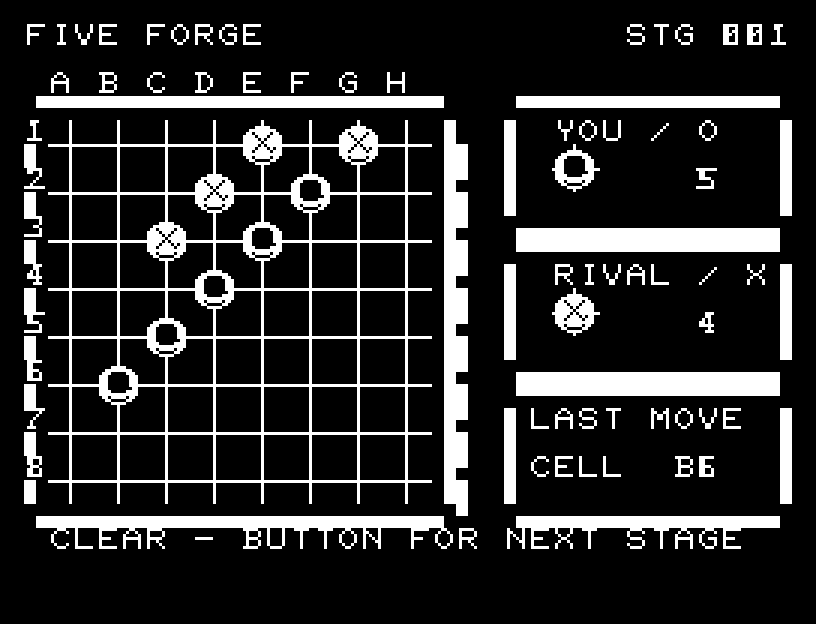
FIVE FORGE — First goal reached
First goal reached最初の目標を達成

First stage cleared.1ステージのクリアまでを収録。

Controls and play

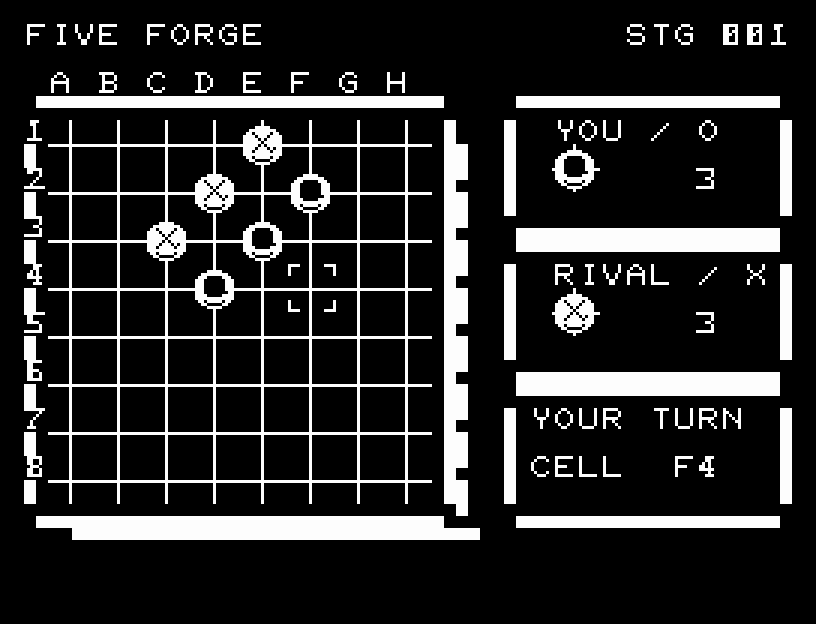
WASD selects a cell and RETURN places a stone. You are O; the opponent is X. Filling the board without winning counts as failure.

Directions work on the keyboard or pad; the pad button also acts as RETURN. SPACE opens confirmation to restart this stage. NO is selected initially. Choose with A/D, confirm with RETURN, or cancel with SPACE. Play pauses during confirmation. CTRL+C returns to BASIC.

Each stone drops, lands, compresses, and returns to its shape through four stages with sound. Your move and the opponent's are shown separately. Only the completed line of five flashes three times before the result and jingle. Wait for the animation to finish before pressing again.

The right side shows both stone counts. CELL is the selected location, changing to the placement location during a move.
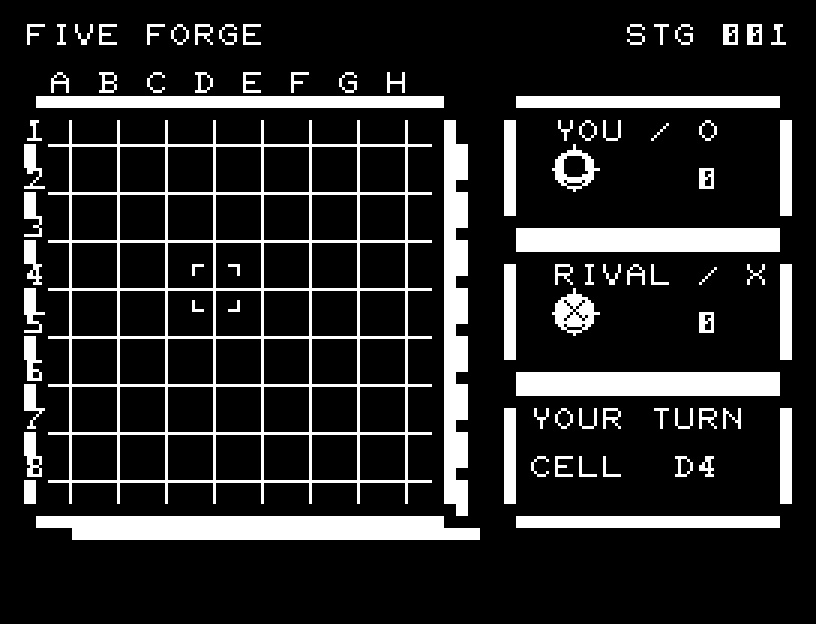
More screenshots

FIVE FORGE: play 01

FIVE FORGE: play 02

操作と遊び方

WASDで位置を選び、RETURNで石を置きます。自分はO、相手はXです。満杯まで勝てなければ失敗です。

方向キーはキーボードまたはパッド、RETURNはパッドのボタンでも操作できます。SPACEでこの面のやり直し確認を開きます。やり直し確認はNOが初期選択です。A/Dで選び、RETURNで確定、SPACEで取り消します。確認中は進行を止めます。CTRL+CでBASICへ戻ります。

石が落下し、着地してつぶれ、元の形に戻る四段階の動きとSEを付けました。自分と相手の着手を一手ずつ表示し、五連の石だけを3回点滅させてから結果を表示します。演出が終わってから次のキーを押してください。

右側に自分と相手の石数を表示します。CELLは現在選んでいる位置で、着手中は石を置いている位置に変わります。五連ができると該当する石だけが3回点滅し、その後で結果メッセージとジングルが流れます。

ゲーム開始時

プレイ中の場面