JR-100 GAMES

COMPASS ROSE

Locate buried relics at ten sites using your last measured bearing and distance band. Readings do not update automatically when you move: choose survey locations that narrow the possibilities.

最後に測った方角と距離帯から、埋まった遺物を探す全10地点。位置が変わっても測定結果は自動では変わりません。測る場所を選び、候補を絞ります。

compass-rose.prg · v3.0.0 · 8.4 KiB · 16 KB RAM · Autostart ready自動起動対応

Start on MiSTerMiSTerで起動

  1. Copy the .prg into games/JR100/ on your SD card..prgをSDカードのgames/JR100/へコピーします。
  2. In the JR-100 core menu, set Autostart loaded program to Yes.JR-100コアのメニューでAutostart loaded programをYesにします。
  3. Choose Load PRG, select the game, then press RETURN at its title.Load PRGでゲームを選び、タイトル画面でRETURNを押します。

Still at READY? TypeREADYで止まる場合は A=USR($0300) and press RETURN.を入力してRETURN。 First-time setup / SuperStation One初回設定・SuperStation Oneの手順

COMPASS ROSE — At the start
At the start開始時の盤面
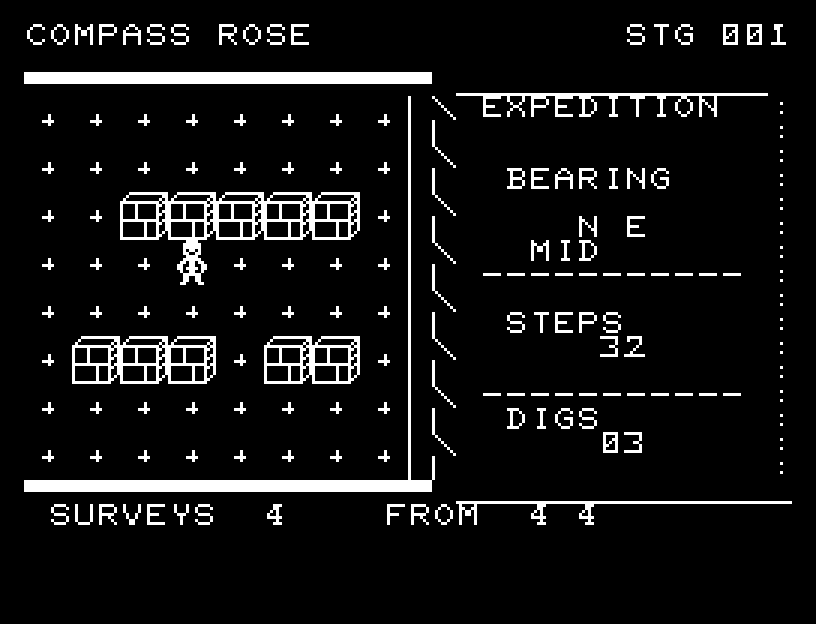
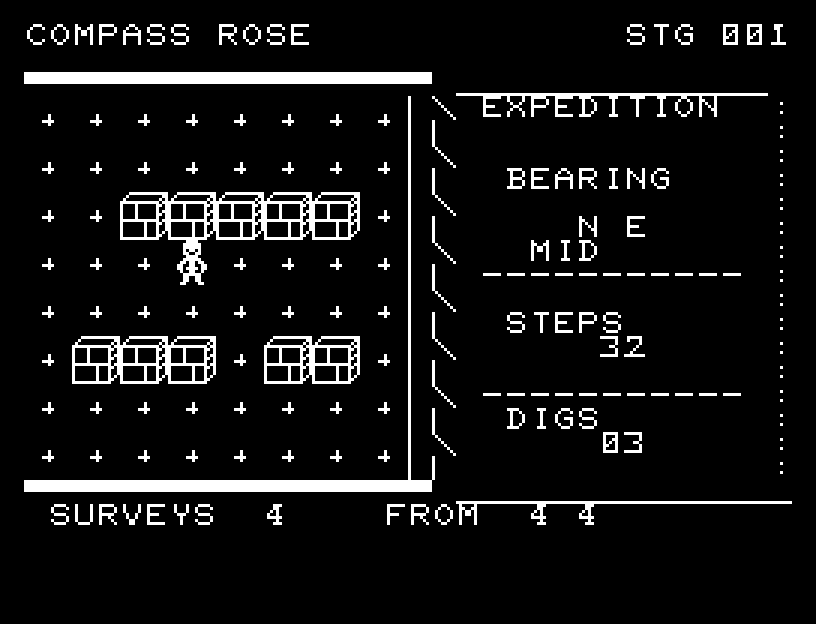
COMPASS ROSE — In play
In playプレイ中
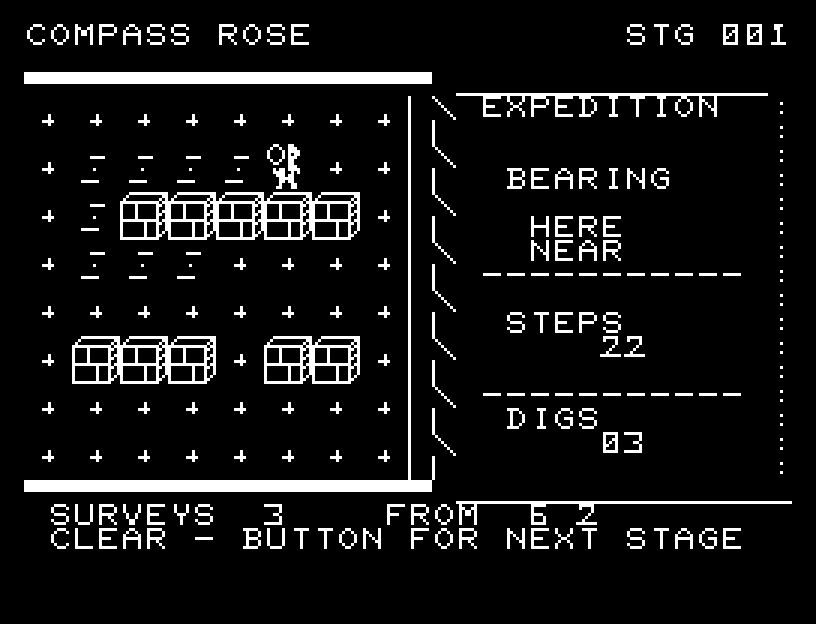
COMPASS ROSE — First goal reached
First goal reached最初の目標を達成

First stage cleared.1ステージのクリアまでを収録。

Controls and play

WASD moves, X surveys, and RETURN digs. Moving costs 1 supply and surveying costs 2. Your initial survey is free, with up to four additional surveys. You can miss twice; the third empty dig fails the attempt.

Directions work on the keyboard or pad; the pad button also acts as RETURN. SPACE opens confirmation to restart this stage. NO is selected initially. Choose with A/D, confirm with RETURN, or cancel with SPACE. Play pauses during confirmation. CTRL+C returns to BASIC.

A survey expands through three rings. Walking passes through intermediate positions; digging creates a hole, and discovery has light and sound. Previous survey locations remain marked. Wait for the animation to finish before pressing again.

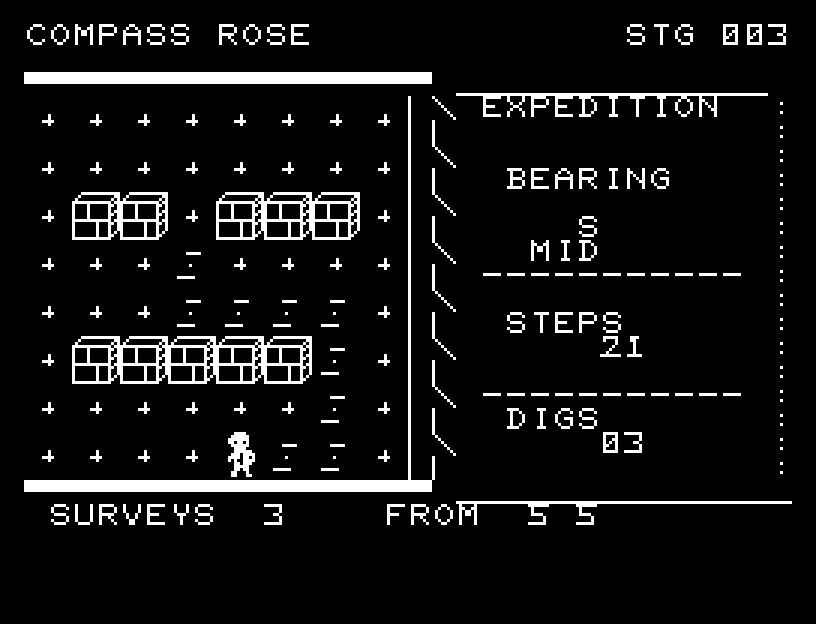
BEARING shows N/S/W/E. NEAR means distance 0–2, MID 3–5, and FAR 6 or more. Distance is the sum of horizontal and vertical steps. FROM records the survey's column and row; SURVEYS is remaining surveys, STEPS is supply, and DIGS is digs available.
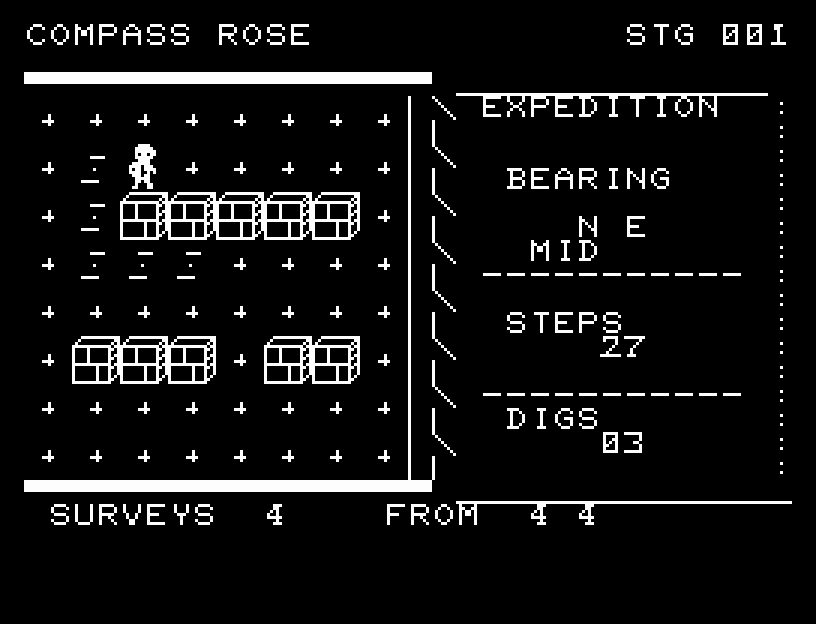
More screenshots

COMPASS ROSE: play 01

COMPASS ROSE: play 02

操作と遊び方

WASDで移動、Xで測定、RETURNで掘ります。移動は補給1、測定は2。開始時の測定は無料で、追加は4回までです。掘り外せるのは2回で、3回目の空振りで失敗します。

方向キーはキーボードまたはパッド、RETURNはパッドのボタンでも操作できます。SPACEでこの面のやり直し確認を開きます。やり直し確認はNOが初期選択です。A/Dで選び、RETURNで確定、SPACEで取り消します。確認中は進行を止めます。CTRL+CでBASICへ戻ります。

測定では輪が3段階に広がり、歩行は途中の位置を通ります。掘る動きと穴、発見時の光と音を表示し、過去の測定地点を残します。演出が終わってから次のキーを押してください。

BEARINGはN/S/W/Eの方角、NEARは距離0〜2、MIDは3〜5、FARは6以上。距離は上下左右の合計です。FROMは測定地点の列・行、SURVEYSは残り測定、STEPSは補給、DIGSは掘れる回数です。

ゲーム開始時

プレイ中の場面