JR-100 GAMES

CARGO BALANCE

Load 12 crates into four holds across six voyages. Outer holds pay double fare but exert three times the tilting force of inner holds. Preview the next two weights and allow for wind and the ship's balance limit.

12個の荷物を4つの船倉へ積む全6航海。外側は運賃が2倍になる一方、船を傾ける力は内側の3倍です。次の2個の重さを読み、風と許容差に備えます。

cargo-balance.prg · v2.0.0 · 8.1 KiB · 16 KB RAM · Autostart ready自動起動対応

Start on MiSTerMiSTerで起動

  1. Copy the .prg into games/JR100/ on your SD card..prgをSDカードのgames/JR100/へコピーします。
  2. In the JR-100 core menu, set Autostart loaded program to Yes.JR-100コアのメニューでAutostart loaded programをYesにします。
  3. Choose Load PRG, select the game, then press RETURN at its title.Load PRGでゲームを選び、タイトル画面でRETURNを押します。

Still at READY? TypeREADYで止まる場合は A=USR($0300) and press RETURN.を入力してRETURN。 First-time setup / SuperStation One初回設定・SuperStation Oneの手順

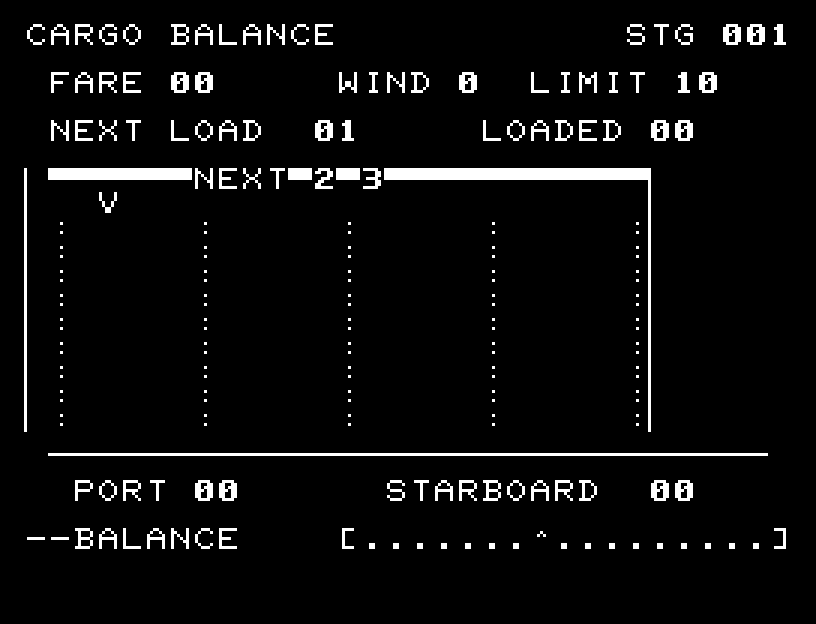
CARGO BALANCE — At the start
At the start開始時の盤面
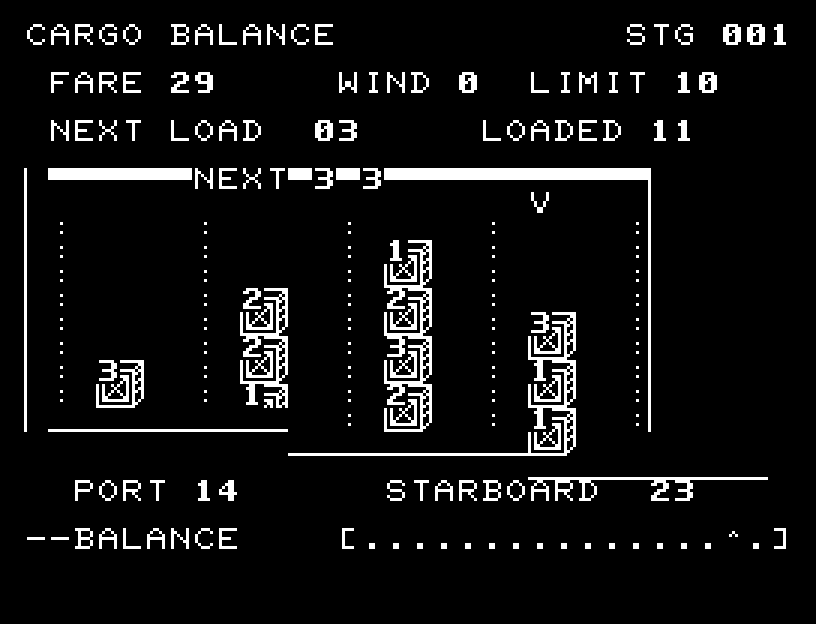
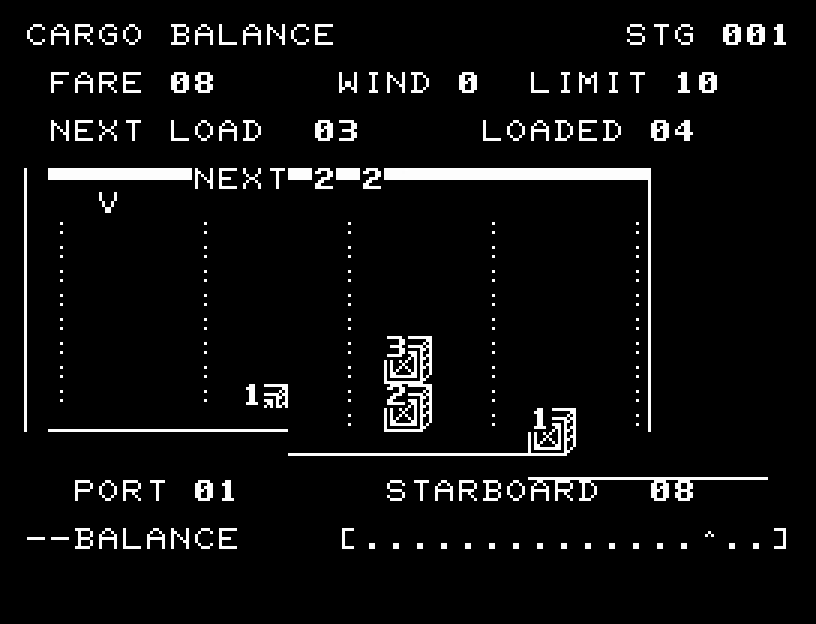
CARGO BALANCE — In play
In playプレイ中
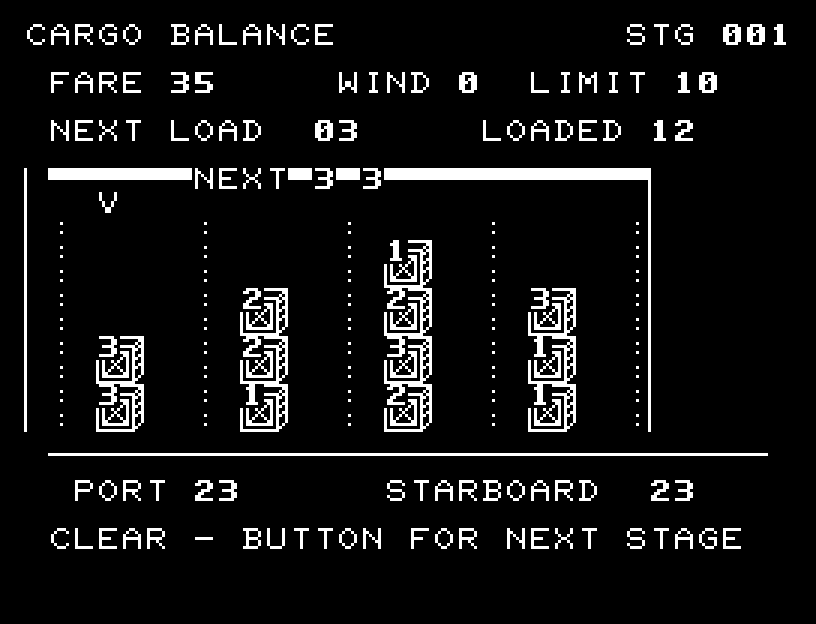
CARGO BALANCE — First goal reached
First goal reached最初の目標を達成

First stage cleared.1ステージのクリアまでを収録。

Controls and play

A/D selects a hold; RETURN loads it. Each hold fits four crates. The difference between port and starboard force, including wind, must stay within LIMIT or the ship capsizes. Load all 12 crates to depart.

Directions work on the keyboard or pad; the pad button also acts as RETURN. SPACE opens confirmation to restart this stage. NO is selected initially. Choose with A/D, confirm with RETURN, or cancel with SPACE. Play pauses during confirmation. CTRL+C returns to BASIC.

Crates fall from the crane; hull and cargo tilt and sway together. Loading sounds, a capsize explanation, and a departure jingle make the result clear. Wait for animations to finish before pressing again.

NEXT LOAD is the current crate, NEXT the following two, and LOADED the count aboard. PORT and STARBOARD are forces on each side; WIND adds force to port. FARE is earned passage money. Later voyages narrow the tolerance from 10 to 8.
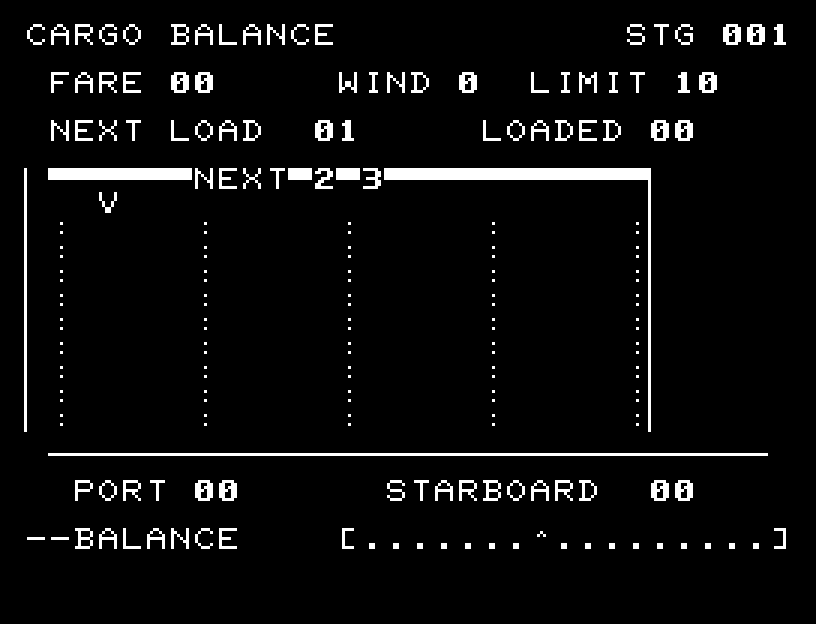
More screenshots

CARGO BALANCE: play 01

CARGO BALANCE: play 02

操作と遊び方

A/Dで船倉を選び、RETURNで積みます。各船倉は4個まで。左右の力の差に風の分を加え、LIMITを超えると転覆します。全12個を積めば出航です。

方向キーはキーボードまたはパッド、RETURNはパッドのボタンでも操作できます。SPACEでこの面のやり直し確認を開きます。やり直し確認はNOが初期選択です。A/Dで選び、RETURNで確定、SPACEで取り消します。確認中は進行を止めます。CTRL+CでBASICへ戻ります。

クレーンから荷物が落下し、船体と積み荷が一緒に傾いて揺れます。積載音、転覆の原因表示、出航ジングルで結果を確認できます。演出が終わってから次のキーを押してください。

NEXT LOADは今の荷物、NEXTは続く2個、LOADEDは積載数。PORTとSTARBOARDは左右に掛かる力、WINDは左へ掛かる追加の力、FAREは運賃です。後半は許容差が10から8へ狭まります。

ゲーム開始時

プレイ中の場面