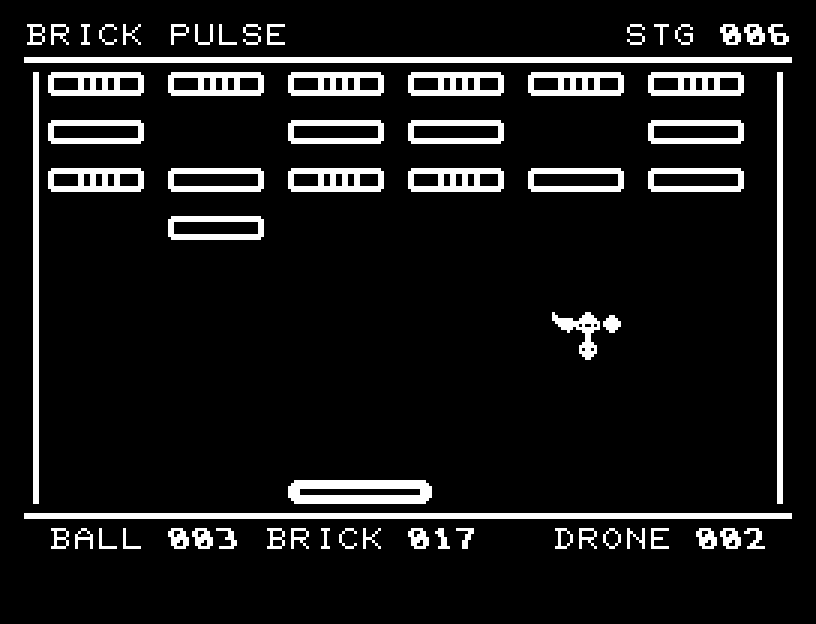
Clear all blocks and drones across 12 breakout stages. Each starts with three balls; losing all three lets you retry the same stage. Early layouts have many gaps. Later ones add armor needing two or three hits. Drones appear from stage 3, and their falling bombs from stage 6.
Highlights; omitted sections are marked LATER.ダイジェスト。省略箇所にはLATERを表示します。
Controls and play
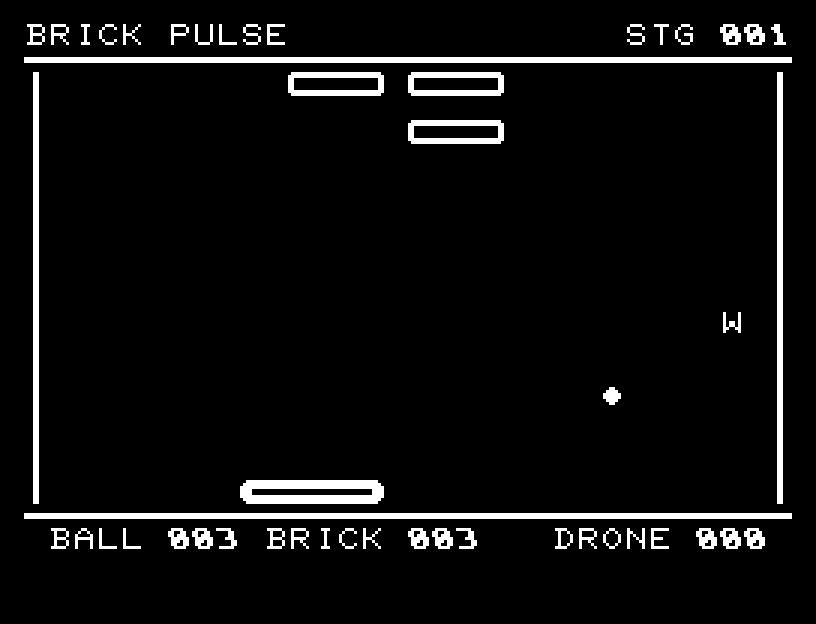
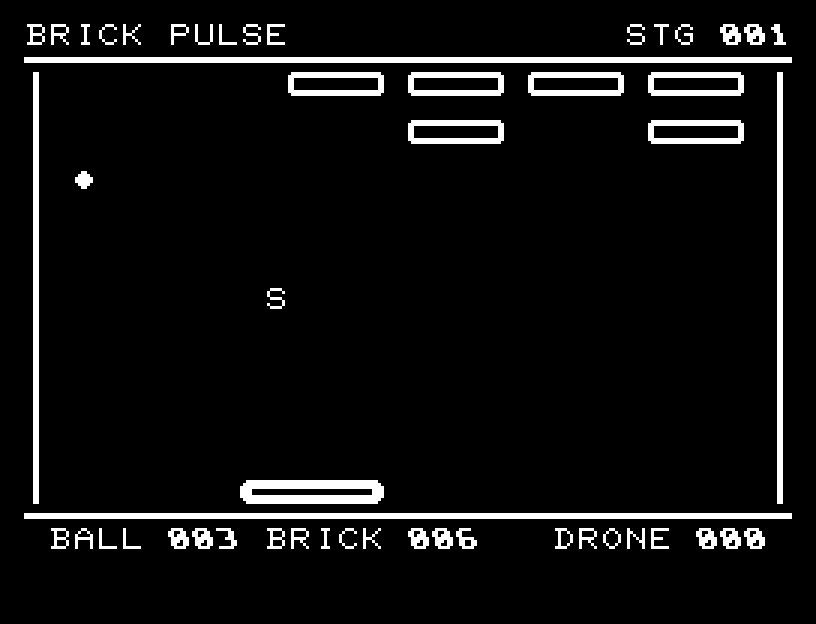
Hold A/D or pad left/right for continuous motion; a short press moves two characters, and releasing stops. Bouncing off the paddle center gives a steep angle; its edges give a shallow angle. Every three destroyed blocks drop W, S, or G. W temporarily widens the paddle; S temporarily slows the ball; G protects against one lost ball or bomb. Destroying a drone also drops G. Only one item falls at a time. A bomb temporarily shortens the paddle; collecting W removes that effect.
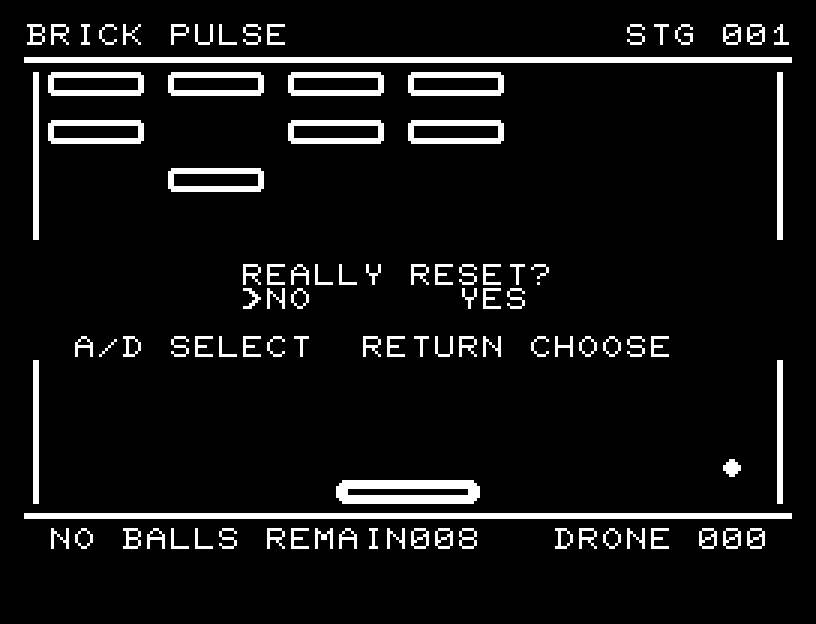
Directions work on the keyboard or pad; the pad button also acts as RETURN. SPACE is disabled during play. After failure, RETURN opens the retry confirmation. NO is selected initially. Choose with A/D, confirm with RETURN, or cancel with SPACE. Play pauses during confirmation. CTRL+C returns to BASIC.
Armor and drones flash when hit. Destruction changes from a flash to scattered debris, with different sounds for damage and destruction. Wait for the animation to finish before pressing again.
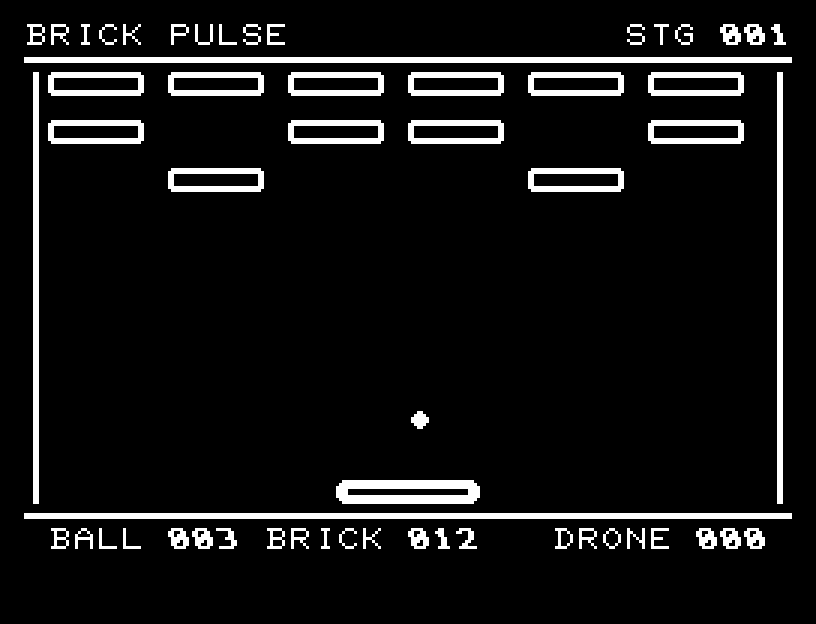
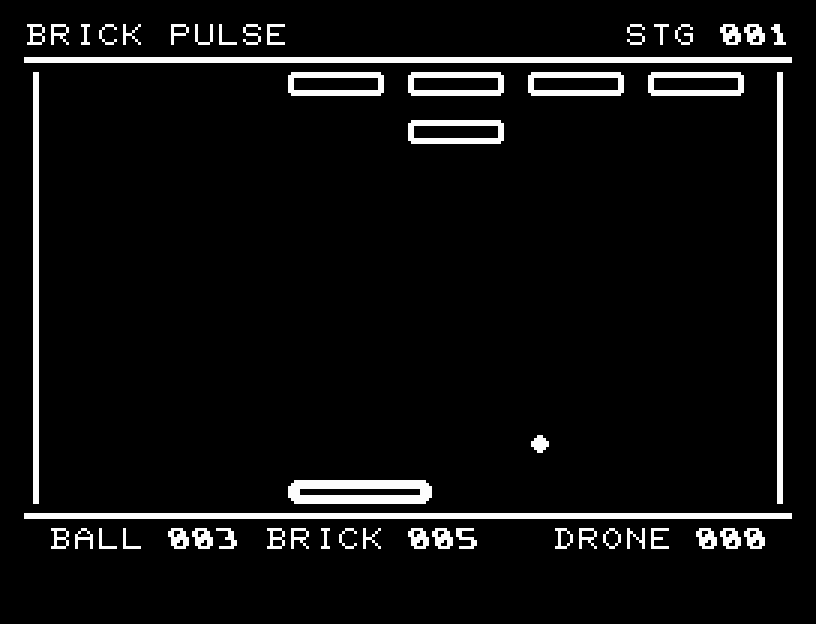
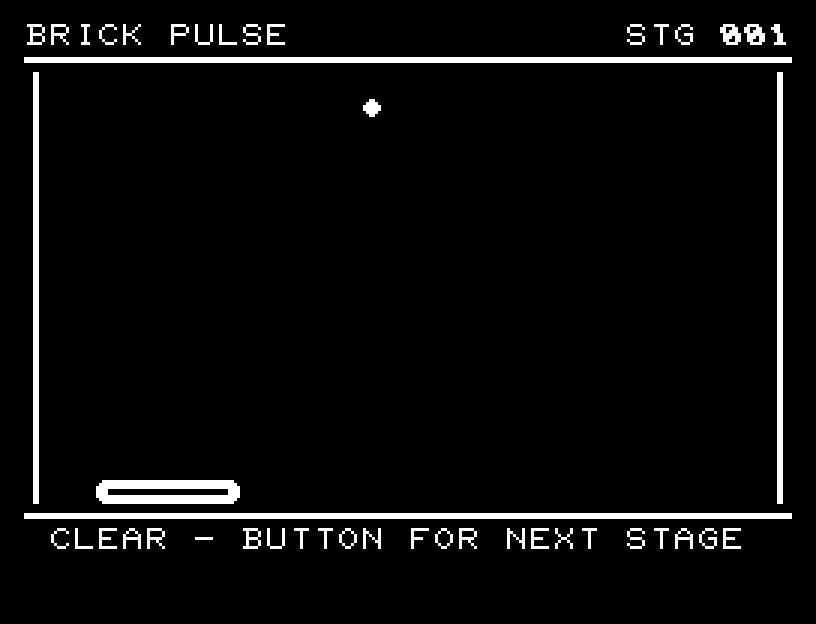
BALL is balls remaining, BRICK counts remaining blocks, and DRONE is enemy durability. WIDE, SLOW, and GUARD indicate active benefits; JAM indicates bomb-induced shortening. Block patterns show remaining durability. RETURN after a clear advances; after failure it opens a retry confirmation.