JR-100 GAMES

AUCTION HOUSE

Read appraisals and your rival's bids across six lots in each of three markets. Grow starting cash of 40 to targets of 58, 60, and 61. Item values change each time you start.

鑑定額と相手の入札を読み、6品の競りで持ち金40を増やす全3市場です。目標は58、60、61。品物の価値は開始ごとに変わります。

auction-house.prg · v3.0.0 · 7.0 KiB · 16 KB RAM · Autostart ready自動起動対応

Start on MiSTerMiSTerで起動

  1. Copy the .prg into games/JR100/ on your SD card..prgをSDカードのgames/JR100/へコピーします。
  2. In the JR-100 core menu, set Autostart loaded program to Yes.JR-100コアのメニューでAutostart loaded programをYesにします。
  3. Choose Load PRG, select the game, then press RETURN at its title.Load PRGでゲームを選び、タイトル画面でRETURNを押します。

Still at READY? TypeREADYで止まる場合は A=USR($0300) and press RETURN.を入力してRETURN。 First-time setup / SuperStation One初回設定・SuperStation Oneの手順

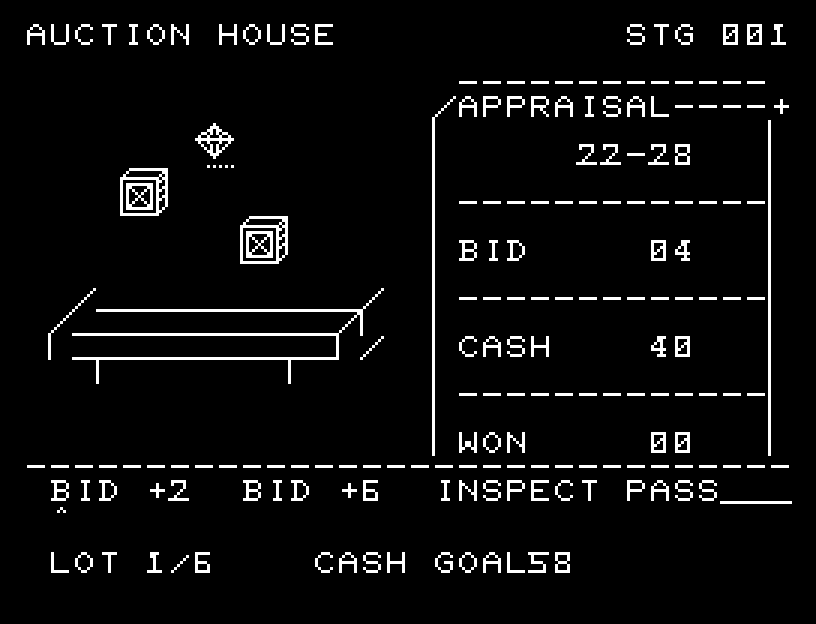
AUCTION HOUSE — At the start
At the start開始時の盤面
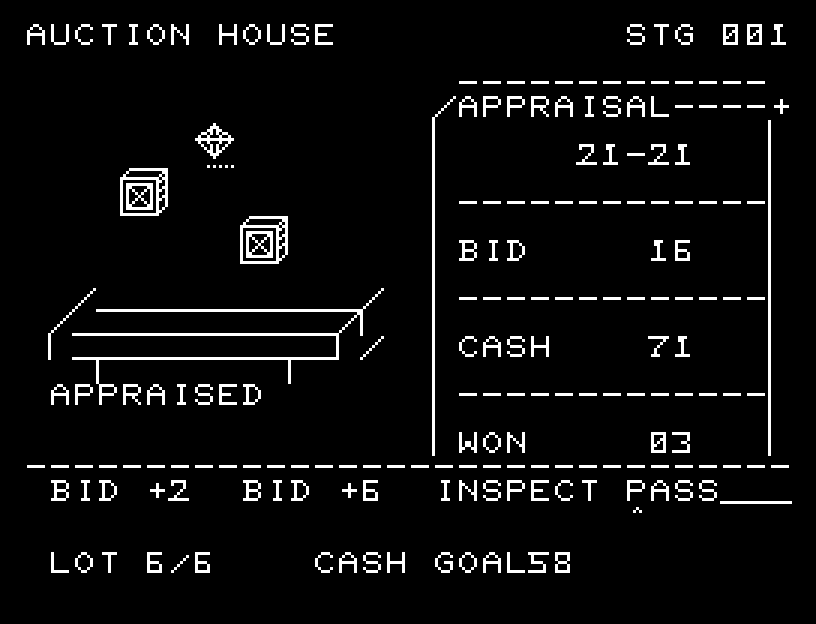
AUCTION HOUSE — In play
In playプレイ中
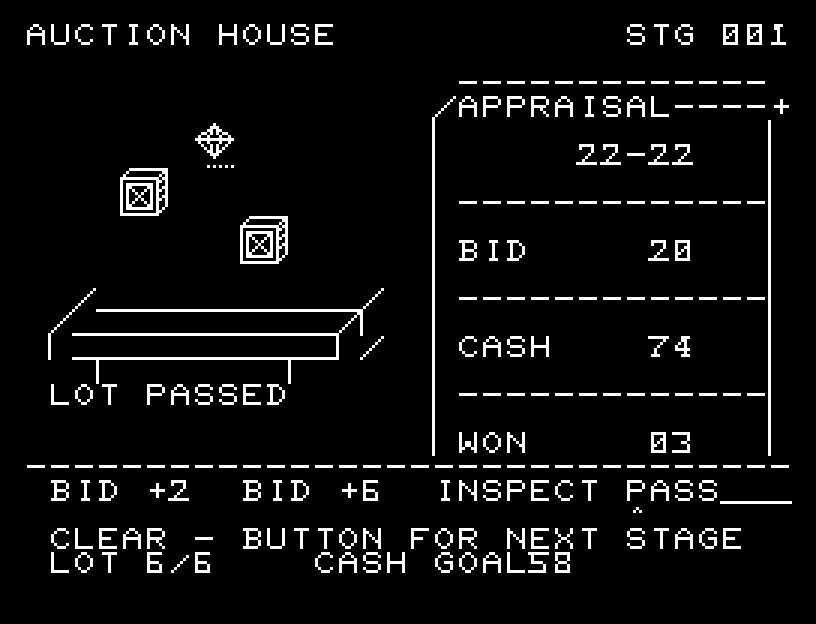
AUCTION HOUSE — First goal reached
First goal reached最初の目標を達成

First stage cleared.1ステージのクリアまでを収録。

Controls and play

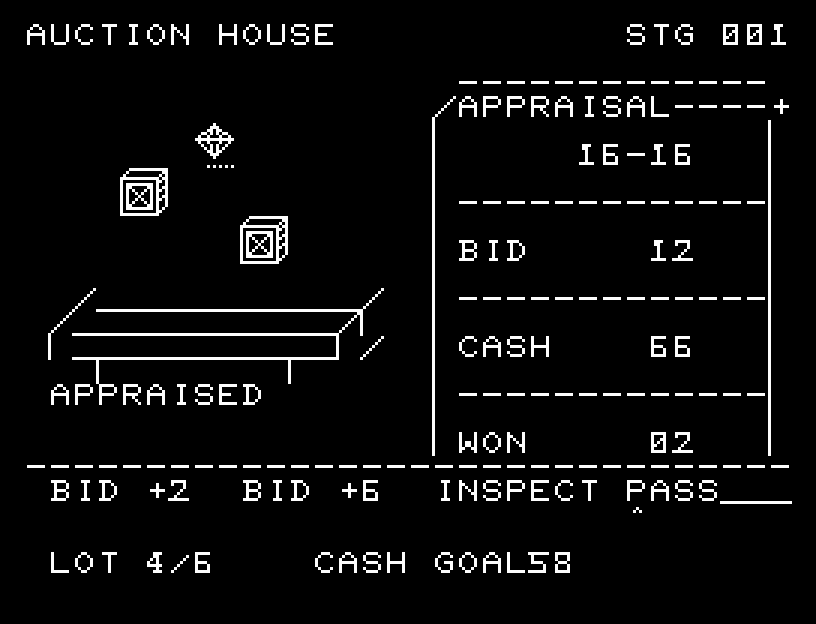
A/D selects BID +2, BID +6, INSPECT, or PASS; RETURN confirms. A large bid lowers the rival's withdrawal threshold by 4 compared with small incremental bidding. INSPECT costs 1 cash to reveal the exact value. PASS skips the item.

Directions work on the keyboard or pad; the pad button also acts as RETURN. SPACE opens confirmation to restart this stage. NO is selected initially. Choose with A/D, confirm with RETURN, or cancel with SPACE. Play pauses during confirmation. CTRL+C returns to BASIC.

The auction table and instruments are separated clearly. Your bid, the rival's response, the inspection result, and a three-stage gavel strike appear in order. The transaction's gain or loss remains visible before the next lot. Wait for animations to finish before pressing again.

APPRAISAL is the estimated value range, BID the current price, CASH your money, and WON the number of lots won. Winning a lot pays its price and receives its value. Consider whether even the lowest estimate gives a profit, or whether an inspection is worth its cost.
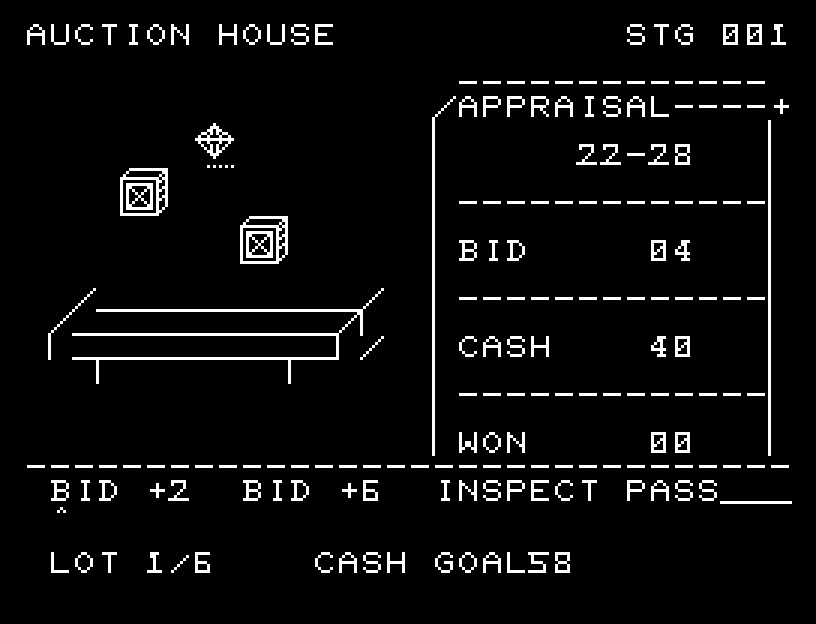
More screenshots

AUCTION HOUSE: play 01

AUCTION HOUSE: play 02

操作と遊び方

A/DでBID +2・BID +6・INSPECT・PASSを選び、RETURNで決定します。小刻みな入札に対し、大きな入札は相手が降りる基準を4下げます。INSPECTは持ち金1で正確な価値を知り、PASSはその品を見送ります。

方向キーはキーボードまたはパッド、RETURNはパッドのボタンでも操作できます。SPACEでこの面のやり直し確認を開きます。やり直し確認はNOが初期選択です。A/Dで選び、RETURNで確定、SPACEで取り消します。確認中は進行を止めます。CTRL+CでBASICへ戻ります。

競売卓と計器の区切りを加え、自分の入札、相手の応答、鑑定結果、3段階の落札ハンマーを順に表示します。売買後の収支を残してから次の品へ進みます。演出が終わってから次のキーを押してください。

APPRAISALは価値の見積もり幅、BIDは現在額、CASHは持ち金、WONは落札数です。落札すると代金を払い、品物の価値を受け取ります。最低見積もりでも利益が出るか、鑑定代を払う価値があるかを考えます。

ゲーム開始時

プレイ中の場面