JR-100 GAMES

ABYSS SIGNAL

Explore a 32×32 underwater region, record five observation sites, and return to base. Use sonar to extend your view while avoiding currents, reefs, and creatures drawn to noise. Each discovered ruin has its own observation screen.

標準RAM 16KBのJR-100向け海底探索ゲーム。32×32セルの海域で5つの観測地点を記録し、基地へ帰還します。ソナーで視界を広げながら、海流、岩礁、音を追う生物を避けてください。発見した遺構には、それぞれ専用の観測画面があります。

abyss-signal.prg · v1.6.1 · 10.8 KiB · 16 KB RAM · Autostart ready自動起動対応

Start on MiSTerMiSTerで起動

  1. Copy the .prg into games/JR100/ on your SD card..prgをSDカードのgames/JR100/へコピーします。
  2. In the JR-100 core menu, set Autostart loaded program to Yes.JR-100コアのメニューでAutostart loaded programをYesにします。
  3. Choose Load PRG, select the game, then press RETURN at its title.Load PRGでゲームを選び、タイトル画面でRETURNを押します。

Still at READY? TypeREADYで止まる場合は A=USR($0300) and press RETURN.を入力してRETURN。 First-time setup / SuperStation One初回設定・SuperStation Oneの手順

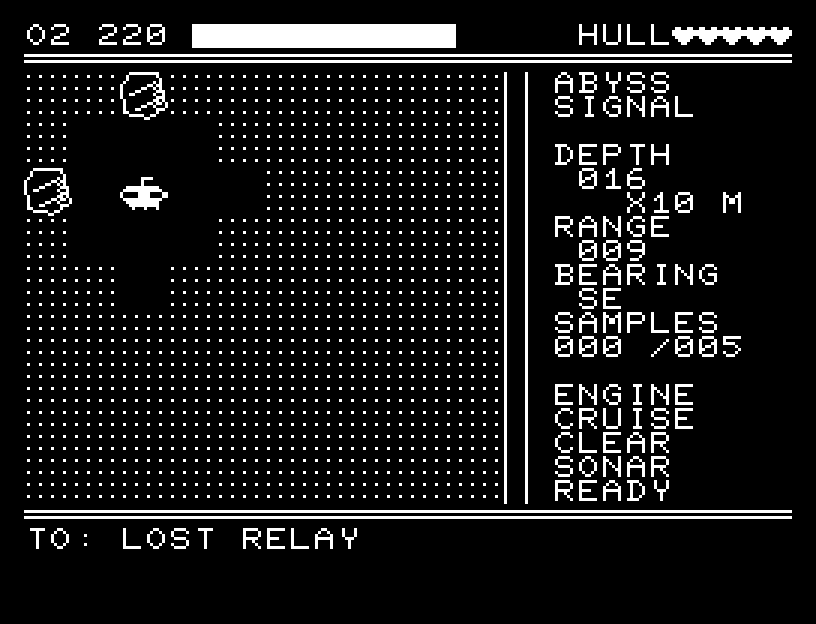
ABYSS SIGNAL — At the start
At the start開始時の盤面
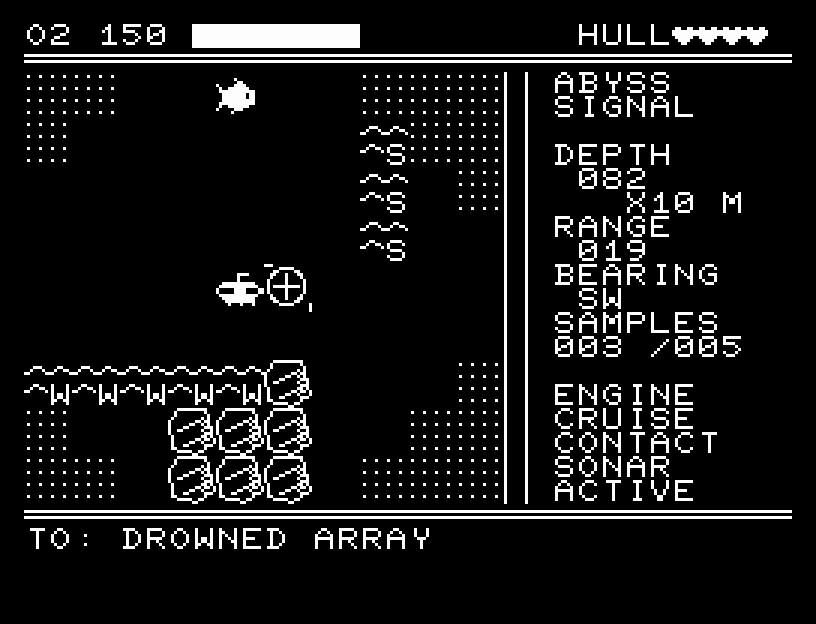
ABYSS SIGNAL — In play
In playプレイ中
ABYSS SIGNAL — First goal reached
First goal reached最初の目標を達成

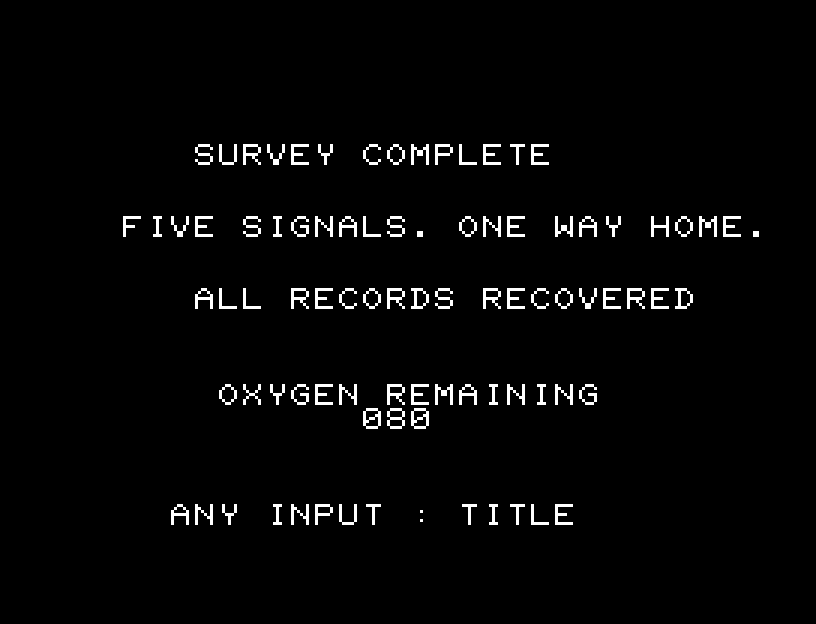
All five records recovered and returned to base.5つの記録を回収し、基地へ帰還するまでを収録。

Controls

Action Keyboard One-button pad
Move W/A/S/D Up/down/left/right
Open panel / confirm RETURN Button
Select panel entry W/S Up/down
Close panel SPACE Execute an entry
Sonar / wait F / X Select in the panel
Return to BASIC CTRL+C Use the keyboard

The panel offers sonar, recording, quiet-engine mode, waiting, restart, and title. Record from an unrecorded site's cell or an orthogonally adjacent cell. Visit the five sites in any order, then return to your starting point.

Normal movement and waiting cost 1 oxygen; in quiet mode they cost 2. Sonar and recording each cost 2. An extra move caused by a current costs another 1. Hitting a reef damages your hull by 1. You fail if oxygen or hull reaches zero. Time and oxygen do not advance while navigating the panel, viewing a discovery, or giving no input.

Sonar reveals cells within Manhattan distance 6 for six actions; normal visibility is distance 2. Its noise attracts pursuers. Pursuers move every two actions normally, or every four actions in quiet mode. They make contact within distance 1; after a hit, you have four actions of grace.

The instruments show oxygen and its bar, hull, depth, distance and bearing to the next unrecorded site, records collected, engine mode, proximity warning, and sonar state. E/S/W/N in currents indicate the direction they push you. At 30 oxygen or less, !!! and warning sounds draw attention to your remaining air. Proximity warnings also use sound and the display.
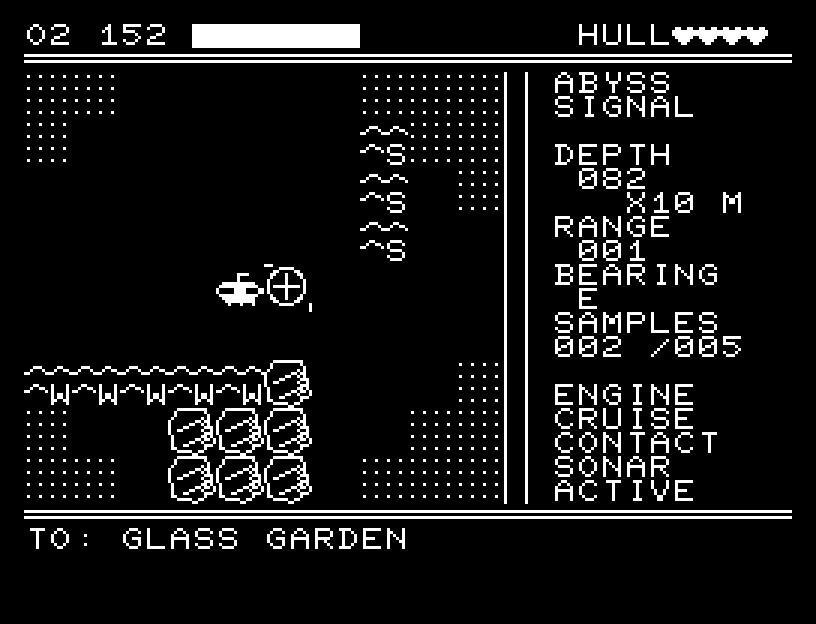
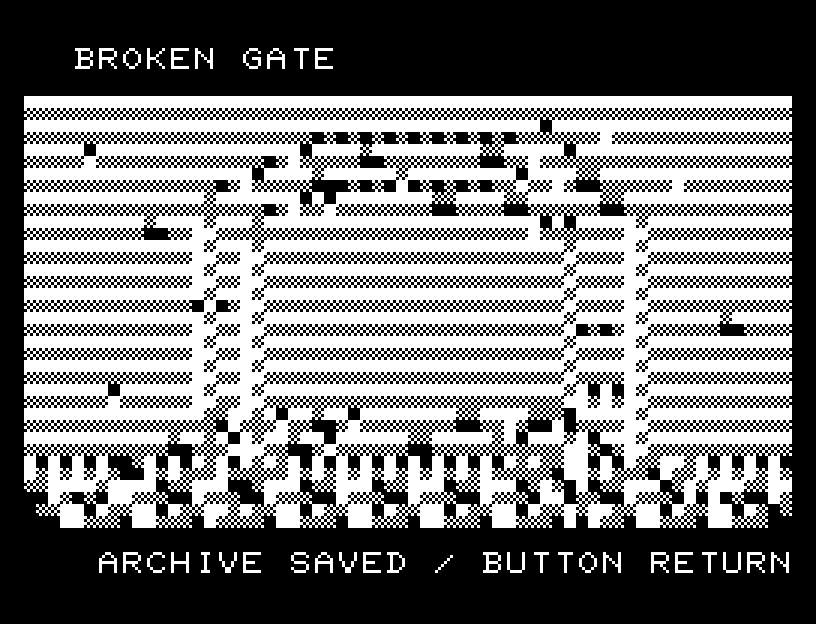
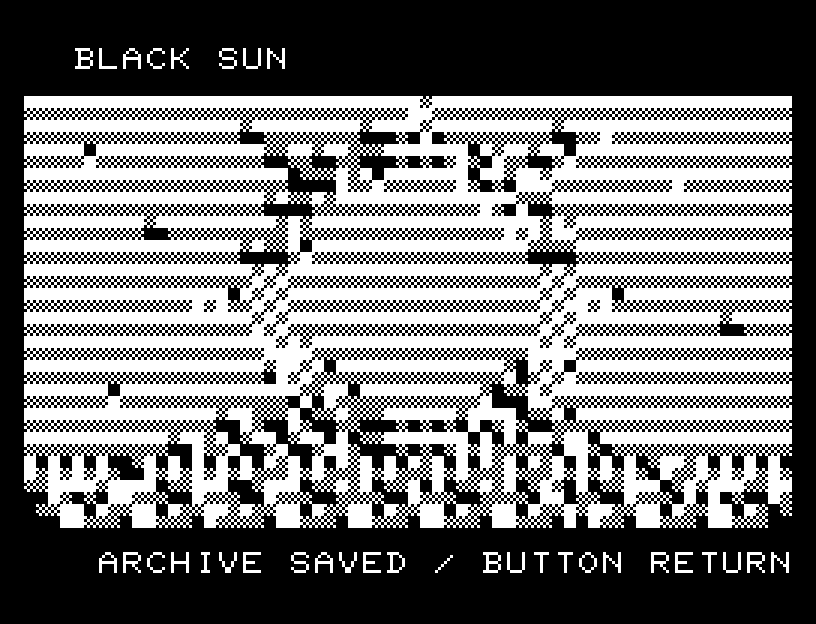
Sonar and instruments Broken Gate Black Sun

Restarting or returning to the title during play asks for confirmation. NO is selected initially. Choose with A/D, confirm with RETURN, or cancel with SPACE.

操作

操作 キーボード 1ボタンパッド
移動 W/A/S/D 上下左右
操作パネル/決定 RETURN ボタン
パネル選択 W/S 上下
パネルを閉じる SPACE 項目を実行
ソナー/待機 F/X パネルから選択
BASICへ戻る CTRL+C キーボードを使用

パネルにはソナー、記録、静音切替、待機、やり直し、タイトルがあります。記録は未記録地点と同じセルか上下左右の隣から行います。5地点の順序は自由です。全記録後、出発地点へ戻ると成功です。

通常の移動・待機で酸素1、静音中は2、ソナーと記録で2を使います。海流による追加移動はさらに1を使います。岩礁への衝突は船体を1損傷します。酸素または船体が0になると失敗。パネル操作、写真の閲覧、何も入力していない間は時間も酸素も進みません。

ソナーは6行動の間、マンハッタン距離6以内を表示します。通常の視界は距離2。ソナーの音は追跡者を引き寄せます。追跡者は通常2行動ごと、静音中は4行動ごとに移動します。距離1以内で接触し、被弾後は4行動の猶予があります。

HUDは酸素と残量バー、船体、深度、次の未記録地点への距離・方位、記録数、機関、接近警報、ソナー状態を表示します。海流内の E/S/W/N は押される向きです。酸素30以下の !!! と接近警報は画面と効果音で知らせます。

Sonar and instruments Broken Gate Black Sun

やり直し/プレイ中のタイトル移動は実行前に確認します。NOが初期選択です。A/Dで選びRETURNで確定、SPACEで取り消します。